manuals.online logo
Brands
  1. Home
  2. •
  3. Brands
  4. •
  5. Digitus
  6. •
  7. Video Card
  8. •
  9. Digitus DA-70827 User manual

Digitus DA-70827 User manual

This manual suits for next models

1

Other Digitus Video Card manuals

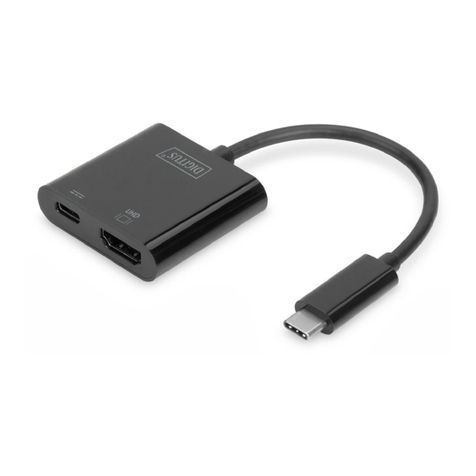
Digitus DA-70829 User manual

Digitus

Digitus DA-70829 User manual

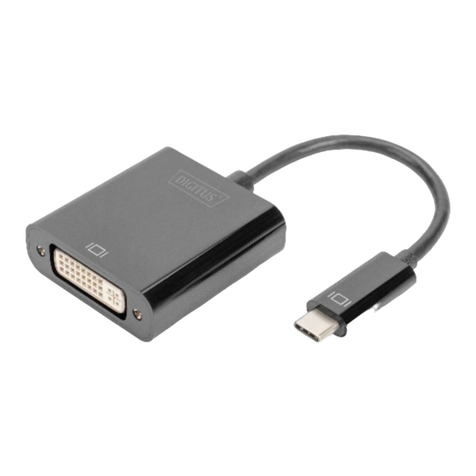
Digitus DA-70856 User manual

Digitus

Digitus DA-70856 User manual

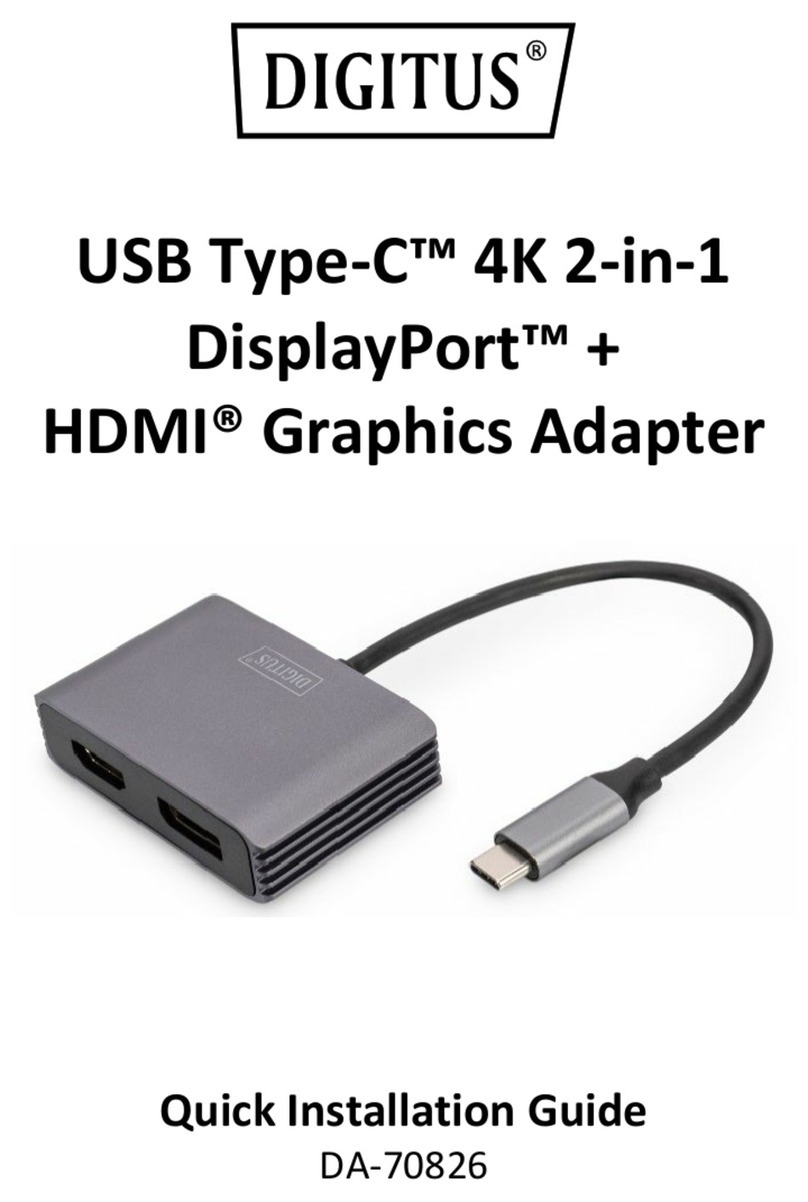
Digitus DA-70826 User manual

Digitus

Digitus DA-70826 User manual

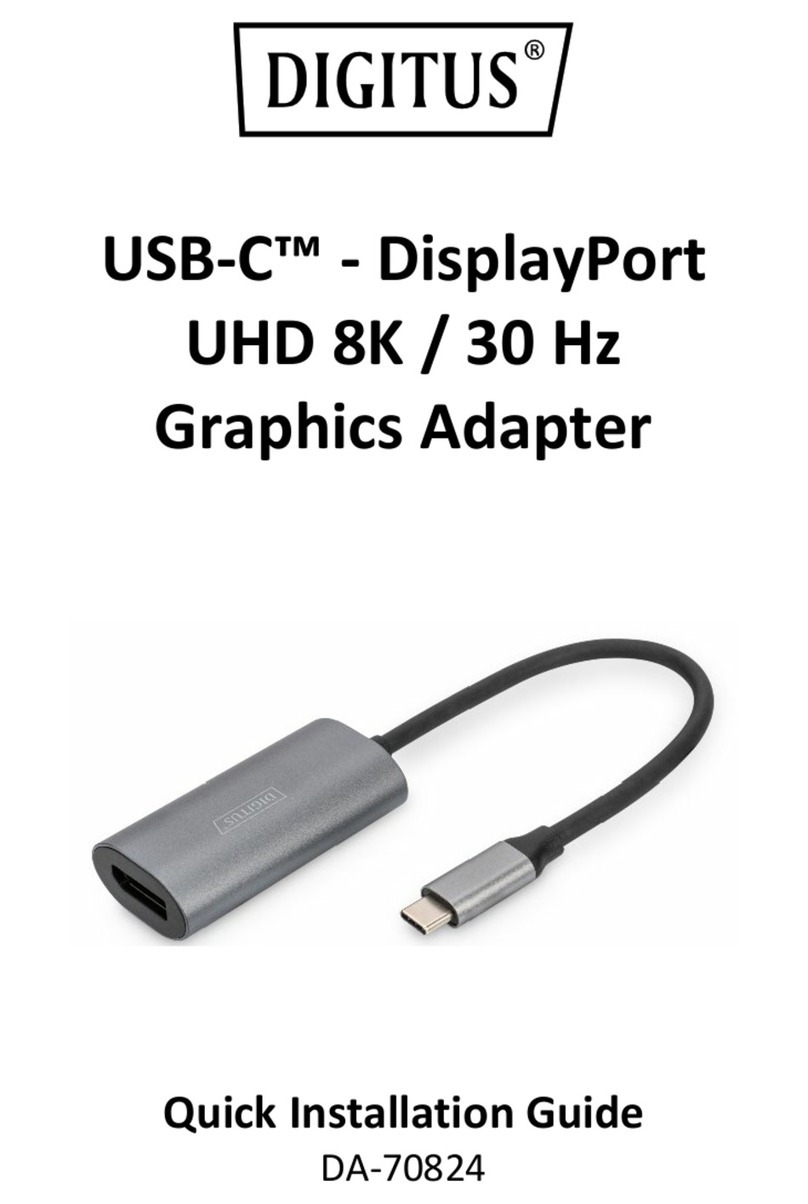
Digitus DA-70824 User manual

Digitus

Digitus DA-70824 User manual

Popular Video Card manuals by other brands

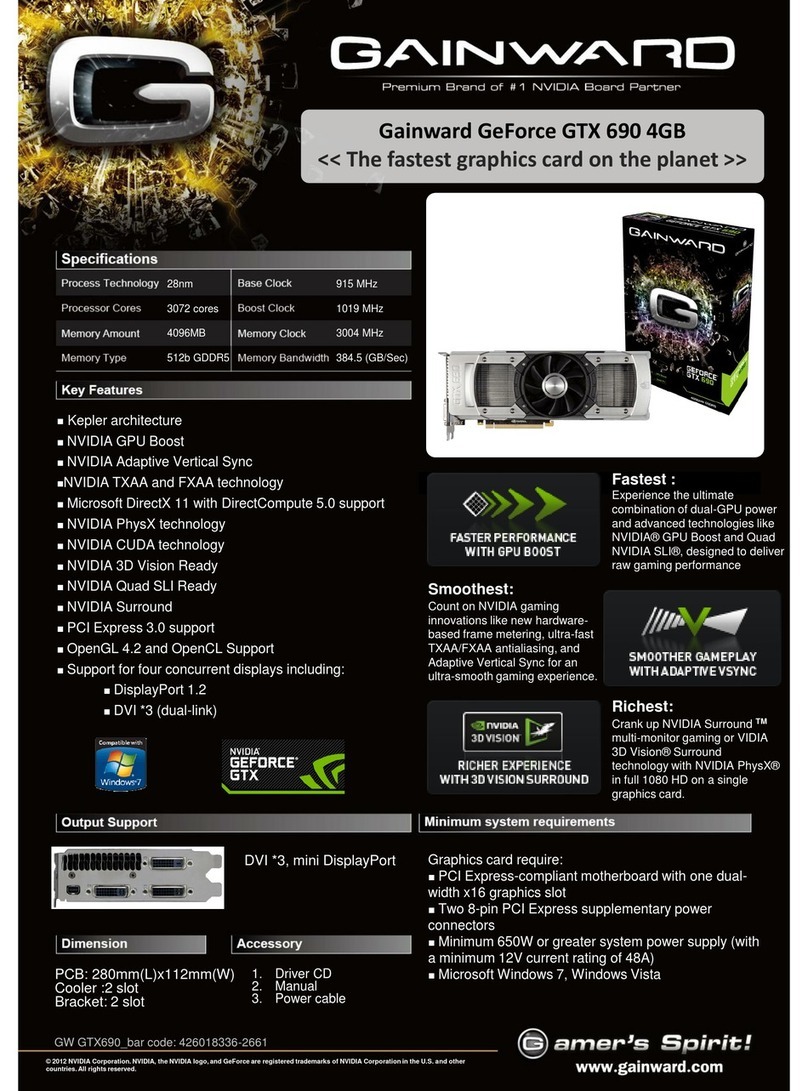
Diamond Multimedia ATI Radeon SKU 4870PE51GDT Specification sheet

Diamond Multimedia

Diamond Multimedia ATI Radeon SKU 4870PE51GDT Specification sheet

NEC N8116-29 user guide

NEC

NEC N8116-29 user guide

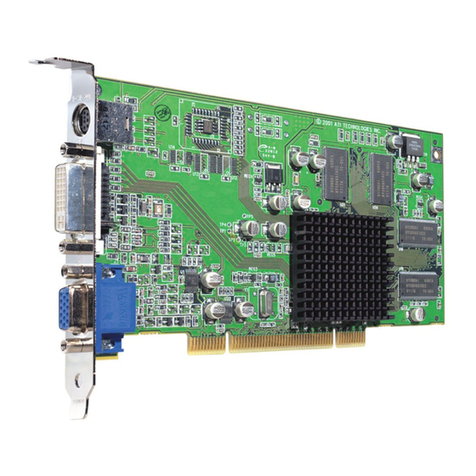
ATI Technologies RADEON 137-40225-20 user guide

ATI Technologies

ATI Technologies RADEON 137-40225-20 user guide

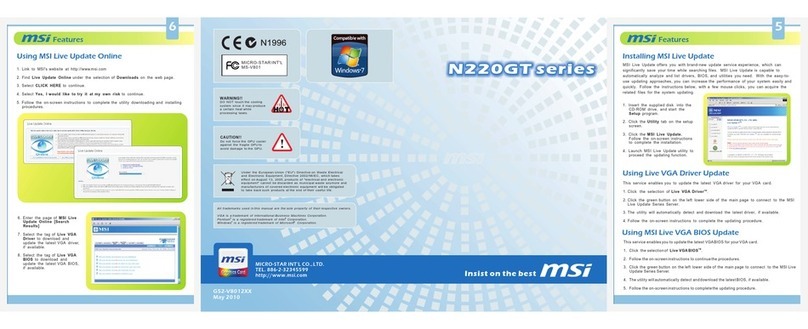
MSI N220GT series user manual

MSI

MSI N220GT series user manual

ATI Technologies RADEON 7000 MAC EDITION user guide

ATI Technologies

ATI Technologies RADEON 7000 MAC EDITION user guide

SIIG aurora Quick installation guide

SIIG

SIIG aurora Quick installation guide

ClearSpeed ClearSpeed Advance e720 user guide

ClearSpeed

ClearSpeed ClearSpeed Advance e720 user guide

MSI R7850 series user guide

MSI

MSI R7850 series user guide

DVS Atomix HDMI installation guide

DVS

DVS Atomix HDMI installation guide

NEC N8116-48 user guide

NEC

NEC N8116-48 user guide

Nvidia Quadro Workstation user guide

Nvidia

Nvidia Quadro Workstation user guide

Aztech VGS3D-AGP user manual

Aztech

Aztech VGS3D-AGP user manual

Advoli TB4 Standard installation guide

Advoli

Advoli TB4 Standard installation guide

ELSA ERAZOR III LT user manual

ELSA

ELSA ERAZOR III LT user manual

Gigabyte GV-R7500L User'smanual

Gigabyte

Gigabyte GV-R7500L User'smanual

MSI R7770 PoweR Edition user guide

MSI

MSI R7770 PoweR Edition user guide

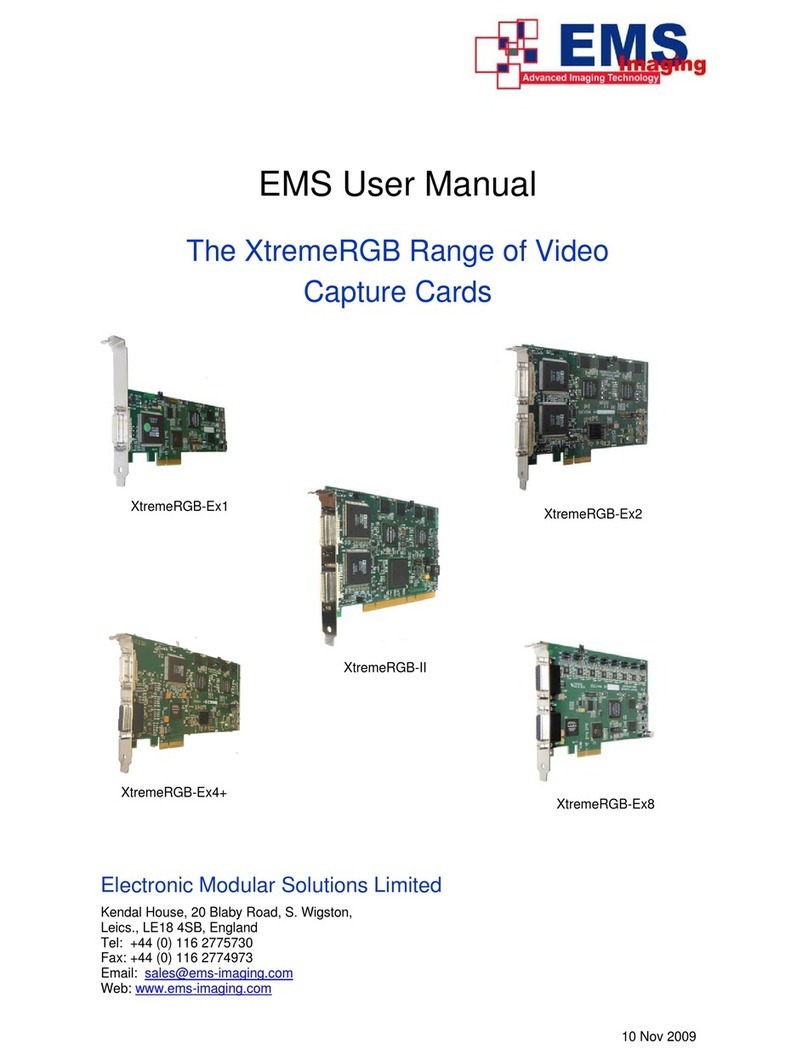
EMS XtremeRGB-Ex1 user manual

EMS

EMS XtremeRGB-Ex1 user manual

Gigabyte GV-N68T256D user manual

Gigabyte

Gigabyte GV-N68T256D user manual

manuals.online logo
manuals.online logoBrands
  • About & Mission
  • Contact us
  • Privacy Policy
  • Terms and Conditions

Copyright 2025 Manuals.Online. All Rights Reserved.

USB Type-C™ 4K 2-in-1
DisplayPort™ + VGA
Graphics Adapter
Quick Installation Guide
DA-70827
2
Table of Contents
1. Introduction.......................................................................... 2
2. Main Features ....................................................................... 2
3. Package Contents.................................................................. 3
4. Specification ......................................................................... 3
1. Introduction
With the DIGITUS® USB-C™ to DisplayPort™ + VGA Adapter Cable, you
can connect a monitor, projector or TV with DisplayPort™ or VGA
connection to the USB-C™ connection of your notebook or tablet. No
additional adapters are required. Depending on the source device, this
cable supports resolutions of up to 4K / 30 Hz. Thanks to Plug and Play,
you don't have to install any drivers or change any settings – Just plug
in and get started. You won’t need any additional adapters or
converters. Simply use the DIGITUS® adapter cable USB-C™ to
DisplayPort™ + VGA adapter cable.
2. Main Features
•Universal USB-C™ Graphics Adapter with DisplayPort™ and VGA
Output
•Full 4K resolution at 30 Hz
•With integrated audio transmission for a Dolby Surround sound
experience (except for VGA)
•High-quality aluminum housing
•Power supply is provided via the USB-C™ port
•Plug and Play - no driver installation required

3
3. Package Contents
•1 x USB Type-C™ 4K 2-in-1 DisplayPort™ + VGA Graphics Adapter
•1 x Quick installation guide
4. Specification
Technical
Video resolution
4K Ultra HD (UHD) resolution with
4096 x 2160p / 30Hz
Power supply
Power supply is provided via the
integrated USB-C™ interface on the
adapter
Weight
50 g
Color depth
12 bit
Color
Black
Housing
High-quality aluminum housing
Length
20 cm
Dimension (LxWxH)
200 x 62 x 15.2 mm
Supports
HDCP 2.2
DisplayPort™ 1.4
HDMI® 1.4b
Lip Sync (audio/video synchronization)
21:9 Cinemascope
8-channel LPCM, 192 kHz, 24-bit audio
capability
DTS
EDID 1.6 (device recognition)
Supported operating
systems
Android 10.0, Chrome OS 86.0, macOS
11.0.1, Windows 8.1, Linux 5.4,
iPad Pro (3rd) or higher versions
Operating humidity
20% - 80% RH
4
Operating
temperature
-10°C ~ +50°C
Manufacturer’s notice: The video output capabilities depend on your
notebook’s graphic card and the connected monitor. Some screens
also limit the available resolution. Your device equipped with USB-C™
must support the DisplayPort™ video mode (DP Alt Mode) in order to
be compatible with this adapter/converter.
Hereby ASSMANN Electronic GmbH declares that the Declaration of
Conformity is part of the shipping content. If the Declaration of
Conformity is missing, you can request it by post under the below
mentioned manufacturer address.
www.assmann.com
Assmann Electronic GmbH
Auf dem Schüffel 3
58513 Lüdenscheid
Germany