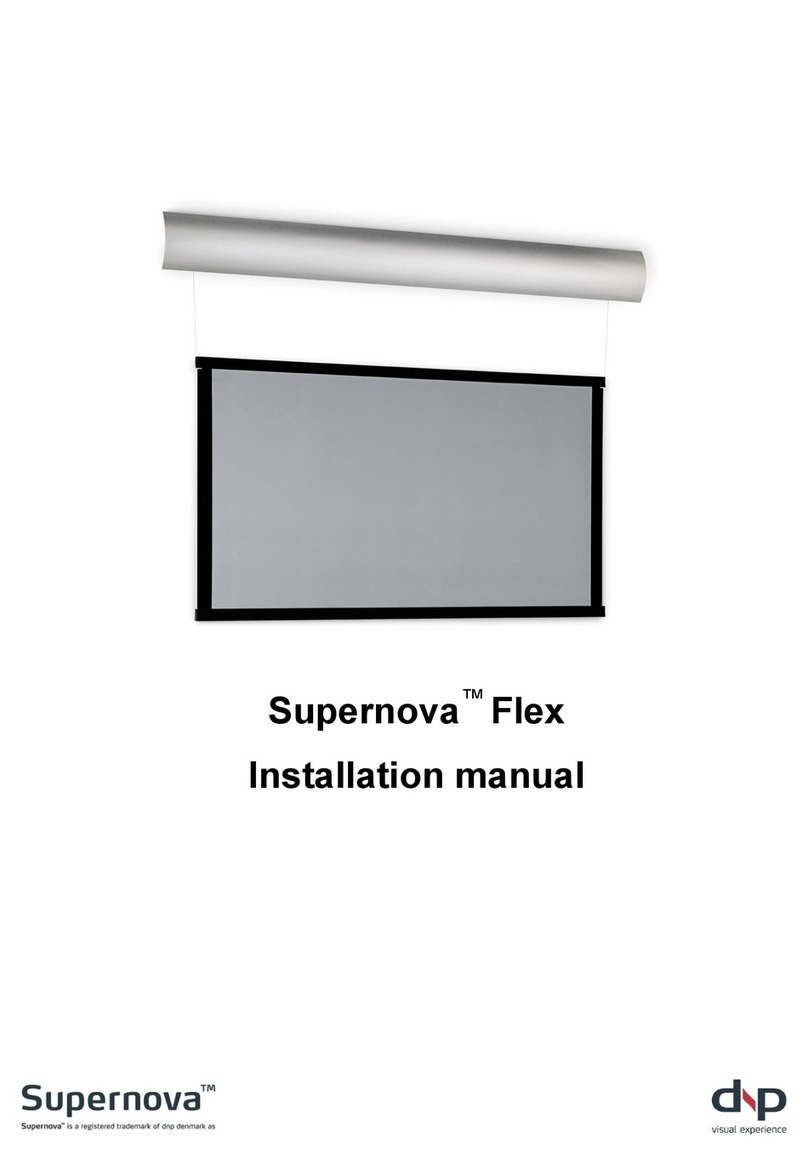
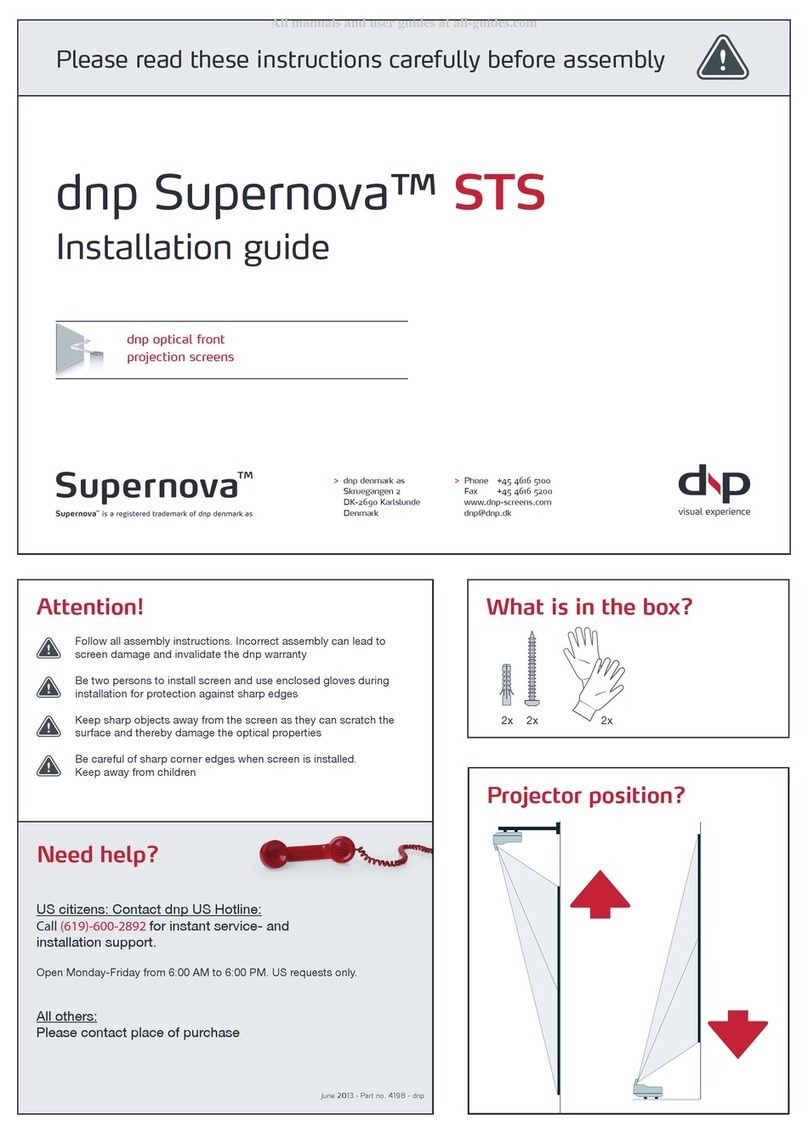
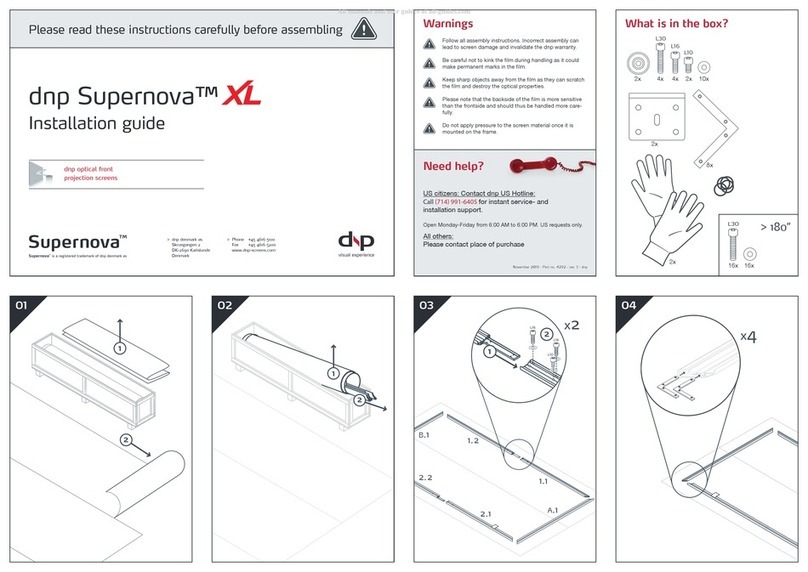
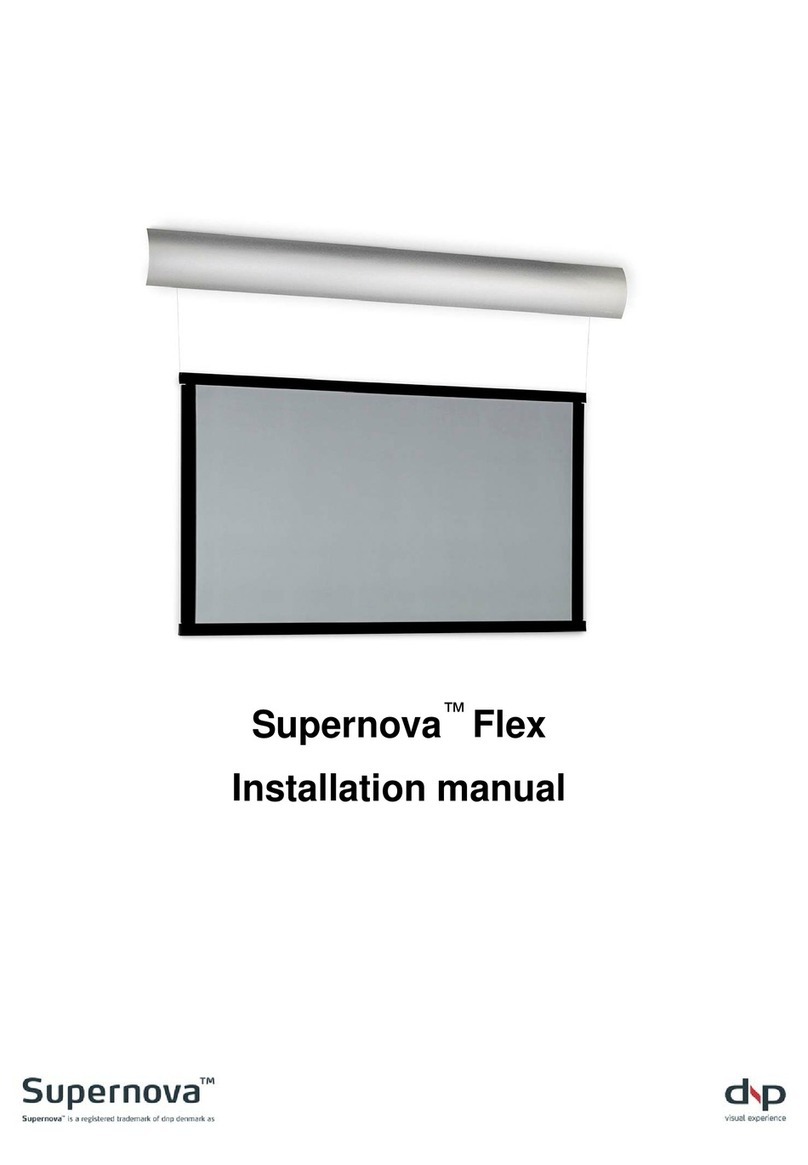
DNP Supernova Flex Installation guide

Supernova™ Flex
Installation Guide
User Guide
Service Guide
Contents
A Safety Instructions / Instructions de sécurité······················· 2
B Required tools····························································· 4
C Box contents······························································· 5
D Planning ···································································· 6
E Mounting screen assembly············································· 8
F Setting new stop positions···············································14
G Remote control button functionality···································16
H Communication ····························································17
I Troubleshooting·····························································20
J Cleaning······································································21
K Sales & delivery terms ···················································22
L Planning guide······························································24

Page 2
A Safety Instructions / Instructions de sécurité
A1 Important Safety Instructions (EN)
Read these instructions.
Keep these instructions.
Heed all warnings.
Follow all instructions.
Clean only with dry cloth.
Do not block any ventilation openings. Install in accordance with the manufacturer’s
instructions.
Do not defeat the safety purpose of the grounding-type plug. A grounding type plug
has two blades and a third grounding prong. The third prong is provided for your
safety. If the provided plug does not fit into your outlet, consult an electrician for
replacement of the obsolete outlet.
Protect the power cord from being walked on or pinched particularly at plugs,
convenience receptacles and the point where they exit from the apparatus.
Unplug this apparatus during lightning storms or when unused for long periods of
time.
WARNING! To reduce the risk of fire or electric shock, do not expose this apparatus
to rain or moisture. Do not operate screen before it is installed on wall.
The apparatus shall not be exposed to dripping or splashing and no objects filled
with liquids, such as vases, shall be placed on the apparatus.
Follow all installation instructions. Incorrect installation can lead to severe
injury and/or permanent product damage and will invalidate the dnp warranty.
Be sure that the wall studs or other mounting fixtures are suitable for mounting the
screen and …
Be sure that the screen is mounted correctly and securely to the wall or the dnp
warranty will be invalidated.
The mains plug, extension cord, appliance inlet or power strip is used as the
disconnect device, the disconnect device must remain readily operable.
The screen is a class I construction and shall be connected to a mains socket outlet
with protective earthing connection. Do not install without a ground connection.
Do not pull or tug on screen when mounted on wall.
Do not restrict the screen from moving.
Do not scratch or bend screen material during handling.
Operate within specified temperature and humidity range (see section I).
Do not attempt to disassemble any part of the screen (electric shock hazard).
Do not permit children to play with screen controls.
Examine the screen for imbalance or signs of wear during operation. If needed,
adjust before operating.

Page 3
A2 Instructions de sécurité importantes (FR)
Lire ces instructions.
Conserver ces instructions.
Tenir compte de tous les avertissements.
Suivre toutes les instructions.
Nettoyer uniquement avec un chiffon sec.
Ne bloquer aucune ouverture de ventilation. Installer conformément aux instructions
du fabricant.
Ne pas négliger la sécurité que procure une prise avec raccordement à la terre.
Une prise avec raccordement à la terre comporte deux fiches plus une troisième
reliée à la terre. Cette troisième fiche est là pour votre sécurité. Si le connecteur
fourni ne s’insère pas dans votre prise de courant, consulter un électricien afin de la
remplacer.
Protéger le cordon d’alimentation principale afin qu’il ne soit pas écrasé ou pincé,
en particulier au niveau des prises de courant et au point de sortie de l’appareil.
Débrancher cet appareil en cas d’orage avec risque de foudre ou lorsqu’il n’est pas
utilisé pendant des périodes prolongées.
ATTENTION! Pour réduire le risque d’incendie ou de choc électrique, ne pas
exposer cet appareil à la pluie ou à l'humidité. Ne pas faire fonctionner l'écran avant
qu'il ne soit installé sur le mur.
L’appareil ne doit pas être exposé à un égouttement ou des éclaboussures et il
convient de ne placer aucun objet contenant un liquide, comme un vase, sur
l’appareil.
Suivez toutes les instructions d'installation. Une installation incorrecte peut causer
de sévères blessures et/ou des dommages importants au produit et invalider la
garantie du produit.
Assurez-vous que le matériel d'installation correspond bien à la nature du support
et des vis de fixation.
Assurez vous que l'écran est installé correctement et solidement au mur ou la
garantie dnp sera invalidée.
La prise secteur, le cordon, l’alimentation de l’appareil ou la barrette d’alimentation
sont utilisés comme dispositifs de déconnexion et doivent être facile à actionner.
L’écran est de classe I et doit être connecté à une prise secteur disposant d’une
mise à la terre. Ne pas installer le système en l’absence de prise de terre.
Ne pas tirer sur l’écran une fois qu’il est monté sur le mur.
Ne pas empêcher l'écran de bouger.
Ne pas érafler ou courber le matériel de l’écran lors des manipulations.
Utiliser l’écran selon les plages de température et d’humidité spécifiées (cf. section
I).
Ne pas tenter de démonter quelque partie de l’écran que ce soit (danger de choc
électrique).
Ne pas laisser les enfants jouer avec les commandes de l’écran.
Examiner l’écran afin de détecter tout déséquilibre ou signe d’usure pendant le
fonctionnement. Si nécessaire, ajuster avant de faire fonctionner.

Page 4
B Required tools
You will need the following tools:
Level
Phillips screwdriver
Power drill
Tape measure
WARNING! Do not connect power
until screen assembly is
completely mounted.

Page 5
C Box contents
Box 1
Box 2
Check box for:
Box 1 – Screen
1 Installation manual (this
document)
1 User manual
1 Screen assembly
1 Remote control
1 CR2032 3V battery
2 Wall brackets
2 #8-32 screws for securing
screen to wall bracket
4 #8 x 2½” wall mounting
screws
2 #8 x 2½” leveling screws
2 Washers for leveling screws
2 End-caps for lower bar
1 Power cable
1 IR cable with clip
Box 2 - Cover
1 Cover
2 Security clips
2 #8-32 screws for security clip
2 Washers for security clip
2 End-plates for on-wall
version

Page 6
D Planning
See also section J Planning guide
D1
Planning screen location
a. Locate wall studs or other
structural member suitable for
bracket mounting.
Note: Select studs for mounting
that are at least 4” [101 mm] in
from end of cover.
b. Leave enough clearance at ends
to permit access for removing
screws from shipping fixtures.
c. Leave enough top clearance to
tighten security screws on top of
wall brackets.
d. Custom spacers are available if
the screen assembly needs to be
spaced further away from the wall
to clear obstructions when rolling
down.
NOTE! See separate manual for in-
ceiling installation!

Page 7
D2
Checking screen dimensions
a. Determine space requirements for
installation.
b. Refer to section J Planning guide
c. Ensure proper clearances.
_____
D3
Planning projector location
a. The projector can be positioned
freely on a vertical centerline,
perpendicular to the screen, up to
5% above (ceiling mounted) or up
to 5% below (table mounted) the
image area.
b. Projection distances must be
based on manufacturer’s
specifications for the exact model
and lens choice.

Page 8
E Mounting screen assembly
E1
Unpacking bracket hardware
a. Unpack two wall brackets.
b. Unpack mounting and securing
hardware.
E2
Lifting screen from box
a. Use two people to lift screen from
box.
b. Lift from box using the two
shipping fixtures at the ends as
handles.
Warning! Do NOT lift from
middle of screen.

Page 9
E3
Leveling brackets
a. After planning screen location...
(using section J Planning guide)
b. Mount wall bracket with securing
screw at top of bracket.
c. Locate wall brackets at least 4”
[101 mm] in from end of cover.
d. Level wall brackets to each other
and tighten leveling screws.
____
E4
Securing wall brackets
a. Secure each wall bracket with two
wall mounting screws.
b. Tighten all screws.

Page 10
E5
Mounting screen
a. Leave shipping fixtures attached
to ends while mounting screen
assembly to wall.
b. Using two people, grasp fixtures,
lift (1), rotate (2), and seat (3)
screen assembly into wall
brackets.
Warning! Be sure that screen
assembly is securely seated
before releasing grip.
_____
E6
Securing screen assembly
a. Ensure that screen is properly
seated into both wall brackets.
b. Use securing screws to tighten
down screen assembly to wall
brackets.
1
2
3
Other manuals for Supernova Flex
3
Table of contents
Other DNP Projection Screen manuals

DNP
DNP Supernova Flex User manual

DNP
DNP ClearSign User manual

DNP
DNP Supernova STS User manual

DNP
DNP Supernova One User manual

DNP
DNP Supernova XL User manual

DNP
DNP Supernova Flex User manual

DNP
DNP Supernova Core User manual

DNP
DNP Supernova XL User manual

DNP
DNP Supernova STS User manual

DNP
DNP Supernova One User manual
Popular Projection Screen manuals by other brands

FART PRODUKT
FART PRODUKT Standard SCREEN Installation instruction

Draper
Draper E Series Installation & operating instructions

Elite Screens
Elite Screens Elite Tripod Series user guide

Laarhoven
Laarhoven Companion II General assembly instructions

Renogy
Renogy RMS-LFPS-US manual

Da-Lite
Da-Lite ExecutiveElectrol Instruction book