DoCoMo W-CDMA System
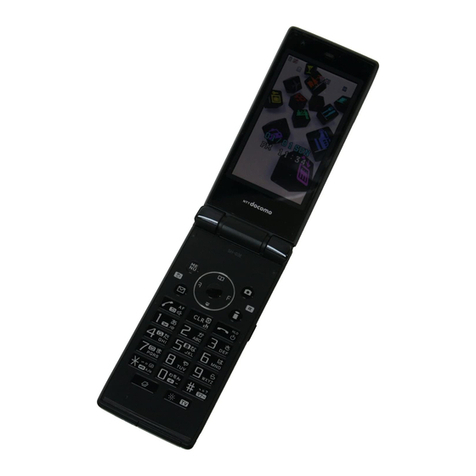
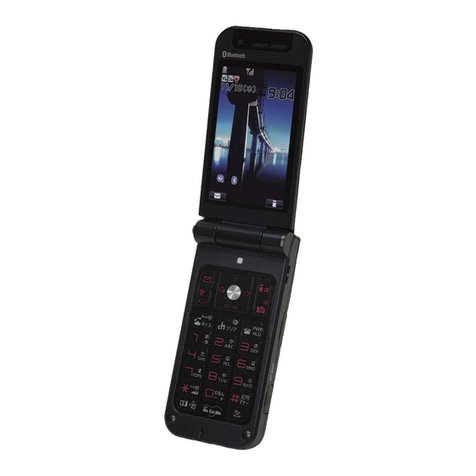
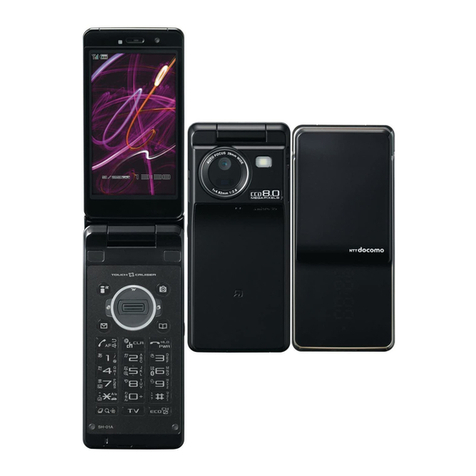
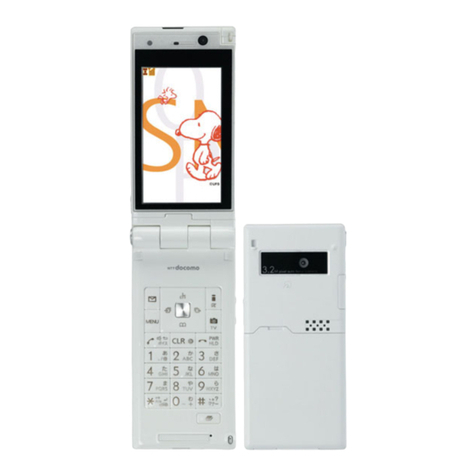
Thank you for selecting the FOMA D705i.
Carefully read this manual and other manuals delivered with optional devices, before
using your FOMA D705i, and consult the corresponding manuals while using the phone
so that you are able to use it correctly and effectively. If you are unclear as to any point
indicated in any of these manuals, contact the DoCoMo Information Center that is listed
on the back of this manual.
Your FOMA D705i is a valuable asset. Handle it with care and it will be your trusted
partner for years to come.
Before using your FOMA terminal
●The FOMA terminal is cordless so you may not be able to use it in certain locations where signals
cannot penetrate, such as in tunnels, underground, in some buildings or outdoors if the signal is
weak or you are outside the service area. You also may not be able to use your FOMA terminal
on the upper floors of some highrise building, even though there is nothing around you that
interferes with the signal. Please note that your call may be disconnected even when the signal is
strong (when the signal strength indication shows 3 bars) and you are not moving.
●When using the FOMA terminal in public, busy or quiet places, be careful not to disturb others.
●Since the FOMA terminal relies on radio transmission, it is theoretically possible for third parties
to intercept a call; however, because the W-CDMA system automatically employs a secrecy
function for all calls, a third party will pick up nothing but signal noise.
●Since the FOMA terminal operates by the wireless transmission of voices converted to digital
signals, if you are in a location where the signal is weak, the original voice may not be accurately
reproduced from the received digital signal, therefore, the voice you hear may differ from the
original sound of the speaker’s voice.
●DoCoMo asks that you keep a separate record (e.g. written copy) of all data you store in your
FOMA terminal (such as phonebook data, schedules, notes, recorded messages, voice memos
or movie memos).
DoCoMo accepts no responsibility whatsoever for any loss of the data, should it occur due to
failure, repair, changing to new model or other handlings of the FOMA terminal.
●It is recommended that you back up the important data to a microSD memory card. If you have a
PC, you can use the DoCoMo keitai datalink to transfer and save the data such as phonebook
data, mails and schedules to your PC.
●The user hereby agrees that the user shall be solely responsible for the result of the use of SSL.
Neither DoCoMo nor the certifier as listed herein makes any representation and warranty as for
the security in the use of SSL. In the event that the user shall sustain damage or loss due to the
use of SSL, neither DoCoMo nor the certifier shall be responsible for any such damage or loss.
Certifier: VeriSign Japan K.K., Cybertrust Japan Co., Ltd., GlobalSign K.K., RSA Security Japan
Ltd., SECOM Trust Systems Co., Ltd.
●The FOMA terminal can be used in the FOMA Plus-Area.
●The FOMA terminal can be used only via the FOMA network provided by DoCoMo and
DoCoMo’s roaming area.
For first time user of the FOMA terminal
If this is your first FOMA terminal, read this manual in the following order. You can
understand the preparations for using the FOMA terminal and its basic operations.
1. Read “SAFETY PRECAUTIONS”. ☛P12
2. Install the battery pack and charge it. ☛P35
3. Turn the power on, make initial settings, and confirm your phone number. ☛P39, P42
4. Check the functions of keys on the terminal. ☛P24
5. Check the meaning of icons displayed on the screen. ☛P27
6. Learn how to use the menus. ☛P30
7. Learn how to make and receive calls. ☛P44, P55
The latest information about this manual can be downloaded from the DoCoMo website.
●User’s Manual Download
(http://www.nttdocomo.co.jp/english/support/manual/index.html)
Note: The URL and site contents are subject to change without prior notice.