S2: System time settings
On the menu, press the down button
to nd system time settings. Enter
the current time and press conrm
button to save it.
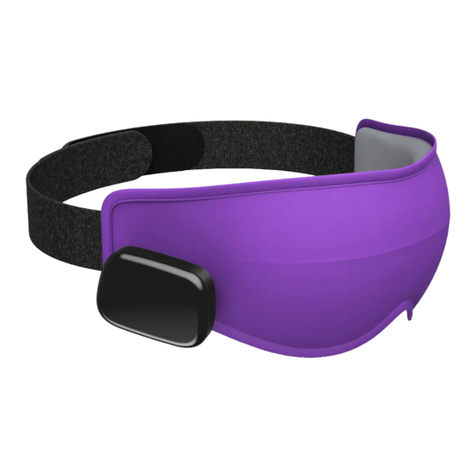
* Linking the Dreamlight to your
phone via app will automatically
update the time.
S3: Function settings
1-Press up or down button to nd the
function.
2-Enter the required duration/timing.
3-Press conrm button to save the
settings.
4-Click 'Start' for the settings to work.
* Press conrm button to save the
data after setting up.