10
When the temperature setup icon starts
ashing, press OK to scroll through each mode.
Press the +/- button to change the temperature
of each mode then press OK to conrm and go to
the next MODE and exit to the temperature setting
screen by pressing CONFIG.
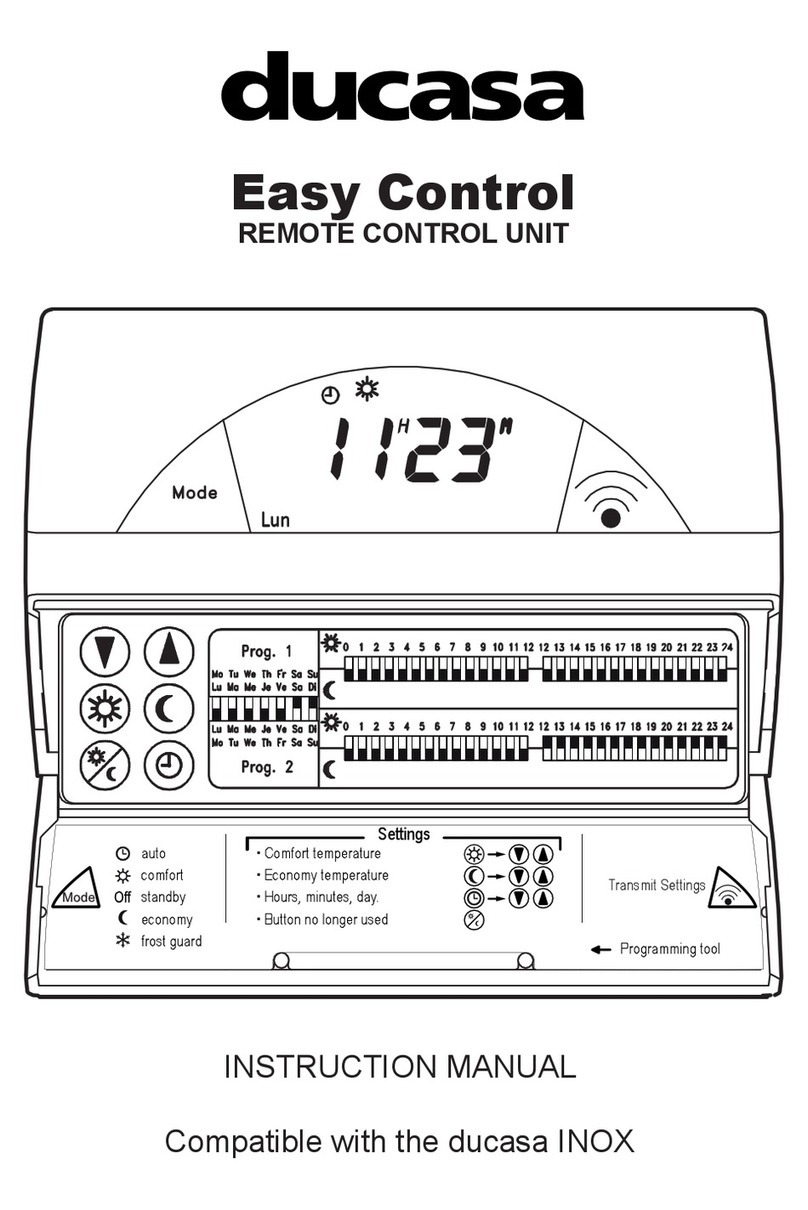
SETTING PROGRAMME AND CLOCK
To start programming press and hold CONFIG/
PROG button for 3 seconds and the following
screen will appear:
Programming starts on Monday at 00:00 and
is set by choosing the required Mode for each
hour of the week. Use the OK button to choose
between Comfort , Economy or Frost
Protection modes. On the screen programme
hours will show two blocks for Comfort, one block
for Economy and no blocks for frost protection).
After choosing the mode press the +/- buttons to
select the next hour to be programmed. When a
full day has been programmed the screen moves
to the next day.
Once each day of the week has been
programmed the clock must be set.
Press the CONFIG button to exit from
programming screen and enter the time setting
screen.
To select the day of the week (1=Mon, 7=Sun)
press +/- buttons and conrm with the OK button.
Next select the hour, conrm with OK and then
select the minutes and conrm pressing OK once
more.
If a radiator is paired with a Gateway,
time setting is not required as it recognises the
system’s time automatically.
MODE OPERATION
To assist with programming the LCD screen is
backlit and will stay illuminated for approximately
10 seconds after the last button is pressed.
When the radiator is operational and the room
temperature is lower than the set temperature the
heating symbol will be shown indicating that
the radiator is producing heat. When the room
temperature equals or is above the set temperature
the heating symbol will not be present indicating
the radiator is not producing heat.
The following screens show OFF, AUTO and
MANUAL modes. To chose diferent modes press
MODE/OK button.
When the radiator is in AUTO mode the
temperature can be changed by pressing the +/-
buttons. This change will remain active until the
next programme change or until midnight when
the temperature will revert to the preset value.
Use the +/- keys to change the temperature
when the radiator is in MANUAL mode.
ADJUST PROGRAMMED TEMPERATURES
Adjusting temperature in the following way will
only eect the temperatures used for programmed
modes.
To change these set up temperatures press the
CONFIG button and the following screen appears: