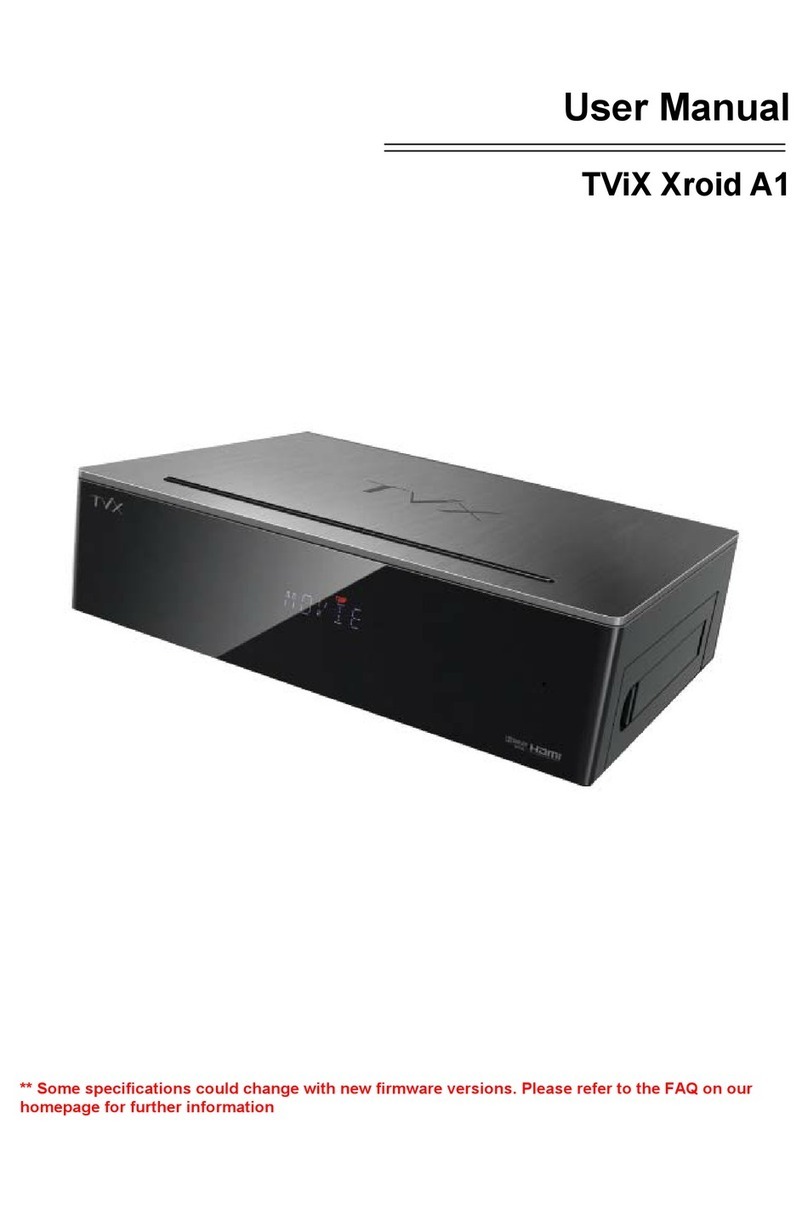
Ultimate PVR with HD Digital Jukebox
4
Table of Contents
Safety Notice .............................................................................................................................................. 2
Usage Precautions ..................................................................................................................................... 3
1
Introduction.................................................................................................5
1.1 HDTV PVR Function................................................................................................................... 5
1.2 Multimedia Player Function ........................................................................................................ 6
1.3 Audio Player Function ................................................................................................................ 7
1.4 External Storage Function .......................................................................................................... 7
1.5 Specifications.............................................................................................................................. 8
2
Name of Each Part......................................................................................9
2.1 Unit Control button...................................................................................................................... 9
2.2 Cable Connection ....................................................................................................................... 9
2.3 Package Contents .................................................................................................................... 10
2.4 HDD Installation/Exchange........................................................................................................11
3
Installation and Connection.....................................................................13
3.1 Connecting the Video ............................................................................................................... 13
3.2 Connecting the Audio ............................................................................................................... 15
3.3 Connecting the External Input .................................................................................................. 15
3.4 Connecting the USB HOST ...................................................................................................... 16
3.5 Connecting the Antenna ........................................................................................................... 16
3.6 Using the remote control .......................................................................................................... 18
4
TViX Setup Menu ......................................................................................19
4.1 SYSTEM Setting....................................................................................................................... 19
4.2 Audio/Video Setting .................................................................................................................. 21
4.3 HDTV Setting............................................................................................................................ 23
4.4 NETWORK Setting ................................................................................................................... 24
4.5 MISC Setting............................................................................................................................. 26
5
Initial Usage of TViX .................................................................................27
5.1 Making an HDD Folder ............................................................................................................. 27
5.2 Movie Playback......................................................................................................................... 28
5.3 Music Playback......................................................................................................................... 29
5.4 Photo Playback......................................................................................................................... 30
6
Using TViX PVR ........................................................................................31
6.1 Channel Scanning .................................................................................................................... 31
6.2 Using TViX PVR ....................................................................................................................... 32
7
Using the remote control .........................................................................37
7.1 Descriptions of Each Buttons ................................................................................................... 37
7.2 Extra Features .......................................................................................................................... 43
7.3 LAN Connection........................................................................................................................ 46
8
Firmware Upgrade ....................................................................................60
9
Using USB Connection with a PC ...........................................................63
9.1 Making a Partition and Formatting the HDDs ........................................................................... 63
9.2 Unplug or Eject Hardware ........................................................................................................ 66
10
Troubleshooting .......................................................................................67
11
Appendix - Technical Terms ....................................................................68
12
GNU General Public License ......................... Error! Bookmark not defined.