manuals.online logo
Brands
  1. Home
  2. •
  3. Brands
  4. •
  5. EarthQuaker Devices
  6. •
  7. Recording Equipment
  8. •
  9. EarthQuaker Devices Palisades User manual

EarthQuaker Devices Palisades User manual

Other EarthQuaker Devices Recording Equipment manuals

EarthQuaker Devices Pyramids User manual

EarthQuaker Devices

EarthQuaker Devices Pyramids User manual

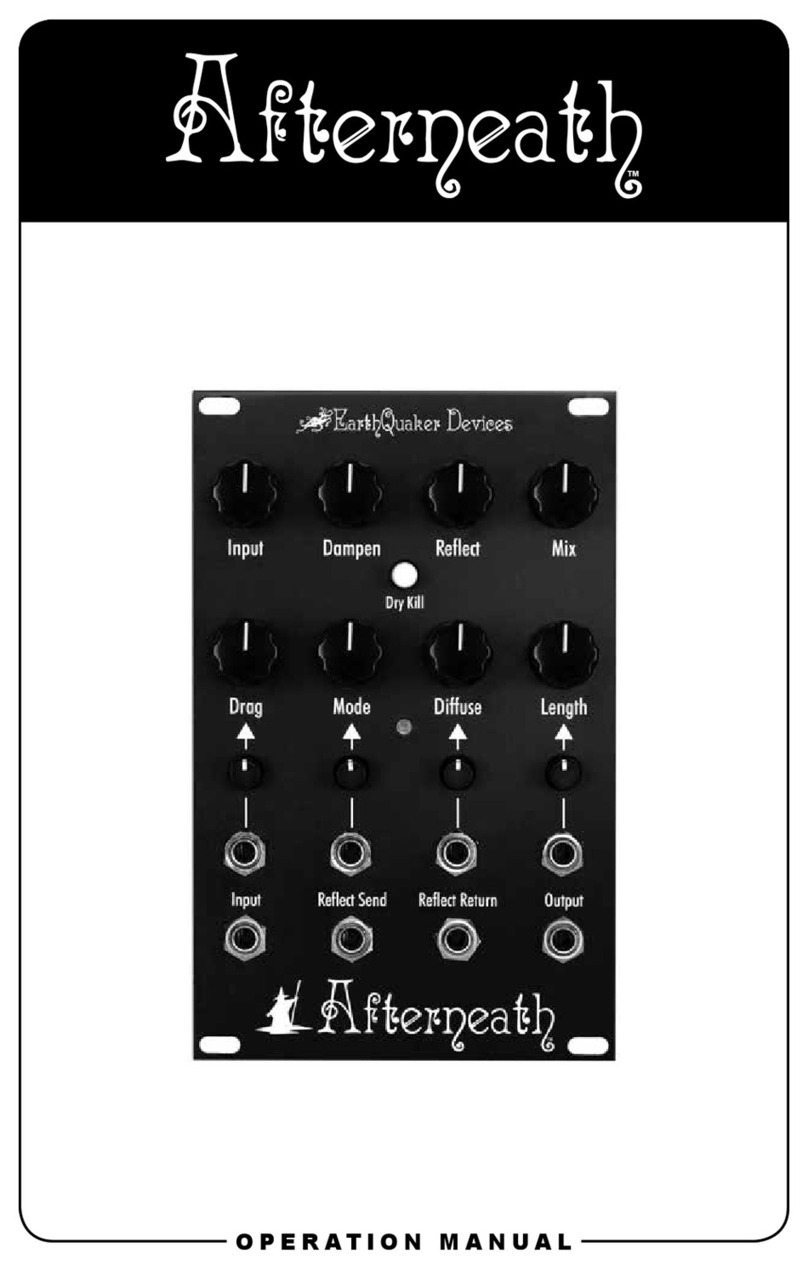
EarthQuaker Devices Afterneath User manual

EarthQuaker Devices

EarthQuaker Devices Afterneath User manual

EarthQuaker Devices Space Spiral User manual

EarthQuaker Devices

EarthQuaker Devices Space Spiral User manual

EarthQuaker Devices Transmisser User manual

EarthQuaker Devices

EarthQuaker Devices Transmisser User manual

EarthQuaker Devices Data Gorrupter User manual

EarthQuaker Devices

EarthQuaker Devices Data Gorrupter User manual

EarthQuaker Devices Afterneath User manual

EarthQuaker Devices

EarthQuaker Devices Afterneath User manual

Popular Recording Equipment manuals by other brands

ThermoFisher Scientific Dionex DRS 600 Installation checklist

ThermoFisher Scientific

ThermoFisher Scientific Dionex DRS 600 Installation checklist

Shure ANIUSB-Matrix user guide

Shure

Shure ANIUSB-Matrix user guide

Nady Audio HE-1 user guide

Nady Audio

Nady Audio HE-1 user guide

AUDAC APM 01 User manual & installation guide

AUDAC

AUDAC APM 01 User manual & installation guide

Teac GF-350 owner's manual

Teac

Teac GF-350 owner's manual

Fractal Audio MFC-101 MARK III owner's manual

Fractal Audio

Fractal Audio MFC-101 MARK III owner's manual

bmcm USB-OI16 manual

bmcm

bmcm USB-OI16 manual

HHB BurnIT CDR-830 Service manual

HHB

HHB BurnIT CDR-830 Service manual

GE VersaMax IC200CPUE05 manual

GE

GE VersaMax IC200CPUE05 manual

IntesisBox MH-RC-MBS-1 user manual

IntesisBox

IntesisBox MH-RC-MBS-1 user manual

Attero Tech unD4l user manual

Attero Tech

Attero Tech unD4l user manual

Sennheiser UI 765 instruction manual

Sennheiser

Sennheiser UI 765 instruction manual

Sony RCD-W1 Operating Instructions  (primary... Service manual

Sony

Sony RCD-W1 Operating Instructions (primary... Service manual

Roland Planet-P  MKS-10 owner's manual

Roland

Roland Planet-P MKS-10 owner's manual

Roland BOSS GT-PRO Turbostart

Roland

Roland BOSS GT-PRO Turbostart

8x8 Inc Valcom V-2001A manual

8x8 Inc

8x8 Inc Valcom V-2001A manual

Waves SUB Align user guide

Waves

Waves SUB Align user guide

Mitsubishi Electric MAC-334IF-E installation manual

Mitsubishi Electric

Mitsubishi Electric MAC-334IF-E installation manual

manuals.online logo
manuals.online logoBrands
  • About & Mission
  • Contact us
  • Privacy Policy
  • Terms and Conditions

Copyright 2025 Manuals.Online. All Rights Reserved.

OPERATION MANUAL
©2018 EarthQuaker Devices LLC
<<< Power Requirements >>>
<<< Tech Specs >>>
• Current Draw: 25mA
• This device take a standard 9 volt DC power supply with a 2.1mm negative center barrel. We
always recommend pedal-specic, transformer-isolated wall-wart power supplies or multiple
isolated-output supplies. Pedals will make extra noise if there is ripple or unclean power.
Switching-type power supplies, daisy chains and non-pedal specic power supplies do not lter
dirty power as well and let through unwanted noise. DO NOT RUN AT HIGHER VOLTAGES!
• Input Impedance: 500K Ohm • Output Impedance: <10K Ohm
<<< Warranty >>>
This device has a limited lifetime warranty. If it breaks, we will x it. Should you encounter any
issues, please email info@earthquakerdevices.com.
www.earthquakerdevices.com
<<< Flexi-Switching >>>
This device features Flexi-Switch™ Technology! This relay-based, true bypass switching style
allows you to simultaneously use momentary and latching-style switching.
• For standard latching operation, tap the footswitch once to activate the effect and then tap
again to bypass.
• For momentary operation, hold the footswitch down for as long as you’d like to use the effect.
Once you release the switch, the effect will be bypassed.
Since the switching is relay-based, it requires power to pass signal.
Boost: Sets the level of the output boost.
Gain A: Sets the gain for the Channel A
(lower gain)
Volume: Sets the output level.
Gain B: Sets the gain for Channel B
(higher gain)
To n e : Brighter clockwise, warmer
counterclockwise.
Rotary Switches
Voice: This sets the nature of the
Palisades distortion by changing the
clipping diodes.
1- No diodes: The most open and least distorted.
2- LED clipping: Light clipping with a lot of volume.
3- Mosfet clipping: Light gain OD with great
harmonics.
4- Asymmetrical Silicon clipping: Tighter light
gain OD closest to stock 808.
5- Symmetrical silicon clipping: Tighter distorted
tone.
6- Schottky Diode clipping: Looser fuzzy tone.
Bandwidth: This sets the overall tone
and gain structure of the Palisades.
1is the thinnest setting with the least
amount of gain and 5 is the fattest setting
with the heaviest gain. Everything else
is in between. This control has a major
effect on all the settings of the Palisades,
especially the Gain and Voice controls.
Toggle Switches
Normal/Bright: Normal is a warm full tone.
Bright is livelier tone with more chime.
Buffer: Turns the input buffer on or off.
ON is a tighter and brighter tone while
OFF is a warmer tone with more sag. The
buffer is part of the drive circuit & is only
available when the Palisades is activated.
Foot Switches
Boost: Activates the output level boost,
Features Flexi-Switching.
Gain B: Activates Gain Channel B,
Features Flexi-Switching.
Activate: True bypass switch
1
2
3
4
5
6
7
8
9
10
11
12
Welcome to your new EarthQuaker Devices®Palisades™Overdrive! The Palisades is something
we said we would never do… an overdrive based on the legendary TS808! Gasp! The horror!
Another tubes creamer?? In 2014?? Really?? After loads of requests, we nally buckled. We
ran tests with every popular clone on the market as well as several vintage originals, compared,
contrasted and took loads of notes. It was exhausting but informative. In the end, we threw it
all away, used our ears and came up with what we feel is the most versatile relative of the 808
available today.
With 6 different clipping voices, 5 bandwidth settings and 2 gain channels, you will be hard-
pressed to not nd a setting that will wipe every mid-boosting overdrive off your board. The
clipping voices determine how transparent and open or tight and crunchy the distortion is. They
will vary drastically depending on where the gain is set, what channel is active and how much
bandwidth is being used. The Bandwidth (7) sets the frequency response of the distortion and
goes from thin, light and clean through fat heavy and crunchy. It may very well be the single most
important control the Palisades has and what really sets it apart.
Gain A (2) is a lower gain channel with a wider range of grit that is great for strumming open
chords. Gain B (4) is a higher gain channel with a tighter range that is great for palm muting and/
or shredding solos. The Palisades also has a foot switchable volume Boost (10) with adjustable
level to take it over the top when you want to throw your foot up on the monitor and rip your sweet
leads… or maybe just push the front end of you amp a little harder. Not enough? How about a
Normal/Bright (8) switch to mix and match the overall tone to different amps and guitars. Still
not enough? OK then, how about a Buffer (9) on/off switch to tighten up the tone and make it
sparkle when set to ON or warm it up and make it sag when set to OFF.
The Palisades is a versatile dude that will give you years of loving companionship. Each
Palisades is hand made one at a time in the tiny tree house community of Akron, Ohio.
<<< Controls >>>
1110 12
1 2 3 4 5
6
8
7
9