
Elements LINQ D2 Pro Edition User manual

7 in 2 D2 Pro Edition
Model #: LQ48011
Product Manual
Package Contents
USB-C Pro Multiport Hub x1,
User Manual x1
www.LINQbyELEMENTS.dk
Thank you for purchasing our
7 in 2 D2 Pro Edition.
Please read this user manual
carefully and keep it in a safe place
for future reference. If you need
any assistance, please contact our
support team with your product
model number and order number of
relevant sales channel.
System Requirements:
MacOSX v10.0 or above operating
systems
Plug and play:
Yes
Product Specications
Overview
M1 Compatible
MST for All Apple M1 and Intel
Mac’s Laptop
2x HDMI Output Port
HDMI 1 - Up to 4k UHD (3840 x
2160@ 60Hz),
HDMI 2 - Up to 4K UHD (3840 x
2160@ 30Hz)
MST
USB-A Super Speed+
Super Speed USB-A 3.2 Gen 2,
Max data transfer speed 10Gbps
Power Supply up to 4.5W Max.
USB-C Super Speed+
Super Speed USB-C 3.2 Gen 2,
Max data transfer speed 10Gbps
Power Supply up to 4.5W Max
(Only for Data Transfer)
USB-C PD Port
Charging up to 100W of Power
Delivery 3.0 (Only for laptop
charging)
RJ45 Gigabit Ethernet
Max Ethernet Speeds up to
1000Mbps
Dual USB-C Connector
Compatible with Thunderbolt
3 and 4, Dedicated design for
use with dual USB TypeC port
Macbook.
USB-A Super Speed+
up to 10Gbps
USB-C Power Delivery
Port up to 100W
(Only for Charging)
HDMI 1 - Up to 4k UHD
(3840 x 2160@ 60Hz)
HDMI 2 - Up to 4k UHD
(3840 x 2160@ 30Hz)
RJ45 Gigabit
Ethernet Port
USB-C Super Speed+
up to 10Gbps

Notes
1. To enable HDMI2, download the
latest driver in our website:
http://linqbyelements.dk/
d2instantview.html
2. Only one hub is included, power
adapters, SD/TF memory cards,
cables or other accessories are
not included.
3. The up to 100W charging speed
can only be achieved when used
with a 100W rated USB-C PD
cable in combination of 100W
type-C PD Power Adapter.
4. The USB Data Ports of this
product supports Max. 5V
900mAh total charging output.
5. For more stable connection
when using high-power devices,
connect a PD Power Adaptor to
the USB-C female PD port.
6. The USB-C female PD port of
this product is only for charging
USB-C laptops whose USB-C
Port supports USB Power
Delivery (PD). The PD USB-C
female port of this product does
not support data transfer.
7. The USB-C female data port
of this product is only for data
transfer. The USB-C female data
port of this product does not
support charging.
8. A 4K capable display and a 4K
capable HDMI cable are required
to achieve 3840 x 2160 resolution.
9. Make sure to connect your
primary display in HDMI 1.
10. HDMI 1.4 cables only support
30Hz, HDMI 2.0 cables support
4K up to 60Hz.
11. 4K 60Hz Compatibility requires a
DP 1.4 compatible type-C port on
your device.
How to Use
Plug the the Dual USB-C male
connector of the Hub into the
USB-C port on your Macbook
and run the Installer that can be
downloaded by scanning the QR
code or by visiting our website.
1. USB-C Power Delivery: Charge
your laptop by plugging the
USB-C Charger to the Multiport
Hub USB-C Female Power
Delivery (PD) port.
2. HDMI Output: Connect to your
UHDTV or projector with an
HDMI 2.0 cable via the HDMI
output port and watch videos
from your USB-C laptop on
your TV or other HDMI-enabled
devices.
3. HDMI 1 Output: Capable of 4K
Display @ 60Hz
HDMI 2 Output: Capable of 4K
Display @ 30Hz
4. USB-C Super Speed+: Connect
your smart phone, tablet, hard
drive or other USB-C peripherals
via the USB-C Port and transfer
data between your computer and
connected device.
5. USB-A Super Speed+: Connect
your smart phone, tablet, mouse,
keyboard, hard drive or other USB
peripherals via the USB-A ports
and transfer data between your
computer and connected device.
Troubleshooting
if you experience any issues or have
any question regarding the hub,
please visit the support and FAQ page
on our website for most up to date
information.
LINQ | Support
https://linqbyelements.dk/support.html
Compatibilities
Details regarding compatibility of
devices can be found on our website
or consult your devices manual.
visit:
www.LINQbyELEMENTS.dk
https://linqbyelements.dk/
d2instantview.html
LQ48011.p02
This manual suits for next models
1
Other Elements Switch manuals
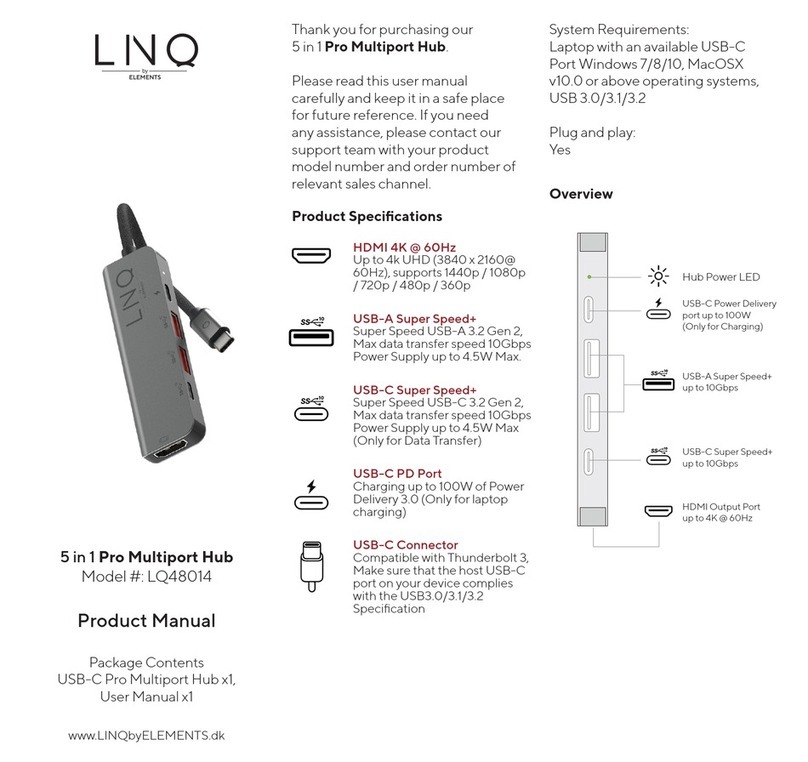
Elements
Elements LINQ LQ48014 User manual
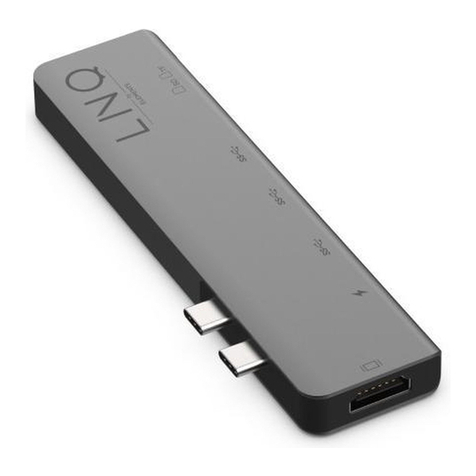
Elements
Elements LINQ LQ48005 User manual
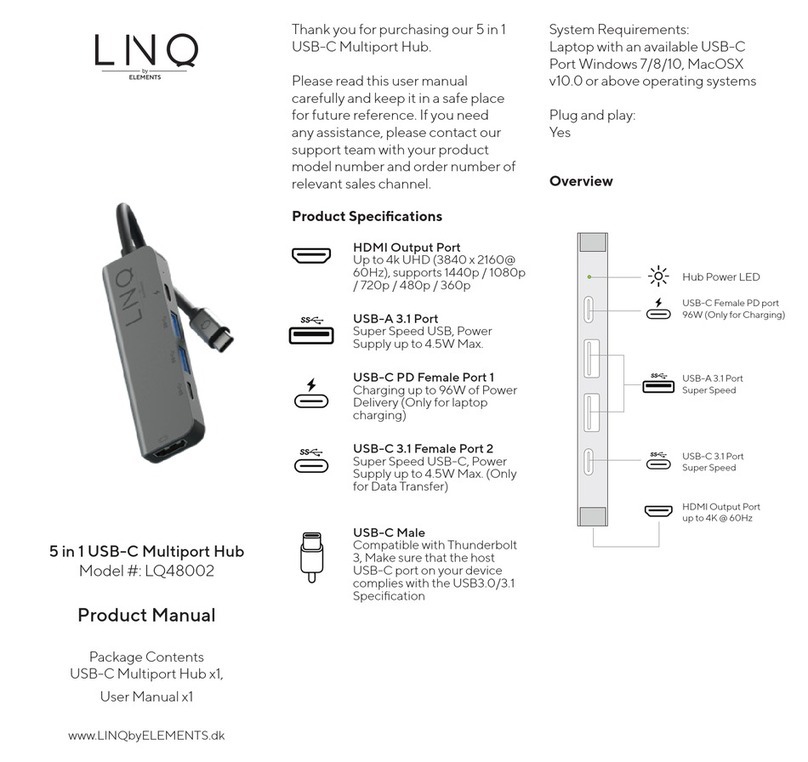
Elements
Elements Linq LQ48002 User manual
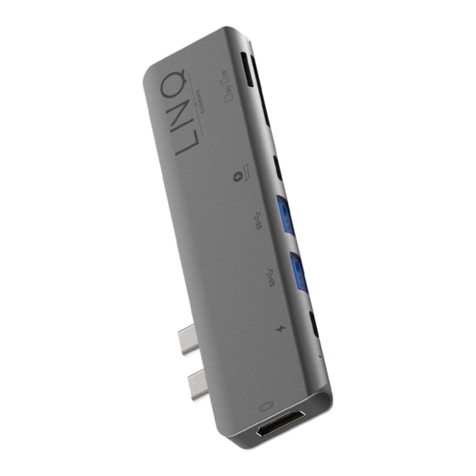
Elements
Elements LINQ TB Pro LQ48008 User manual
Elements
Elements LINQ LQ48012 User manual
Elements
Elements LINQ LQ48015 User manual

Elements
Elements LINO Pro Series User manual
Elements
Elements LINQ LQ48006 User manual
Elements
Elements LINQ LQ48016 User manual
Elements
Elements LINQ LQ48001 User manual

















