Elvox 41018 Assembly instructions

Manuale installatore - Installer guide
41018
Display 3,5 in
3.5 in Display

15
EN
The instruction manual can be downloaded from www.vimar.com
Contents
1. BRIEF DESCRIPTION OF DEVICE ART. 41018 ...............................................................................................................15
2. FEATURES ........................................................................................................................................................................16
3. CONFIGURATION VIA PC.................................................................................................................................................17
4. CONFIGURATION VIA MENU ...........................................................................................................................................20
5. USING THE DISPLAY MODULE .......................................................................................................................................24
Installation rules
Installation should be carried out observing current installation regulations for electrical systems in the Country where the prod-
ucts are installed.
Regulatory Compliance
EMC directive
Standards EN 60065, EN 61000-6-1 and EN 61000-6-3.
INFORMATION FOR USERS UNDER DIRECTIVE 2002/96 (WEEE)
In order to avoid damage to the environment and human health as well as any administrative sanctions, any appliance marked with
this symbol must be disposed of separately from municipal waste, that is it must be reconsigned to the dealer upon purchase of a
new one. Appliances marked with the crossed out wheelie bin symbol must be collected in accordance with the instructions issued by the
local authorities responsible for waste disposal.
ENGLISH
1. BRIEF DESCRIPTION OF DEVICE
The display module provides the function of calling via the contacts list of the panel on which it is installed.
If the panel has a keypad art. 41019, calls to the indoor units can also be made by entering the desired number via
the keypad.
The device also provides visual feedback on the operating phases of the panel, such as the indications for "call in
progress" and "talking", in addition to that associated with the entry control modules.
The display module is equipped with an installation menu with which the basic panel conguration parameters can be
managed.
3.5 in display for audio or audio-video modules, 3 buttons for calls from
contacts list backlit with white LEDs, 1 input congurable as external but-
ton for CA door opener or PA door open, to be completed with front cover

16
EN
Description of wiring terminal block
Terminal function
CA- Lock control additional button (Default). Alternatively (if congured via SaveProg), sensor input to signal “Door
Open”.
CA+
5V- External additional power supply.
Caution: You must observe the polarity in the connection.
5V+
a) Display, 3.5”
b) button (UP)
c) button (DOWN)
d) button (OK)
e) Mini USB connector for connecting to a PC.
f) Removable wiring terminal block
g) Connector for the connection to the previous electronic module
h) Connector for the connection to the next electronic module
Front and rear view
5V- 5V+CA+CA-
g
h
bcd
e
a
f
2. FEATURES
2.1. Features
• The 3.5" display has the following features: 320 x 480 pixels, 65K colours, 500 lux.
• The device must always be accompanied by an audio/video or audio module.
• Power supply: 5V DC from audio video or audio module via harness. Maximum current draw: 220 mA. When connect-
ing the modules, observe the limit of the maximum current that can be supplied by the specic Audio/Video module
being used; if it is necessary to provide an independent power supply to the display module, the device is equipped
with an additional power supply unit on the 5V+ and 5V- terminals with a voltage of 5V DC ± 5% and a minimum
current of 220 mA.
Connecting an additional power supply unit disables the power supply input from the connected Audio/Video module,
which must in its turn be powered for the display module to work properly.
•
Operating temperature: -25 °C / +55°C.
•
Protection class: IP54
•
IK08-rated for protection against impact (Pixel)

17
EN
3. CONFIGURATION VIA PC
3.1. Programming the Contacts List and entry control codes
The contacts list (up to 8192 entries) and the entry control codes (up to 2000 codes) can be programmed via the PC
programming SW (SaveProg), connecting to the audio/video module.
Follow the instructions given on SaveProg.
3.1.1. Standby views
When rst switching on, without having programmed any contacts list, the device looks like this:
Without a keypad
With a keypad installed
Press
After programming the contacts list, the standby view looks like this.
Without a keypad
With a switchboard
With a switchboard
and keypad
Contacts
Press
Porter
Contacts
Extension
Contacts
Porter
3.2. Setting contacts list lters
SaveProg lets you enable a set of lters for targeted access to the subsets of the contacts list.
The available lters are described below.
3.2.1. Initials pre-lter
This lter lets you access a section of the contacts list identied by the names that start with the chosen letter.
Extension
Contacts
Porter
Users
Users

18
EN
3.2.2. Building lter
This lter lets you access the subset of users paired with a specic building.
Extension
Contacts
Porter
Buildings
Users
The Building lter can be combined with the names pre-lter.
Extension
Contacts
Porter
Buildings
Users
Users
3.2.3. Stair lter
The Stair lter lets you access the subset of users paired with a specic stair or all users.
It can be combined with the two previous lters.
In particular, with the buildings lter you obtain:
Extension
Contacts
Porter
Buildings
Stairs
Stair A
Stair B
Stair E
Stair D
Stair C
Users
Stair A
With the buildings and names lter
Extension
Contacts
Porter
Buildings
Stairs
Stair A
Stair B
Stair E
Stair D
Stair C
Users
Stair A
Users
Stair A

19
EN
3.3. Additional information
Additional information comprises additional descriptions that appear on a contacts list entry when the user hovers
over it for more than 3 s.
One of these items can be set as additional information:
• Service Information, such as the business hours of an ofce;
• List of extensions, created automatically from the names in the contacts list paired with the same extension
number;
• A second name.
Extension
Contacts
Porter
Users
Back
OK
3.4. Updating
The device can be updated via its USB port.
Follow the WinBoot user instructions.
To update the module you need to disconnect the bus wiring harness, disconnect any auxiliary power supply, connect
the USB port to the PC and start the update within 10 s of this connection.
The situation of remaining in bootloader lasts 10 s from entry. It exits automatically if the update is not started.

20
EN
4. CONFIGURATION VIA MENU
The display provides the ability to congure the basic parameters of the panel.
There are two menus:
1. administrator: the administrator side lets you modify the display module interface;
2. installer: lets you change some of the functional parameters of the panel.
You access the menu by simultaneously pressing (UP) + (DOWN) for 5 s and entering the respective pass-
words.
The passwords have a xed length and are composed of a sequence of the “ (UP)” “ (DOWN)” “ (OK)”
buttons.
The default passwords are:
Administrator: (UP) + (UP) + (UP) + (UP) + (UP)
Installer: (DOWN) + (DOWN) + (DOWN) + (DOWN) + (DOWN)
The passwords can be changed via SaveProg.
4.1. Administrator menu
The structure is summarized below:
Label Settings
Level 0 Level 1 Level 2
Display
Language Italian, English, French, German, Spanish, Greek and
Portuguese (Default: Italian)
Menu Navigation Navigable/Direct (Default: Navigable)
Font Normal/Large (Default: Normal)
LCD
Brightness 1-5 (Default:5)
Colours B/W, BLUE, GREEN (Default: B/W)
Standby ON/OFF (Default: ON)
The items are accompanied by the current value of the set parameter.
4.1.1. Language
This lets you choose the language of the messages of the user and installer menus.
• Language: Italian, English, French, German, Spanish, Greek and Portuguese
4.1.2. Menu
This lets you choose the variant of the menu structure according to need.
• Navigation: Navigable/Direct
Navigable: lets you scroll through the menu selecting the items with the arrows and entering the selected
sections with (OK);
Direct: lets you enter the items directly by pressing the (UP)/(DOWN) control buttons of the display
module

21
EN
Select
Contacts
Porter
Contacts
Porter
Navigation Direct
• Font: Normal/Large
Changes the font size, to improve readability.
Extension
Contacts
Porter
SELEZIONA
SELECT
PORTER
EXTENSION
CONTACTS
Normal Large
4.1.3. LCD
This lets you dene the operating parameters of the display
• Brightness: 0-5
Brightness level
• Colours: B/W, BLUE, GREEN
Lets you select one of the predened colour schemes for viewing the menu, according to readability.
Extension
Delete
Confirm
Extension
Delete
Confirm
Extension
Delete
Confirm
B/W BLUE GREEN
• Standby: ON, OFF
Lets you disable display standby mode, i.e. not decreasing the brightness level of the LCD when it is not being
used.
4.2. Installer menu
The structure is shown below:

22
EN
Label Settings
Level 0 Level 1 Level 2
Display
Language Italian, English, French, German, Spanish, Greek
and Portuguese (Default: Italian)
Menu Navigation Navigable/Direct (Default: Navigable)
Font Normal/Large (Default: Normal)
LCD
Brightness 1-5 (Default:5)
Colours B/W, BLUE, GREEN (Default: B/W)
Standby ON/OFF (Default: ON)
Panel
Audio Speaker 0=auto, +4 levels
Microphone 0=auto, +4 levels
Push-buttons
Setting ID - Status screen (in progress)
- Status screen (OK/fail)
Module order - Status screen (in progress)
- Status screen (OK/fail)
Grouping Single, Double, Quadruple
Addressing
Interphones - Status screen (in progress)
- Status screen (OK/fail)
Panels - Status screen (in progress)
- Status screen (OK/fail)
Timing Lock 10 values
Talk 10 values
Info
AV FW Ver xxxxx
LCD FW Ver xxxxx
KP FW Ver xxxx
System
Reset Settings OK/C (Conrm/Delete)
Reset Panel OK/C (Conrm/Delete)
Reboot Panel OK/C (Conrm/Delete)
Reboot Installation OK/C (Conrm/Delete)
The Display section is described in the previous chapter "4.1 Administrator menu".
4.3. Panel
This section lets you set the basic parameters of the audio/video module of the panel. Refer to the specic instruc-
tions of the specic audio/video module for details of the settings.
4.3.1. Audio
This lets you set the operating levels of the loudspeaker and microphone.
• Speaker: 0=auto, +4 levels
• Microphone: 0=auto, +4 levels
4.3.2. Push-buttons
This lets you manage push-button conguration.
• Setting ID
Starts the "call button remapping" procedure.
• Module order
Starts the procedure of assigning the order of the button modules.
• Grouping: Single rocker, single axial, double axial button

23
EN
Lets you choose the type of grouping of the panel.
4.3.3. Addressing
This lets you start the panel and indoor unit addressing procedures.
• Interphones
Starts the indoor unit address assignment procedure.
• Panels
Starts the panel address assignment procedure.
4.3.4. Times
This lets you choose the times for:
• Lock
Lock command duration
• Talk
Maximum talk duration
4.4. Info
This section gives the release information for the devices installed on the panel.
4.5. System
This section lets you restore the factory settings of the various devices or restart the panel.
• Reset Settings: Yes/No
Restores the factory default settings of the display module, after conrmation.
• Reset Panel: Yes/No
Restores the factory default settings of the panel, after conrmation.
• Reboot Panel: Yes/No
Restarts the panel.
• Reboot Installation: Yes/No
Restarts the entire Due Fili installation.
After the reboot, the display shows the screen described in paragraph 5.6.
This manual suits for next models
1
Table of contents
Other Elvox Intercom System manuals
Elvox
Elvox K40900 User manual
Elvox
Elvox 85CE/240 User manual
Elvox
Elvox 0930/000.04 User manual
Elvox
Elvox 1200 Series Assembly instructions

Elvox
Elvox 6614 User manual
Elvox
Elvox 6600 Series User manual
Elvox
Elvox 68IG/R Assembly instructions
Elvox
Elvox 7200 series User manual
Elvox
Elvox Vimar 7558/E User guide
Elvox
Elvox 62KF User manual
Elvox
Elvox 6601/AU User manual
Elvox
Elvox Vimar K40517G.01 User guide
Elvox
Elvox K40901 User manual

Elvox
Elvox Petrarca 62KG User manual
Elvox
Elvox 8000 SERIES User manual
Elvox
Elvox Tab User manual
Elvox
Elvox Vimar TAB User guide

Elvox
Elvox GIOTTO 6302/A User manual
Elvox
Elvox Giotto 6341 User manual
Elvox
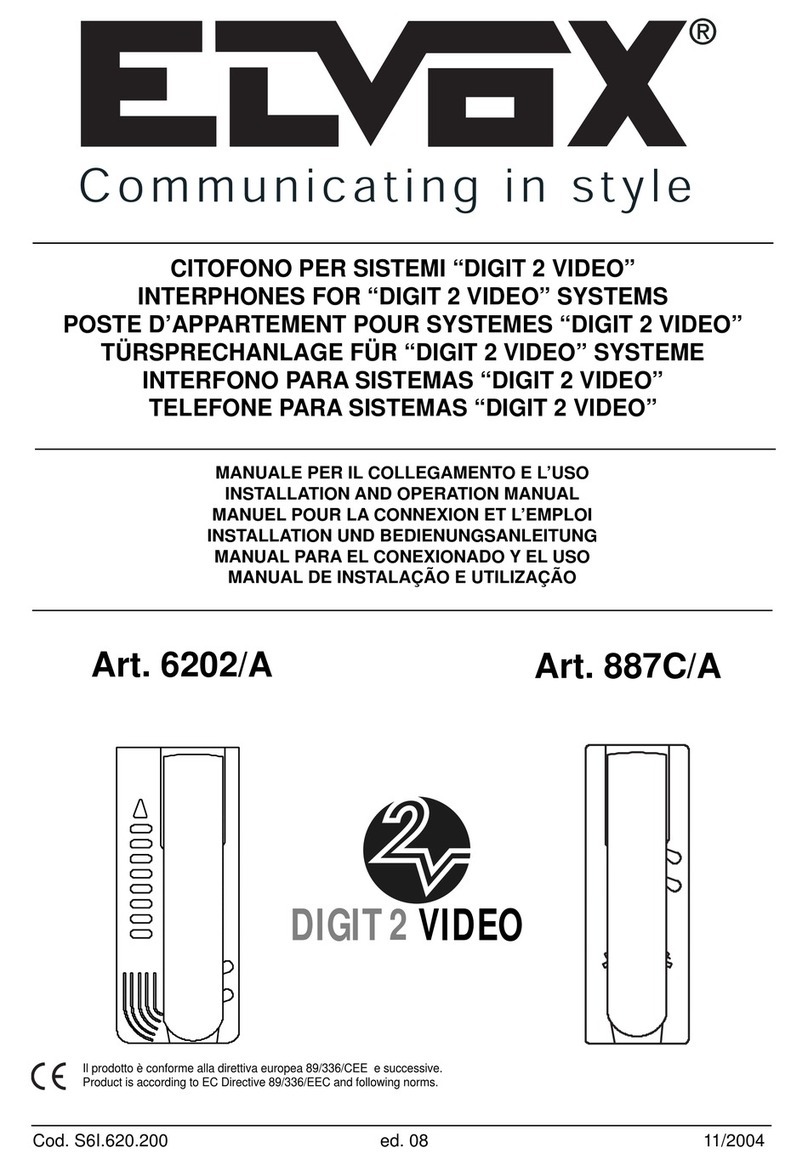
Elvox 6202/A User manual