GETTING STARTED OVERVIEW
1-1
1.1 Overview
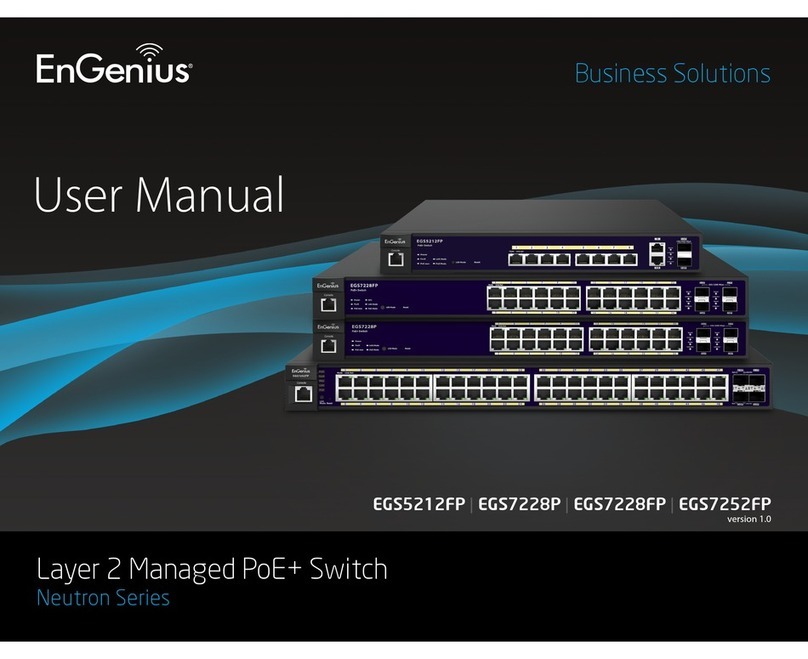
The EGS Smart Switch Series are smart switch devices specially tailored for access
points and IP surveillance applications. The Smart Switch Series provide simple, yet,
powerful PoE manageability with features such as: Full IEEE802.3AT/AF ports, inter-
nal power supply, PoE port management, loopback detection, and IGMP snooping.
The following section provides an overview of the external device views. It also pro-
vides a brief description of the ports and LEDs.
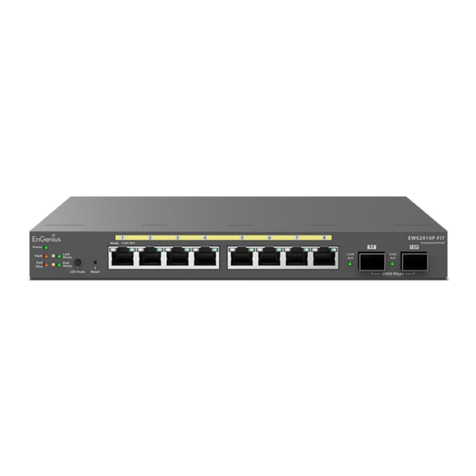
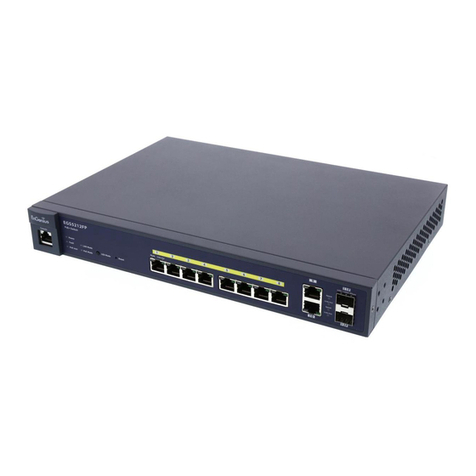
1.1.1 EGS5110P
Figure 1-1 Front Panel
FRONT PANEL DESCRIPTION
A Power LED OFF = The device is not powered on.
ON = The device is receiving power.
B PoE Maximum LED
OFF = The maximum power draw by other devices has not been
reached.
ON = The maximum power draw by connected devices has been
reached.
C System Fault LED OFF = The device is operating.
ON = A system fault is detected.
D Factory Reset Press this to reset the device to factory default settings
E LED Mode Selector Press this to change between LAN and PoE mode.
F PoE Mode LED OFF = The device is not in PoE mode.
ON = The device is in PoE mode.
GLANModeLED OFF = The device is not in LAN mode.
ON = The device is in LAN mode.
H RJ-45 LAN Ports 10/100/1000Mbps RJ-45 LAN ports.
I SFP Ports Small form factor pluggable ports.