
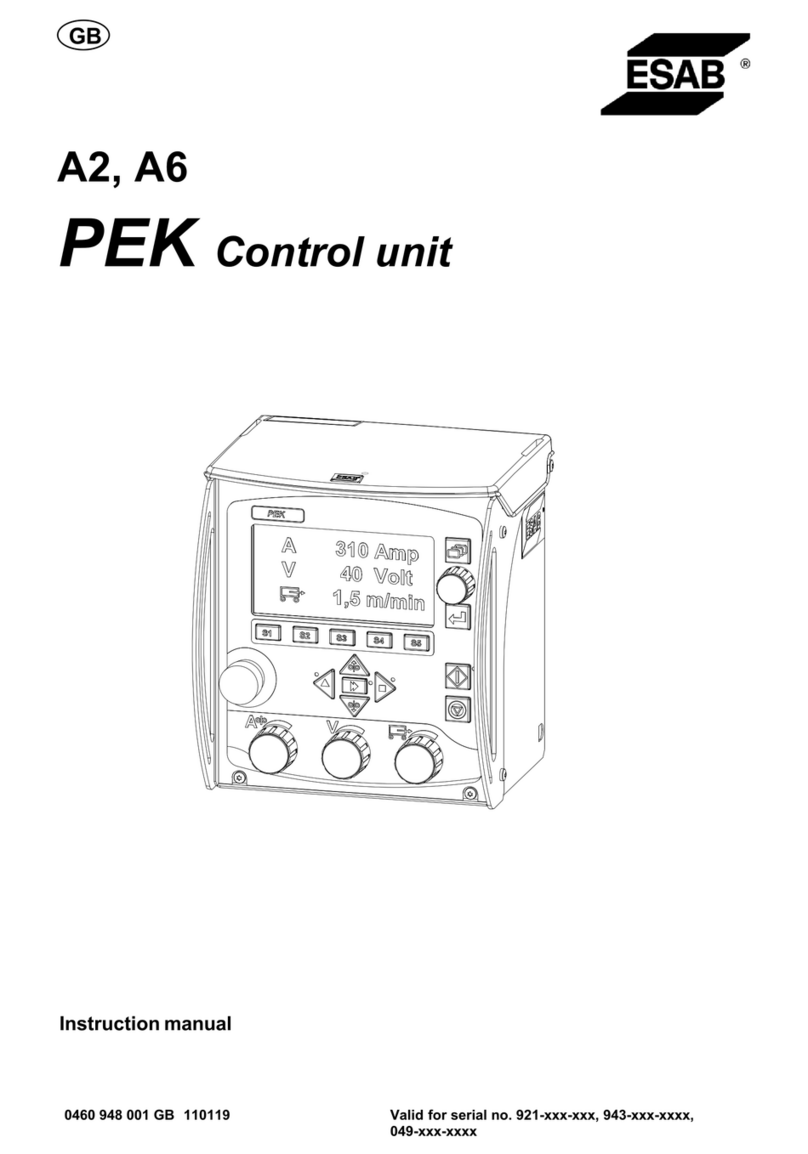
ESAB A2-A6 PEK User manual

Service manual
0740 801 028 GB 20171110 Valid for: serial no. 921-, 943-, 049-, 327-, 628-xxx-xxxx
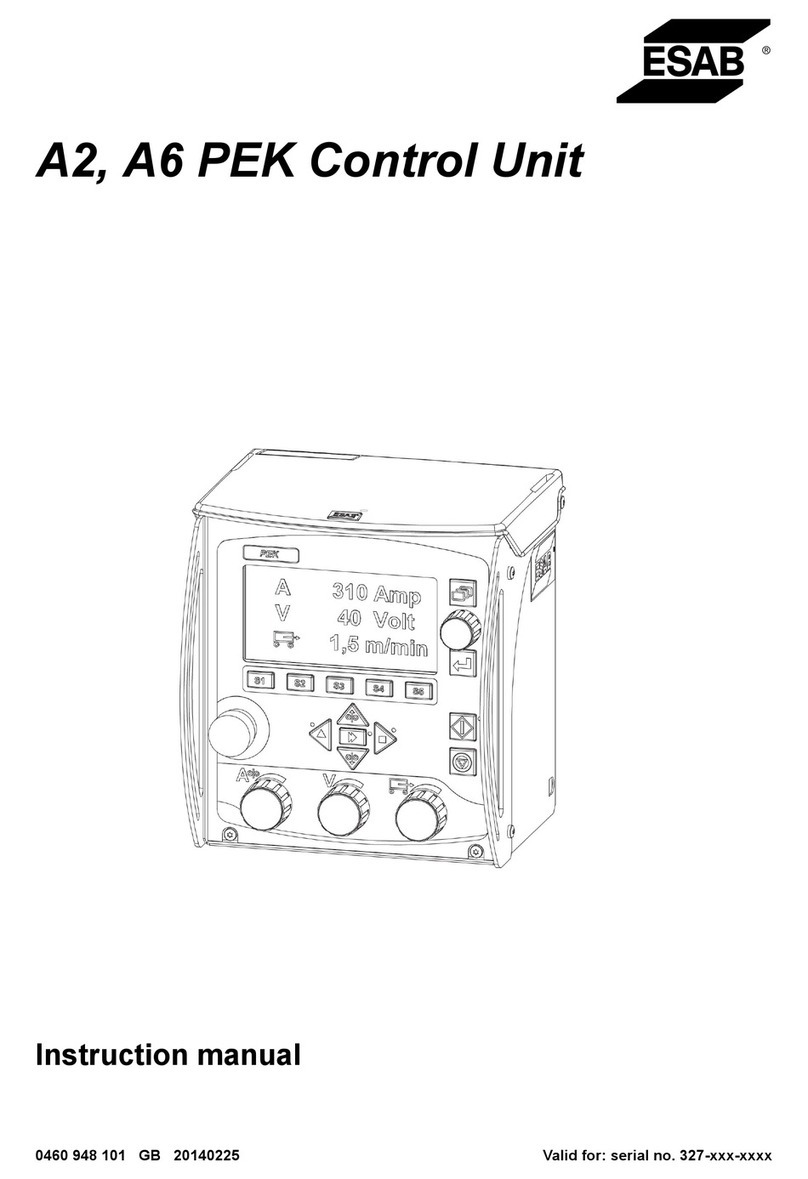
A2, A6 PEK Control Unit

TABLE OF CONTENTS
0740 801 028 © ESAB AB 2017
READ THIS FIRST.................................................................................... 4
INTRODUCTION....................................................................................... 5
WIRING DIAGRAM................................................................................... 7
Component description ......................................................................... 7
A2, A6 PEK Control Unit, Serial no. 921-, 943-, 049-, 327-xxx-xxxx ... 8
A2, A6 PEK Control Unit, Serial no. 628-xxx-xxxx .............................. 10
TECHNICAL DATA ................................................................................... 12
INSTALLATION AND CONNECTIONS .................................................... 13
External connections ............................................................................. 13
Internal connections .............................................................................. 15
DESCRIPTION OF OPERATION.............................................................. 23
1 MMC unit .............................................................................................. 23
Circuit board identity............................................................................. 23
1AP1:1 Power supply and CAN bus..................................................... 24
CAN bus & termination...................................................................... 26
1AP1:2 Display control ......................................................................... 27
1AP1:3 Pushbutton monitoring............................................................. 27
Buzzer ............................................................................................... 28
1AP1:4 USB memory ........................................................................... 28
1AP1:5 Encoder monitoring ................................................................. 29
1AP1:6 Ethernet interface, from serial no. 628-xxx-xxxx ..................... 30
1AP1:7 USB-host B (internal), from serial no. 628-xxx-xxxx................ 31
1AP1 Component positions.................................................................. 32
26 Motor control & motor drive ............................................................. 34
26AP1 Motor control .............................................................................. 34
Circuit board identity............................................................................. 34
26AP1:1 Power supply ......................................................................... 34
26AP1:2 CAN bus & termination .......................................................... 35
26AP1:3 Encoder for wire feed motor .................................................. 36
26AP1:4 Encoder for travel motor ........................................................ 37
26AP1:5 Travel limit switches............................................................... 37
26AP1:6 Laser lamp supply ................................................................. 38
26AP1:7 External Start/Stop switch ..................................................... 38
26AP1 Component positions................................................................ 39
26AP2 Motor drive.................................................................................. 40
26AP2:1 Power supply ......................................................................... 40
26AP2:2 Motor 1 drive (Wire feed at CN7)........................................... 41
26AP2:3 Motor 2 drive (Travel motion at CN6) .................................... 43
26AP2:4 Relay outputs......................................................................... 44
26AP2 Circuit board versions............................................................... 45
26AP2 Component positions................................................................ 46

TABLE OF CONTENTS
0740 801 028 © ESAB AB 2017
FAULT CODES ......................................................................................... 47
Error log .................................................................................................. 47
Error code description ........................................................................... 48
SERVICE INSTRUCTIONS....................................................................... 55
What is ESD? .......................................................................................... 55
Service aid .............................................................................................. 55
Replacing the battery ............................................................................. 56
SOFTWARE UPDATE............................................................................... 57
Motor control 26AP1 .............................................................................. 57
Welding data unit 1AP1.......................................................................... 57
Updating software ................................................................................ 60
Reset with reset.txt............................................................................... 61
SPARE PARTS ......................................................................................... 63
Rights reserved to alter specifications without notice.

READ THIS FIRST
0740 801 028 -4- © ESAB AB 2017
READ THIS FIRST
Maintenance and repair work should be performed by an experienced person, and electrical
work only by a trained electrician. Use only recommended replacement parts.
This service manual is intended for use by technicians with electrical/electronic training for
help in connection with fault-tracing and repair.
Use the spare parts list as a guide to where the components are located in the equipment.
The spare parts list is published as a separate document, see "Spare Parts" section.
This manual contains details of design changes that have been made up to and including
July 2016.
The manual is valid for PEK with serial number 921-xxx-xxxx, 943-xxx-xxxx, 049-xxx-xxxx,
327-xxx-xxxx and 628-xxx-xxxx.
NOTE!
The unit is tested by ESAB in a general set-up. The responsibility for safety and
function, of the specific set-up, lies with the integrator.
CAUTION!
Read and understand the instruction manual before
installing or operating.

INTRODUCTION
0740 801 028 -5- © ESAB AB 2017
INTRODUCTION
Block diagram of the PEK
Design structure of the control unit
PEK is a control unit for power sources intended for submerged arc welding (SAW) and for
gas metal arc welding (GMAW) The control unit includes a motor control for use together
with automatic welding machines, column and booms.
It has connections for:
• welding power source
• emergency stop
• CAN bus
• USB-memory (Fromserialno.628-xxx-xxxx the unit is equipped with a second USB
connector, located inside the unit on the MMC/Welding data board.)
• motors
• control of flux/gas
• encoders
• limit switches
• the ESAB WeldCloud™ Mobile unit (via Ethernet connection)
(fromserialno.628-xxx-xxxx)
1AP1 MMC module
The control unit has an MMC with processor, memory, control buttons and a display. The
MMC is connected to the welding power source and the motor control board with a 500
kbit/s CAN bus. The unit is powered with 12 V supplied via the CAN connection.

INTRODUCTION
0740 801 028 -6- © ESAB AB 2017
26AP1 Motor control board
The motor control board handles the motor driver board, reads the motor encoders and the
limit switches. The unit is powered from the motor driver board except for the CAN circuits
supplied with 12 V via the CAN connection. The board can supply 5 V to a laser lamp and
5,15 or 24 VDC for the motor encoder.
26AP2 Motor driver board
The motor driver board is supplied with 42 VAC from the welding power source via a
rectifier. It has two H-bridge motor driver circuits making it possible to reverse the motors.
The board also holds the relay that controls flux or gas.

WIRING DIAGRAM
0740 801 028 -7- © ESAB AB 2017
WIRING DIAGRAM
Component description
Component Description
1AP1 MMC module
1AP2 Display
1AP3 Buttons, rubber keypad
1L1, 26L1, X1L1 Ferrite ring cores
1L2 Ferrite ring core (from serial no. 628-xxx-xxxx)
26AP1 Motor control board
26AP2 Motor driver board
BR1 Rectifier bridge
C1 Filter capacitor
C2 Filter capacitor
S1 Emergency stop
X1 Terminal block
XP1 Connector
XS1/24AP1 CANbus connection
XS2 USB connector
XS3 Ethernet connector (from serial no. 628-xxx-xxxx)
200 Wire
14.2, 14.4, 14.5 Wire from CN14:1, CN14:4 and CN14:5
18.2 Wire from CN18:2
3.1, 3.3 Wire from CN3:1 and CN3:3
4.1, 4.3 Wire from CN4:1 and CN4:3
5.1, 5.5 Wire from CN5:1 and CN5:5
X1.4, X1.6, X2.1,
XB.2, X4.J, X4.A,
X6.B, X6.C, X9.F,
X1.G, XB.H
Wire from X1
CAUTION!
STATIC ELECTRICITY can damage circuit boards and
electronic components.
• Observe precautions for handling electrostatic
sensitive devices.
• Use proper static-proof bags and boxes.

WIRING DIAGRAM
0740 801 028 -8- © ESAB AB 2017
A2, A6 PEK Control Unit, Serial no. 921-, 943-, 049-, 327-xxx-xxxx
Updates: From serial no. 921-010-XXXX: Cable 18.1 removed
From serial no. 921-010-XXXX: Wire jumper X1:12 to X1:15 introduced

WIRING DIAGRAM
0740 801 028 -9- © ESAB AB 2017

WIRING DIAGRAM
0740 801 028 - 10 - © ESAB AB 2017
A2, A6 PEK Control Unit, Serial no. 628-xxx-xxxx
Table of contents
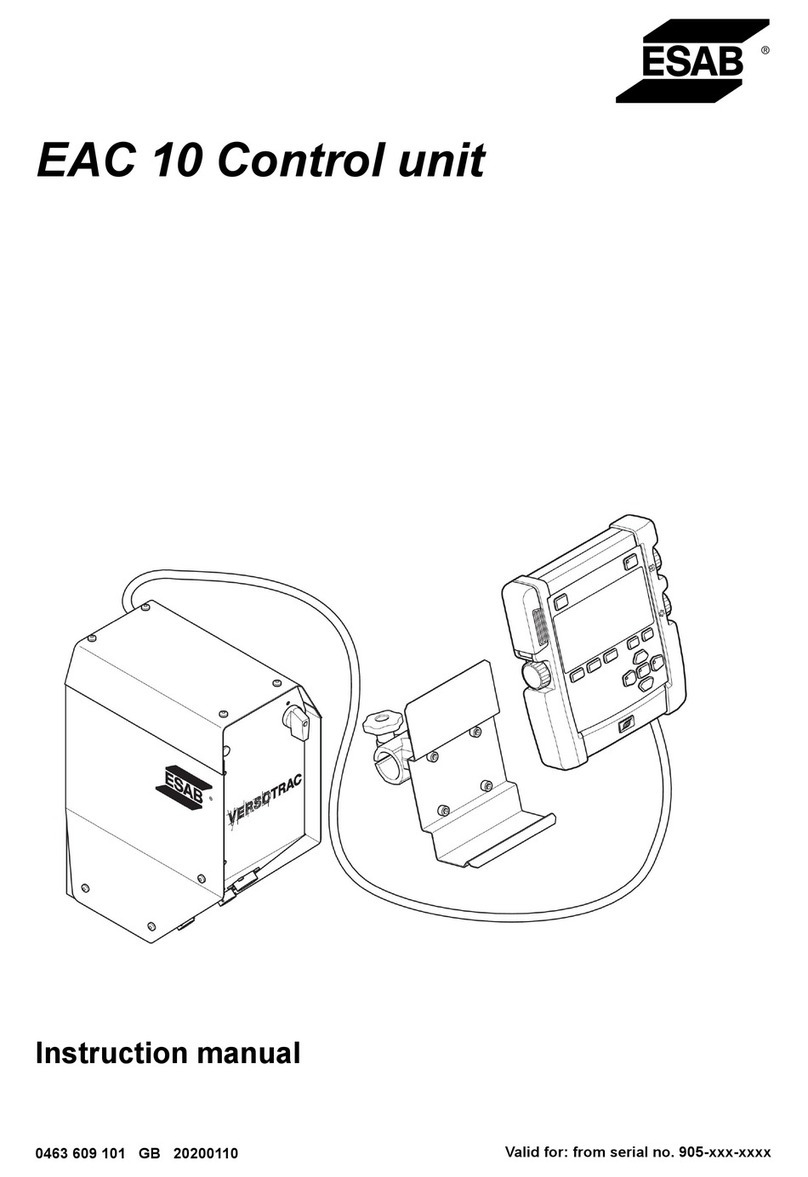
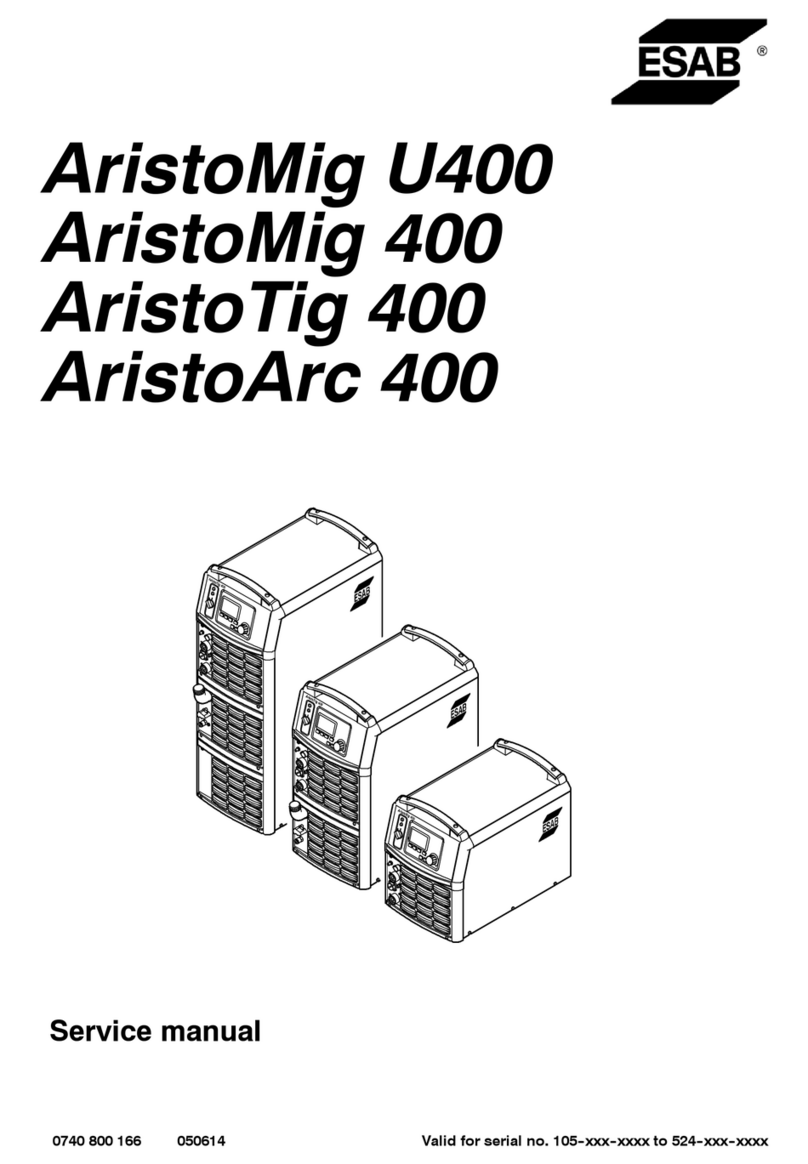
Other ESAB Control Unit manuals

Popular Control Unit manuals by other brands

Festo
Festo Compact Performance CP-FB6-E Brief description

Elo TouchSystems
Elo TouchSystems DMS-SA19P-EXTME Quick installation guide

JS Automation
JS Automation MPC3034A user manual

JAUDT
JAUDT SW GII 6406 Series Translation of the original operating instructions

Spektrum
Spektrum Air Module System manual

BOC Edwards
BOC Edwards Q Series instruction manual

KHADAS
KHADAS BT Magic quick start

Etherma
Etherma eNEXHO-IL Assembly and operating instructions

PMFoundations
PMFoundations Attenuverter Assembly guide

GEA
GEA VARIVENT Operating instruction

Walther Systemtechnik
Walther Systemtechnik VMS-05 Assembly instructions

Altronix
Altronix LINQ8PD Installation and programming manual





