A-B repeat
A-B AB
Audio-L & Audio-R
The default audio setup is STEREO, press
Audio-L , and the sound will be output from Left
channel only, Press Audio-R , and the sound
will be output from Right channel only.
Press Audio-L or Audio-R again, sound will
return back to Stereo.
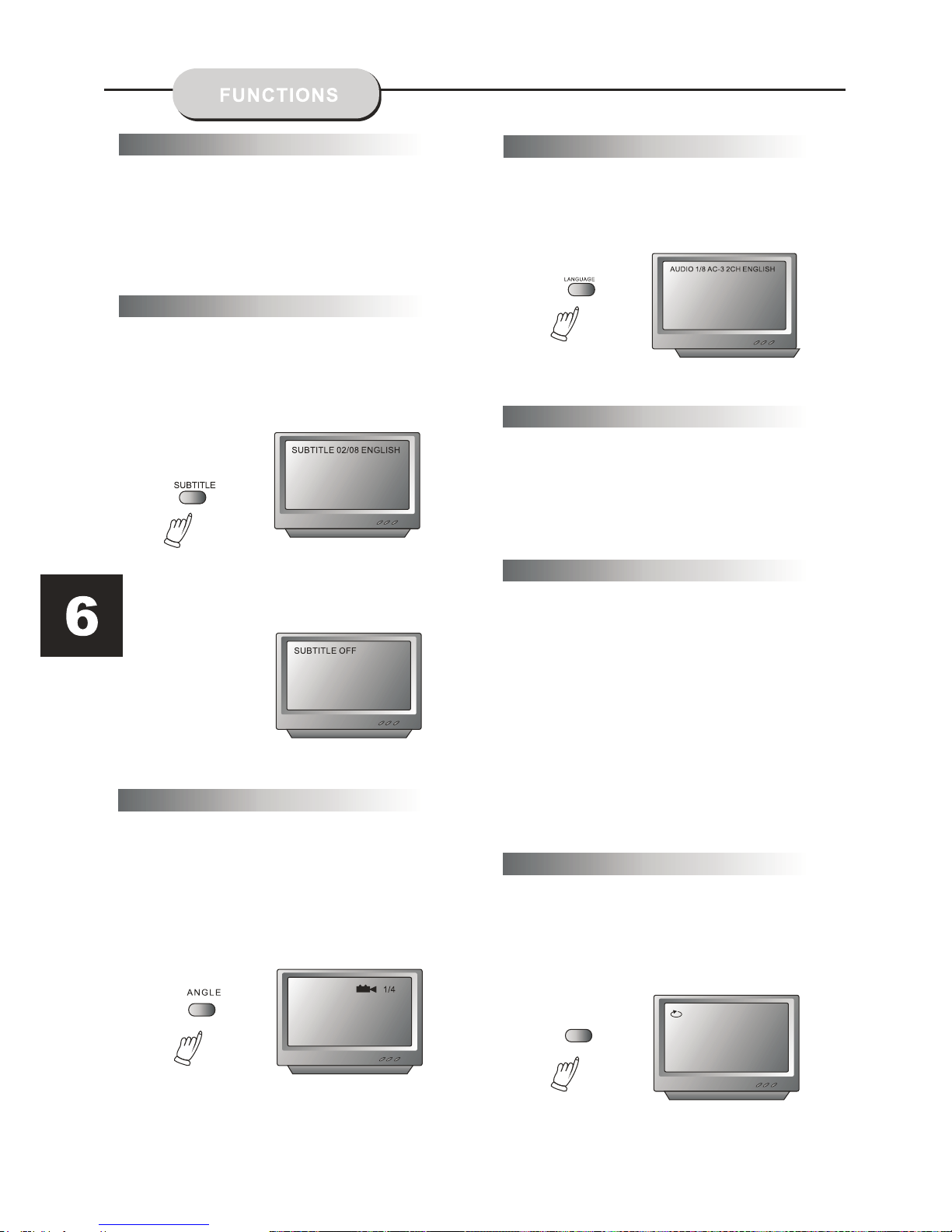
The DVD Player has the capability to display
subtitles in any of 32 different languages.
1. Press the SUBTITLE button. The subtitle
menu will appear. Select the desired language
by pressing the SUBTITLE button.
2. To remove the subtitles from view, press
the SUBTITLE button until they disappear .
Note: The disc being played must be
multi-subtitle encoded.
The ability to change the camera angle allows
the viewer to play director and watch a movie
from different perspectives.
1. Press the ANGLE button on the remote
control. With each press, the camera angle
changes.
2. The button may be pressed only when the
flashing angle icon appears in the unit's display
panel.
Note:
The camera angle may be changed only in discs
with multi-angle capability encoded.
The unit has the capability to show movies in one
of eight languages.
1. Press the LANGUAGE button. The language
menu will appear. Select the desired language
by pressing the LANGUAGE button.
Note:
The disc being played must be multi-language
encoded.
Locating A Title
DVD discs are normally divided into titles, which are
then sub-divided into chapters. A Specific title or chapter
Title Function Menu
1. Press the TITLE button. The title menu will appear
on the TV screen.
2. Press the appropriate scroll button to select the
desired title. A title may also be located by pressing
its assigned number with the number buttons.
3. Press the ENTER button. This will start playback
from chapter 1 of the selected title.
can easily be located. Specific titles can be found using
the title menu function if the disc contains a title menu,
or through its unique title number.
Note:
Some discs do not respond to this function. If different
instructions appear on the TV screen, follow those
instructions. The instructions given here describe
the basic procedure. Procedures may vary depending
on the content of the DVD disc.
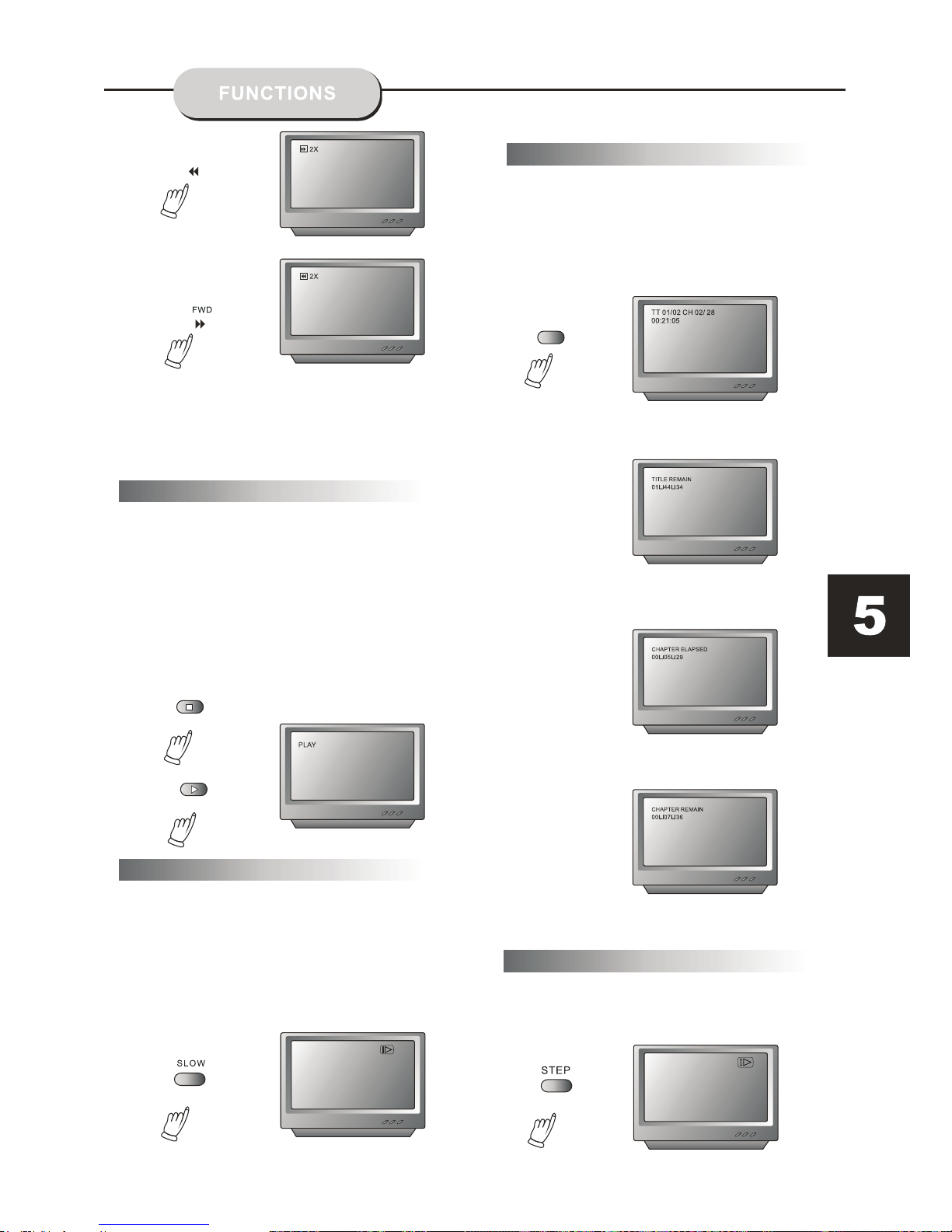
Press "A-B" once to set a start-point, press again to
set an end point and complete the setting. The
selected section A-B will be repeated. The third press
will cancel this function.
Subtitles
Camera Angle
Language