logo
Brands
  1. Home
  2. •
  3. Brands
  4. •
  5. Etymotic Research
  6. •
  7. Headset
  8. •
  9. Etymotic Research etyBLU User manual

Etymotic Research etyBLU User manual

Other Etymotic Research Headset manuals

Etymotic Research hf3 User manual

Etymotic Research

Etymotic Research hf3 User manual

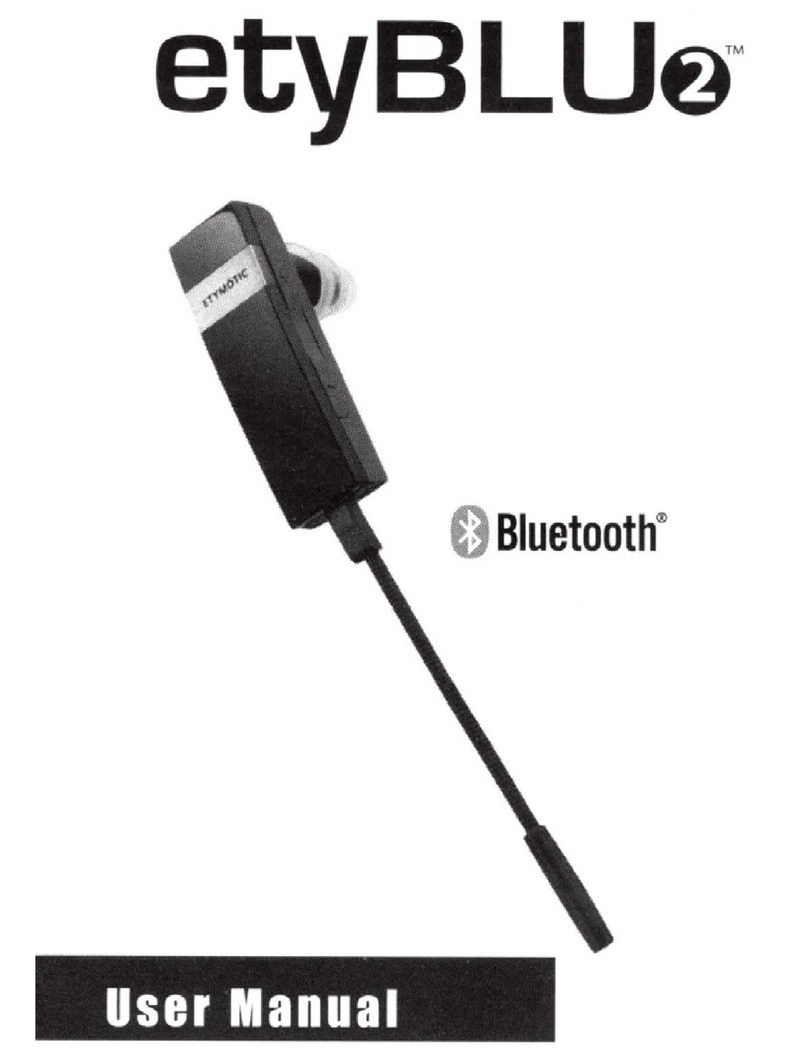
Etymotic Research etyBLU2 User manual

Etymotic Research

Etymotic Research etyBLU2 User manual

Etymotic Research hf2 User manual

Etymotic Research

Etymotic Research hf2 User manual

Etymotic Research etyBLU2 User manual

Etymotic Research

Etymotic Research etyBLU2 User manual

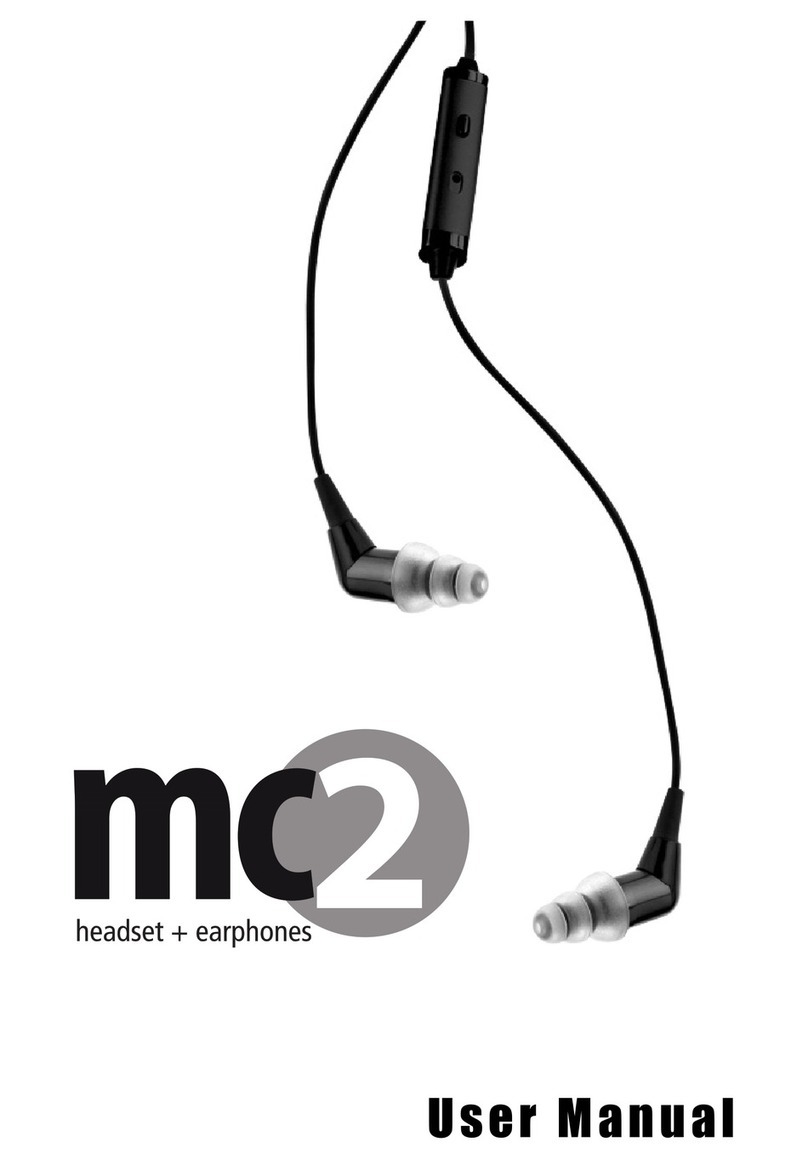
Etymotic Research MC2 User manual

Etymotic Research

Etymotic Research MC2 User manual

Popular Headset manuals by other brands

Sena SMH10 quick start guide

Sena

Sena SMH10 quick start guide

IASUS Stealth  IA-NT4-BASIC-BT manual

IASUS

IASUS Stealth IA-NT4-BASIC-BT manual

Sennheiser EPOS ADAPT 230 user guide

Sennheiser

Sennheiser EPOS ADAPT 230 user guide

GE 98971 datasheet

GE

GE 98971 datasheet

Hama 00184070 quick start guide

Hama

Hama 00184070 quick start guide

Plantronics Blackwire 3200 Series user guide

Plantronics

Plantronics Blackwire 3200 Series user guide

Blue Tiger Advantage PLUS user manual

Blue Tiger

Blue Tiger Advantage PLUS user manual

Jawbone Icon user manual

Jawbone

Jawbone Icon user manual

Jabra FR 20 user guide

Jabra

Jabra FR 20 user guide

Roxcore Flow A+ manual

Roxcore

Roxcore Flow A+ manual

Turtle Beach XP 510 user guide

Turtle Beach

Turtle Beach XP 510 user guide

Philips SHB6101 Specification sheet

Philips

Philips SHB6101 Specification sheet

Jabra PRO 9460 Duo datasheet

Jabra

Jabra PRO 9460 Duo datasheet

HyperX HyperX Cloud Flight manual

HyperX

HyperX HyperX Cloud Flight manual

Bose MIE2 Mobile owner's guide

Bose

Bose MIE2 Mobile owner's guide

Jabra Steel quick start guide

Jabra

Jabra Steel quick start guide

HyperX cloud ii quick start guide

HyperX

HyperX cloud ii quick start guide

Southwing SA505 Specifications

Southwing

Southwing SA505 Specifications

https://manuals.online logo
https://manuals.online logoBrands
  • About & Mission
  • Contact us
  • Privacy Policy
  • Terms and Conditions

Copyright 2026 Manuals.Online. All Rights Reserved.

User Ma ual
Dual Mode
Noise-Isolating
Headset
2
3
Table of Co te ts
Introduction..............................................................................4
Included....................................................................................5
Bluetooth Profiles ....................................................................5
Identification............................................................................6
Dual Modes–Two Ways to Use..................................................7
Pairing ....................................................................................8
Charging.................................................................................. 9
Earpiece Insertion/Removal....................................................10
BLUmaxx Connect/Disconnect ................................................11
Multi-Function Button (MFB)............................................12-13
Earpiece Filter ........................................................................14
Caution ..................................................................................15
FCC Info ............................................................................16-17
Proper Care ............................................................................18
About Etymotic Research........................................................19
Warranty ................................................................................19
LED Chart ..............................................................................20

4
I troductio
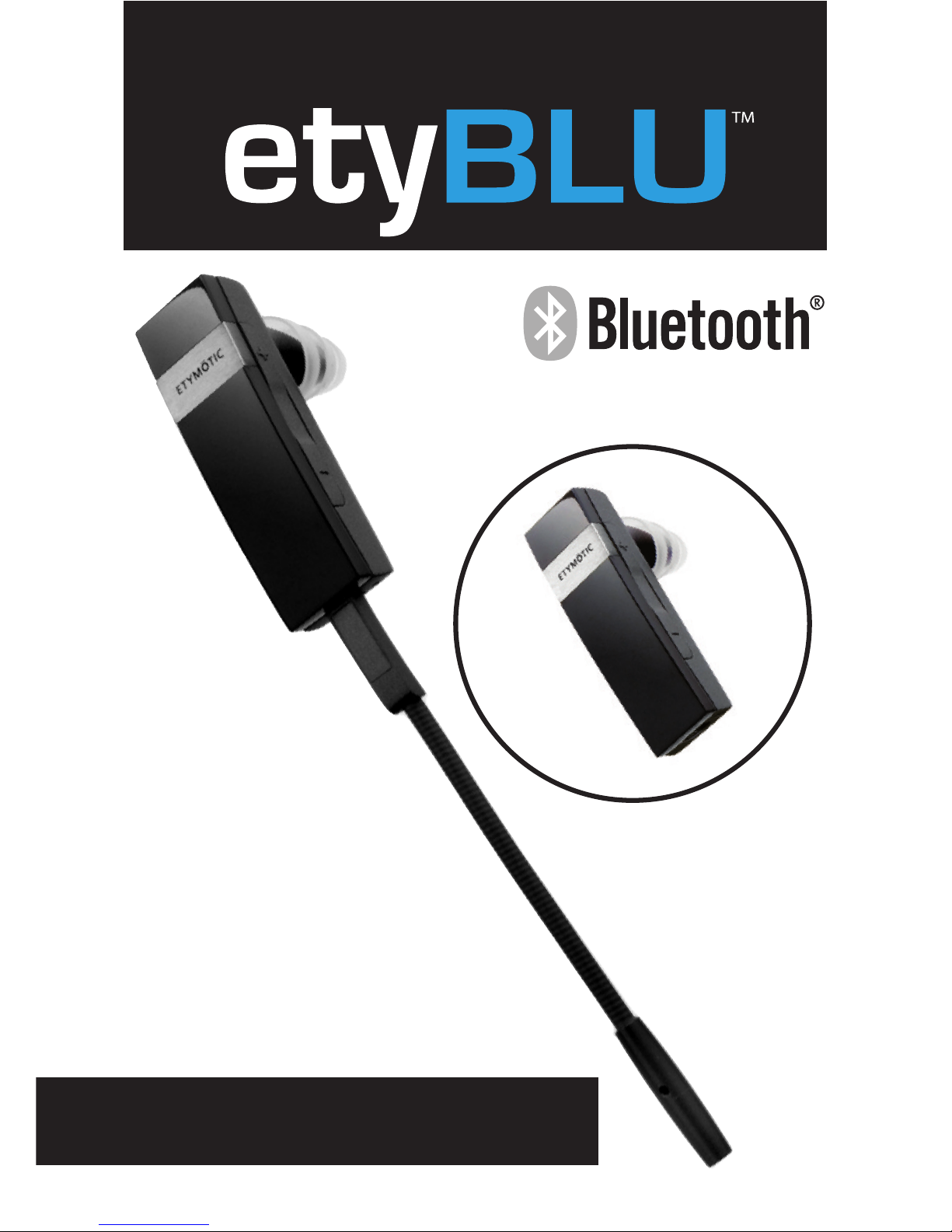
The Etymotic etyBlu dual mode,noise-isolating headset
contains two microphones.One microphone is located internally
at the end of the earpiece; the other,BLUmaxx™,a highly
directional, noise-rejecting microphone quickly connects to the
earpiece. The combination of an in-ear noise-isolating earphone
and a directional microphone placed close to the mouth provides
exceptional sound quality and clear communication at both ends
of the conversation. The etyBLU headset was developed by
Etymotic Research for use in high levels of background noise.
Another Etymotic first.
5
I cluded
• etyBLU Dual-Mode Noise-Isolating Headset
• BLUmaxx Quick-Connect Mic
• Earloop
• Assorted eartips
• Windscreen
• Filter changing tool with replacement filter
• Storage case
• USB charging cable
Compli nt with Bluetooth® Core Specific tion 2.1, He dset
1.1 nd H ndsfree 1.5 profiles (supports Bluetooth 1.1 nd
l ter)
T lk Time: Up to 7 hours
St ndby: Up to 100 hours
R nge: 30 feet (10 meters)
Weight: Less than .5 oz
Bluetooth Profiles
Ide tificatio
C
E
6
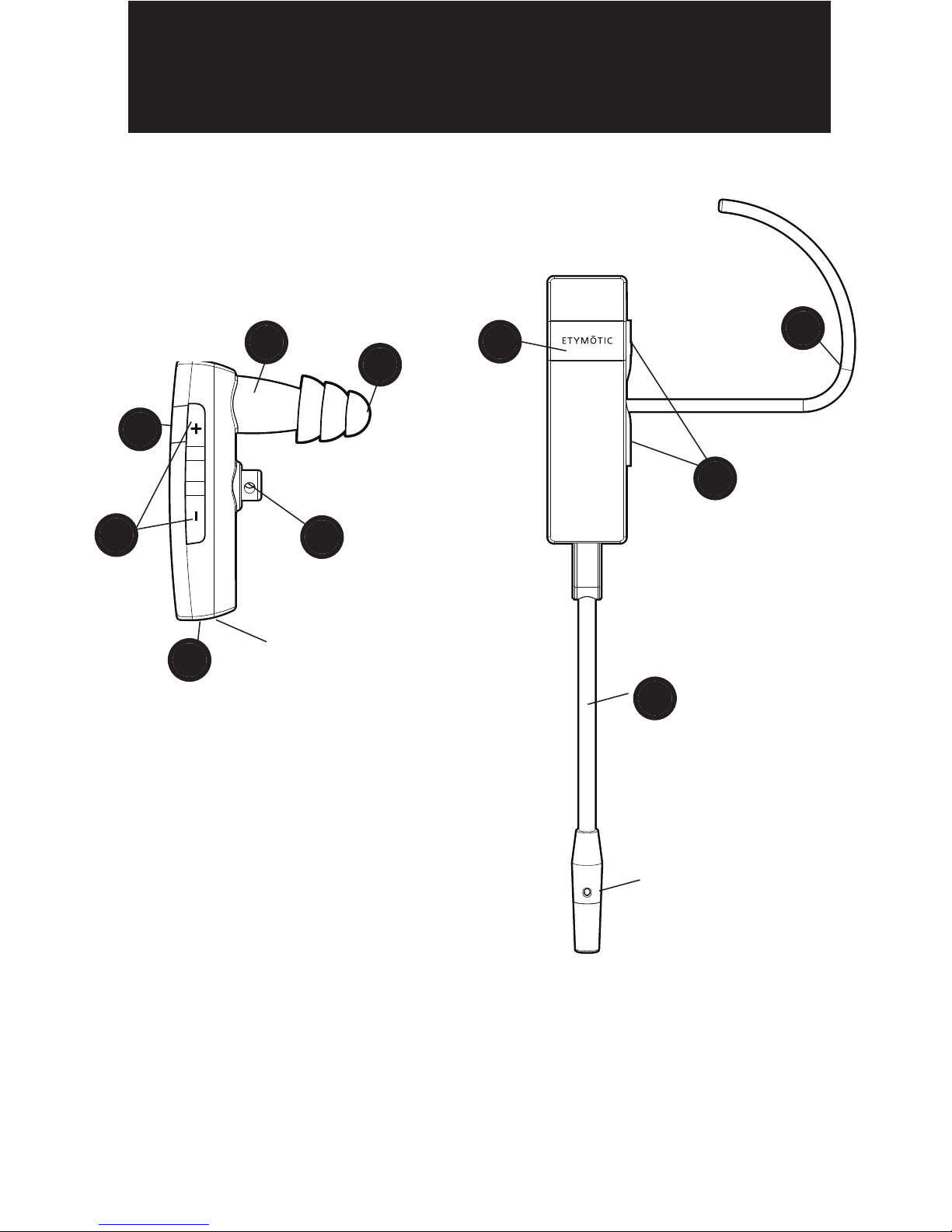
A. Eartip
B. Speaker
C. Multi-Function Button (MFB)
D. Volume Up/Down
E. Optional Earloop
F. Earloop Holder
G. ack for BLUmaxxMic and Charging Cable
H. Quick-Connect BLUmaxxMic
A
G
No boom, no e rloop
D
C
etyBLU with BLUm xx
connected nd e rloop
D
H
Noise-C nceling
Microphone
Intern l Microphone
B
F
7
Dual Modes—Two Ways to Use
Internal Mic Mode
The earpiece is designed to
be self-supporting in the
ear canal,so the earloop
is optional. Push the earloop
through the earloop holder
and adjust for a secure fit.
BLUmaxx Mic Mode
Exceptional clarity in noisy
environments.
- Gives up to 25 dB more
noise cancellation of the
talkers voice compared
to the internal mic.
Important: To ensure optimal performance it is important that
the eartip seals the ear canal.
8
Pairi g
Pairing varies by device
The etyBLU headset is discoverable for five minutes after
Power On.
• Turn the phone OFF and then back ON.
• Turn on the mobile phone’s Bluetooth function.
• Press and hold the Multi-Function Button (MFB) for 5 seconds.
• The blue LED will flash rapidly when ready for pairing.The
etyBLU stays in pairing mode for 5 minutes.
• Activate the search for BT and/or audio devices on the phone
• When the etyBLU is found, the phone will display
“etyBLU.”Scroll to it and press OK to confirm pairing.
• If a passkey/password is requested, enter 0000.
Note: Bluetooth transmitter pairing varies.For best results,
consult the user instructions for the specific device being paired
with the etyBlu.Some mobile phones require a security setting
change for automatic headset-phone pairing.
9
Chargi g
The etyBLU headset comes with a rechargeable lithium polymer
battery. Charge the headset for at least one hour before first use.
Charging time from empty: 2-3 hours
80% charge: 1 hour
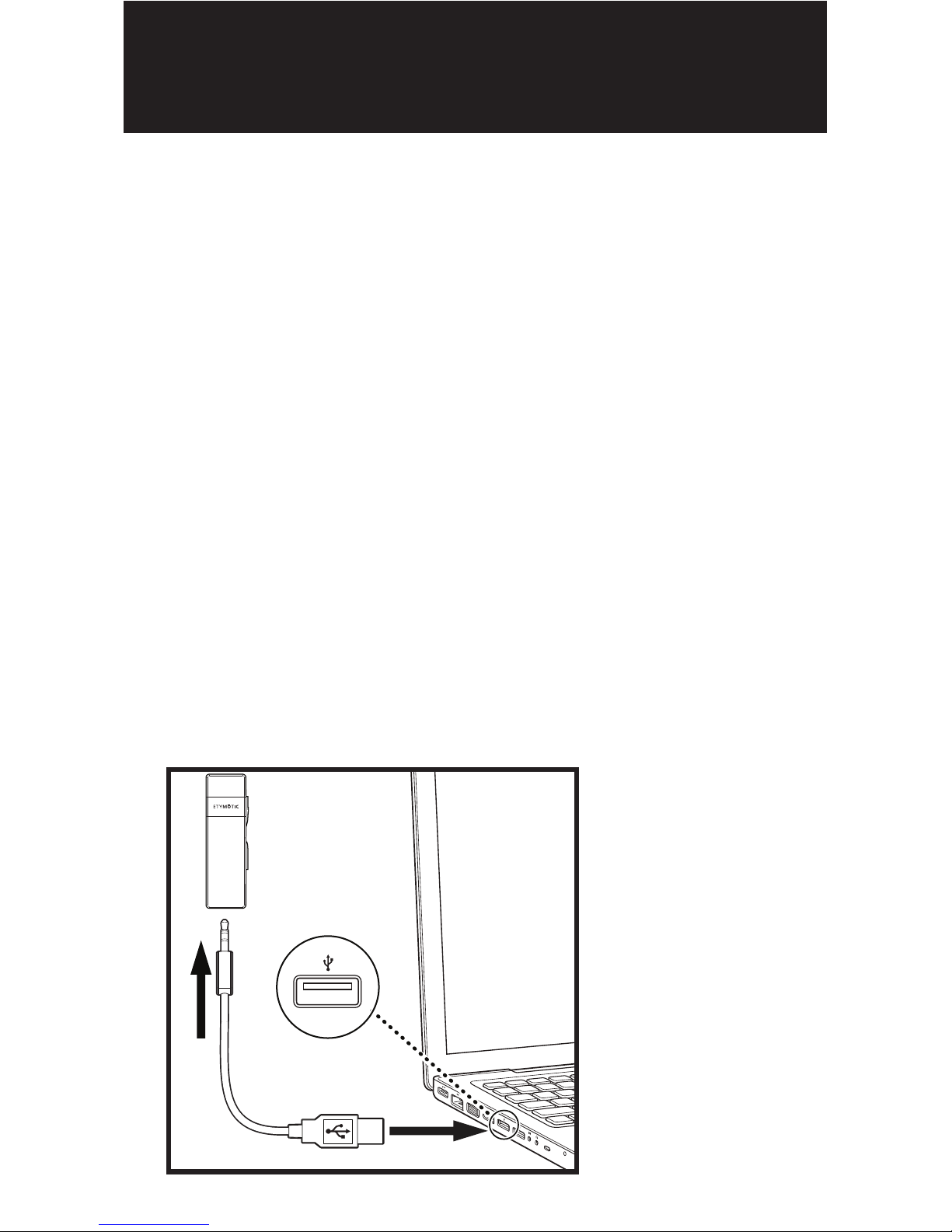
Charging with the USB connecter (included)
• Remove the BLUmaxx Mic prior to charging
• Plug the connector into the etyBLU headset as shown.
• Plug USB end of the charging cable into a computer
USB port as shown.
• The solid yellow LED will indicate that the headset is charging.
• When charging is complete the yellow LED turns OFF.
10
I sertio
Important: Sound quality and noise
isolation depend on a good eartip seal.
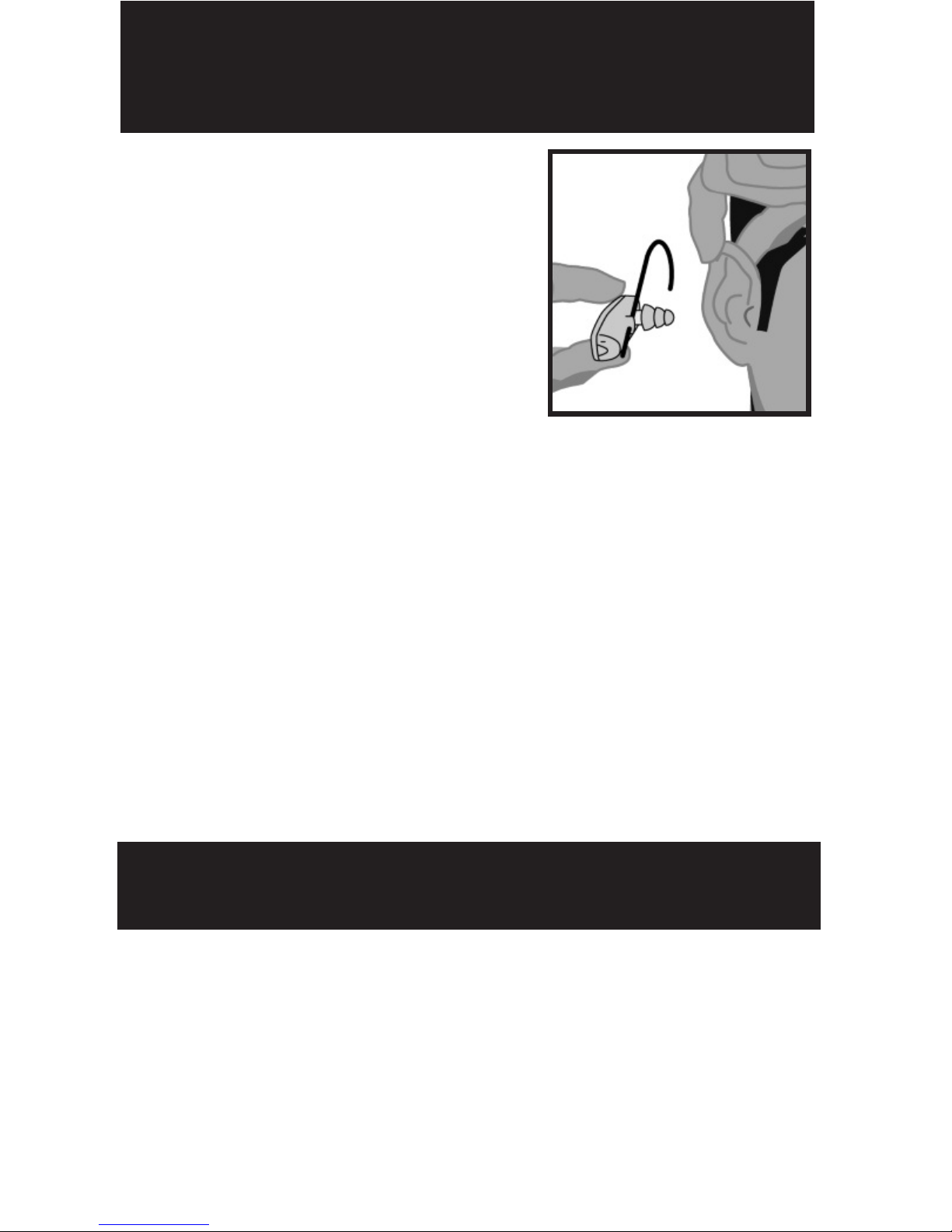
• Carefully insert the earpiece
while pulling up and out on the
back of the ear.
• Twist the earpiece while inserting
until outside noise is blocked out.
• Position the earpiece for best fit and comfort.
•Flanged eartip: Moistening eases insertion.
•Foam eartip: Roll down or compress foam eartip before
inserting. Hold the eartip in place for about 5 seconds while
the foam expands to create a tight seal in the ear canal.
Removal
To avoid discomfort, remove the headset slowly with a twisting
motion to gradually break the seal.Open jaw slightly to equalize
pressure,because suction can occur when the eartip is removed.
For a video on proper
earphone insertion go to
www.etymotic.com