Requirements
All smartphones from iOS 13 and Android 11 versions are compatible with the device. However,
in order to get the best experience, you need to have the latest software version available on
your phone. Also, make sure you have the wireless versions of the "Android Auto" and/or
"Apple CarPlay" apps.
For Android users, it is necessary to download the Android Auto app before you can use your
EyeRide. Make sure you also have the "Wireless" Android Auto" option enabled.
This step is not necessary for iOS users, as Apple CarPlay is already natively present on your
phone.
Activating Wi-Fi and Bluetooth is mandatory to use your EyeRide.
Remember to fully charge your EyeRide before you connect for the first time. A low battery will
cause connection problems.
We recommend using a standard smartphone charger (5V/2A output, approximately 10W) with
a USB-C cable.For optimal charging, leave your EyeRide on charge for 3-4 hours or overnight
before use.
For optimal charging, leave your EyeRide on charge for 3-4 hours or overnight before use.
Caution: If you use a charger that is too powerful, such as a laptop charger (approximately
45W), it may cause irreversible damage to your product! This type of damage is not covered by
the warranty.
A charger with less power than 2A will take longer to charge EyeRide or may cause battery life
and charging problems.
Activate and configure your phone's Voice Assistant (Google Assistant for Android phones and
Siri for iPhones).
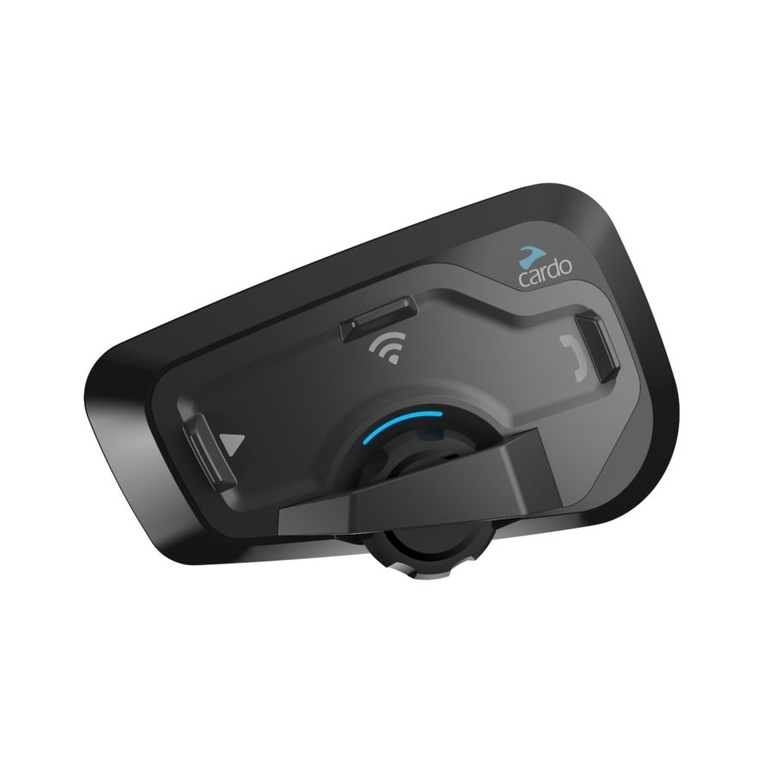
Using the central button of the external module
The central button of the external module allows you to perform a certain number of actions.
Here is a complete list:
•Turn on your EyeRide: press for about two seconds
•Turn off your EyeRide: press for about five seconds
•Activate your Voice Command: press for about two seconds
•Pause/resume music, pick up/hang up a call: one click
•Decline an incoming call: two clicks
Connecting EyeRide to your smartphone
The first pairing may take more than a minute, so please be patient!
Please note: For Android users, before following the steps below, you will need to download
and launch the Android Auto and/or Android Auto for phone screen application depending on
your Android phone version.
For iPhone users, Apple CarPlay is natively present.