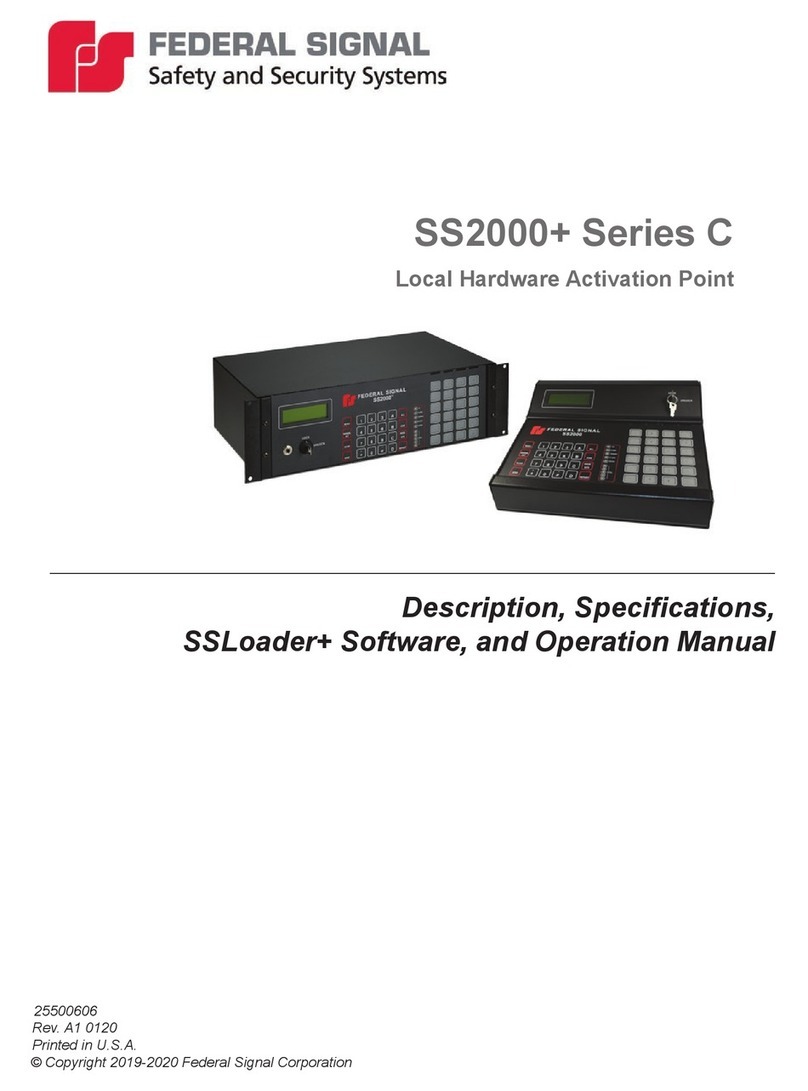
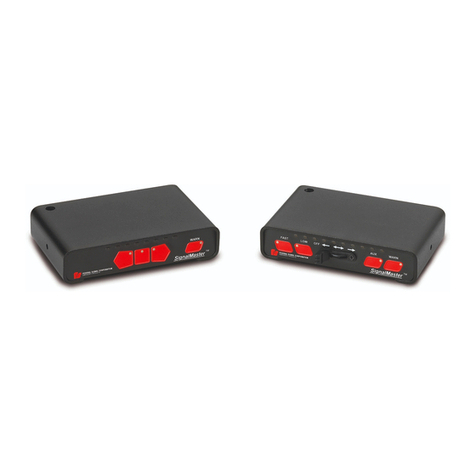
SS2000C31 eatures
• Combi ed load ma ageme t/
electro ic sire a d light co -
trol.
• Programmable load sheddi g at
the poi t of i stallatio .
• High Idle co trol capability.
• Two selectable sets of voltage
thresholds for load ma ager.
• Audible i dicatio a d flashi g
LED for low battery alarm.
• Sire s ca be co figured to op-
erate i depe de t of switches.
• Program mode ca be disabled
to preve t u authorized repro-
grammi g.
• Each slide switch positio ca be
co figured to operate a y com-
bi atio of all eight relays plus,
Hor Ri g Tra sfer, Sire E -
able, a d a y of the four war
patter s.
• Each Aux Relay ca be co fig-
ured as Push O /Push Off, Mo-
me tary, Eight Seco d Timeout,
or Security Timeout.
• A y key o the sire row, except
STBY, ca be perma e tly dis-
abled or e abled.
• Automatic High Idle output or
ma ual co trol to e able high
idle activator or sole oid.
• You ca ow select a y keys,
except MAN & A/H a d the di-
rectio al light keys to tur o
automatically whe the system
is powered up.
• Your Hor Ri g tra sfer to e
ca be YELP or PRIORITY.
• You ca select Peak & Hold or
Air Hor to activate with the
hor ri g.
• Relays seque ce o a d off to
mi imize power surges.
• Directio al light Co troller ca
operate SIX or EIGHT lamp di-
rectio al light models.
• 34 differe t directio al light Pat-
ter s Available.
• Programmable “Fu ctio I di-
cator Sou d” otifies you if you
have a y fu ctio s active.
• Park - Sire Deactivator deacti-
vates sire whe vehicle is put
i PARK.
• PA a d Commo Micropho e
co trol.
The SS2000C31 system is a ex-
tremely versatile system. Because
of this versatility, it is very impor-
ta t to k ow how you wa t the sys-
tem to fu ctio before you begi co -
figuratio . Therefore, be sure to read
the directio s before you begi co -
figuratio so that you may u der-
sta d the capabilities of the
SS2000C31 system.
To help i determi i g how your
system will fu ctio , a worksheet
outli i g all the capabilities of the
system is i cluded at the back of this
ma ual. Use this worksheet to de-
termi e exactly how your system
should fu ctio , the begi the
reco figuri g process. You will fi d
that filli g out the worksheet will
help greatly reduce the time eeded
to co figure your system to meet
your requireme ts.
O ce you have determi ed how your
system should operate, use this
ma ual to guide you through the
co figuratio process.
O page 3 is a overview of the dif-
fere t levels of co figuratio . Simi-
lar fu ctio s are grouped together.
Notice that level two is broke dow
i to specific fu ctio al areas sepa-
rated by arrows. These arrows rep-
rese t a cha ge i to a “deeper” layer
of level 2.
These deeper layers are o ly acces-
sible from the previous layer. There
is o ly o e way i to each layer a d
o ly o e way out.
Example: If you wa t to cha ge the
fu ctio ality of Slide Switch positio
3, you must follow the “flow” of the
arrows.
1. Select Level 2 from the MAIN
MENU .
2. Select “Slide Switches” to drop
i to the Slide switch layer.
3. Select Slide Switch positio 3 to
drop i to the “Slide Fu ctio s” layer.
4. Make your cha ges for Slide
Switch 3 i the Slide Fu ctio s
layer.
*We have just completed “o e way
i .” We must ow come out the same
way by use of the SAVE key.
5. Press SAVE. This will bri g you
back up to “Slide Switches.”
6. Press SAVE agai to bri g your-
self back up to Level 2.
7. Press SAVE agai to bri g your-
self back up to the MAIN MENU.
This is the extreme case as you will
otice ot all levels have sub-layers.
Be aware that if we also wa ted to
reco figure Slide Switch 2, we could
have selected Slide Switch 2 i step
6 above without goi g all the way
back to the MAIN MENU. This will
reduce the umber of key hits
eeded to co figure your system.
WARNING
Property damage, serious injury, or death to you or others may
result if the SS2000C31 is improperly configured. Configura-
tion, if required, is to be performed at the time of installation. It
is NOT intended for operators to “customize” the SS2000C31’s
operation for their individual preferences. It is the USER’s
responsibility to determine compatibility, suitability, and
ensure proper configuration of the SS2000C31.
The person responsible for configuration MUST be familiar
with local codes and procedures for safe emergency vehicle
siren and light operation.
Before proceeding, read and understand the Safety Message to
Operators on page 5.
CONFIGURATION
-2-