
Flow Controller Systems FCS KA-DISP User manual

FCS KA-DISP
Dispensing Pump
Operation Manual

Note:
Please read the manual carefully before operating the product.
Warning:
Tubing may crack due to wear and results in the leak of fluid from tubing. This
can result in bodily harm to the user or damage to equipment. Inspect the
tubing frequently and change tubing before cracks or damage occurs.
Connect the power cord to the wall socket directly, and avoid using an electric
extension cord.
If the power cord or plug has wear and/or other damage, please disconnect the
plug. (Hold the plug instead of the wire.)
If any of the following situations happened, please turn off the power supply and
disconnect the plug. (Hold the plug instead of the wire.)
1. Fluid splash on the pump.
2. You think the pump needs to be maintained or repaired.
The user’s power socket must have a ground wire and have reliable grounding.
Note: The foot pedal switch and other external control plugs must be connected or
disconnected in the power-off status to prevent the external control interface from
being burned.

Catalogue
1. Product Introduction.......................................................................................... - 4 -
2. Product Appearance........................................................................................... - 4 -
3. Keyboard Instruction ......................................................................................... - 5 -
4. Operation Interface Structure ............................................................................ - 6 -
5. Main Functions Operation Process ...................................................................- 18 -
6. External Control Interface Instructions.............................................................- 20 -
7. Technical Specification.....................................................................................- 25 -
8. Function and Features.......................................................................................- 27 -
9. Dimension Drawing..........................................................................................- 28 -
10. Maintenance ...................................................................................................- 32 -
11. Warranty and After-Sales Service ...................................................................- 33 -

1. Product Introduction
The KA-DISP series product is a flow measurement type intelligent peristaltic pump.
It has a 4.3-inch color touch screen control, uses an animated working state visual
with flow data, allowing the setting of parameters and system settings in the same
screen. It features intelligent calibration and an online micro adjusting function.
There are three measurement modes: fixed volume measurement, fixed time and
volume, timer start and stop. It can load different pump heads, and there are multiple
external methods as options. It is the ideal choice for laboratory, equipment
supporting, and industrial production.
Product mode includes: KA-DISP 1, KA-DISP 3, KA-DISP 6, KA-DISP 1-II, KA-
DISP 3-II, KA-DISP 1-III, KA-DISP 3-III, KA-DISP 6-III
Suitable pump head: EasyPump pump head,
AMC pump head, YZ1515x,
YZ2515x easy load pump head,
MC series multichannel pump head (MC1-MC12),
SN series standard pump head (SN15, SN25), DZ25-3L.
2. Product Appearance
A——Drive B——Pump Head
C——Power Switch D——Power Socket
E——External Control Port F——Built-in fuse

3. Keyboard Instruction
Stop Button Start Button
Full Button CW/CCW Button
Stop Button: Pressing the stop button stops the pump from working. Locked
buttons in the main interface can be used.
Full Button: When in stopping state or transferring state, press this button so
the pump will run at the highest speed. This button can be used for washing a
tube or fast filling liquid.
CW/CCW Button: Press this button once and the motor will change running
direction once. When the fixed volume measurement or fixed time and volume
function are on, this button does not work.
Start Button: Press this button for the motor to start running. When fixed
volume measurement or fixed time and volume function are on, press this button
and the pump will start working using the function.

4. Operation Interface Structure
Main Interface
Calibrat
ion
Date&T
ime Volume Timing
Dispensin
g
System
Settings
Configu
ration
Back
Suction
External
Control
Commu
nication
External
Speed
KA-DISP Series Operation Interface Instruction
4.1 Booting Interface
After powering on the system, it will enter the welcome interface, click anywhere
or wait for 2.5 seconds and it will enter the English main operation interface
automatically.
4.2 Main Interface
Main Interface Composition as below:
Volume: 50.00 ml
Time: 2.00 s
Current: 0.00 ml
Fixed Volume: OFF
Dispensing: OFF
Pump Head: EasyPumpI
Tubing Size: 17#
2012-3-15 8:45:05 AM
800.00
ml/min
CB A D E
275.86 rpm /
F
KJI
G H
Setting Calibration Date&Time
Volume TimingDispensing

A. Speed/Flow Rate Display: In flow rate mode, displays the current flow rate,
and the motor speed is displayed at the C frame. In speed mode, displays the
current set up speed and flow rate is displayed at the C frame. Click A to amend
the flow rate or speed. When fixed time and volume function is turned on, A is
disabled and you are not allowed to amend the flow rate or speed.
B. Real-time Dynamic Display: Real-time display of the current running status,
dynamic display of the running results.
C. Real-time Parameter Display: Display the current running state and setup
parameters. When the fixed volume measurement turns on, displays the fixed
volume measurement parameter. When the fixed time and volume function turns
on, displays the fixed time and volume parameter. When these two functions
turn off, display parameters are all 0.
D. Setting Parameter Display: Display the fixed volume measurement, fixed time
and volume state information, the model of pump head and tube size.
E. Date and Time Display: Display the current date and time which you can
change in the system settings. When it displays an alarm clock on the right side,
it means the timer start and stop function is turned on.
F. System Settings Button: Click this button in order to set up other parameters.
G. Flow Calibration Button: Click this button to enter the flow rate calibration
interface.
H. Date & Time Button: Click this button to enter set up current date and time
interface.
I. Fixed Volume Measurement Button: Click this button to enter the fixed
volume measurement interface.
J. Fixed Time and Volume Button: Click this button to enter fixed time and
volume interface.
K. Timer Start and Stop Button: Click this button to enter timer start and stop
interface.

4.3 Numeric Keypad Input Interface
Numeric keypad input interface as below:
Flow
mL/min
800.00
7 8 9
Unit
4
1
5
2
6
3
.
0
ESC
ENT
Input information
display
Input data
display Display unit
Unit:Unit switch
Clr:Clear input
Input digital area
Backspace
Return
Confirm
Input Information Display: The information displayed is the current operation object.
Input Data Display: Display the current input data, range is 0.01-9999.
Unit Display: Display input units when inputting flow rate or volume.
Input Digital Area: Numeric keypad.
Unit/Clr Button: When inputting flow rate or volume, this button is the unit switch.
You can choose different units. When it is Clr, you can clear the current input data.
Backspace Button: Delete an input digit.
ESC Button:Cancel the current input, go back to previous interface.
ENT Button: Confirm the current input.

4.4 The Basic Configuration Interface
The basic configuration interface:
Max:1999.00 mL/min
Min:333.29 uL/min
EasyPumpI
Pump Head Reference Flow Rate
17#
Tubing Size
OK Cancel
Flow Rate Speed
Click the pump head and tubing size to choose the pump head and tubing.
Reference flow rate displays the maximum and minimum flow rate with the current
pump head and tubing.
Click the Flow Rate Mode or Speed mode button to choose the working mode. When
you choose the flow rate mode, the flow rate is adjustable, and the speed will change
with the flow rate. When you choose the speed mode, the speed is adjustable, and the
flow rate will change with the rotating speed.
Click the confirm button when you have finished choosing parameters to go back to
the main interface.

4.5 Back Suction Angle Interface
The back suction angle interface as below:
Please enter back
suction angle
360.00
degree
Back suction angle
range: 0-360°
Setting the back suction angle
can prevent the liquid from
dropping when the motor
stops when transferring the
liquid with viscosity in the
tubing.
!
CancelOK
Click the System Settings button in the main interface, then click the Back Suction
button to enter the back suction angle setting interface. Click angle button. Use the
pop-up numeric keyboard to input the suction angle, enter the back suction angle, then
click OK. If the Cancel button is clicked, it will back out to the system settings main
interface.
Note: When the pump comes with two pump heads, the output of two pump heads is
connected to one channel with a Y type connector. You will need to choose 2* pump
head model. If the two pump heads are to use two channels, then you need to choose
single pump head model numbers.
For example, the pump comes with two EasyPumpI, and output connects with a Y type
connector to one channel. When choosing a pump head, you need to select
2*EasypumpI, as in below picture:
2*Easypum pI
In other cases, such as: The pump come with one pump head EasypumpI, or with two
EasypumpI to use as two channels, or with 3 or 4 EasypumpI pump heads, you need
to select single pump head EasypumpI, as in below picture:
Easypum pI
Table of contents
Other Flow Controller Systems Water Pump manuals
Flow Controller Systems
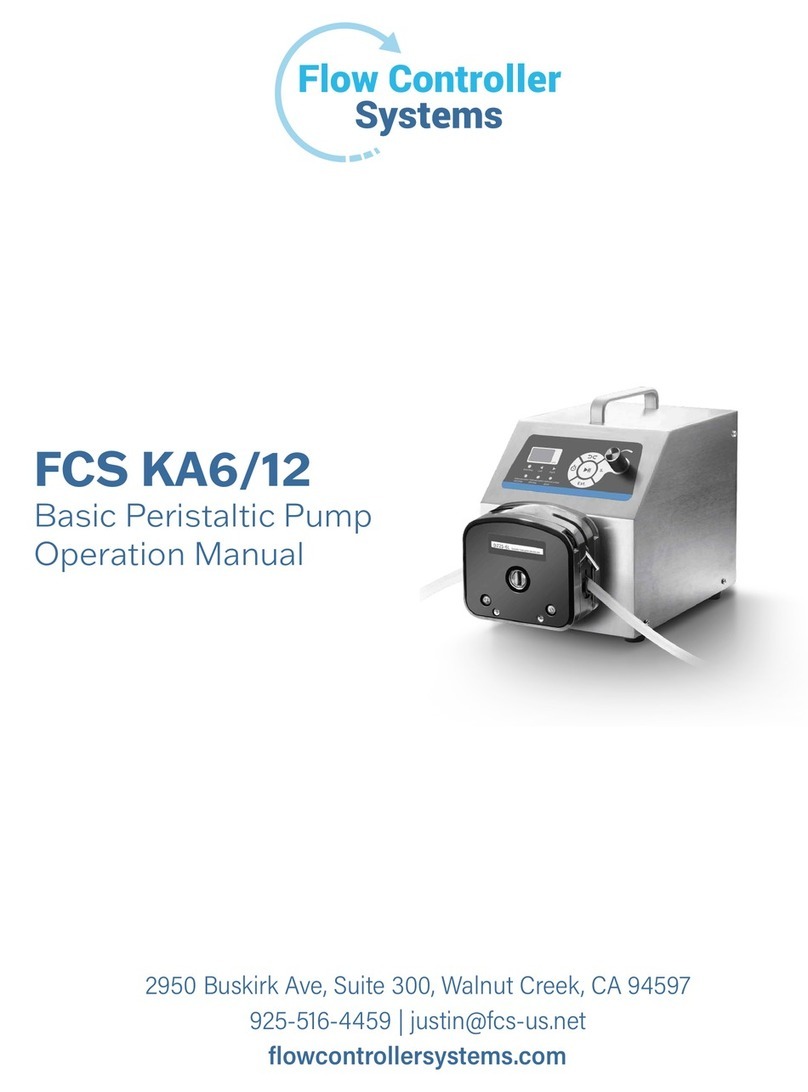
Flow Controller Systems FCS KA6/12 User manual
Flow Controller Systems
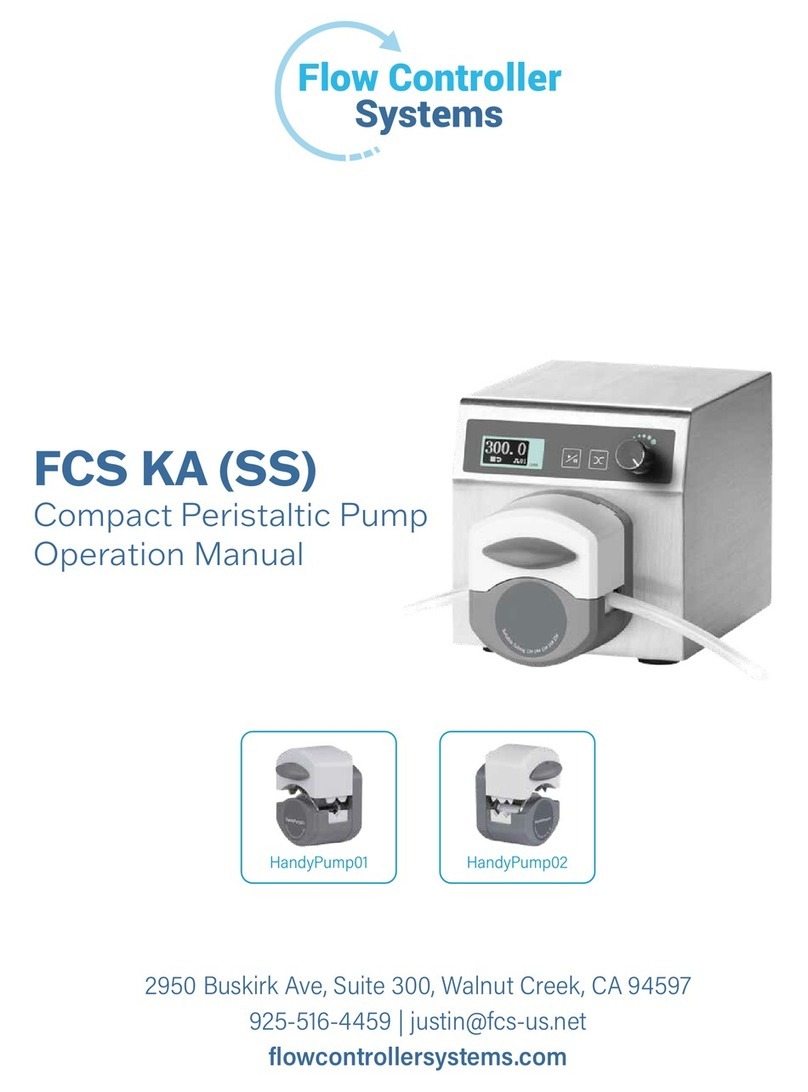
Flow Controller Systems FCS KA SS User manual
Flow Controller Systems
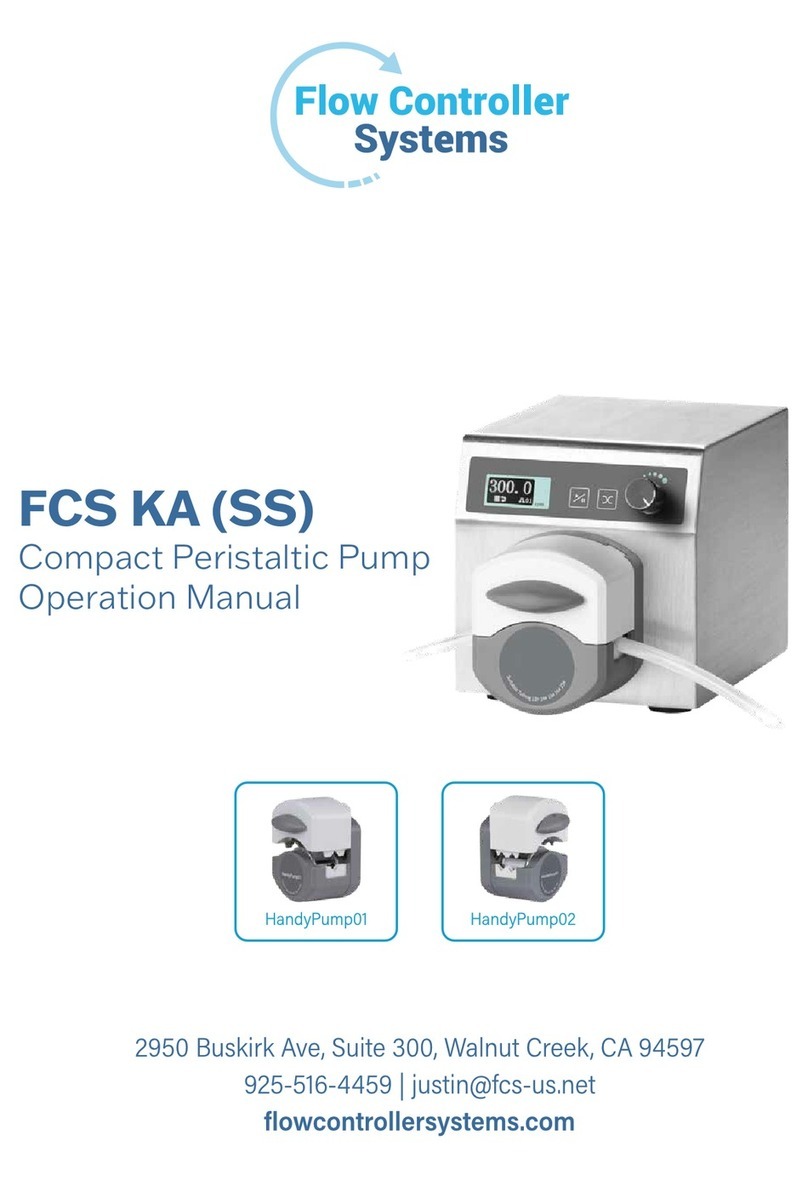
Flow Controller Systems FCS KA User manual
Flow Controller Systems
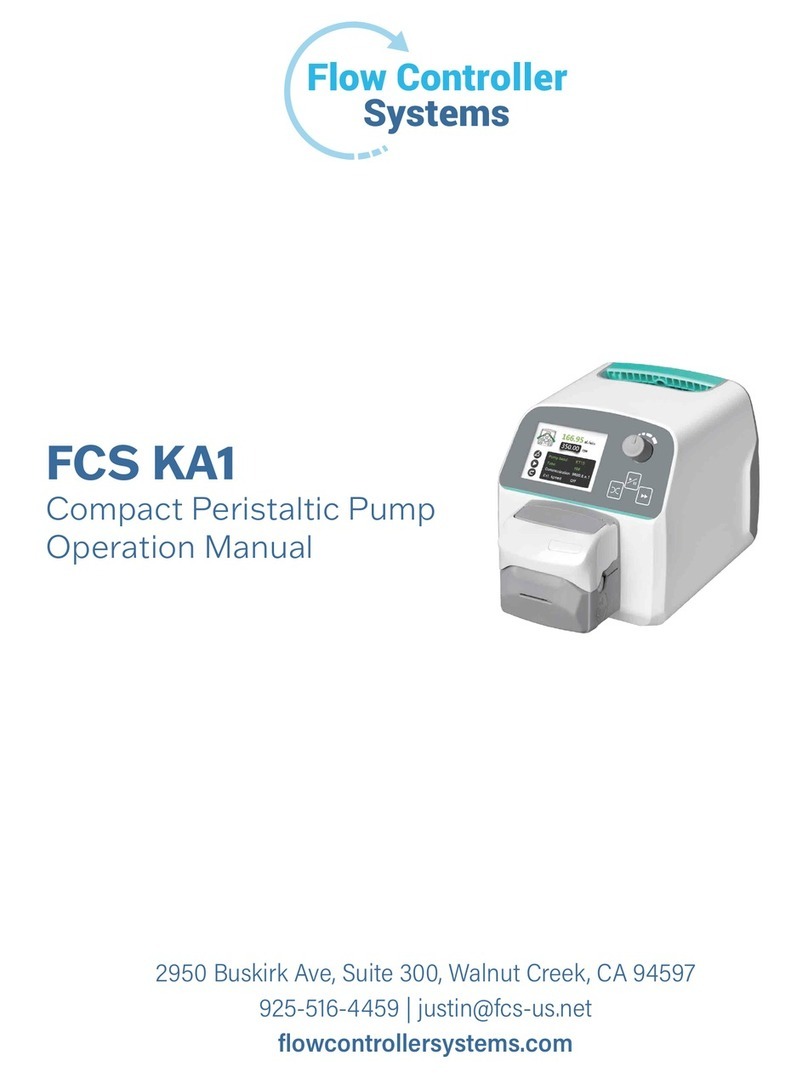
Flow Controller Systems FCS KA1 User manual
Flow Controller Systems
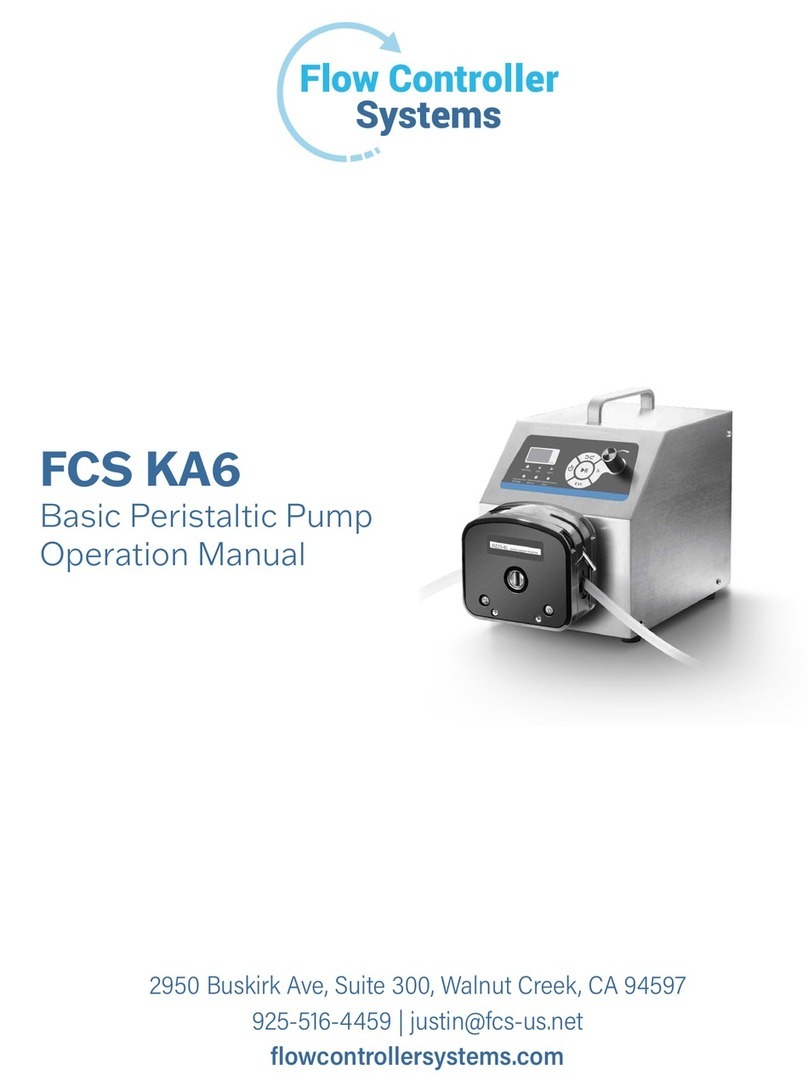
Flow Controller Systems FCS KA6 User manual
Popular Water Pump manuals by other brands




Sykes AmeriPumps
Sykes AmeriPumps GP100M Operation and maintenance instructions

DUROMAX
DUROMAX XP WX Series user manual

BRINKMANN PUMPS
BRINKMANN PUMPS SBF550 operating instructions

Franklin Electric
Franklin Electric IPS Installation & operation manual
Xylem
Xylem e-1532 Series instruction manual

Milton Roy
Milton Roy PRIMEROYAL instruction manual