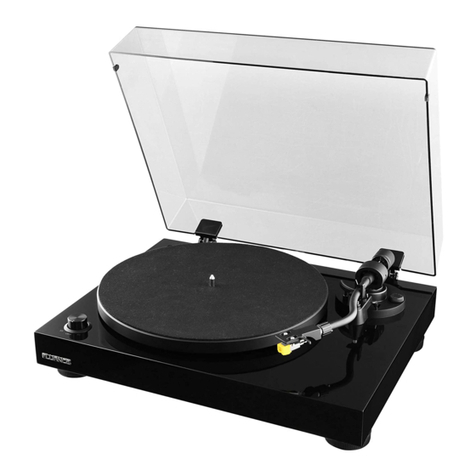
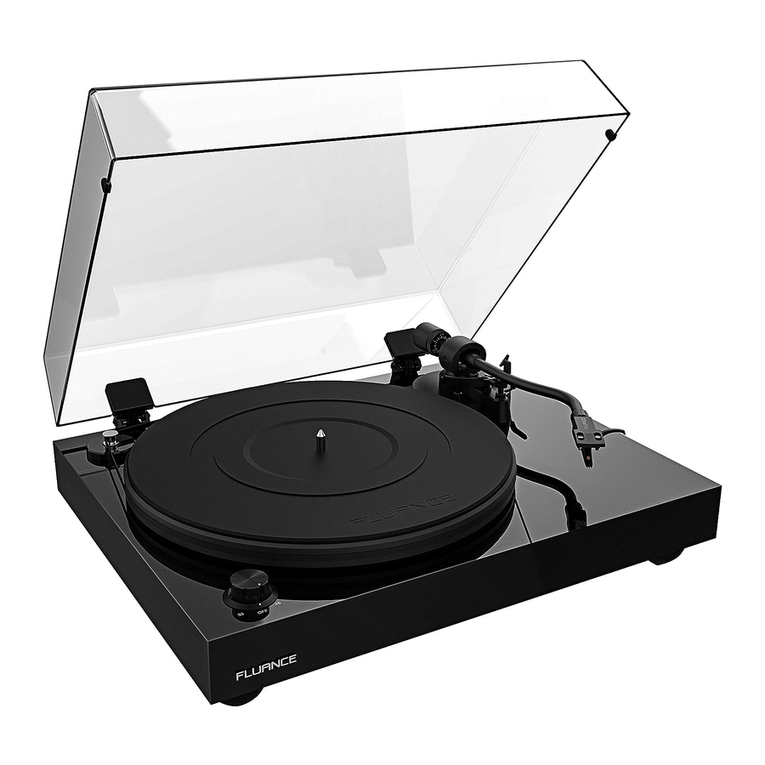
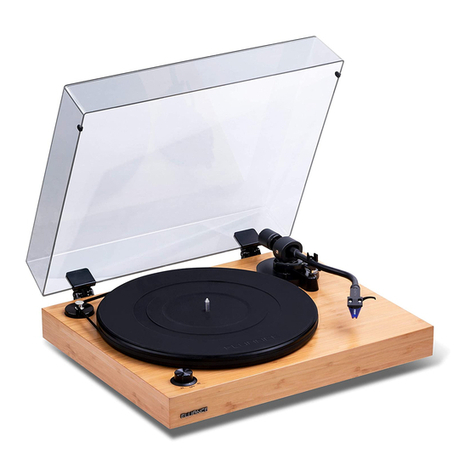
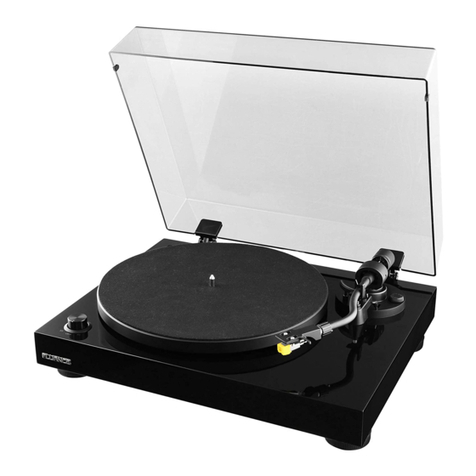
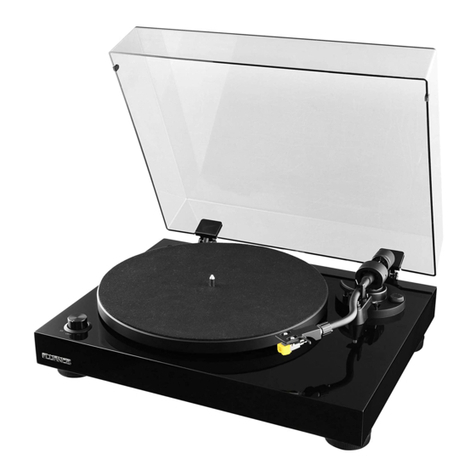
Fluance RT83 User manual

RT82, RT83, RT84, RT85
Reference High Fidelity Vinyl Turntable
User Manual v2.4
Serious Performance™Fluance.com

Fluance RT82, RT83, RT84, RT85 User Manual 2
Introduction
Fluance believes everyone should experience audio in its truest form, recreating the performance
the way the artist intended. Utilizing only superior components and expert audio engineering,
their products are a testament to the performance that can be achieved when a passion for music
takes center stage. The perfect complement to any audiophile’s lifestyle, you’ll be enjoying live
performances in your home for years to come.
Fluance.com/resources Fluance.com/contactFluance.com/support
Don’t forget to register your product with us!
Fluance.com/registration
Thank you for your purchase of this Fluance®product.
We hope you enjoy your experience.
Questions?
Give us a chance to help, we’re just a click away.
Bag
Bubble Level
45 Adapter
Rubber Turntable Mat
(RT82/RT83/RT84 Only)
Dust Cover
Turntable
Headshell
with Stylus
Counterweight
Cardboard
Insert
Cardboard
Insert
Foam End Cap
Foam End Cap
Dust Cover
Hinges
Cotton
Gloves
Instruction
Manual
Motor
Pulley
Cap
Platter with
Rubber Belt
Box
Ground
Cable
Power
Adapter
RCA
Audio
Cable

Fluance RT82, RT83, RT84, RT85 User Manual
Table Of Contents Introduction 2
What’s Included 4
Components and Connections 5
First Time Setup 6
Step One: Installing the Platter 6
Step Two: Installing the Counterweight 7
Step Three: Installing the Headshell 7
Step Four: Installing the Dust Cover 8
Step Five: Leveling the Turntable 9
Step Six: Balancing the Tonearm 10
Step Seven: Connecting the RCA and Ground Cables 12
Step Eight: Connecting the Power Adapter 12
Step Nine: Playing a Record 13
Auto Stop Function 13
Maintenance 14
Replacing the Stylus 14
Upgrading the Cartridge 14
Replacing the Rubber Belt 14
Parts and Accessories 15
Turntable Care 15
Record Care 15
Stylus Care 15
Troubleshooting 16
Specications 18
Warranty Information 20
Important Safety Instructions 21
FCC & IC Information 22
Cartridge Alignment Protractor 23

Fluance RT82, RT83, RT84, RT85 User Manual 4
What’s Included
LIFETIME
Customer Support
Turntable with
Dust Cover
Motor Pulley
Cap
Manual
Dust Cover
Hinges
RCA Audio
Cable
Power
Adapter
45 Adapter
Ground Cable
Lifetime Customer
Support
Bubble Level
2 Year
Warranty
Headshell with
Stylus
RT82 - OM 10
RT83 - 2M Red
RT84/RT85 - 2M Blue
RT85N – MP-110
Platter with
Rubber Belt
RT82/RT83/RT84 - Metal
RT85 - Acrylic
Rubber
Turntable Mat
RT82/RT83/RT84 Only
RT85 - Mat Not Included
Counterweight

Fluance RT82, RT83, RT84, RT85 User Manual 5
Components and Connections
1
2
4
3
5
6
7
8
14
21
20
18 19
15
16 17
13
12
11
10
9
1. Platter
2. Motor Pulley
3. Motor Pulley Cap
4. Rubber Belt
5. Spindle
6. Rubber Turntable Mat
(RT82/RT83/RT84 Only)
7. Speed Selection
8. Power LED
9. Counterweight
10. Anti-Skating Control
11. Cueing Lever
12. Tonearm Lock
13. Tonearm
14. Headshell & Stylus
15. RCA Audio Outputs
16. Ground Terminal
17. Auto Stop Switch
18. Power Input
19. Motor Servo
20. Isolation Feet
21. Hinge

Fluance RT82, RT83, RT84, RT85 User Manual 6
1. Remove the protective packaging and
ensure the turntable is placed on a
sturdy and level surface. Place the
platter onto the spindle located in the
middle of the turntable.
2. Place the motor pulley cap over the
motor pulley. Ensure the arrows are
aligned so that the motor pulley cap
is installed properly.
Tip: The arrows help to align the notch on the
motor cap with the post on the motor.
3. Lift the rubber belt and place it around
the motor pulley. Rotate the platter
several times to ensure the rubber belt
is secure and not twisted.
4. RT82/83/84: Place the turntable mat
on top of the platter. Make sure the
logo side is facing up
Note: RT85-Turntable mat is not included. When
using an acrylic platter a turntable mat is not required.
Turntable Mat
Platter
Motor Pulley Cap
Spindle
Motor Pulley
First Time Setup
Step One: Installing the Platter

Fluance RT82, RT83, RT84, RT85 User Manual 7
Step Two: Installing the Counterweight
Step Three: Installing the Headshell
1. Secure the tonearm using the
tonearm lock.
1. Remove the headshell from the
protective packaging and insert
into the end of the tonearm.
2. Slide the counterweight onto the end
of the tonearm with numbers facing
forward until it clicks and is fully
installed on the tonearm.
2. Tighten the locking nut until the
headshell is secure.
Tonearm Lock
Counterweight
Locking Nut
Headshell
Tonearm

Fluance RT82, RT83, RT84, RT85 User Manual 8
Step Four: Installing the Dust Cover
1. Important: Place dust cover on a soft surface to avoid scratching it. Install the hinges on
the provided grooves located on the back of the dust cover.
CAUTION: The hinges are spring loaded and can close with strong force. Use caution when
installing.
2. Carefully open the hinges on the dust cover and insert into the hinge mounts pre-
installed on the back of the turntable.

Fluance RT82, RT83, RT84, RT85 User Manual 9
Step Five: Leveling the Turntable
This turntable features 3 adjustable feet to ensure the turntable is level regardless of the surface
the turntable is resting upon.
Adjustable FeetBubble Level
Lower
Turntable
Raise
Turntable
Bubble Position Turntable Adjustment
Turntable is level when the bubble
is within the circle
Lower Back or Raise Front
Lower Left or Raise Right
Lower Back or Raise Front and
Lower Left or Raise Right
Use the table below with the included bubble level to adjust the feet and level the turntable.
Note: The turntable comes in the fully lowered position.

Fluance RT82, RT83, RT84, RT85 User Manual 10
Step Six: Balancing the Tonearm
Important!
Complete all steps for balancing the tonearm. Incorrect tonearm balancing can cause damage to the stylus and to your
records. For additional assistance go to www.uance.com/support to watch a tutorial video for this process.
1. Remove the stylus protector.
3. Position the tonearm over the
platter.
5. With the cueing lever now lowered, turn the entire counterweight until the tonearm is
balanced and floating horizontally when headshell is released. Do not allow the stylus to
touch the platter.
6. Set only the counterweight indicator ring to “0” on the center line while keeping the
tonearm balanced then lock the tonearm on the tonearm rest.
2. Unlock the tonearm and lift the
cueing lever.
4. Hold the headshell and lower the
cueing lever completely. Protect the
stylus from touching the platter.
Lock Cueing Lever
Tip: When balancing the tonearm make sure the cueing lever is down and the anti-skating control is set to 0.
Counterweight
Indicator Ring
Center Line
Cueing Lever
This manual suits for next models
4
Table of contents
Other Fluance Turntable manuals