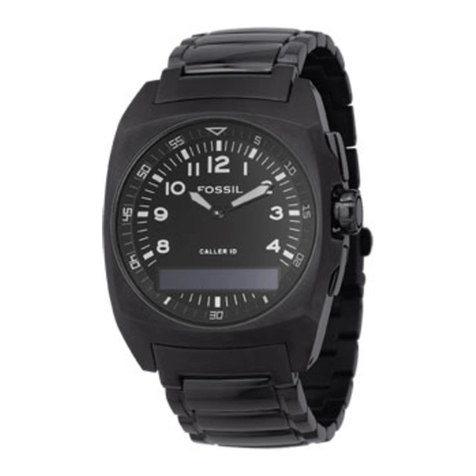
Digital MLG-017
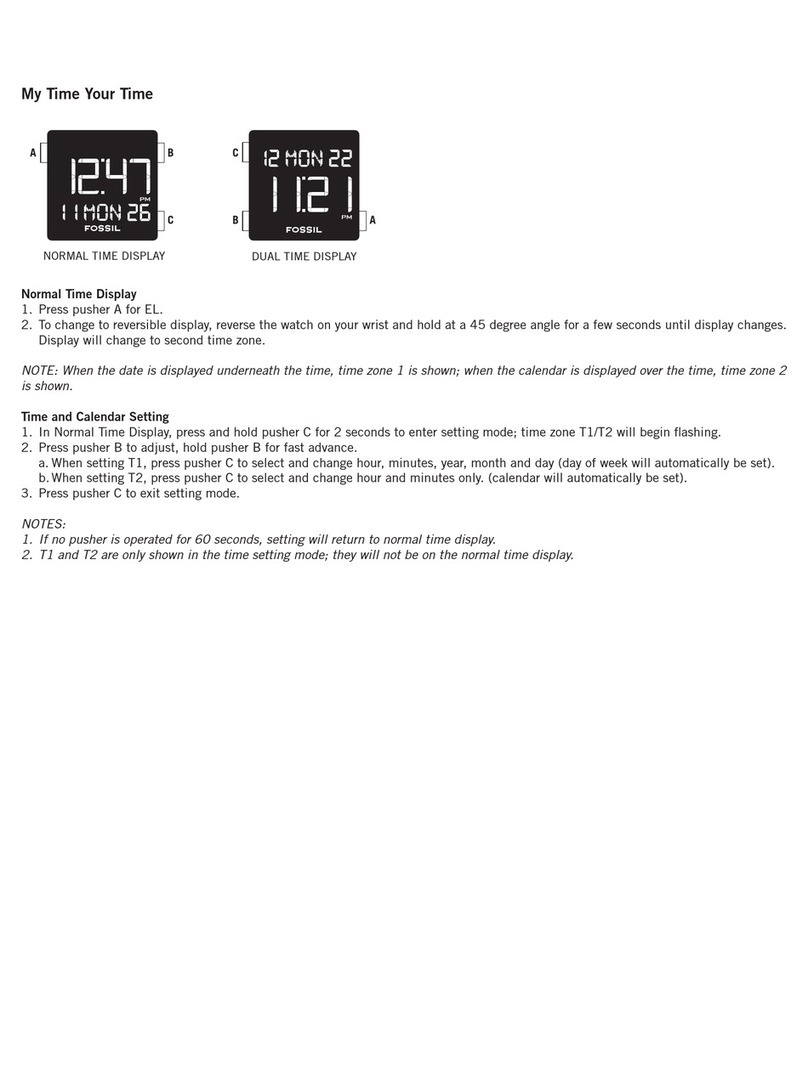
Normal Time Display
1 Press A to change mode Mode sequence
is normal time, alarm, time zone 2, timer,
and chronograph
2 Press B for EL
Time and Calendar Setting
1 In normal time display, press D; seconds will begin flashing
2 Press C to set seconds to zero
3 Press A to advance to hour
4 Press C to advance digit, press and hold C for fast advance
5 Press A to set and advance to next setting value
6 Setting sequence is: seconds, hour, minute, year, month, and date
7 Press D to exit setting mode
Alarm Mode
1 Press A to change to alarm mode
2 Press B to toggle alarm/chime on/off
Alarm Setting
1 Press A to change to alarm mode
2 Press D to enter setting mode; hour will begin flashing
3 Press C to advance digit; press and hold C for fast advance
4 Press A to set and advance to next setting value
5 Setting sequence is: hour, minutes, month, date For daily alarm, leave month and date set at “----”
6 Press D to exit setting mode
Time Zone 2
1 Press A to change to time zone 2
2 Press D to enter setting mode; hour will begin flashing
3 Press C to advance digit, press and hold C for fast advance
4 Press A to set and advance to minutes
5 Press C to advance digit, press and hold C for fast advance
6 Press D to exit setting mode
Countdown Timer
1 Press A to change to timer mode
2 Press C to start/stop the timer
3 Press B to clear the countdown and reset the timer
Timer Setting
1 Press D to enter setting mode; hour will begin flashing
2 Press C to advance digit; press and hold C for fast advance
3 Press A to set and advance to next setting value
4 Setting sequence is: hour, minutes, seconds
5 Press D to exit setting mode
Chronograph Mode
1 Press A to change to chronograph mode
2 Press C to start/stop the chronograph
3 Press B to reset to zero
Split Time
1 Press B while the chronograph is running for split time
2 Press B again to return to chronograph
3 Press C to finalize timing
4 Press B to reset to zero