manuals.online logo
Brands
  1. Home
  2. •
  3. Brands
  4. •
  5. Futech
  6. •
  7. Analytical Instrument
  8. •
  9. Futech TUBEVIEWER 2.9 User manual

Futech TUBEVIEWER 2.9 User manual

Other Futech Analytical Instrument manuals

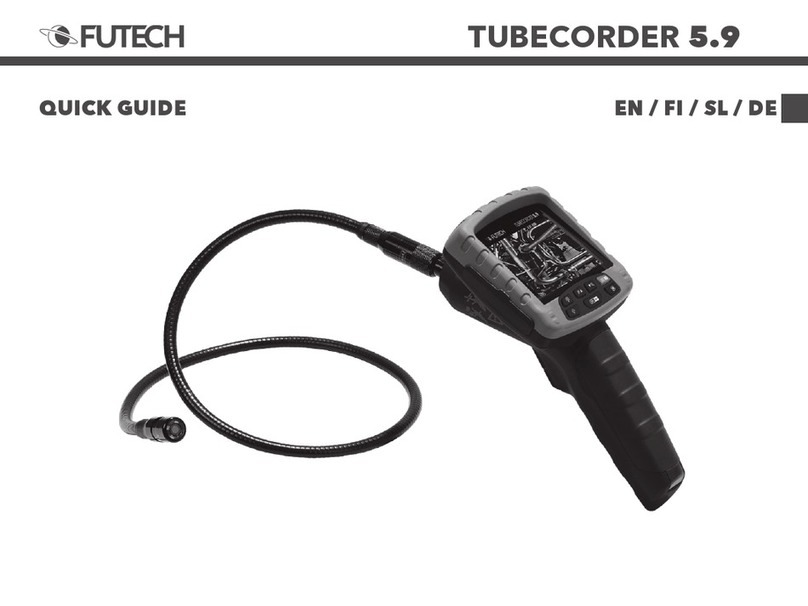
Futech TUBECORDER 5.9 User manual

Futech

Futech TUBECORDER 5.9 User manual

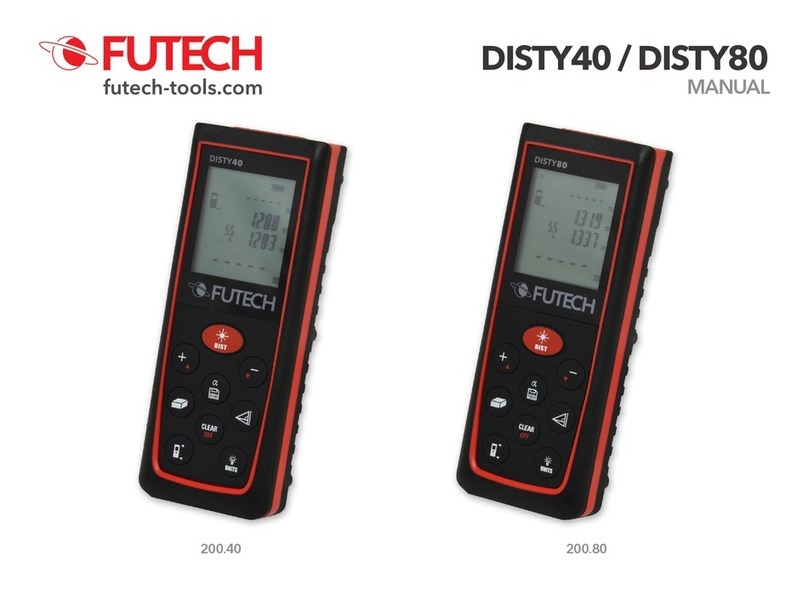
Futech DISTY40 User manual

Futech

Futech DISTY40 User manual

Popular Analytical Instrument manuals by other brands

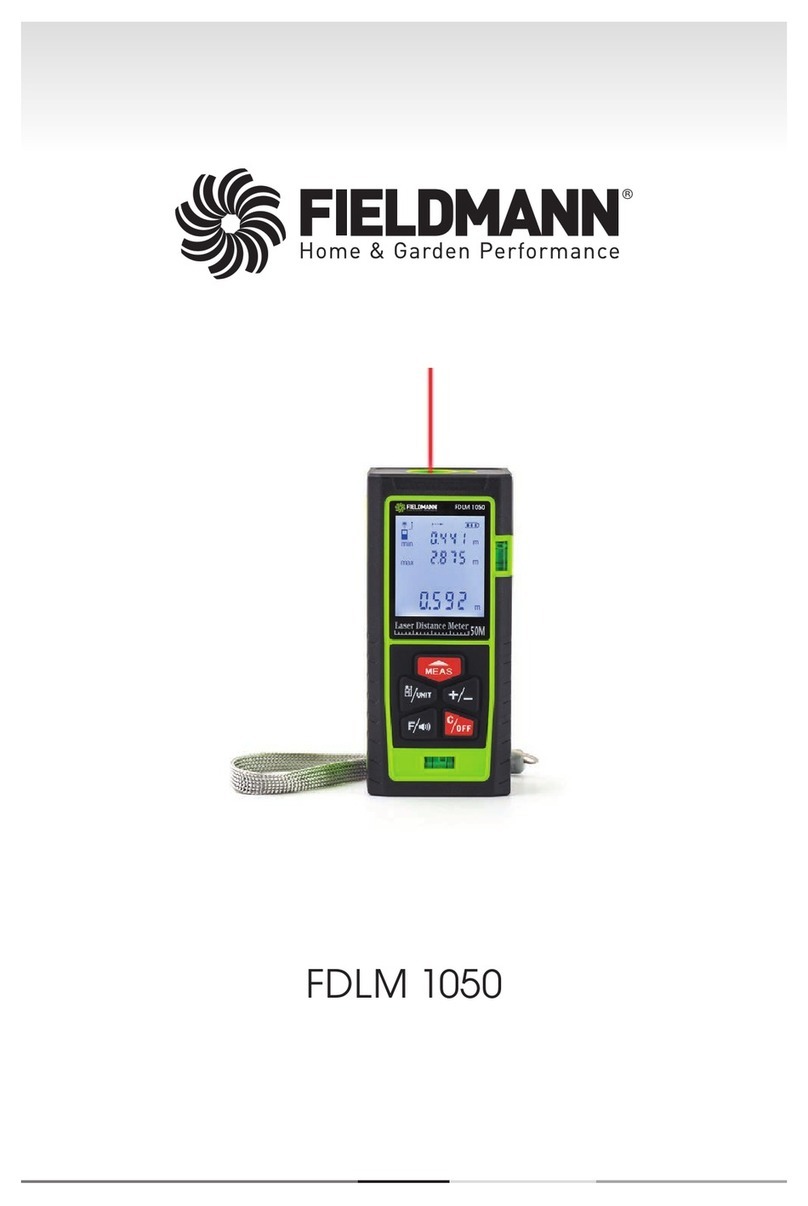
Fieldmann FDLM 1050 user manual

Fieldmann

Fieldmann FDLM 1050 user manual

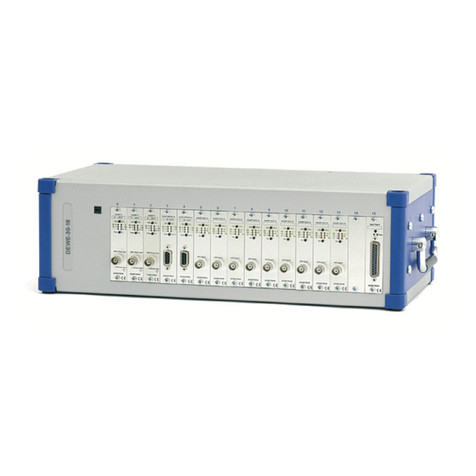
Dewetron DEWE-30-16 Technical reference manual

Dewetron

Dewetron DEWE-30-16 Technical reference manual

Cocraft NLT04 Original instructions

Cocraft

Cocraft NLT04 Original instructions

EXTOL PREMIUM 8820043 Translation of the original user manual

EXTOL PREMIUM

EXTOL PREMIUM 8820043 Translation of the original user manual

M&C GENTWO PMA1000 instruction manual

M&C

M&C GENTWO PMA1000 instruction manual

MICRO-EPSILON optoncdt 1700 instruction manual

MICRO-EPSILON

MICRO-EPSILON optoncdt 1700 instruction manual

RIDGID SeeSnake Compact quick start guide

RIDGID

RIDGID SeeSnake Compact quick start guide

CONDTROL XP4 PRO user manual

CONDTROL

CONDTROL XP4 PRO user manual

Extech Instruments BR200 user manual

Extech Instruments

Extech Instruments BR200 user manual

Teledyne 3000PA operating instructions

Teledyne

Teledyne 3000PA operating instructions

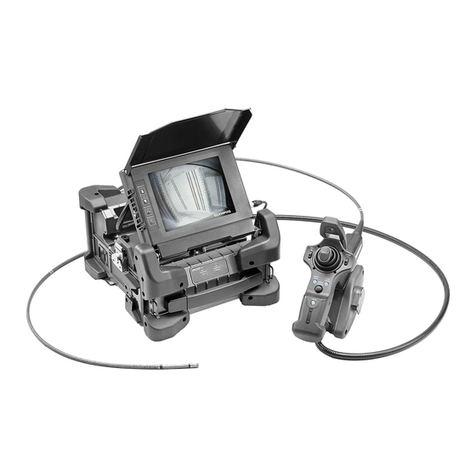
Olympus IPLEX FX Series instructions

Olympus

Olympus IPLEX FX Series instructions

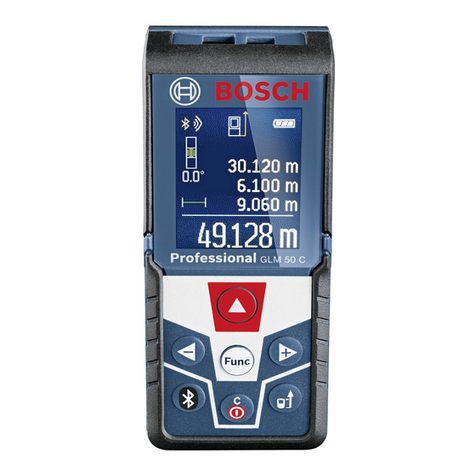
Bosch GLM 50 C Professional Original instructions

Bosch

Bosch GLM 50 C Professional Original instructions

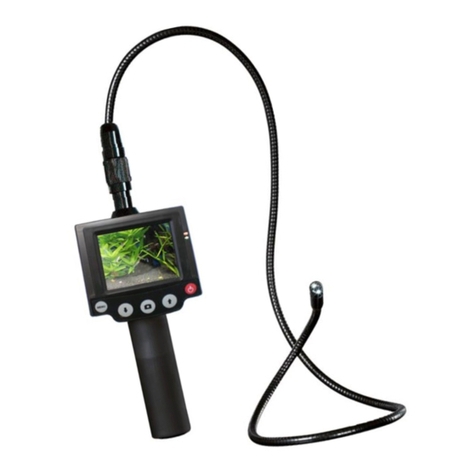
Reflecta DigiEndoscope instruction manual

Reflecta

Reflecta DigiEndoscope instruction manual

Chinavision CVACZ-G696 Use manual

Chinavision

Chinavision CVACZ-G696 Use manual

Fuji Electric ZKMA instruction manual

Fuji Electric

Fuji Electric ZKMA instruction manual

Teledyne 3300TA operating instructions

Teledyne

Teledyne 3300TA operating instructions

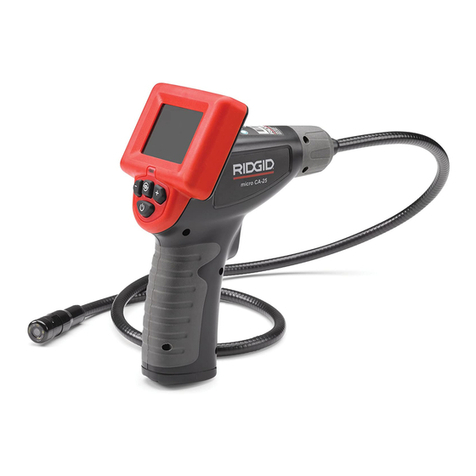
RIDGID micro CA-25 Operator's manual

RIDGID

RIDGID micro CA-25 Operator's manual

Würth MASTERVISION MINI REC operating instructions

Würth

Würth MASTERVISION MINI REC operating instructions

manuals.online logo
manuals.online logoBrands
  • About & Mission
  • Contact us
  • Privacy Policy
  • Terms and Conditions

Copyright 2025 Manuals.Online. All Rights Reserved.

TUBEVIEWER 2.9
EN / NL / FR / DEQUICK GUIDE
TUBEVIEWER 2.9
ENG
1. Read the manual and
warranty clauses on
www.futech-tools.com
2. Remove eventual packag-
ing and protection foils and
charges the battery.
3. Description
1. Display
2. Light button
3. Zoom button
4. On/Off button
5. Rotation button
6. Gooseneck socket
7. gooseneck
8. Camera
9. TV-output
10. mini-USB charging port
11. Silicon protection
12. Reset button jack
13. Display socket
!
1
2
5
9
11 12 13 6
10
6
7
8
43
TUBEVIEWER 2.9
NL
1. Lees de handleiding en
garantiebepalingen op
www.futech-tools.com
2. Verwdereventueleverpak-
kingen of beschermfolies
enlaaddebatter.
3. Beschrving
1. Scherm
2. Licht knop
3. Zoom knop
4. On/Off knop
5. Rotatieknop
6. Zwanenhals connector
7. Zwanenhals
8. Camera
9. TV-output
10. mini-USB oplaadpoort
11. Silicone bescherming
12. Reset knop
13. Display connector
FR
1. Lisez le manuel et les
clauses de garantie sur
www.futech-tools.com
2. Retirezleséventuelslms
d’emballage et de protec-
tion et chargez la batterie.
3. Description
1. Écran
2. Bouton lumineux
3. Bouton de zoom
4. Bouton marche/arrêt
5. Bouton de rotation
6. Prise col de cygne
7. Col de cygne
8. Appareil photo
9. Sortie TV
 10.Oricedecharge
mini-USB
11. Protection Silicon
12. Fiche bouton de
remise à zéro
13. Prise d’écran
DEU
1. Bitte lesen Sie sich das
Handbuch und die Garan-
tiebedingungen auf www.
futech-tools.com durch
2. Entfernen Sie ggf. vorhan-
dene Verpackungen und
Schutzfolien und laden Sie
den Akku.
3. Beschreibung
1. Anzeige
2. Helligkeits-Taste
3. Zoom-Taste
4. Ein-/Aus-Taste
5. Rotations-Taste
6. Schwanenhals-Buchse
7. Schwanenhals
8. Kamera
9. TV-Ausgang
10. Mini-USB-Ladebuchse
11. Silikonschutz
12. Buchse für Reset-Taste
13. Display-Buchse
TUBEVIEWER 2.9
4. On/Off
Press the On/Off button (4)
to switch the device on/off.
5. Image rotation
By pressing the rotation
button (5), the image will
turn 180°.
6. TV Output
Each time the system is
switched on, image identi-
cationswillbepreformed
during start-up. Once an
image format is recognized,
the camera will operate in
the corresponding mode.
Imageformatidentication
does not happen after start-
up.
!
TUBEVIEWER 2.9
4. On/Off
Druk op de on/off knop (4)
om het toestel aan/uit te
zetten.
5. Rotatie
Druk de roteer toets (5) om
het beeld 180° te roteren.
6. TV Output
Telkens het toestel
wordt opgestart, zal het
afbeeldingsformaat van de
TVoutputgeïdenticeerd
worden. Eens het afbeeld-
ingformaat is vastgesteld,
zal de camera werken met
deze instelling.
Afbeeldingidenticatiezal
niet meer gebeuren na de
opstart.
4. Marche/arrêt
Appuyez sur le bouton
Marche/Arrêt (4) pour
allumer/éteindre l’appareil.
5. Rotation d’image
En appuyant sur le bouton
de rotation (5), l’image
pivotera de 180°.
6. Sortie TV
A chaque mise sous tension
de l’appareil le format de
l’image pour le TV output
seraidentié.Unefois
qu’un format d’image
est reconnu, l’appareil
photo fonctionnera dans
le mode correspondant.
L’identicationduformat
d’image ne se fait pas après
le démarrage.
4. Ein/Aus
Drücken Sie die Taste Ein/
Aus (4), um das Gerät ein-
oder auszuschalten.
5. Bilddrehung
Durch Drücken der Rotati-
onstaste (5) wird das Bild
um 180° gedreht.
6. TV-Ausgang
Bei jedem Einschalten des
Systems wird in der Start-
phase eine Bilderkennung
durchgeführt. Sobald ein
Bildformat erkannt wurde,
arbeitet die Kamera im ent-
sprechenden Modus. Die
Erkennung des Bildformats
erfolgt nach der Startphase
nicht mehr.
TUBEVIEWER 2.9
7. Light strength
At start-up, the leds at the
end of the gooseneck light
at medium strength. By
pressing the light button
(2), light becomes stronger.
When pressing the light
button at maximum power,
the led lights switch off.
Press again the light button
(2) for more power.
8. Zoom
Use the zoom button to
zoom the image. (Between
1x - 2x)
!
TUBEVIEWER 2.9
7. Lichtsterkte
Bhetopstartenisdelicht-
sterkte op medium sterkte.
Druk op de licht knop (2)
om de lichtsterkte te ver-
meerderen.Wanneerjeb
maximum sterkte opnieuw
om de lichtknop (2) drukt,
zullend de leds doven. Druk
opnieuw op de lichtknop
omzeopnieuwstapsgews
aan te zetten.
8. Zoom
Gebruik de Zoom-knop
(3) om de afbeelding in te
zoomen (tussen 1x - 2x).
7. Intensité lumineuse
Au démarrage, les LED
à l’extrémité du col de
cygne s’allument à intensité
moyenne. En appuyant sur
le bouton lumineux (2), la
lumière devient plus forte.
Lorsque vous appuyez
sur le bouton lumineux à
puissance maximale, les
LED s’éteignent. Appuyez
à nouveau sur le bouton
lumineux (2) pour plus de
puissance.
8. Zoom
Utilisez le bouton de zoom
pour zoomer sur l’image.
(Entre 1x - 2x)
7. Leuchtstärke
In der Startphase leuchten
die LEDs am Ende des
Schwanenhalses mit mitt-
lerer Leuchtstärke. Durch
Drücken der Helligkeitstas-
te (2) wird die Leuchtstärke
erhöht. Beim Drücken
der Helligkeitstaste bei
maximaler Stärke werden
die LED-Leuchten ausge-
schaltet. Drücken Sie die
Helligkeitstaste (2), um die
Leistung zu erhöhen.
8. Zoom
Mit der Zoom-Taste können
Sie das Bild vergrößern
bzw. verkleinern (Zoombe-
reich 1x - 2x).
TUBEVIEWER 2.9
9. Charging
To charge the battery, con-
nect the DC5V, 1A charger
with the USB cable to the
device.
When the device is “off”,
there is no indication on
the display while charging.
When it’s fully charged, it
will automatically stop the
charging.
When the device is “on”,
abatteryisashinginthe
upper right corner of the
screen during charging.
When it’s fully loaded, a ful-
ly loaded battery is shown.
While loading the battery,
you can still use the device.
TUBEVIEWER 2.9
9. Opladen
Omdebatterteladen,
verbind de DC5V 1A lader
met de USB kabel aan het
toestel.
Wanneer het toestel uit
staat is er geen indicatie
terwlhettoesteloplaadt.
Wanneer het volledig gela-
den is zal het automatisch
stoppenmetbladen.
Wanneer het toestel aan
staat,zalereenbattersym-
bool knipperen bovenaan
rechts op het scherm. Wan-
neer het toestel volledig
geladen is zal een geladen
batterzichtbaarzninde
rechter bovenhoek.
Jekanhettoesteltdens
hetladenblvengebruiken.
9. Recharge
Pour recharger la batterie,
connectez le chargeur
DC5V, 1A avec le câble USB
à l’appareil.
Lorsque l’appareil est
“éteint”, il n’y a pas d’indi-
cation à l’écran pendant
la recharge. Lorsqu’il est
complètement chargé, il
arrête automatiquement la
recharge.
Lorsque l’appareil est allu-
mé, une batterie clignote
dans le coin supérieur
droit de l’écran pendant
la recharge. Lorsqu’il est
complètement chargé, une
batterie complètement
chargées’afche.
Pendant la recharge de
la batterie, vous pouvez
toujours utiliser l’appareil.
9. Auaden
 ZumAuadendesAkkus
schließen Sie das Ladegerät
(DC 5 V, 1 A) mit dem
USB-Kabel am Gerät an.
Bei ausgeschaltetem Gerät
gibteswährenddesAua-
devorgangs keine Anzeige
auf dem Display. Bei voller
AuadungwirdderAuf-
ladevorgang automatisch
beendet.
Bei eingeschaltetem Gerät
blinktwährenddesAua-
devorgangs in der oberen
rechten Ecke des Bild-
schirms ein Batteriesymbol.
Bei voll aufgeladenem Akku
wird eine voll aufgeladene
Batterie angezeigt
 WährenddesAuadevor-
gangs können Sie das Gerät
trotzdem verwenden.

TUBEVIEWER 2.9
10. Important notes
The camera and gooseneck
are waterproof (IP67). The
main unit isn’t waterproof.
Please do not put the video
inspection camera in a
humid or rainy place, or
operate in a humid place.
Once the device is wet,
please immediately turn off
the power. The moisture is
very easy to damage the
device, and it is easy to
cause electric shock.
Please do not point the
device to the sun, whether
indoors or outdoors. Do
not operate in the spotlight
or other strong light or
reective