5
How to Connect the High-Definition Scaler
Connect the DVI output on the1. High-Definition Scaler to the display using the
supplied DVI cable.
Connect either the TOSLINK digital audio output, the stereo mini-jack analog2. output or the 2 RCAanalog audio output to the display or external audio
processor using user supplied cables.
Connect the sources to the3. High-Definition Scaler using user supplied
cables.
Connect one DVI source with analog or digital TOSLINK audio using• user supplied DVI, digital TOSLINK or stereo mini-jack cables.
NOTE: The DVI input on the High-Definition scaler will accept an DVI-D
(digital) or a DVI-A (analog) video source (connect a VGA and DVI monitor
simultaneously using a DVI-I to VGA and DVI-D adapter. Part# ADA-DVI-
2-DVIVGA). The output video signal is DVI-I (analog and digital) and can
accommodate either a DVI-D, or DVI-A display. The video format cross-
conversion of analog to digital and digital to analog is done within the High-
Definition Scaler.
Connect up to two Component sources with analog or digital TOSLINK• audio using a user supplied 3 RCA Component video cable, a 2 RCA to
stereo mini-jack analog audio cable or a digital audio cable.
NOTE: The High-Definition Scaler does not cross convert the digital audio to
analog audio or cross convert the analog audio to digital audio. If analog audio is
supplied to the High-Definition Scaler, an analog audio cable must be connected
to the analog output for sound to be heard. If digital TOSLINK is used as the
audio input, a digital TOSLINK cable must be connected to the digital output for
sound to be heard.
Plug the 5V DC power supply into the4. High-Definition Scaler.
Press the POWER button on the RMT-SR-IR remote to begin operation of5. the High-Definition Scaler.
Power on the display.6.
Power on the source(s).7.
NOTE: When initially powering on the DVI source, it is important to have the
High-Definition Scaler’s output selected to that source to ensure that the EDID is
relayed properly.
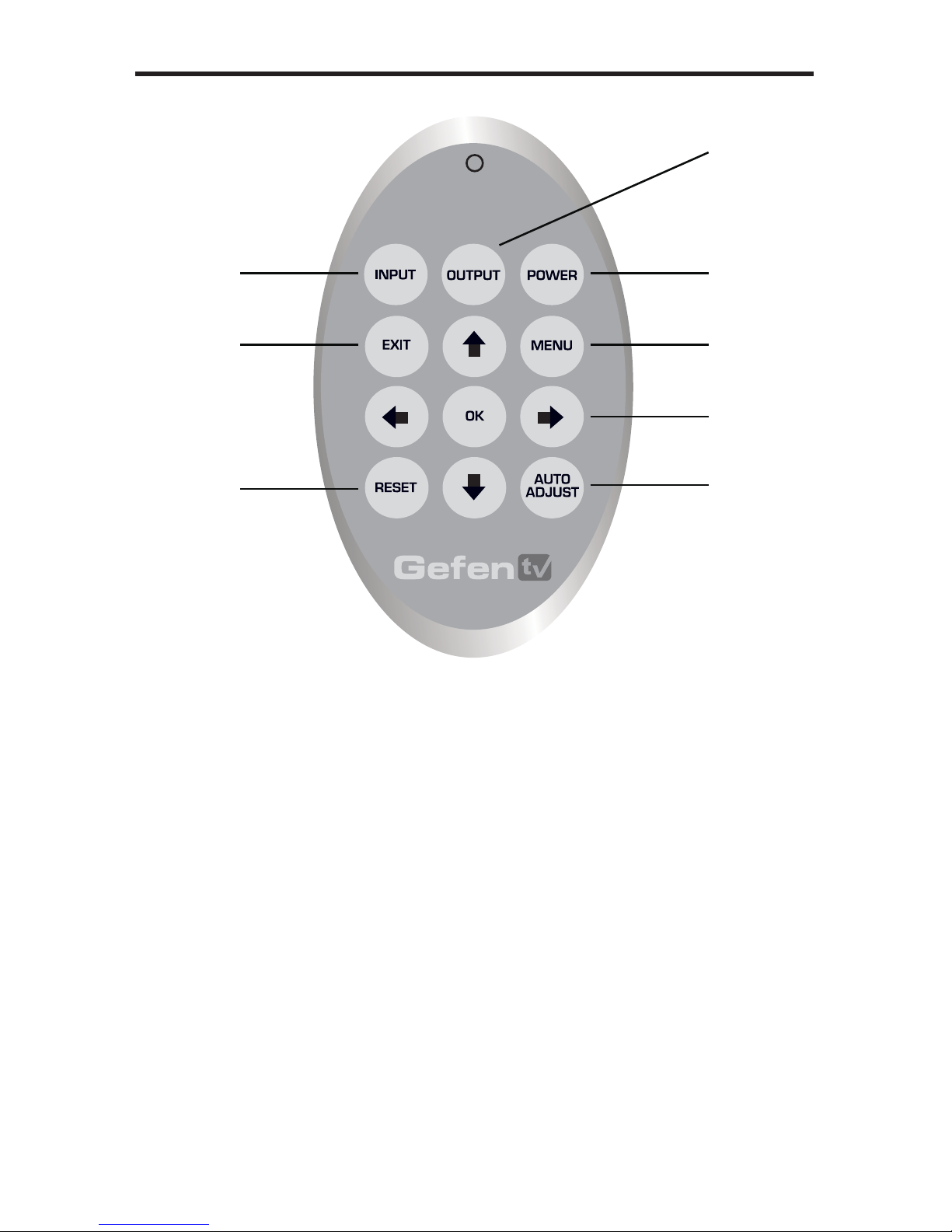
The High-Definition Scaler has a built in GUI for navigating the various functions.
The GUI is navigated by the included IR remote control. Please see the
RMT-SR-IR Remote Description on the next page for functional information.
OPERATING THE HIGH-DEFINITION SCALER
CONNECTING AND OPERATING THE HIGH-DEFINITION SCALER