EnglishDeutsch
 logo
Brands
  1. Home
  2. •
  3. Brands
  4. •
  5. Genie
  6. •
  7. Boom Lift
  8. •
  9. Genie S-100 User manual

Genie S-100 User manual

Other manuals for S-100

2

This manual suits for next models

5

Other Genie Boom Lift manuals

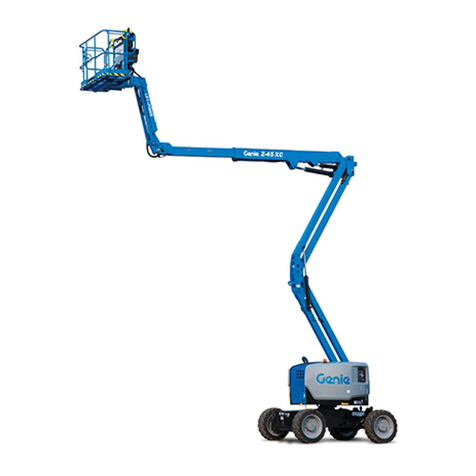
Genie Z-45 XC User manual

Genie

Genie Z-45 XC User manual

Genie S-105 User manual

Genie

Genie S-105 User manual

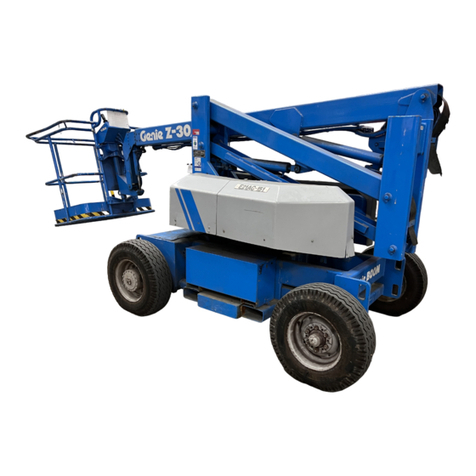
Genie Z-30 User manual

Genie

Genie Z-30 User manual

Genie S-80X User manual

Genie

Genie S-80X User manual

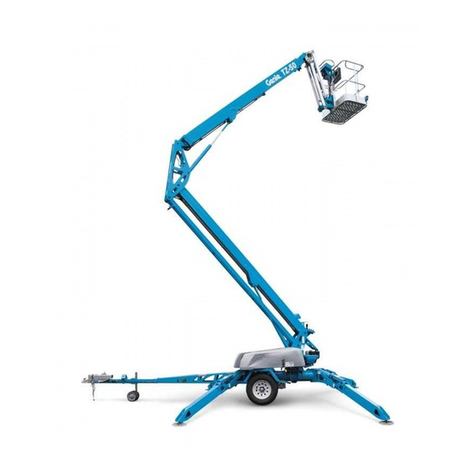
Genie TZ-50 Building instructions

Genie

Genie TZ-50 Building instructions

Genie S-120 User manual

Genie

Genie S-120 User manual

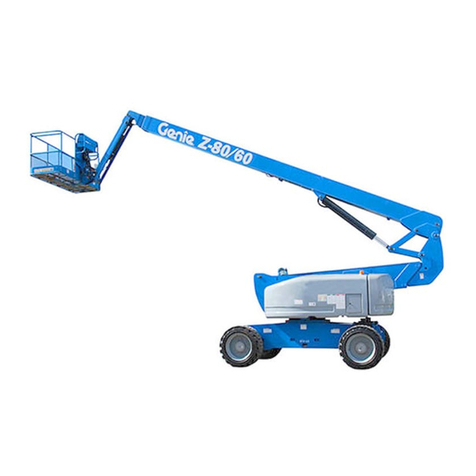
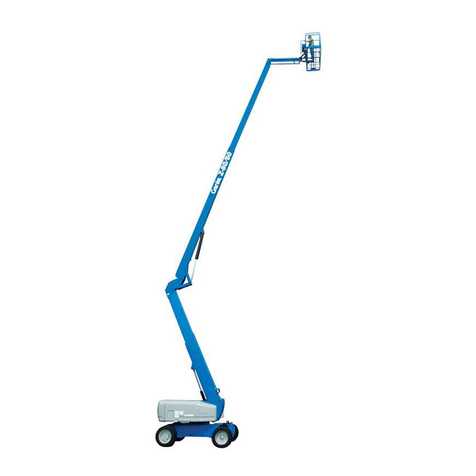
Genie Z-80/60 User manual

Genie

Genie Z-80/60 User manual

Genie GS-1530 User manual

Genie

Genie GS-1530 User manual

Genie S-60 HC User manual

Genie

Genie S-60 HC User manual

Genie Z-34/22IC User manual

Genie

Genie Z-34/22IC User manual

Genie TZ-20 Setup guide

Genie

Genie TZ-20 Setup guide

Genie GS-1530 User manual

Genie

Genie GS-1530 User manual

Genie GS-2669 RT User manual

Genie

Genie GS-2669 RT User manual

Genie Z-60/34 User manual

Genie

Genie Z-60/34 User manual

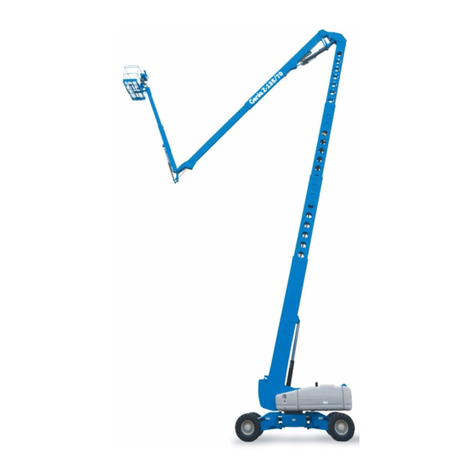
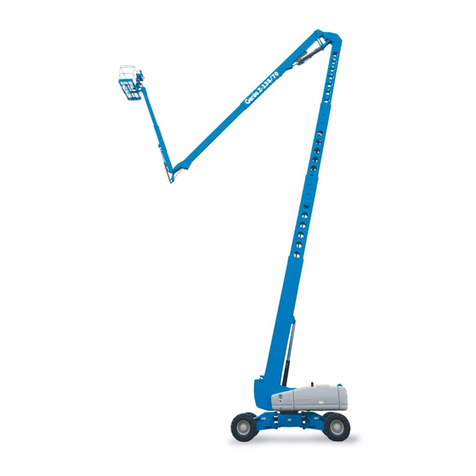
Genie Z-135/70 User manual

Genie

Genie Z-135/70 User manual

Genie Z Series User manual

Genie

Genie Z Series User manual

Genie Z-45/25 User manual

Genie

Genie Z-45/25 User manual

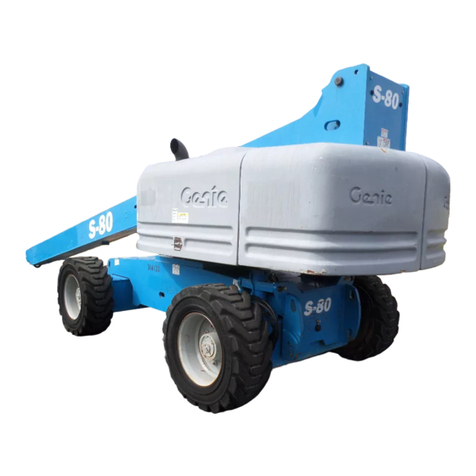
Genie S-80 User manual

Genie

Genie S-80 User manual

Genie gS-1530/32 User manual

Genie

Genie gS-1530/32 User manual

Genie S-40 TRAX User manual

Genie

Genie S-40 TRAX User manual

Genie S-40 TRAX User manual

Genie

Genie S-40 TRAX User manual

Genie ZX-135/70 with Jib-Extend User manual

Genie

Genie ZX-135/70 with Jib-Extend User manual

Genie Z-30 User manual

Genie

Genie Z-30 User manual

Genie S-100HD User manual

Genie

Genie S-100HD User manual

Popular Boom Lift manuals by other brands

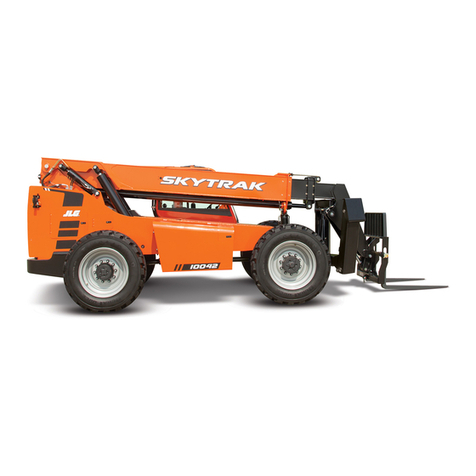
JLG Skytrak 6036 Operation & safety manual

JLG

JLG Skytrak 6036 Operation & safety manual

Terex Z80H-7733 Operator's manual

Terex

Terex Z80H-7733 Operator's manual

Terex Gyro 4020 Service manual

Terex

Terex Gyro 4020 Service manual

Terex Genie Z-51/30 J Operator's manual

Terex

Terex Genie Z-51/30 J Operator's manual

LGMG T65JE Maintenance manual

LGMG

LGMG T65JE Maintenance manual

Oshkosh Corporation JLG H800AJ Operation and safety manual

Oshkosh Corporation

Oshkosh Corporation JLG H800AJ Operation and safety manual

Oshkosh JLG 1500SJ Service and maintenance manual

Oshkosh

Oshkosh JLG 1500SJ Service and maintenance manual

Skyjack SJ30AJE Service manual

Skyjack

Skyjack SJ30AJE Service manual

Oshkosh JLG 800A Service and maintenance manual

Oshkosh

Oshkosh JLG 800A Service and maintenance manual

Terex Genie Z-135/70 installation instructions

Terex

Terex Genie Z-135/70 installation instructions

Skyjack SJ 46AJ operating manual

Skyjack

Skyjack SJ 46AJ operating manual

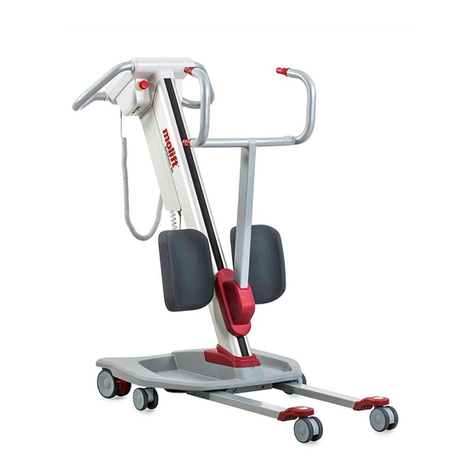
Molift Quick Raiser 205 user manual

Molift

Molift Quick Raiser 205 user manual

Snorkel SL26RTE Parts & service manual

Snorkel

Snorkel SL26RTE Parts & service manual

Terex Genie Z-135/70 Service and repair manual

Terex

Terex Genie Z-135/70 Service and repair manual

Terex Genie ZX-135/70 Service and repair manual

Terex

Terex Genie ZX-135/70 Service and repair manual

Oshkosh Corporation JLG E300A Original instructions

Oshkosh Corporation

Oshkosh Corporation JLG E300A Original instructions

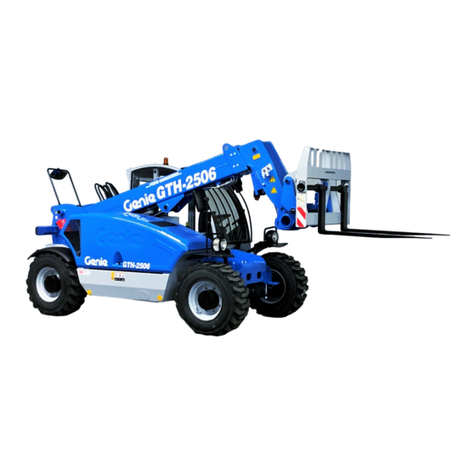
Terex Genie GTH-3007 Service manual

Terex

Terex Genie GTH-3007 Service manual

Skyjack SJ45 T+ Operation manual

Skyjack

Skyjack SJ45 T+ Operation manual

https://manuals.online logo
https://manuals.online logoBrands
  • About & Mission
  • Contact us
  • Privacy Policy
  • Terms and Conditions

Copyright 2026 Manuals.Online. All Rights Reserved.

Quick Reference Guide
January 2017
Genie S-100 • Genie S-105 • Genie S-120
Genie S-125 • Genie S-100HD • Genie S-120HD
Rev A
S-100 • S-105 • S-120 • S-125 • S-100HD • S-120HD
S
-100 from SN 15D-1001
S
-120 from SN 15D-1012
S
-100HD from SN S100HD15D-212
S
-105 from SN 15D-983
S
-125 from SN 15D-984
S
-120HD from SN S120HD15D-208
This Quick Reference Guide is intended for operators who are properly trained to safely operate the machine.
Getting Started:
Step 1: Read the Operators Manual and Perform the pre-operation inspections and tests.
Step 2
Step 3
Step 4
Step 5
Turn to platform
position.
Pull out Red Emergency
Stop buttons.
Start
Engine.
Verify axles
are extended.
Controls and Indicators:
Axle Extend
Axle extend and retract indicator lights will
flash while the axles are moving. Axle extend
indicator light will stay on when the axles are
fully extended. Axle retract indicator light will
stay on when the axles are fully retracted.
Steer Mode
The indicator light next to the current
steer mode will be on.
Drive Enable
Light on indicates that the boom has moved
past a circle-
end tire and the drive function has
been interrupted. To drive, push the drive
enable button and slowly move the drive/steer
control handle off center. Use the color-coded
direction arrows on the platform box and drive
chassis to identify the direction the machine
will travel.
Engine idle select
Rabbit and foot switch symbol light on
indicates foot switch activated high idle
is selected.
Rabbit symbol light on indicates high
idle is selected.
Turtle symbol
light on indicates low idle
is selected.
Platform Overload
Light flashing indicates the platform is
overloaded. The engine will stop and no
functions will operate. Remove weight from
the platform until the light goes off and then
restart the engine.
Drive Select
Machine on incline symbol: Low range
operation for inclines.
Machine on level surface symbol: High
range operation for maximum drive speed.
Fault Indicator Light
Light on indicates the machine has one or
more faults. Faults are abnormal conditions
that exist due to component failure or system
misuse. See the appropriate service manual.
Operating Envelope Indicator Lights
The operating envelope indicator lights will come on to notify the
operator that a function has been interrupted and/or an action is
required by the operator.
Raise Boom light flashing: To continue
extending the boom, raise the boom until the
indicator light is off.
Retract Boom light flashing: To continue
lowering the boom, retract the boom until the
indicator light is off.
Platform Not Level light flashing: The tilt
alarm will be sounding when this light is
flashing. The Platform Level toggle switch
will only work in the direction that will level
the platform. Level the platform until the
indicator light is off.
Machine Not Level Light Flashing: If the tilt
alarm sounds when the platform is raised, the
Not Level indicator light will come on and the
drive function in one or both directions will not
operate.
Follow the correct boom lowering sequence
below based on the platform position. Do not
rotate the boom while lowering.
Uphill Position Downhill Position
S
-100 • S-10 5 • S-12 0 • S-125 • S-100HD • S -120HD
Quick Refer enc e G ui d e
Janu ar y 2017
Genie S
-100 • Geni e S-105 • Geni e S-1 20 Geni e S-125 • GenieS-100HD • G enie

S-120HD
Rev A