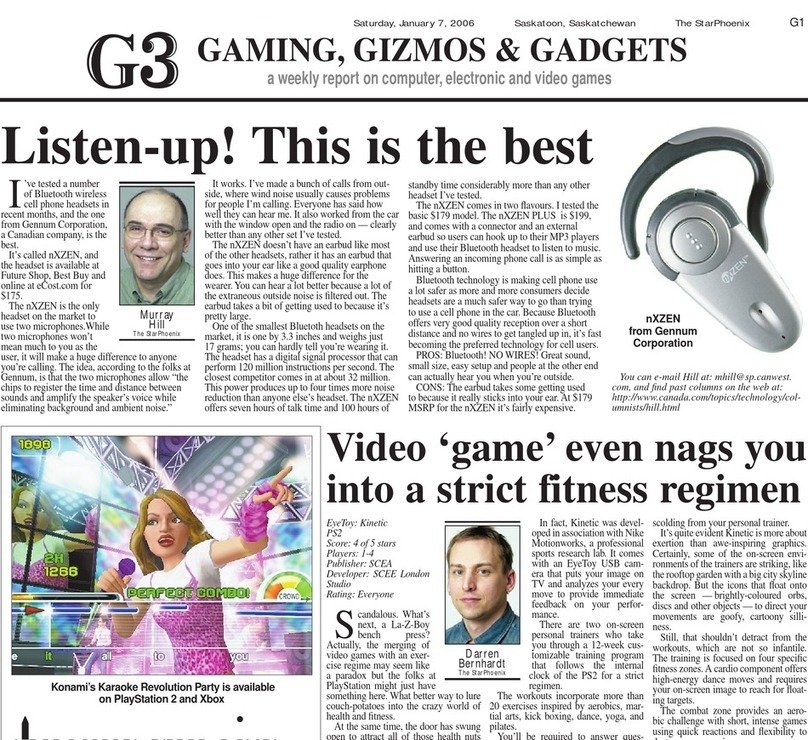
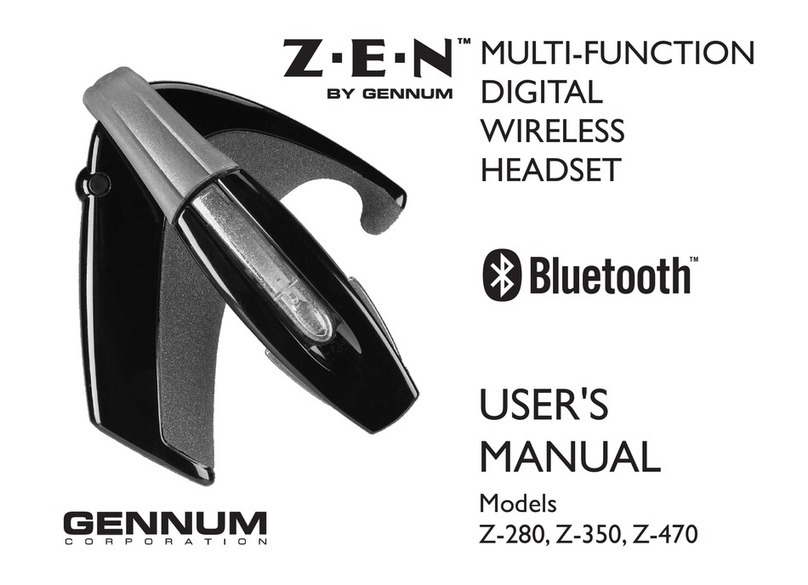
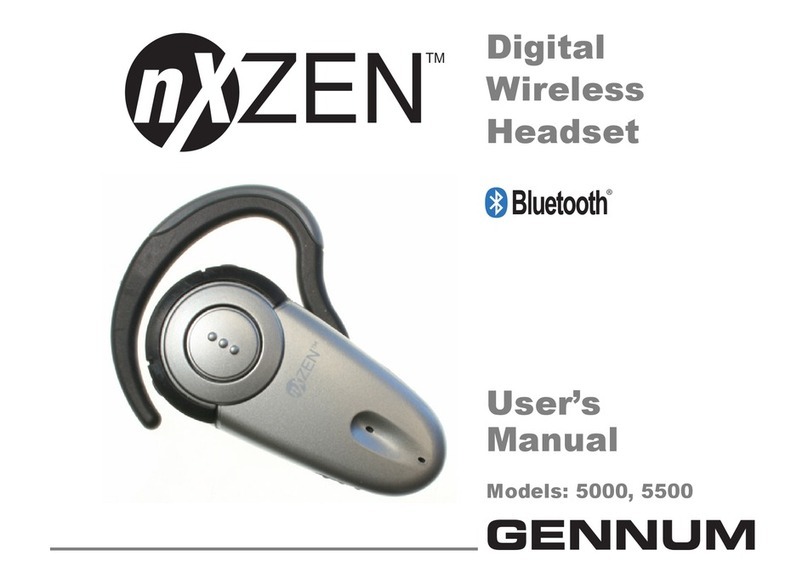
GENNUM DIGITAL WIRELESS HEADSET User manual

DIGITAL
WIRELESS
HEADSET
USER'S
MANUAL
with
HearPhone
Technology
™

Contents
Introduction ........................................................................................6
Contents of this Package ........................................................6
Safety Information ....................................................................8
Getting Started...................................................................................9
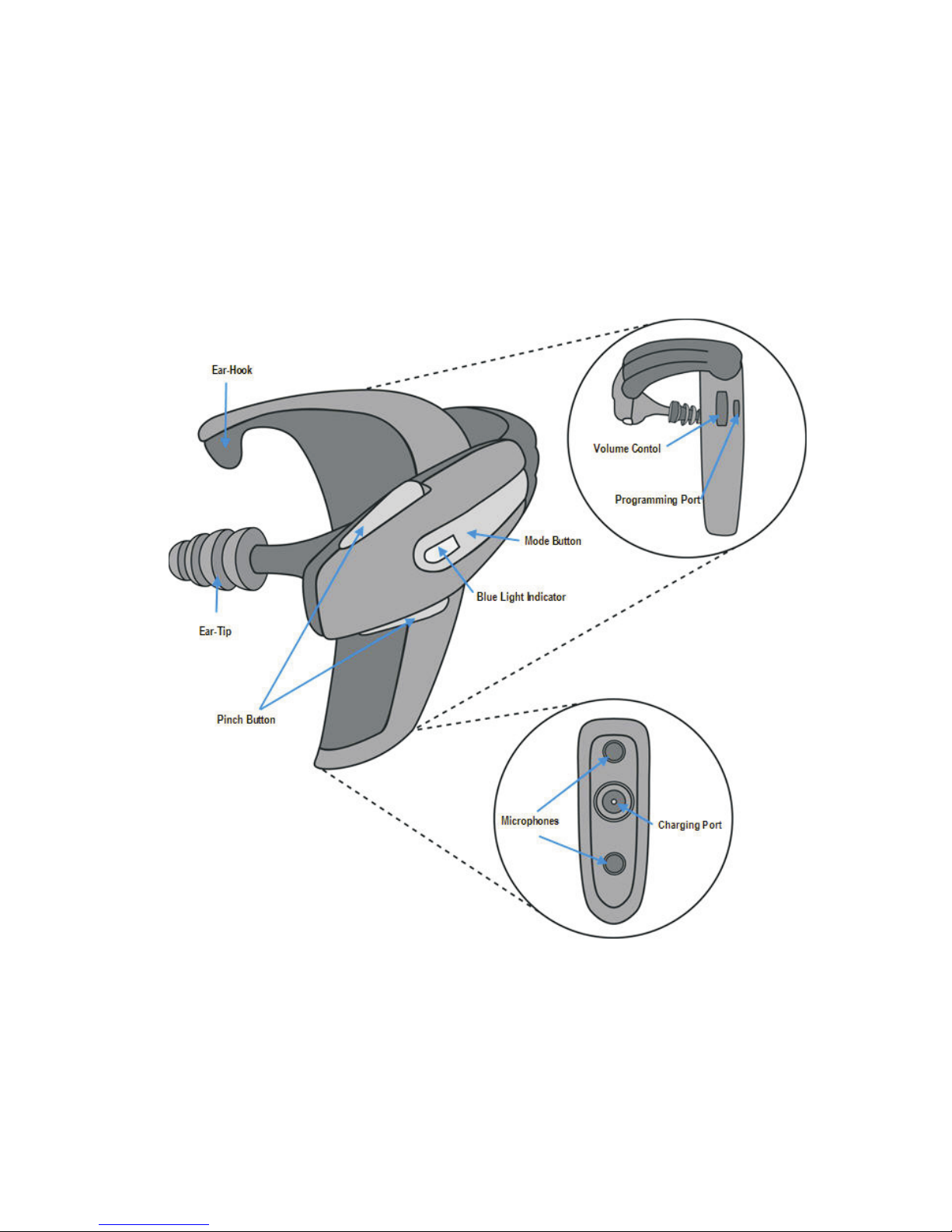
Connecting the Ear Tip............................................................9
Connecting a custom earmold ..............................................9
Positioning the Headset ........................................................10
Positioning Hints.....................................................................12
Turning the headset on or off..............................................12
Volume Control ......................................................................13
Storage Position......................................................................13
Operating Modes: Universal, Directional, Bluetooth ...............14
Universal Mode.......................................................................15
Directional Mode ...................................................................16
Bluetooth Mode......................................................................17
© 2005 Gennum Corporation All rights reservedPage 2

Setting up to receive phone calls........................................18
After you've ended a call ......................................................18
Sound Customization features .....................................................19
Connecting to Cell Phones - Pairing to your cell phone .......20
How to Pair your Headset to your Cell Phone ..............20
Features for phones supporting the BLUETOOTH
Headset Profile only ..............................................................22
To answer a call .............................................................22
To end a call....................................................................22
To make a call.................................................................22
To transfer a call ............................................................22
To Mute/ “Unmute” ......................................................23
Features for phones supporting the BLUETOOTH
Handsfree Profile....................................................................23
Answering a call.............................................................24
To create a link ..............................................................24
®
®
© Gennum Corporation All rights reserved2005 Page 3

To end a call....................................................................24
To make a call.................................................................25
Voice Dial ........................................................................25
Last Number Redial......................................................26
Last Number Redial while on a Call .........................26
To reject a call................................................................26
To transfer a call from the headset to the phone..26
To transfer a call from the phone to the headset..26
Call Waiting.....................................................................27
Mute / Unmute ..............................................................28
Care and Maintenance of your headset .....................................29
Eartips .......................................................................................29
Cleaning the eartips......................................................29
Cleaning your custom earmold..................................30
Headset Maintenance ............................................................30
Battery and Charging Information...............................................31
© Gennum Corporation All rights reserved2005Page 4

Minimizing Power Consumption.........................................31
Battery Life ..............................................................................31
Low Battery Indicator (Red Light) .....................................31
How to charge the headset .................................................32
Replacing the battery.............................................................32
Frequently Asked Questions (FAQs) ..........................................33
Limited Warranty.............................................................................36
Trademarks™ and Registered Trademarks ®..................38
FCC Notice ......................................................................................39
EU Notice .........................................................................................40
Contact Information .......................................................................42
HANDSFREE FUNCTION QUICK SUMMARY......................44
© Gennum Corporation All rights reserved2005 Page 5

Introduction
The Digital Wireless Headset with HearPhone™ Technology and Bluetooth
connectivity provides a high quality digital wireless connection between
Bluetooth-enabled devices and the digital headset.The DigitalWireless Headset
with HearPhone™ Technology incorporates wide dynamic range compression,
FRONTWAVE directional microphones, noise reduction, and active feedback
cancellation. This headset can be custom programmed to satisfy the user's
hearing needs and listening preferences.
Any device that supports the headset or HandsFree Bluetooth profile may be
paired to this headset.
Digital Wireless Headset with HearPhone™ Technology
Replacement Ear Tips
Handsfree Function Quick Summary sheet
piece of (size 12 standard) tubing for use with custom earmolds (9”
length).
User's Manual
®
®
Contents of this Package
•1
•3
•1
•1
•1
•1Wall Charger with 4 Adapters (North America, UK, Europe,Australia)
© Gennum Corporation All rights reserved2005Page 6
© Gennum Corporation All rights reserved2005 Page 7

© Gennum Corporation All rights reserved2005Page 8
Safety Information
!This package contains small parts which may be hazardous to children under
3.
Headsets encourage hands-free operation of phones while driving or
conducting other activities. Please obey the laws regarding cell-phone use
while driving,and give your full attention to the operation of your vehicle.
Do not attempt to use this device if it is submerged in liquid. Immediately
unplug all electrical connections.Users with pacemakers or other electrical
medical devices should consult with their physicians before using cellular
phones or a headset.
The use of wireless devices and their accessories may be prohibited or
restricted in certain areas.Always obey the local laws and regulations on the
use of these products.
Although this headset is warranted,reflecting its design quality and reliability,
fail-safe reliability is not implied.This headset-hearing instrument should not
be relied on as a primary safety system in any application where injury or loss
of life may result from failure of the hearing device to operate properly. No
redundancy or back-up is available in either the power source or the
individual and collective circuit functions of the product.
!
!
!
!

© Gennum Corporation All rights reserved2005 Page 9
Getting Started
Connecting the EarTip
With one hand,firmly grasp the end of the ear tip.With the other hand,grasp
the end of the flexible arm.Remove the ear tip with a gentle tug.To replace the
ear tip,reverse this procedure by aligning the hole in the ear tip and pushing it
on the end of the flexible arm until it is firmly seated in position.
Connecting a custom earmold
For improved comfort and sound quality, you may wish to obtain a custom
earmold to attach to your headset. Custom earmolds are made by hearing
healthcare providers (typically, audiologists and hearing instrument
dispensers).A silicone impression of your ear is made and then shipped to

© Gennum Corporation All rights reserved2005Page 10
an earmold lab for final construction. In order for the custom earmold to
fit onto your headset, you will need to provide the clear plastic tubing
(included in your headset kit) to the hearing healthcare provider at the
time the earmold impression is made.The tubing will be incorporated into
your custom earmold and will be compatible with your headset.
Positioning the Headset
The headset's flexible arm (see photos above) can be rotated to fit either
ear.To position the headset, grasp it between your thumb and index and
middle fingers as shown. Position the body of the headset over the top of
This manual suits for next models
1
Table of contents
Other GENNUM Headset manuals