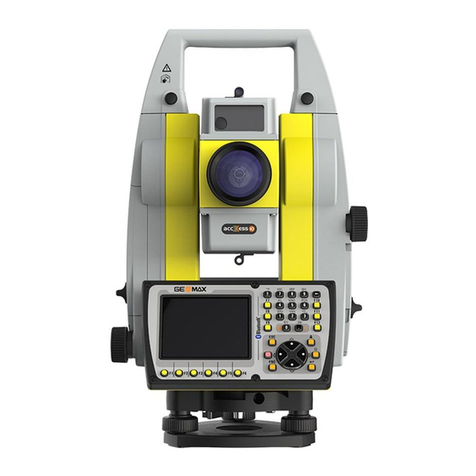
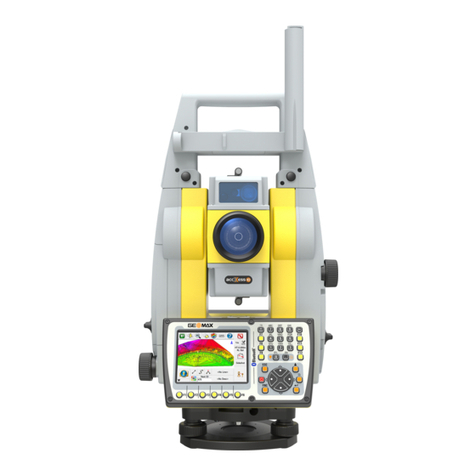
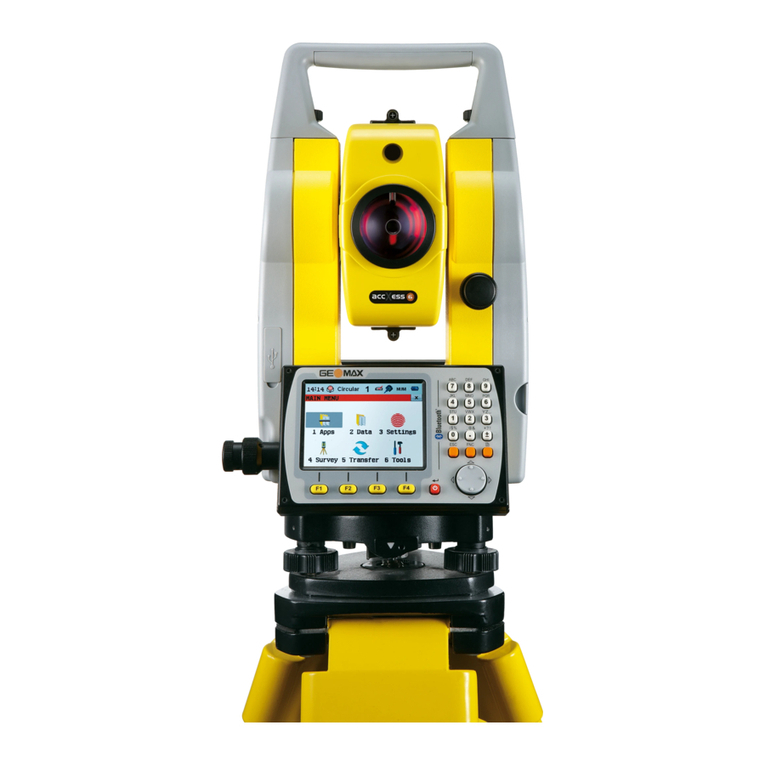
Zoom70/90 Series - 7 -
Installation Guide © 2018 GeoMax AG, Widnau, Switzerland
5) Follow the instructions on the screen.
6) When ready, press FINISH.
7) Connect the Zoom70/90 to the PC with a USB cable.
8) Power ON the Zoom70/90
Your PC will then try to recognize the Zoom70/90 and associate the appropriate drivers
with it.
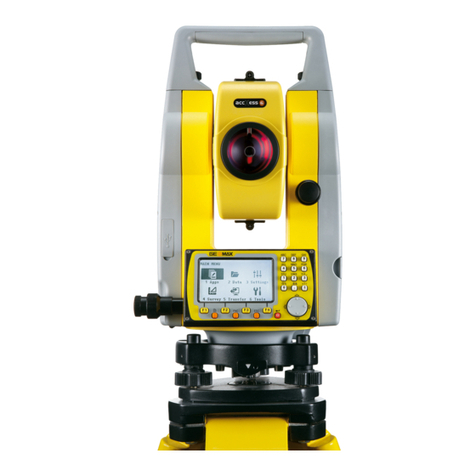
3.6 INSTALLING 3RD PARTY SOFTWARE ONBOARD THE INSTRUMENT.
With the Zoom70/90 it is possible to install applications onto the unit if they were
specifically designed for it. If the received application installer is in .CAB format, it means
that it has to be transferred to the Zoom70/90 first before it can be installed. There are
multiple ways of doing this, but the easiest thing would be to put the .CAB file directly
onto a USB-Stick and put this stick into the Zoom70/90 USB port. Then on the desktop
screen of the Zoom90, double-tap on the MY DEVICE icon. Navigate to the USB stick and
press ENTER. Now highlight the .CAB installer and press ENTER to start the installation.
Follow the instructions provided on the screen.
If the received file is however an .EXE file, then it means that it would need to be run
from the Desktop PC side. Make sure that the instrument is powered ON and connected to
the Desktop PC. (See previous chapter). If the instrument is properly connected, run the
.EXE file and follow the instructions on the screen.
Note: At the present time, the most common applications working with the
GeoMax Zoom70/90 instruments are:
- MicroSurvey FieldGenius (.EXE file = Start from Desktop PC)
- LSE X-Pad (.CAB file = Start from Zoom90)
- Carlson Software SurvCE (.EXE file = Start from Desktop PC).
4PREPARATION OF THE FIELD CONTROLLER
4.1 SETTING UP THE FIELD CONTROLLER
Once the battery is fully charged or while connected to AC power supply, press the power
button of the field controller. Follow the steps of the wizard to setup Windows and the
touch screen. The Windows software on the supplied Getac Handheld is only available in
English language. Microsoft restricts the installation of alternative languages with this
operating system.