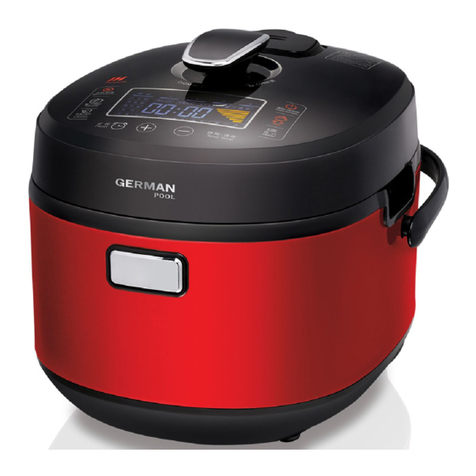
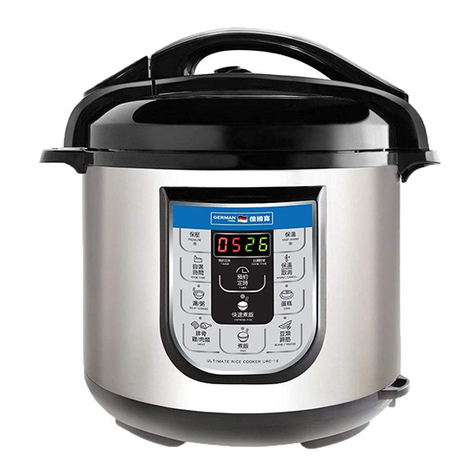
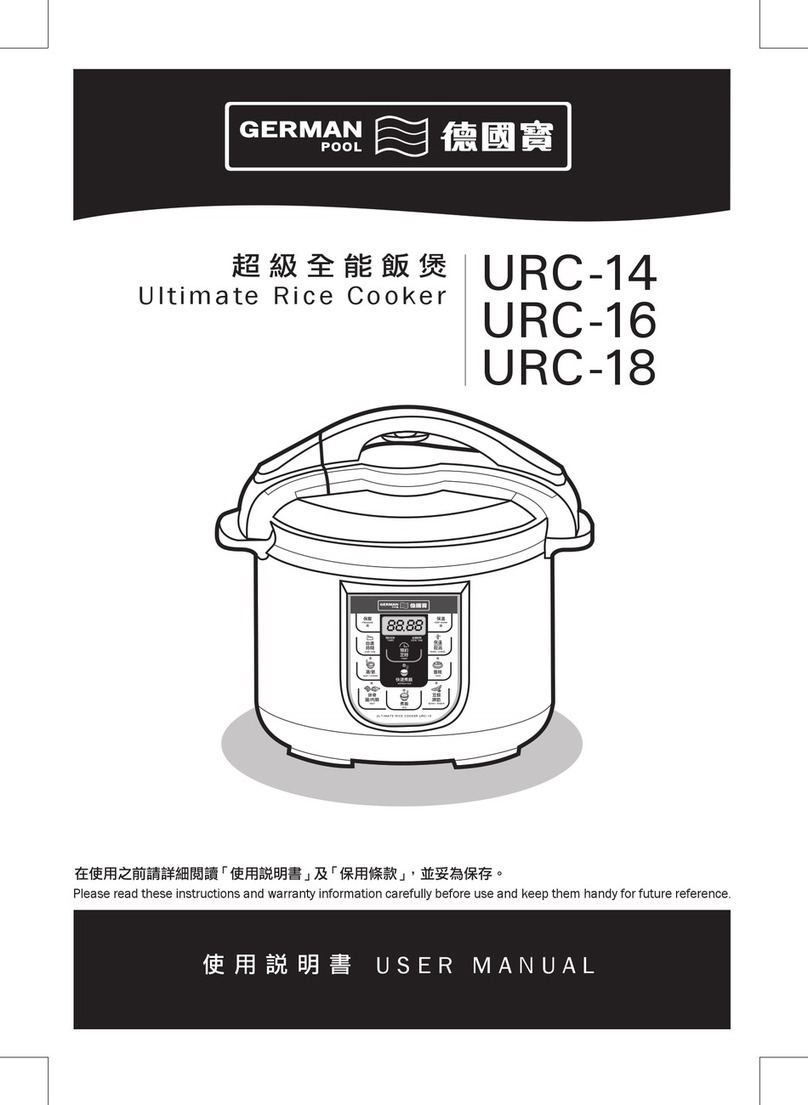
按鍵說明 Control Buttons
P. 06
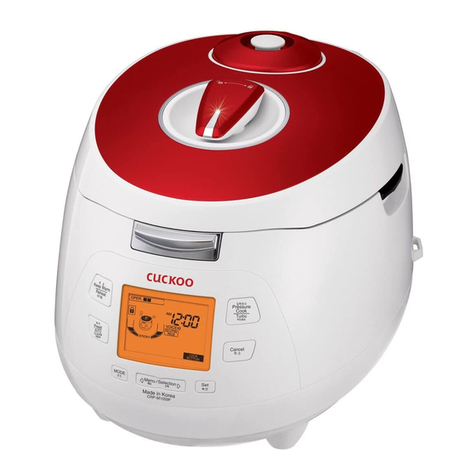
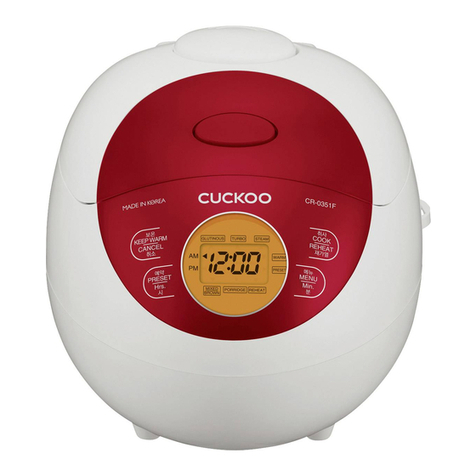
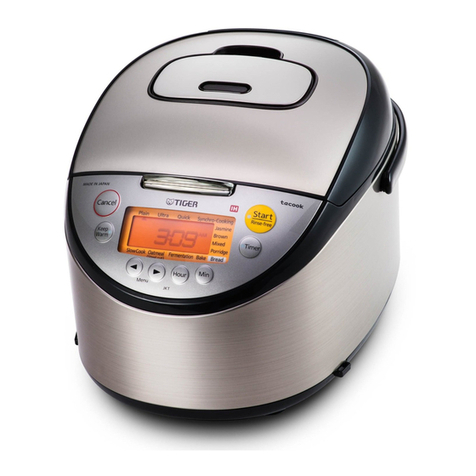
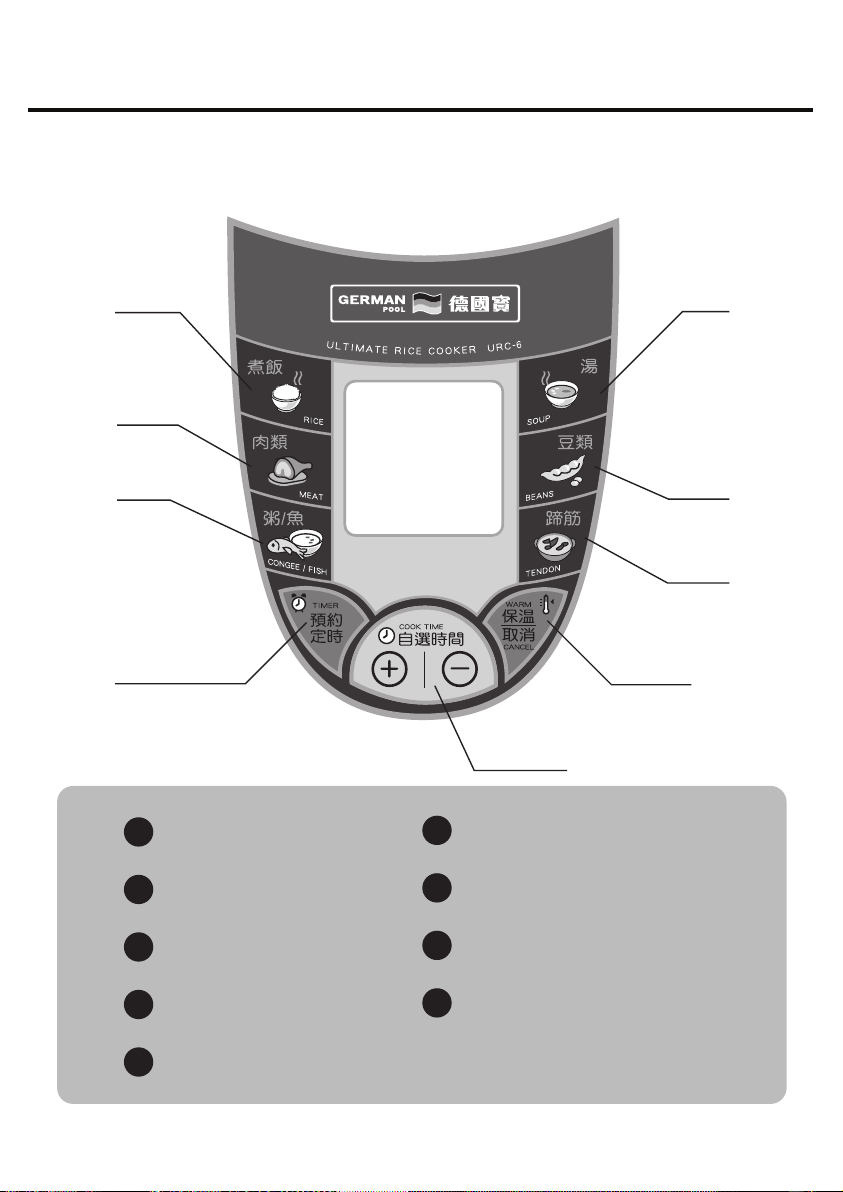
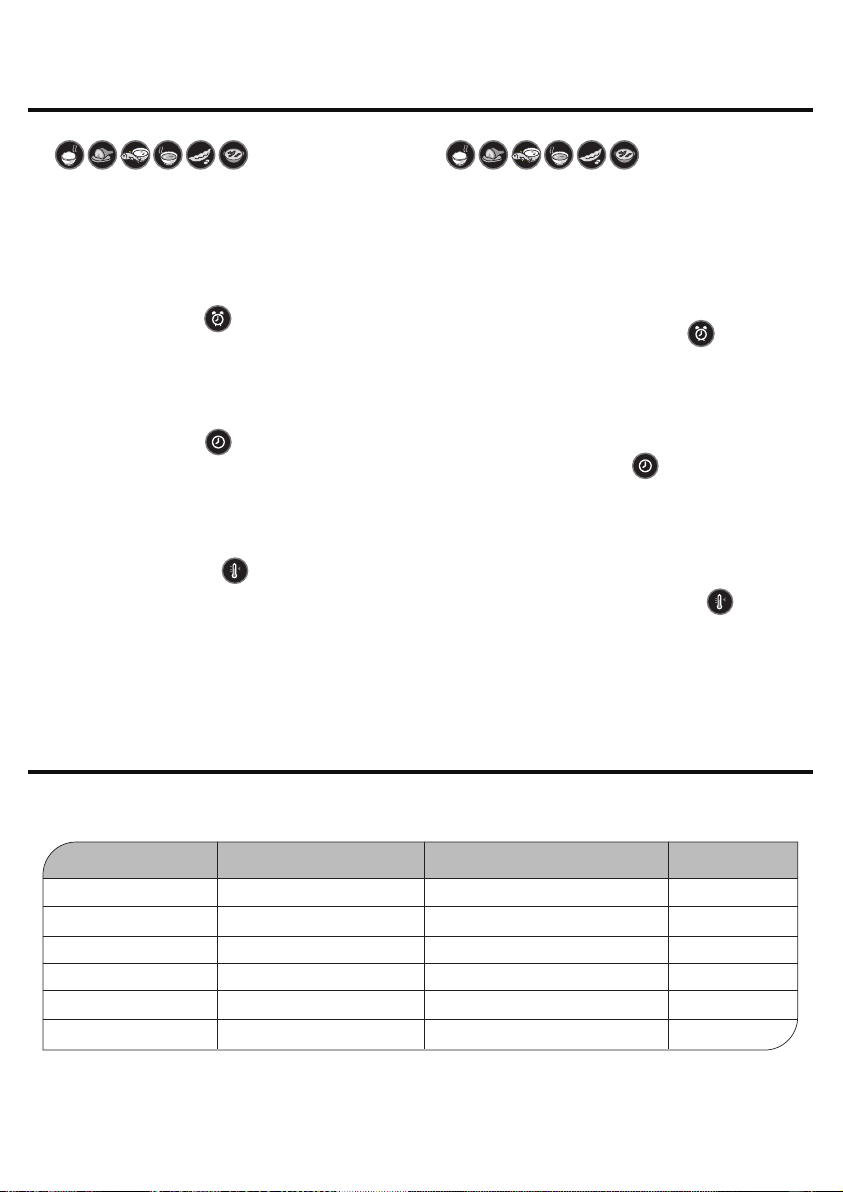
「預約定時」鍵
按下此鍵,顯示器左邊2個數字會顯示“ 0 1 ”表示全能飯
煲會於1小時後啟動。 每按一下,時間會以1小時為單位
遞增,長按此鍵時間則會快速地遞增。此鍵最多可延遲
啟動時間24小時 (在保溫及運作狀態下,按此鍵無效)
“Appointment Time” Button
Press to delay starting time of operation. Delay
appointment by 1 hour per each press of this button.
Maximum appointment setting is 24 hours
(This button does not work under “Keep Warm” or
“Cooking” status)
“Cook Time” Buttons
Press to set cook time according to personal preferences.
Add or reduce 1 minute per each press of the “+” or “-“
button respectively. Add or reduce 10 min. respectively
when these buttons are pressed continuously. Time can
be adjusted from 0 to 99 min
“Keep Warm / Cancel” Button
(1) When cooker is not running (display is “00 00”),
press this button to enter “Keep Warm” status
(2) When cooker is under “Cooking” or “Keep Warm”
status, press this button to clear all settings
One-Touch Function Buttons
(Incl. “Steamed Rice”, “Meat”, “Congee / Fish”, “Soup”,
“Beans” and “Tendon”)
When cooker is not cooking, select and press one of
these buttons to start operation according to default
time settings. Corresponding icon and cook time will be
shown on the digital display
「自選時間」鍵
按其中一鍵進入自選烹調狀態(開始時保壓時間設定為
0分鐘)。每按一次,保壓時間便會相應遞增或遞減1分
鐘,長按則可以10分鐘為單位快速遞增或遞減。自選時
間設定範圍為0-99分鐘
「保溫 / 取消」鍵
(1) 在待機狀態下 (屏幕顯示“ 00 00 ”),按此鍵可將煲
內食物保溫
(2) 在運作狀態或設定過程中,按此鍵取消所有設定,
並轉入待機狀態
快速功能鍵
(包括“煮飯”、“肉類”、“ 粥 / 魚”、“湯”、“豆類”、
“蹄筋”共六個鍵)
在待機狀態或設定了預約定時後,按這些鍵進入相應的
功能,並且開始操作或進入時間倒數,屏幕會顯示相應
的圖案以及保壓時間
自選烹調時間參考 Custom Recipe Time Reference
*下列資料只供參考,實際烹調時間須視乎食物份量及個人口味而稍作調整
* Information below is for reference only. Actual cooking time are subject to food portion and personal preference.
食物種類
魚
肉類 / 雞 / 排骨
潮州粥
廣東粥
湯
豆類 / 紅豆沙
參考時間 (分鐘)
1-8分鐘
10-20分鐘
1-3分鐘
20-25分鐘
25-30分鐘
20-35分鐘
FOOD TYPE
Fish
Meat / Chicken / Spareribs
Congee (Chao Zhou Style)
Congee (Canton Style)
Soup
Beans / Red Bean Soup
TIME (min)
1-8 min
10-20 min
1-3 min
20-25 min
25-30 min
20-35 min