HD2304 - 7 - V1.8
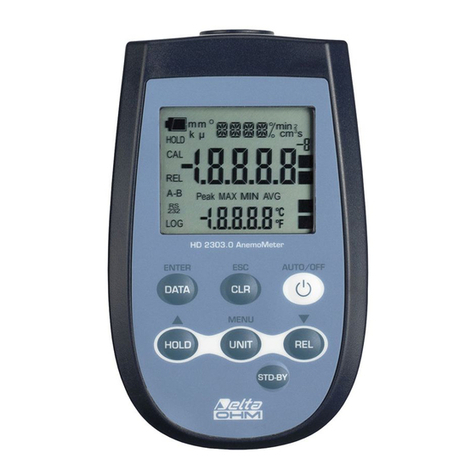
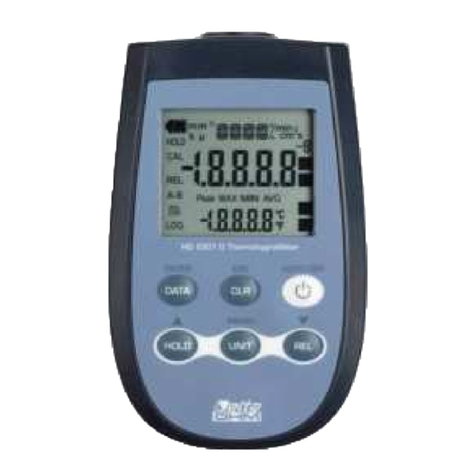
The instrument has an AutoPowerOff function that automatically turns the instrument
off after about 8 minutes if no key is pressed during the intervening time.
Press simultaneously the ON/OFF key and the HOLD key to disable this function.
In this case, remember to turn the instrument off using the ON/OFF key: disabling of
the automatic turning off is shown by the blinking battery symbol.
The CLR key has two functions:
•CLEAR (CLR): allows to reset the maximum (MAX), minimum (MIN) and
average (AVG) value of the captured measurements;
•ESC: once the MENU has been opened with the DATA+UNIT keys, the CLR
key will allow to cancel the parameters set using the and arrows.
The DATA key is used for the following functions:
•DATA: during normal measurement, By pressing this key once the maximum
(MAX) value of the measurements captured by the probe connected to the
instrument is displayed, updating it with the acquisition of new samples. By
pressing this key again, the minimum (MIN) value is displayed and by pressing
this key a third time the average (AVG) value is displayed.
The acquisition frequency is once a second.
The MAX, MIN and AVG values remain in the memory until the instrument is on,
even after exiting the DATA calculation function. When the instrument is off, the
previously memorized data are cleared. Upon turning on, the instrument
automatically starts memorizing the MAX, MIN and AVG values.
To reset the previous values and start with a new measurement session, press
until the FUNC_CLRD message appears.
•ENTER: once the MENU has been opened with the DATA+UNIT keys, the
DATA key will perform the ENTER function and the MENU can be browsed and
the displayed parameter confirmed. During electrode calibration, it allows to
decrease the nominal buffer value.
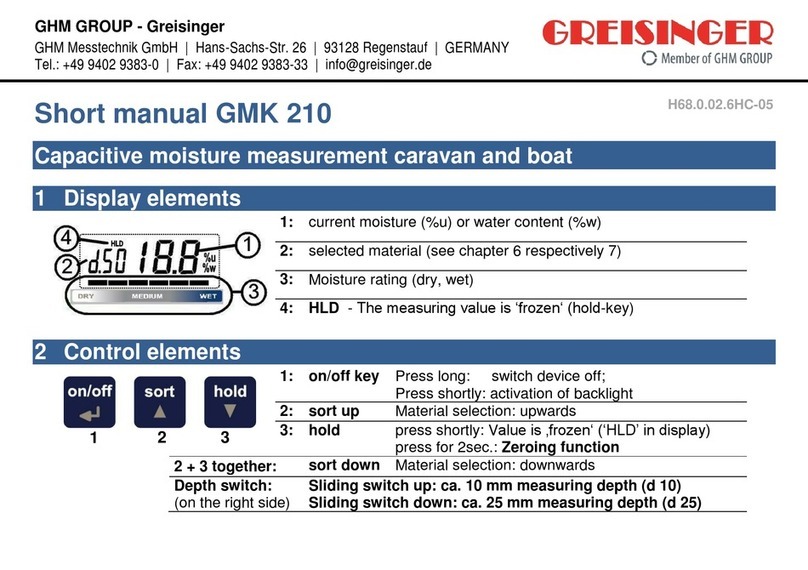
The HOLD key is used for the following functions:
•HOLD: by pressing this key the current measurement is frozen and the "HOLD"
message will appear in the upper left-hand corner of the display. To return to
the current measurement, press the key again.
•: once the MENU has been opened with the DATA+MENU key, the key will
allow to increase the value of the selected parameter.
Disabling of the automatic turning off