manuals.online logo
Brands
  1. Home
  2. •
  3. Brands
  4. •
  5. GoPro
  6. •
  7. Action Camera
  8. •
  9. GoPro HERO 10 Black Bones User manual

GoPro HERO 10 Black Bones User manual

Other GoPro Action Camera manuals
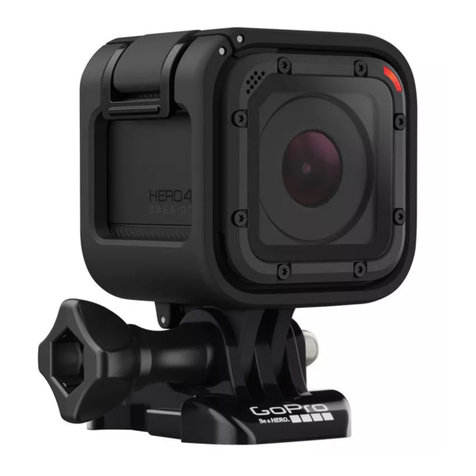
GoPro HERO 4 SILVER User manual

GoPro

GoPro HERO 4 SILVER User manual

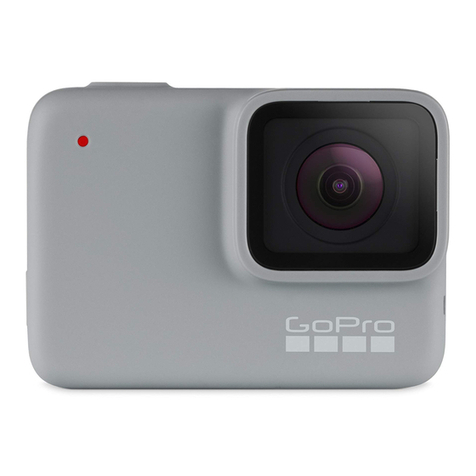
GoPro HERO7 WHITE User manual

GoPro

GoPro HERO7 WHITE User manual

GoPro Hero9 User manual

GoPro

GoPro Hero9 User manual

GoPro HERO Camera User manual

GoPro

GoPro HERO Camera User manual

GoPro HERO 6 User manual

GoPro

GoPro HERO 6 User manual

GoPro Hero 4 Black User manual

GoPro

GoPro Hero 4 Black User manual

GoPro Hero3White User manual

GoPro

GoPro Hero3White User manual

GoPro Hero 3+ Black Edition User manual

GoPro

GoPro Hero 3+ Black Edition User manual

GoPro Hero3plus Black Edition User manual
GoPro

GoPro Hero3plus Black Edition User manual

GoPro Hero3plus Black Edition User manual

GoPro

GoPro Hero3plus Black Edition User manual

GoPro Hero3plus Black Edition User manual

GoPro

GoPro Hero3plus Black Edition User manual

GoPro Hero3plus Black Edition User manual

GoPro

GoPro Hero3plus Black Edition User manual

GoPro HERO7 Silver User manual

GoPro

GoPro HERO7 Silver User manual
GoPro Hero3plus Black Edition User manual
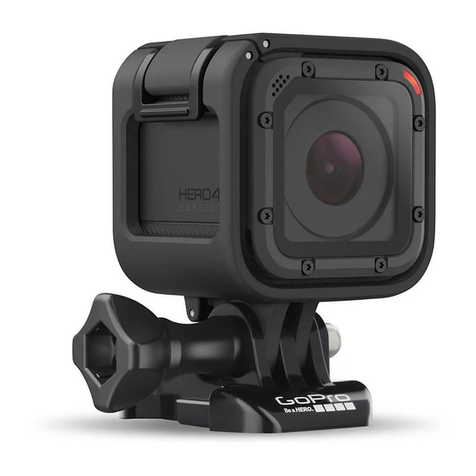
GoPro

GoPro Hero3plus Black Edition User manual
GoPro REMO User manual

GoPro

GoPro REMO User manual

GoPro HERO7 Silver User manual

GoPro

GoPro HERO7 Silver User manual

GoPro HERO5 User manual

GoPro

GoPro HERO5 User manual

GoPro HERO 4 SILVER User manual

GoPro

GoPro HERO 4 SILVER User manual

GoPro Hero3+ Black Edition User manual
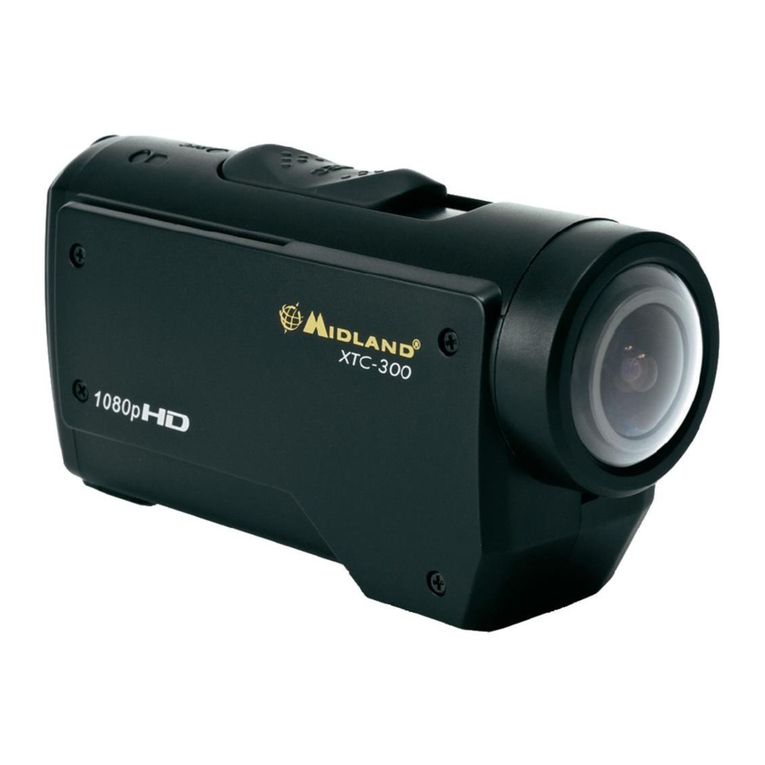
GoPro

GoPro Hero3+ Black Edition User manual
GoPro MAX User manual

GoPro

GoPro MAX User manual

GoPro Hero 3 Black edition User manual

GoPro

GoPro Hero 3 Black edition User manual

GoPro HERO11 Black User manual

GoPro

GoPro HERO11 Black User manual

GoPro SPBL1 User manual

GoPro

GoPro SPBL1 User manual

GoPro HD Hero 960 User manual

GoPro

GoPro HD Hero 960 User manual

Popular Action Camera manuals by other brands

Denver ACT-1013 quick start guide

Denver

Denver ACT-1013 quick start guide

DeepSea Power & Light SEACAM Operator's manual

DeepSea Power & Light

DeepSea Power & Light SEACAM Operator's manual

Epic STC-EPC1T user manual

Epic

Epic STC-EPC1T user manual

Brinno MAC200 DN user manual

Brinno

Brinno MAC200 DN user manual

ION Air Pro 2 quick start guide

ION

ION Air Pro 2 quick start guide

Firefly 6s instruction manual

Firefly

Firefly 6s instruction manual

Pyle eXpo PSCHD90 user manual

Pyle

Pyle eXpo PSCHD90 user manual

MOFILY YOCAM quick guide

MOFILY

MOFILY YOCAM quick guide

Coleman C5WP Xtreme instruction manual

Coleman

Coleman C5WP Xtreme instruction manual

MCM Electronics 82-19749 user manual

MCM Electronics

MCM Electronics 82-19749 user manual

Aim SmartyCam 3 Sport user manual

Aim

Aim SmartyCam 3 Sport user manual

Omni HERO4 user manual

Omni

Omni HERO4 user manual

nedis ACAM41BK user manual

nedis

nedis ACAM41BK user manual

Naxa NDC-409 user manual

Naxa

Naxa NDC-409 user manual

Panasonic HX-A1M operating instructions

Panasonic

Panasonic HX-A1M operating instructions

Kodak Pixpro SP1 user manual

Kodak

Kodak Pixpro SP1 user manual

Akaso V50X user manual

Akaso

Akaso V50X user manual

ZERO-X ZX-10 user manual

ZERO-X

ZERO-X ZX-10 user manual

manuals.online logo
manuals.online logoBrands
  • About & Mission
  • Contact us
  • Privacy Policy
  • Terms and Conditions

Copyright 2025 Manuals.Online. All Rights Reserved.

5 61
2
3
4
Note: The LED will blink 3x after powering on.
Note: Please check polarity and wire configuration.
Incorrect wiring can permanently damage camera.
Download the GoPro Quik App
Insert SD Card
Connecting to Your Drone Pairing with the App Finishing Pairing with the GoPro Quik App
Aim your GoPro camera lens at the QR code to begin
pairing with the GoPro Quik app on your phone.
Note: The LED will blink 2x to confirm QR has been read.
The GoPro Quik app is the easiest way to switch
modes, adjust settings and frame your shot.
Note: Your camera must be within 1 meter of your phone to pair with the
GoPro Quik app. Auto Upload is not supported by HERO10 Black Bones.
Powering On
GH 1.5 3pin Connector
Power
Ground
Shutter
130-32240-000REVB© 2022 GoPro, Inc. All rights reserved. Model/Modelo: CPBN1
5-27v
2S-6S
Connect to
flight controller,
Max 5V
We Found
Your GoPro
Pair Camera
Set up
Au
Upload Footage
while Charging
Later
Aim your GoPro camera lens at the QR code to
set up your camera up with these settings:
For more information and QR codes,
go to gopro.com/bones
WARNING: HERO10 Black Bones is
not waterproof.
For best performance, ensure there is
enough airflow around your camera.
Use the included mounting fingers to
use your camera with GoPro mounts.
Camera Power On 3 blinks
Camera Power O 7 blinks
App/Remote Pairing 1 blink per 1s
QR Code Accepted 2 blinks
Idle Video Mode 1 blink per 5s
Idle Photo Mode 2 blinks per 5s
Idle Time Lapse Mode 3 blinks per 5s
Recording 1 blink per 2s
Stop Recording 3 blinks
LED
LED Status
Video: 4K60 4:3
Lens: Wide
ISO: Max 1600
HyperSmooth: O
Color: Flat
EV Comp: -0.5
Bit Rate: High
Sharpness: Medium