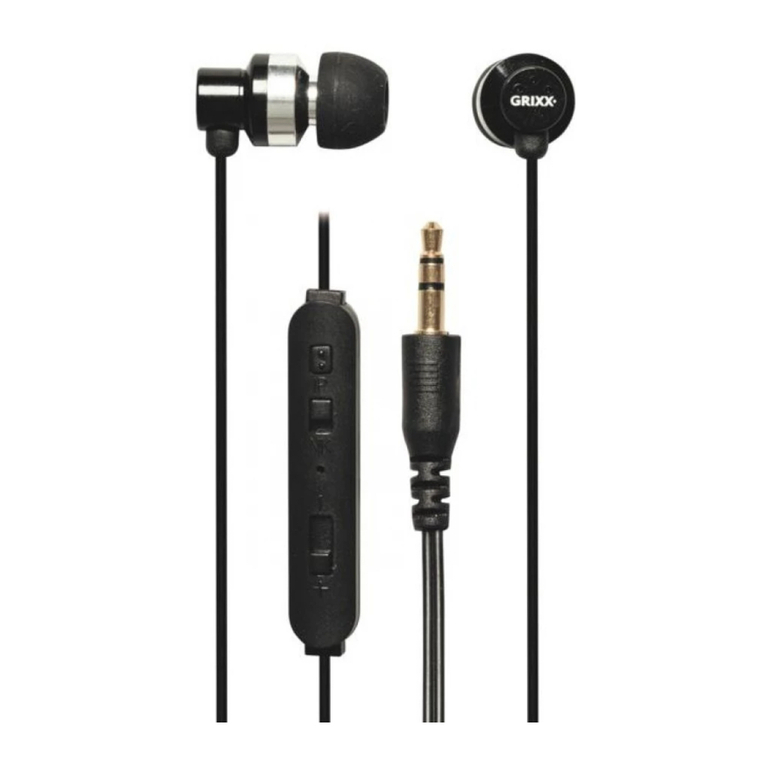
Grixx User Guide
6
Pairing headphones with Bluetooth devices
Use the Bluetooth pair (power on/off) button
Press and hold the button for 3 seconds to enter paring mode.
The LED indicator flashes red and blue alternately.
You will hear a voice prompt “Power on Paring”.
Activate Bluetooth on your phone and set it to search for new devices.
Select “Grixx In-ear”; the LED indicator stops flashing red and blue once success fully paired.
You will hear a voice prompt “Connected”.
Magnetic click system
Built in magnets let you attach the two earphones together, a comfortable and safe way to carry
around when you are not using them.
Cleaning the headphones
It is important to clean the ear tips and earbuds of all Grixx in-ear headphones and headsets,
including the fine mesh screens on each earbud.
This helps to ensure the best audio performance. Even a small amount of debris can cause the sound
to fade or cut out altogether.
To clean the ear tips, remove them from the earbuds and wash them with mild soap.
Make sure you thoroughly rinse and dry them with a soft cloth (allow them to completely dry before
reattaching them to the earbuds).
To clean the earbuds, remove the ear tips from the earbuds and lightly brush the mesh screens with
a soft dry cloth (be careful not to push ear wax into the mesh surface or port hole).
Then re-attach the ear tips.
Caution
•Do not dismantle the product without expertise, this may damage the products or cause fire.
•Do not place the LED indicator directly in front of your eyes.
•Do not use in a hot humid environment.
•Do not put the product in water.
•Obstacles, such as walls, may reduce the Bluetooth range.
•Do not dispose the battery to fire, as it may cause explosion.
•To avoid breaking the cable, pull the plug - not the cable - when removing them from the
charging source.
•Wrap the cable up carefully and neatly –do not fold - when you are not using them so it doesn't
get bunched up and break.