17
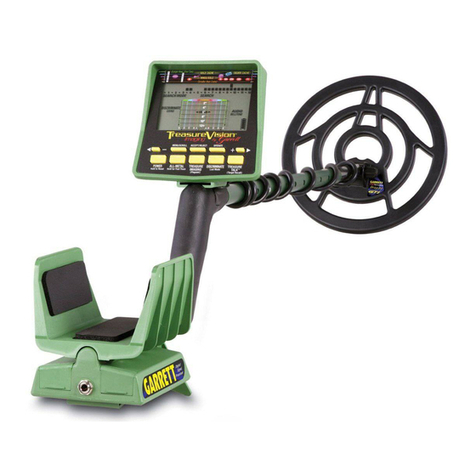
DETECTOR MODES
GPS
The GPS mode allows you to save certain locations that you are wanting to
return to later. The farthest it will read you from your saved location is 999
yds. The closer you get to the saved spot the lower the number will go, 000
yds means you’ve reached your spot.
Notch Modes
When in Notch there are three options:
All Metals: Use this mode if you are looking for a wide range of objects. It
is designed to nd all metal objects.
Coin: When using this mode it will show you the metals found in coins. It
is designed to nd all types of coins and eliminate trash objects such as
iron and foil.
Jewelry: When in this mode it will show you the metals common in
jewelry. It is designed to nd jewelry such as rings, bracelets, watches and
necklaces.
Custom: Use this mode if you want to choose the specic metals to
search for . It is designed for you to nd certain metal objects that you
programmed it to.
When an object is detected it will highlight the name of the metal found as
well as use a tone that identies the metal.
Ground Grab
All soils contain minerals. Signals from ground minerals interfere with the
signals from metal objects. All soils dier, and can dier greatly, in the type and
amount of ground minerals present. This detector incorporates ground balanc-
ing algorithms which eliminate interference caused by the ground minerals
found in most soils. We therefore recommend that you use GROUND GRAB to
most accurately calibrate the detector to the specic ground conditions where
you are hunting.
This process will maximize the detector's target identication accuracy and
depth detection capability.
Discrimination
Pick the discrimination mode you want to detect in. Keep the coil parallel to the
ground moving it from left to right with a stable speed. Out of the metals
highlighted it will categorize the metal detected so you are aware of what metal
is buried. It will inform you in two ways; 1. by highlighting the metal detected
and 2. a tone response.
Discrimination identication accuracy can be inuenced by moisture and
temperature. The coil sweeping speed can also aect discrimination, generally
faster sweeping motion has a higher sensitivity.
Pinpointing
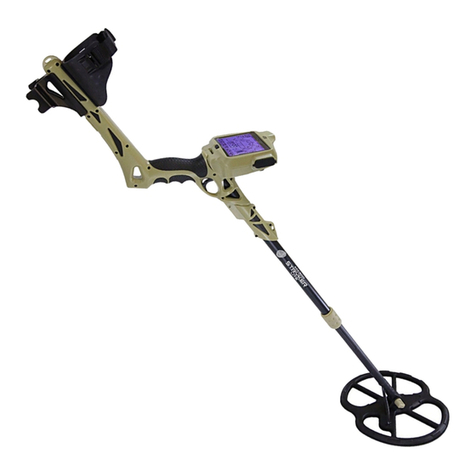
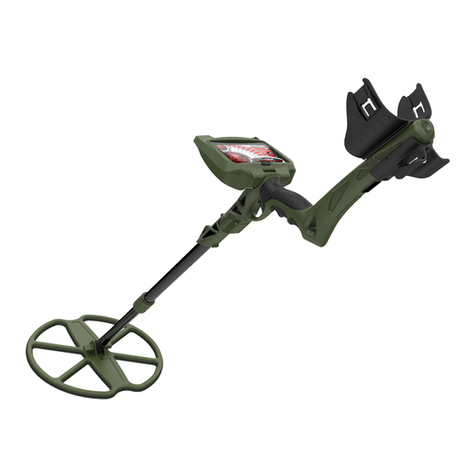
Pinpoint does a narrow search that will give you the exact location of a
buried object. It will identify an object by a signal and tone response. Press
and hold down the “PP” button to activate the pinpoint function. Once
activated, sweep the coil over the target area in an“X”pattern. Make a visual
note of the place on the ground where the strongest signal is identied.
Then dig in the center of the“X.” To deactivate the pinpoint function, simply
release the “PP” button. The metal detector will automatically default back
into discrimination mode.
The Steps is as follows:
1. Find a patch of ground which is free of metal. Use the DISCRIMINATION mode, with no targets discrimi-
nated out.
2. Enter into GG mode of operation, LCD shows 'Start'
3. Hold the detector with the search coil a foot or two above the ground.
4. Press center button to active ground grab process, LCD shows 'GRABING'.
5. With 'Grabing' showing on lcd display, Lower the searchcoil down to within 2 inches of the ground.
6. After successfully ground balancing, It shows 'GRAB OK', and quit to detecting mode automatically.
If 'GRAB ER' appears, maybe the ground is too dirty with metal trash or just wet salt soil. Find another
clean place ground grab again till it is grab ok.
Ground grab results is crucial to the performance of PP mode.