General Treatment Products, Brea, CA 92821,
O&M Manual INSTSEPTIMER Rev. 0220, Page 3 of 4
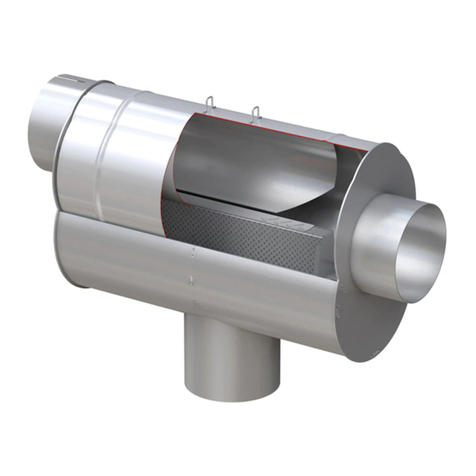
5.1 CONNECTING TO SEPARATOR Purge valve should be installed at the bottom or drain connection of the
separator. Be sure to use isolation valve supplied for servicing. Plumb outlet of purge valve to floor drain or
collection/clarifying system.
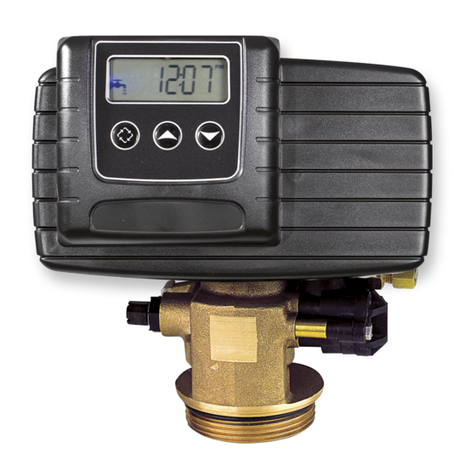
5.2 WIRING VALVE TO TIMER Timer and valve are supplied with seal tight cord clamps and power cords.
Valve and controller can be hard wired. See section 9.0 for wiring diagram.
5.3 SETTING THE CALENDAR/CLOCK AND ASTRO TIME The timer does not have to be plugged in to set
the time.
1) Press DATE/TIME/NEXT. The year will flash. Use +/- to set year.
2) Press DATE/TIME/NEXT. The month will flash. Use +/- to set the month.
01 January to 12 December.
3) Press DATE/TIME/NEXT. The date will flash. Use +/- to set the date.
4) Press DATE/TIME/NEXT. The DST (Daylight Saving Time) will appear. Off
is the standard, press + to turn Auto.
5) Press DATE/TIME/NEXT. The time will appear. Use the +/- to set the
current hour.
6) Press DATE/TIME/NEXT. The minutes will appear. Use the +/- to set the
current minutes.
The next few steps are to set the Astro region, when the sun will rise. Press the
DATE/TIMRE/NEXT three times to get past the Astro region, sunup and sundown times.
5.4 SETTING THE EVENTS This section provides instructions for setting pairs of ON/OFF events. To set an
event pair, you must first set the ON event and then repeat the procedure to set the OFF event. You can set
up to seven pairs of ON/OFF events (14 total) in the timer. Follow this procedure to set timer events.
1) Press the SET ON/OFF EVENTS and the day of the week at top, will start flashing. Using the +/- select the
day of the week you with the first event to happen. (You can choose from one day a week, all days of
week just the working days of the week or just the weekend)
2) Press DATE/TIME/NEST and the on time for the first event will display.
3) Press DATE/TIME/NEXT and the time will appear.
4) Press DATE/TIME/NEXT again and the hour will flash. Set using the +/-.
5) Press DATE/TIME/NEXT again and the minutes will flash. Set using the +/-.
6) Press SET ON/OFF EVENTS and the off time for the first event will display.
7) Press DATE/TIME/NEXT and the time will appear.
8) Press DATE/TIME/NEXT again and the hour will flash. Set using the +/-.
9) Press DATE/TIME/NEXT again and the minutes will flash. Set using the +/-.
10) Press SET ON/OFF EVENTS and the on time for the second event will display.
** Repeat steps to finish all events needed. Press SET ON/OFF EVENTS to skip unwanted events.
5.5 RESETTING THE TIMER In the event the timer malfunctions or is tamper with. The RESET can be
pressed on the front panel with a paperclip. NOTE: THIS WILL RESET ALL FUNCTIONS, EVEN TIME.
5.6 REPLACING THE BATTERY BACKUP. The battery backup is only accessible from the back of the time.
Please remove power before servicing. Remove small access panel on back of timer and replace the AA
battery. Battery life’s vary, this should be check twice a year.
6.0 PRESSURE AND TEMPERATURE LIMITATIONS
MATERIAL
MAXIMUM SHORT-
TERM TEMPERATURE
MAXIMUM OPERATING
TEMPERATURE
MAXIMUM OPERATING
PRESSURE
Chlorinated Polyvinylchloride (CPVC)
Note: Minimum Fluid Temperature is 50oF/10oC.