ITALIANO
DEUTSCH
ESPAÑOL
NEDERLANDS ENGLISHFRANÇAIS
1/24
CONTENTS
1.INTRODUCTION................................................................................................................ 2
2.MINIMUM SYSTEM REQUIREMENTS.............................................................................. 2
3.BOX CONTENTS............................................................................................................... 3
4.INSTALLATION ................................................................................................................. 3
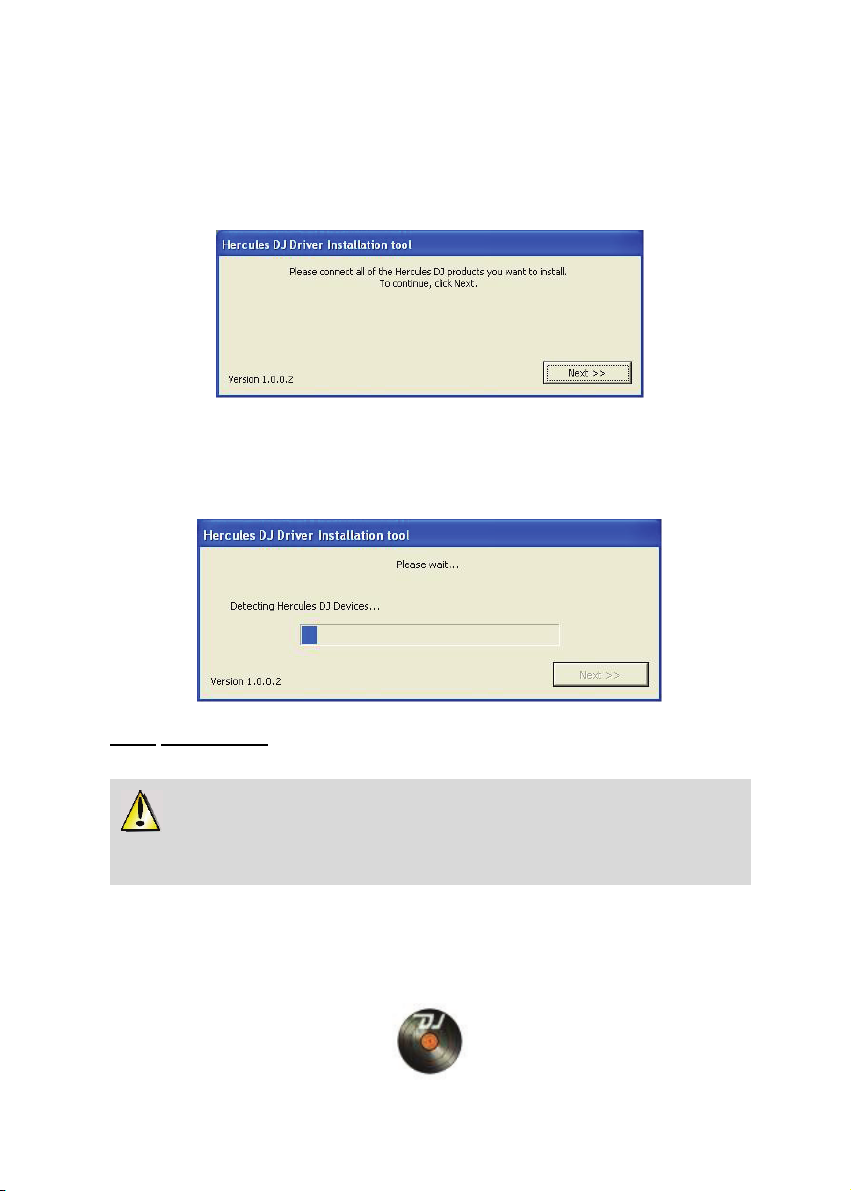
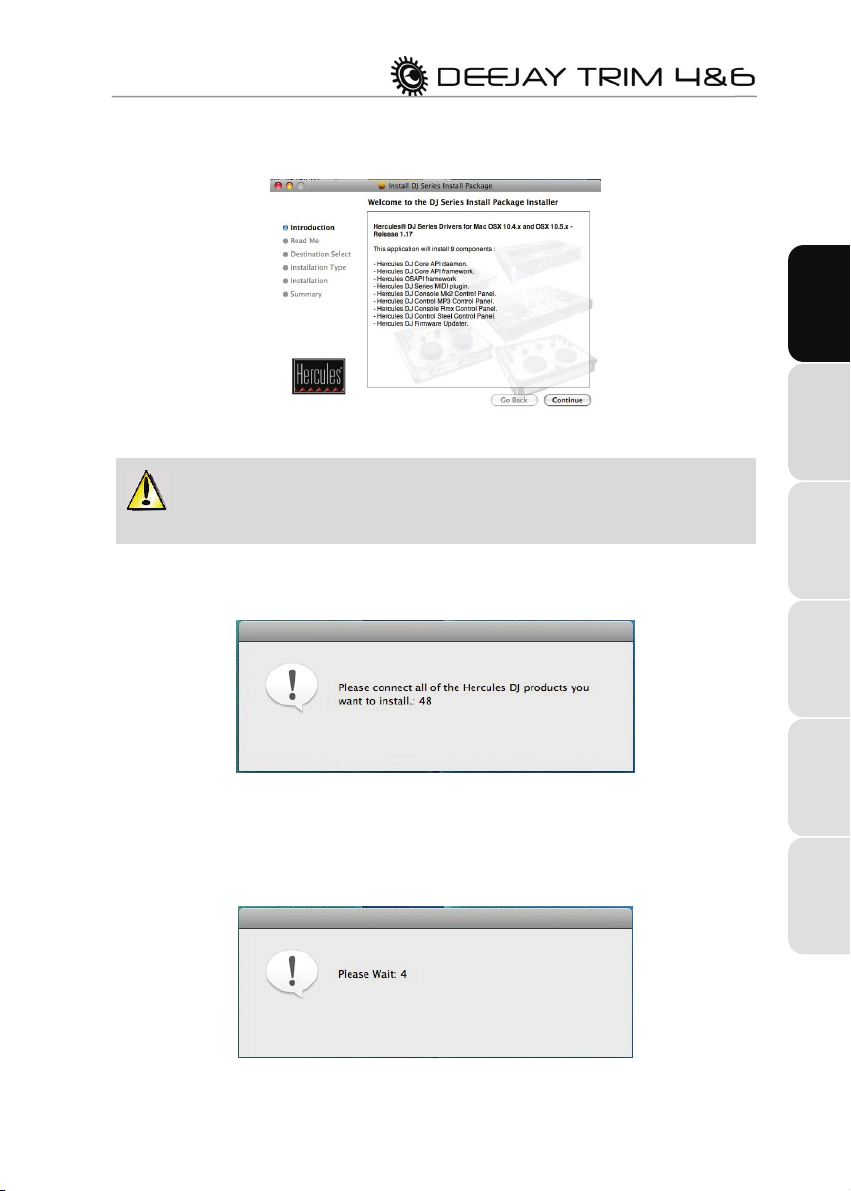
4.1.Installing drivers .......................................................................................................... 3
4.1.1.Installation in Windows Vista .......................................................................... 4
4.1.2.Installation in Windows XP.............................................................................. 6
4.1.3.Installation on Mac .......................................................................................... 7
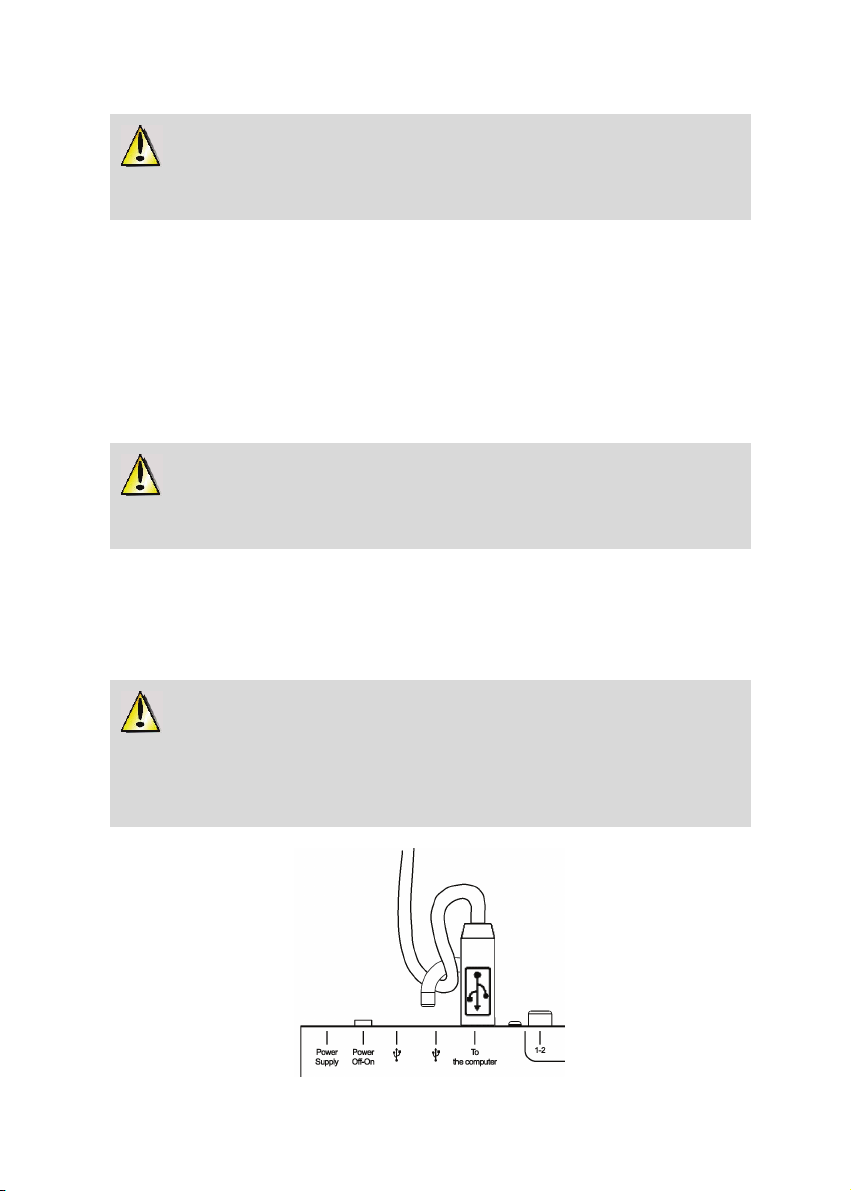
4.2.Connecting and disconnecting your DeeJay Trim 4&6............................................... 8
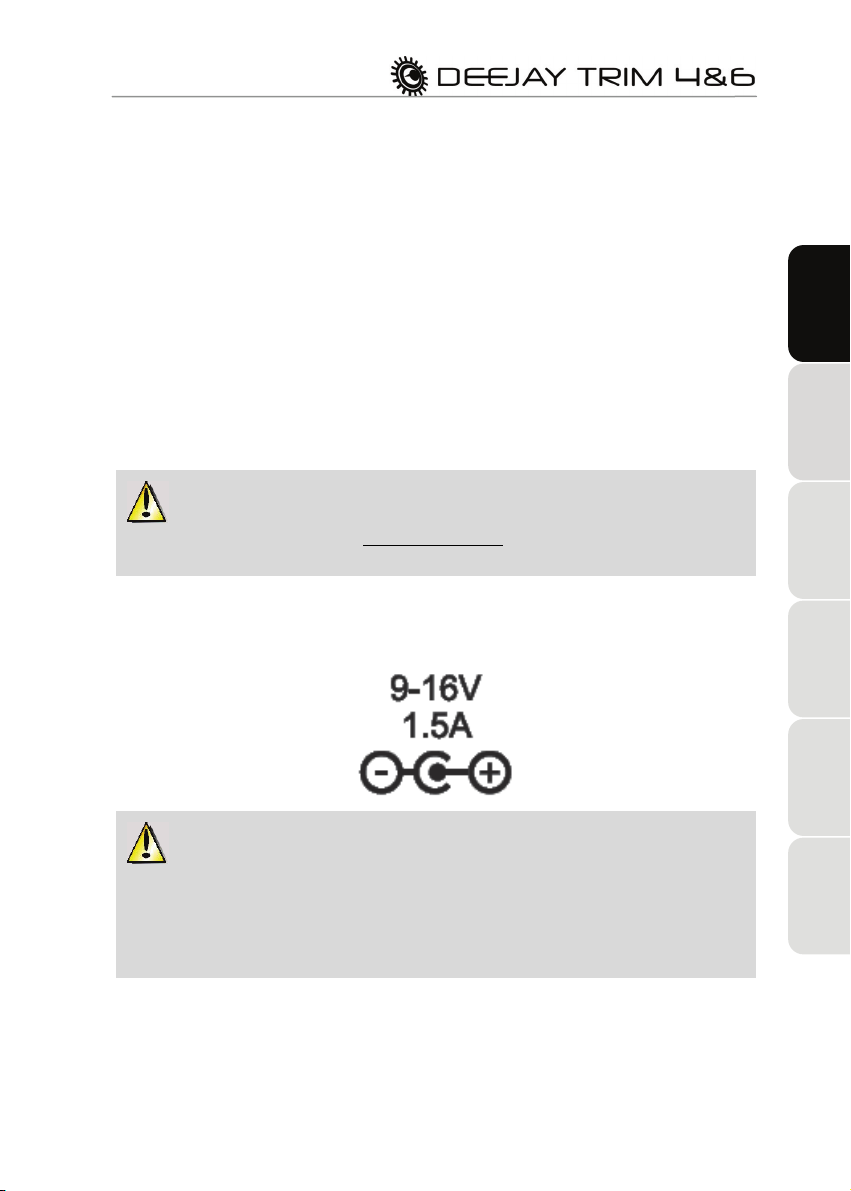
4.3.Power consumption and USB hub.............................................................................. 9
5.CONNECTIVITY AND FEATURES.................................................................................. 10
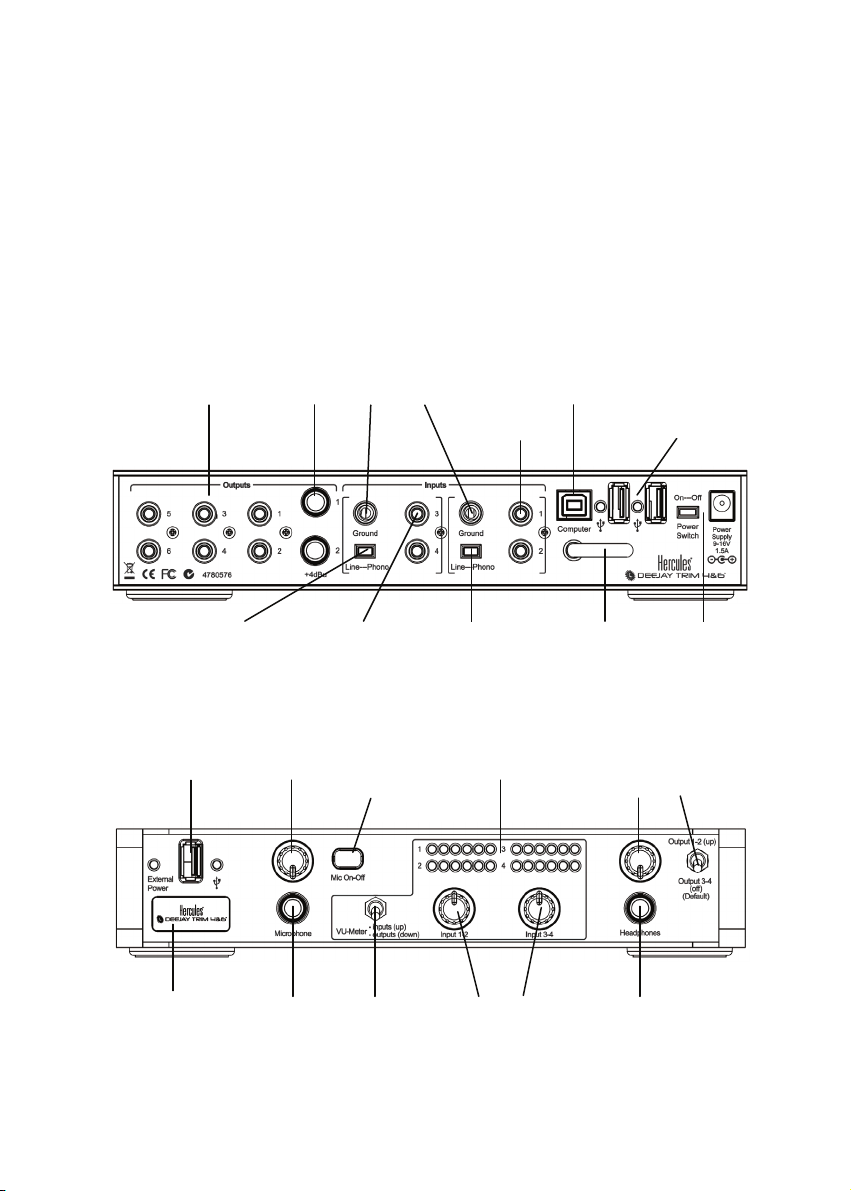
5.1.Overview ................................................................................................................... 10
5.2.Key features.............................................................................................................. 11
5.3.Connector types........................................................................................................ 12
5.4.Connecting headphones........................................................................................... 12
5.5.Connecting a microphone......................................................................................... 12
6.THE CONTROL PANEL .................................................................................................. 13
6.1.Accessing the control panel (Windows).................................................................... 13
6.2.Accessing the control panel (Mac)............................................................................ 14
6.3.Using the DeeJay Trim 4&6 control panel ................................................................ 14
6.3.1.General settings ............................................................................................ 14
6.3.2.Main tab ........................................................................................................ 15
6.3.3.Audio settings: Windows (ASIO tab)............................................................. 16
6.3.4.Audio settings: Mac....................................................................................... 17
6.3.5.Advanced tab ............................................................................................... 17
6.3.6.About tab...................................................................................................... 18
6.3.7.Advanced audio settings............................................................................... 18
7.F.A.Q. ............................................................................................................................... 19
8.TECHNICAL SUPPORT .................................................................................................. 21
8.1.Warranty information................................................................................................. 22
8.2.Additional warranty provisions .................................................................................. 22