7
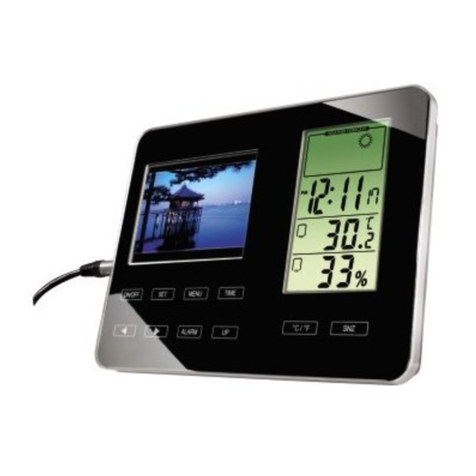
Turning on/off the Alarm Clock Frame
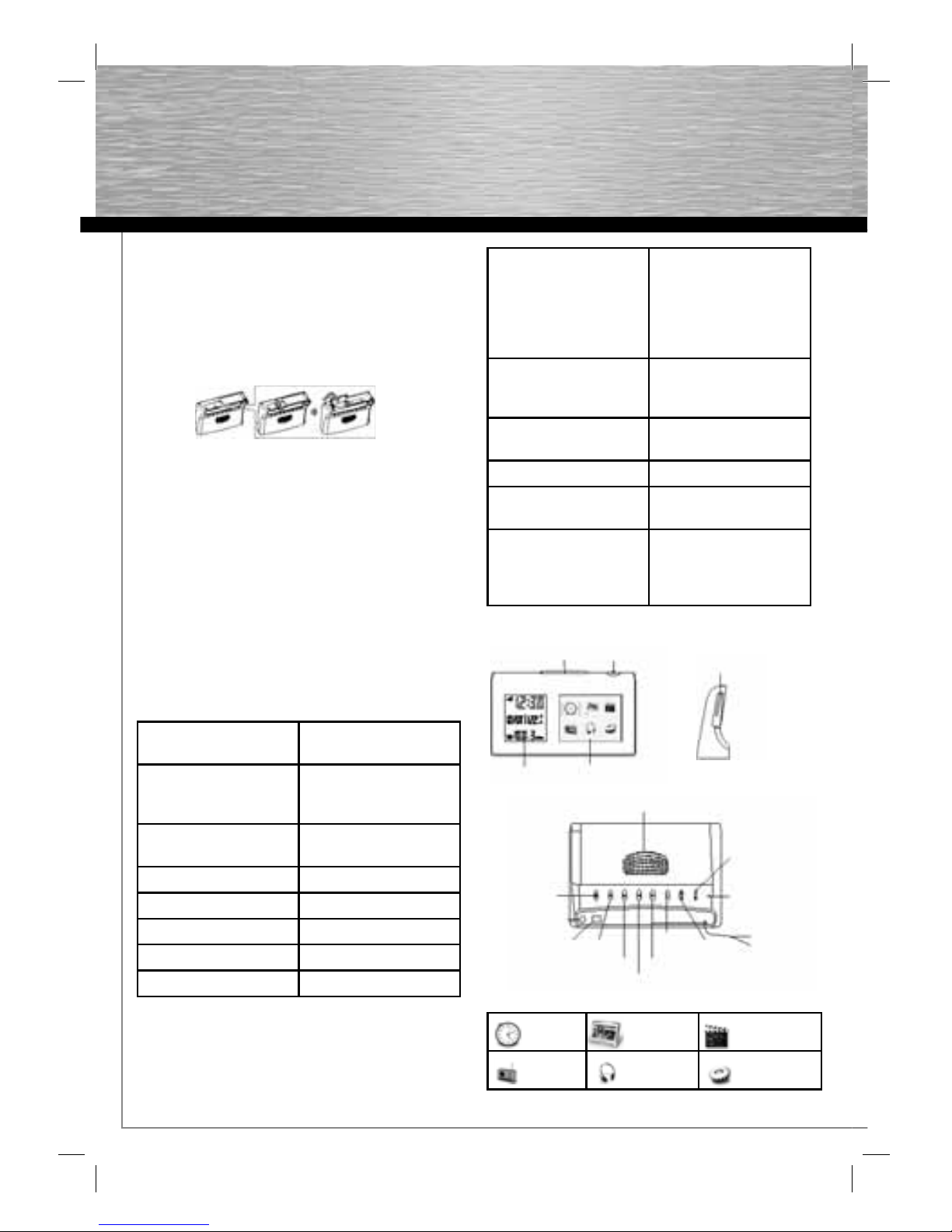
1. Connect the supplied power adapter to the set’s DC 5V
socket and to the power socket.
2. To read files from a memory card, insert a memory
card into the Alarm Photo Frame Memory Card Port
first.
3. To activate Alarm Clock Frame, press to activate it.
4. To turn it off, press and hold down for 3 seconds,
then release.
Switch Off Music and / or Photo frame
1. To stop music and / or switch the photo frame to
standby at any time, press once on .
2. To switch the photo frame on, press again .
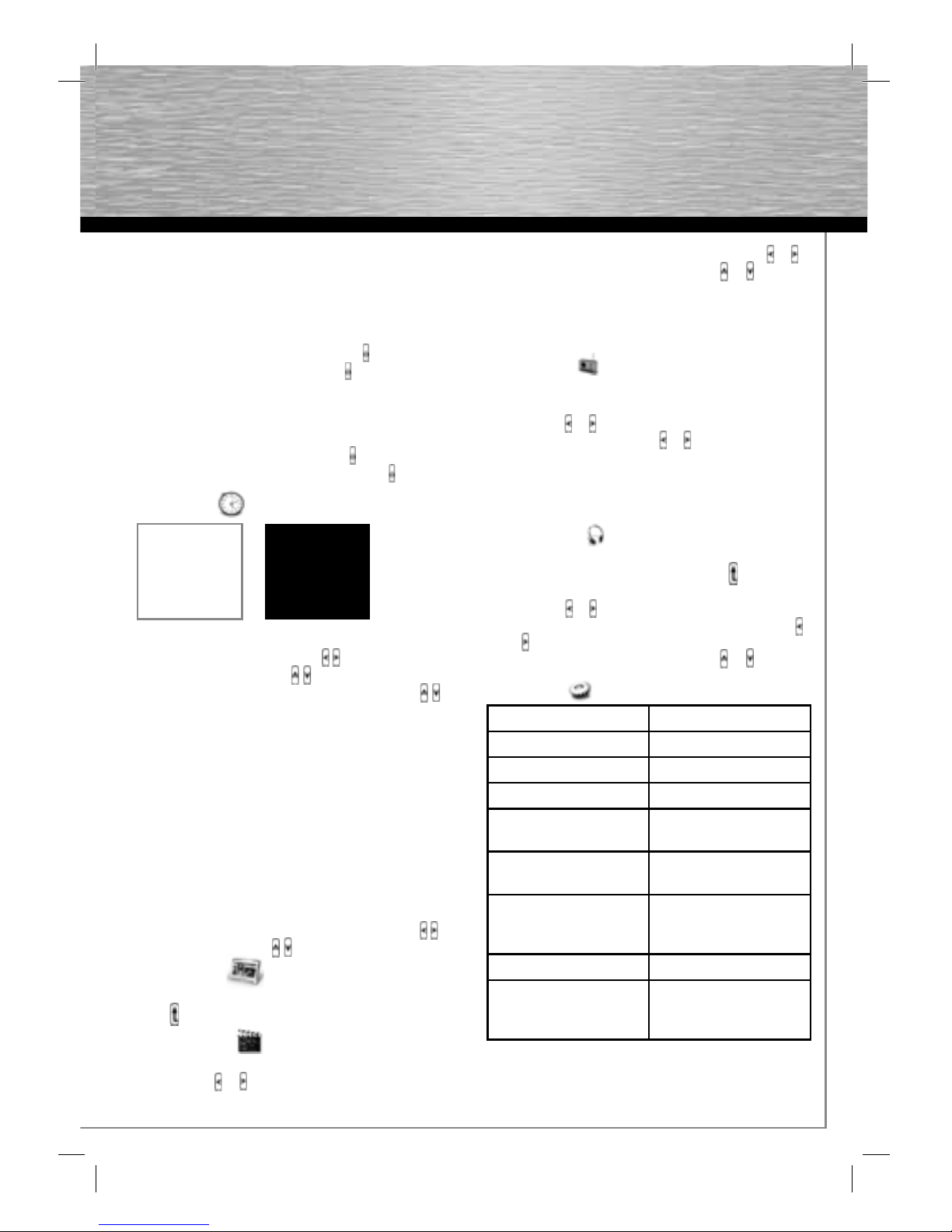
Alarm Menu
Alarm Time
1. Select alarm hour& minute by .
2. Press and hold down by to set digits.
3. Select on/off to activate or turn off the alarm by .
* When alarm is activated, press the “Snooze” button
during the alarm call and it will repeat at 3-minute
interval.
* During alarm call, if no button is pressed, alarm call
will repeat at 2-minute intervals for twice.
* To Switch off the alarm completely, press and hold
down the “Snooze” button for 5 seconds during alarm
call.
Alarm mode: Select music, photo, radio or video
Time & Date
1. Press “Snooze” button to enter setting mode.
2. Select alarm year, month, day, hour& minute by .
3. Press and hold down to set digits .
Viewing Photo
To view Album Preview -> Single picture -> Slide show,
press .
Watching Video
1. To adjust the volume, press the “SNOOZE” button, and
then press or .
2. To fast forward or fast reverse playback, press or .
3. To select previous or next video, press or .
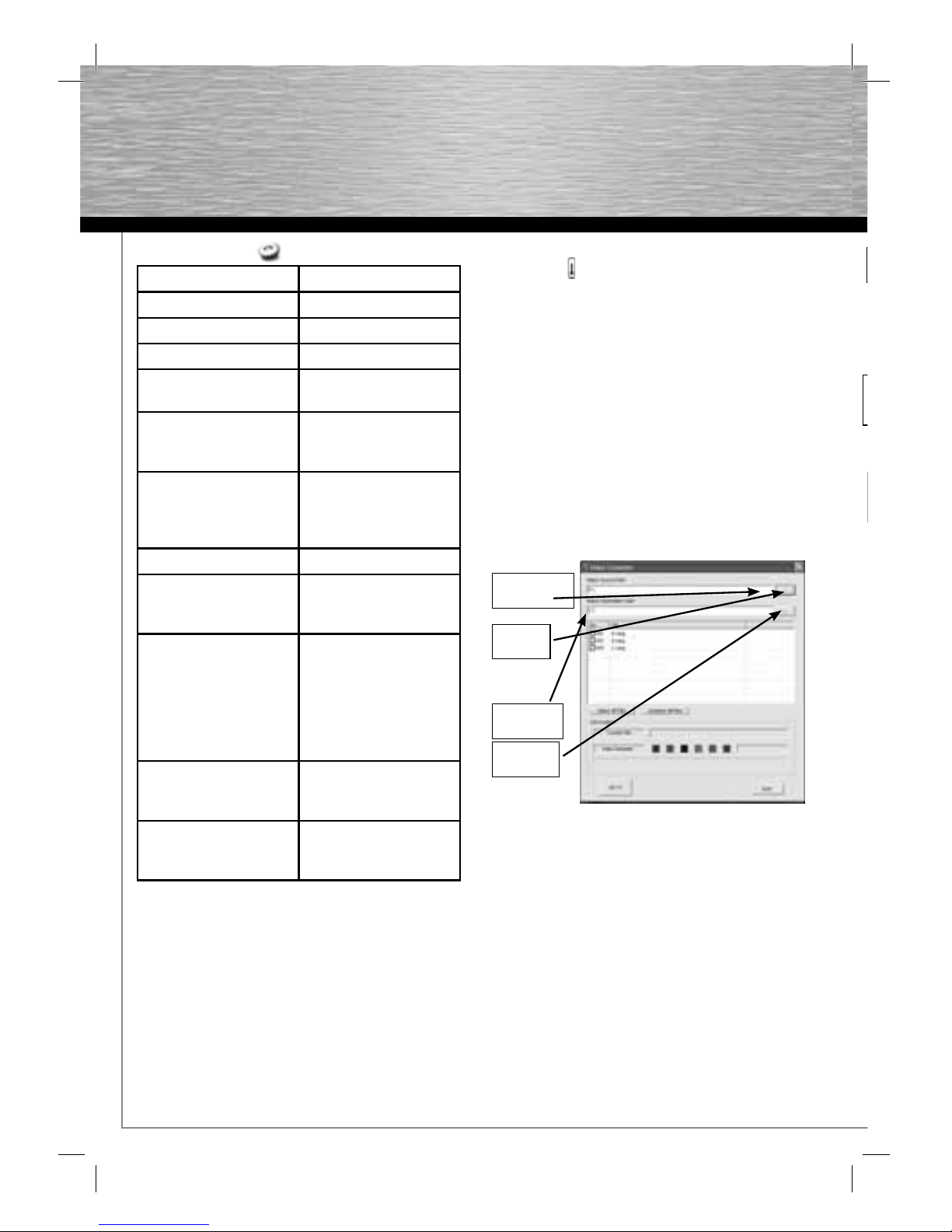
To ensure the motion JPEG video file format is
compatible, please use Video Converter program from
internal memory to convert the file through PC by USB
cable connection.
Listen to Radio
1. Auto search: it would auto save up to 10 stations.
2. To adjust the volume, press the “SNOOZE” button, and
then press or .
3. To find tune a station, press or .
When listen to the radio, you can press ESC back to main
menu to choose picture, the same as Photo mode. Radio
will turn off automatically when select Video mode or
Music mode.
Listen to Music
1. To listen to music -> listen to music with single picture
-> listen to music with slide show, press .
2. To adjust the volume, press the “SNOOZE” button, and
then press or .
3. To fast forward or fast reverse playback, hold down
or .
4. To select previous or next video, press or .
Setup Menu
Setup Option
Brightness 1~10
Eco Mode Low/ Medium/ High
Light Sensor Off/ On
Equalizer Rock/ Pop/ Jazz/ Classic/
Standard/ Personalized
Music Play Mode Random/ Sequential/
Repeat/ Single Repeat
Slide Show Interval 5sec./ 10sec./ 30sec./
1min./ 5min./ 10min./
30min.
Transition Effect 24 effects available
Language DE, FR, ES, IT, NL, CZ, HU,
TR, RU, SV, GR, PT, RU,
SK, PL, EN
Alarm Menu
Alarm Time
Alarm Mode
Time & Date
Calendar
Alarm Time
Alarm 1 17:27 ON
Alarm 2 14:00 OFF