manuals.online logo
Brands
  1. Home
  2. •
  3. Brands
  4. •
  5. Hanna Instruments
  6. •
  7. Analytical Instrument
  8. •
  9. Hanna Instruments HI 770 User manual

Hanna Instruments HI 770 User manual

Other Hanna Instruments Analytical Instrument manuals

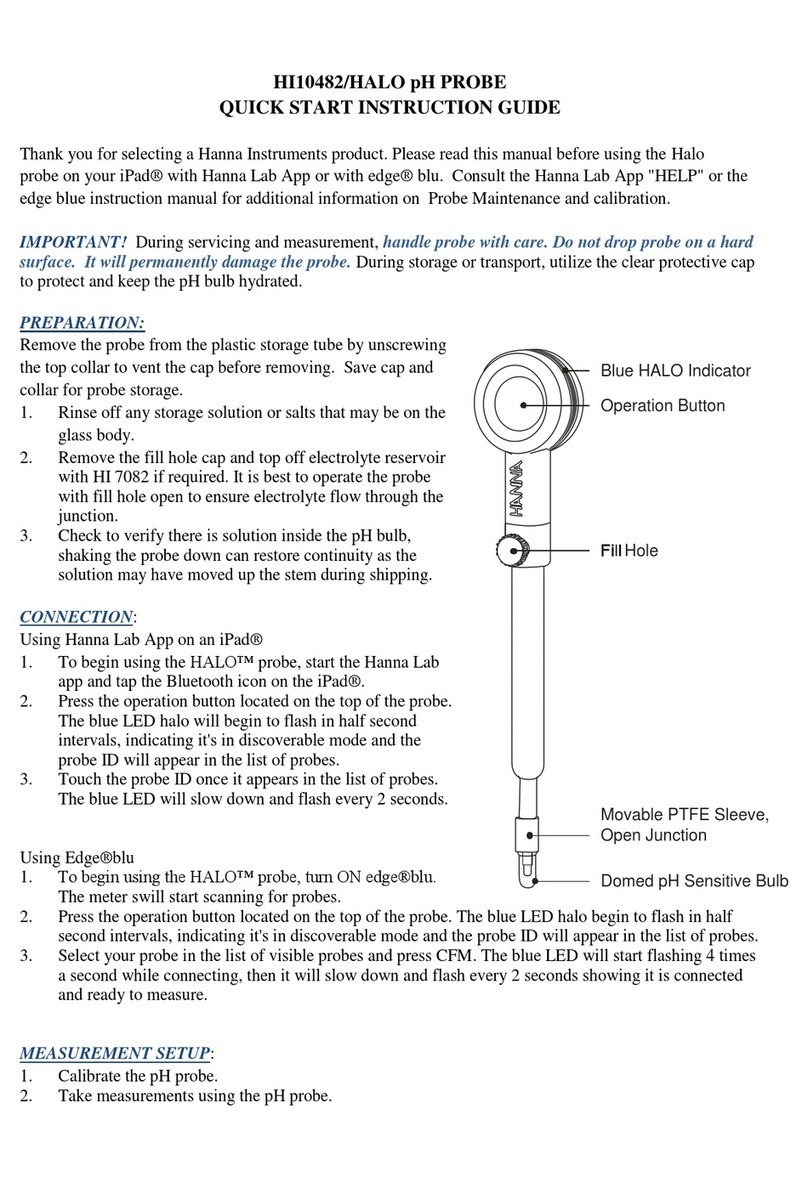
Hanna Instruments HI10482/HALO User manual

Hanna Instruments

Hanna Instruments HI10482/HALO User manual

Hanna Instruments Nuovo-33 User manual

Hanna Instruments

Hanna Instruments Nuovo-33 User manual

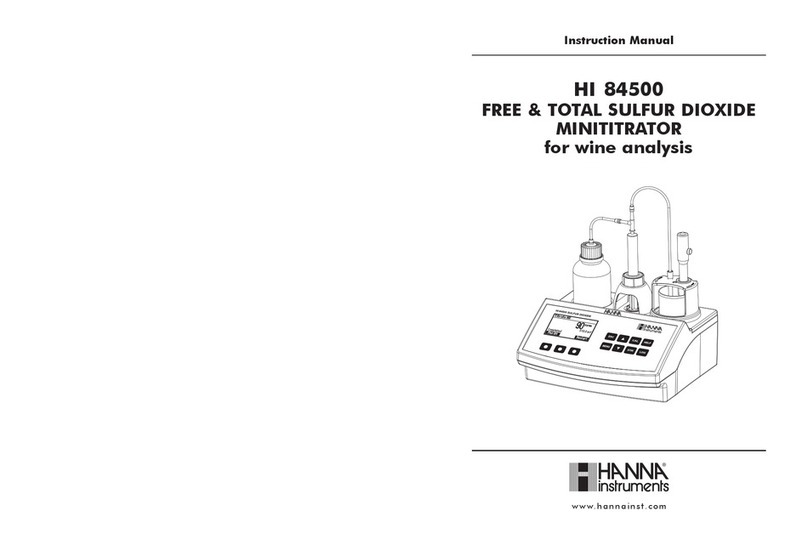
Hanna Instruments HI 84500 User manual

Hanna Instruments

Hanna Instruments HI 84500 User manual

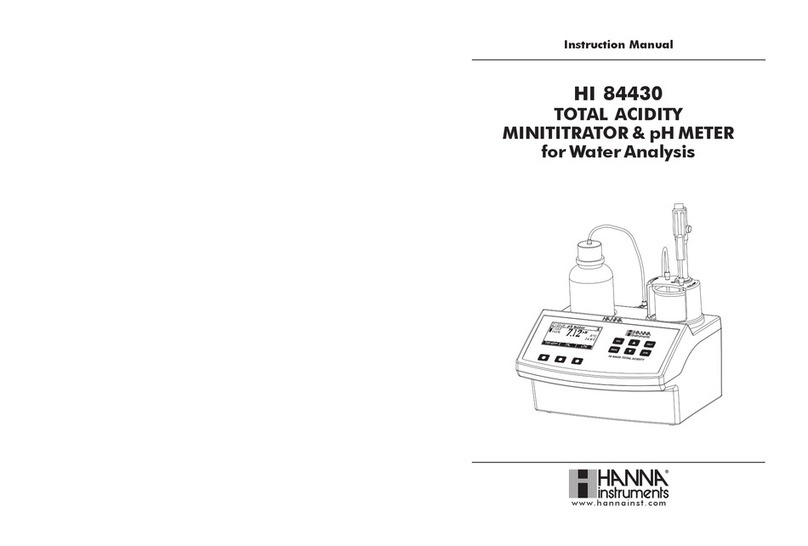
Hanna Instruments HI 84430 User manual

Hanna Instruments

Hanna Instruments HI 84430 User manual

Popular Analytical Instrument manuals by other brands

Fieldmann FDLM 1050 user manual

Fieldmann

Fieldmann FDLM 1050 user manual

Dewetron DEWE-30-16 Technical reference manual

Dewetron

Dewetron DEWE-30-16 Technical reference manual

Cocraft NLT04 Original instructions

Cocraft

Cocraft NLT04 Original instructions

EXTOL PREMIUM 8820043 Translation of the original user manual

EXTOL PREMIUM

EXTOL PREMIUM 8820043 Translation of the original user manual

M&C GENTWO PMA1000 instruction manual

M&C

M&C GENTWO PMA1000 instruction manual

MICRO-EPSILON optoncdt 1700 instruction manual

MICRO-EPSILON

MICRO-EPSILON optoncdt 1700 instruction manual

RIDGID SeeSnake Compact quick start guide

RIDGID

RIDGID SeeSnake Compact quick start guide

CONDTROL XP4 PRO user manual

CONDTROL

CONDTROL XP4 PRO user manual

Extech Instruments BR200 user manual

Extech Instruments

Extech Instruments BR200 user manual

Teledyne 3000PA operating instructions

Teledyne

Teledyne 3000PA operating instructions

Olympus IPLEX FX Series instructions

Olympus

Olympus IPLEX FX Series instructions

Bosch GLM 50 C Professional Original instructions

Bosch

Bosch GLM 50 C Professional Original instructions

Reflecta DigiEndoscope instruction manual

Reflecta

Reflecta DigiEndoscope instruction manual

Chinavision CVACZ-G696 Use manual

Chinavision

Chinavision CVACZ-G696 Use manual

Fuji Electric ZKMA instruction manual

Fuji Electric

Fuji Electric ZKMA instruction manual

Teledyne 3300TA operating instructions

Teledyne

Teledyne 3300TA operating instructions

RIDGID micro CA-25 Operator's manual

RIDGID

RIDGID micro CA-25 Operator's manual

Würth MASTERVISION MINI REC operating instructions

Würth

Würth MASTERVISION MINI REC operating instructions

manuals.online logo
manuals.online logoBrands
  • About & Mission
  • Contact us
  • Privacy Policy
  • Terms and Conditions

Copyright 2025 Manuals.Online. All Rights Reserved.

Silica High Range Preliminary examination:
Please examine this product carefully. Make sure that the instrument is not damaged. If
any damage occurred during shipment, please notify your Dealer.
Each HI 770 meter is supplied complete with:
• Two Sample Cuvettes and Caps
• Reagents for six tests
• 1 x 1.5V AAA Battery
• Instruction Manual
HI 770
Functional description:
Errors and warnings:
Light High: There is too much light to perform a measurement.
Please check the preparation of the zero cuvette.
Light Low: There is not enough light to perform a measurement.
Please check the preparation of the zero cuvette.
Inverted Cuvettes: The sample and the zero cuvette are inverted.
Under Range: A blinking “0” indicates that the sample absorbs less
light than the zero reference. Check the procedure and make sure you
use the same cuvette for reference (zero) and measurement.
Over Range: A flashing value of the maximum concentration indicates
the reading is over range. Dilute the sample and re-run the test.
Battery Low: The battery must be replaced soon.
Dead Battery: This indicates that the battery is dead and must be
replaced. Once this indication is displayed, normal operation of the
instrument will be interrupted. Change the battery and restart the
meter.
1. Dust cover.
2. Cuvette with cap.
3. Cuvette holder.
4. Liquid Crystal Display.
5. Button.
For more details about spare parts and accessories
see “Accessories”.
www.hannainst.com
Technical specifications:
Range 0 to 200 ppm
Resolution 1 ppm
Accuracy ±2 ppm ±5% of reading @ 25 °C / 77 °F
Light Source Light Emitting Diode @ 470 nm
Light Detector Silicon Photocell
Method Adaptation of the USEPA METHOD 370.1 and Standard
Method 4500-SiO2C.
Environment 0 to 50 °C (32 to 122 °F);
max 95% RH non-condensing
Battery Type 1 x 1.5V AAA
Auto-Shut off After 10 minutes of non-use
Dimensions 81.5 x 61 x 37.5 mm (3.2 x 2.4 x 1.5”)
Weight 64 g (2.25 oz.)
Dear Customer,
Thank you for choosing a Hanna Instruments Product.
Please read this instruction manual carefully before using the instrument. If you need
additional technical information, do not hesitate to e-mail us at [email protected]
or view our worldwide contact list at www.hannainst.com.
•Fill both cuvettes with 10 mL of unreacted
sample. Replace the cap on one of the cuvettes,
this is the zero.
•To the second cuvette add one packet of
HI 770A-25 reagent. Replace the cap and
shake gently until the reagent is completely
dissolved.
•Unscrew the cap and add one packet of
HI 770B-25 reagent. Replace the cap and shake
vigorously until the reagent is completely
dissolved. Wait 10 minutes.
•Unscrew the cap and add one packet of
HI 770C-25 reagent. Replace the cap and
shake gently until the reagent is completely
dissolved. Wait 2 minutes.
•During the two minute reaction time. Turn the
meter on by pressing the button. All segments
will be displayed. When the display shows
“Add”, “C.1” with “Press” blinking, the meter
is ready.
•Place the first cuvette (unreacted) into the
meter and close the meter’s cap. Press the
button. When the display shows “Add”, “C.2”
with “Press” blinking the meter is zeroed.
•After the two minute reaction time, place the
second cuvette (reacted) into the meter and
close the meter’s cap. Press the button.
•The instrument directly displays the
concentration in ppm of silica on the LCD. To
convert the reading to ppm silicon (Si) multiply
the reading by 0.467. The meter automatically
turns off after 10 minutes.
10 mL •It is important that the sample does not contain any debris.
•Whenever the cuvette is placed into the measurement cell, it must be dry
outside, and completely free of fingerprints, oil and dirt. Wipe it thoroughly with
HI 731318 or a lint-free cloth prior to insertion.
•Shaking the cuvette can generate bubbles, causing higher readings. To obtain
accurate measurements, remove bubbles by swirling or by gently tapping the
cuvette.
•Do not let the reacted sample stand for too long after reagent is added, as
accuracy will be affected.
•After the reading it is important to immediately discard the sample, otherwise
the glass might become permanently stained.
REAGENT SETS
HI 770-25 Reagent set for 25 Silica High Range tests
OTHER ACCESSORIES
HI 770-11 Silica HR Certified Standard Kit
HI 731318 Cloth for wiping cuvettes (4 pcs.)
HI 731321 Glass cuvettes (4 pcs.)
HI 731225 Cuvette black cap for checker HC (4 pcs.)
HI 731353 Cuvette seal cap for checker HC (4 pcs.)
HI 740028 1.5V AAA batteries (4 pcs.)
HI 93703-50 Cuvette cleaning solution (230 mL)
Recommendations for Users
Before using this product, make sure that it is entirely suitable for your specific application and for the
environment in which it is used.
Operation of this instrument may cause unacceptable interferences to other electronic equipment, thus
requiring the operator to take all necessary steps to correct interferences.
Any variation introduced by the user to the supplied equipment may degrade the instrument’s EMC
performance.
To avoid damage or burns, do not put the instrument in microwave oven. For the safety of you and the
instrument do not use or store the instrument in hazardous environments.
For additional information, contact your
dealer or the nearest
Hanna Customer Service Center.
To find a Hanna Office in your area,
visit our web site:
www.hannainst.com
Hanna Instruments reserves the right to modify the design, construction or
appearance of its products without advance notice.
Battery management
To save the battery, the instrument shuts down after 10 minutes of non-use.
One fresh battery lasts for a minimum of 5000 measurements. When the battery is dead
the instrument will display “bAd” then ”bAt” for 1 second and then turns off.
To restart the instrument, the battery must be replaced with a new one.
To replace the instrument’s battery:
•Turn the instrument off by holding the button until the meter shuts off.
•Turn the instrument upside down and remove the battery cover with a screwdriver.
•Remove the battery from its location and replace it with a new one, inserting the
negative end first.
•Insert the battery cover and replace the screw with a screwdriver.
IST770 04/13
Measurement procedure: Accessories:Tips for an accurate measurement
10 mL