manuals.online logo
Brands
  1. Home
  2. •
  3. Brands
  4. •
  5. Helmholz
  6. •
  7. Cables And Connectors
  8. •
  9. Helmholz EasyConnect 700-901-1BB12 User manual

Helmholz EasyConnect 700-901-1BB12 User manual

Other Helmholz Cables And Connectors manuals

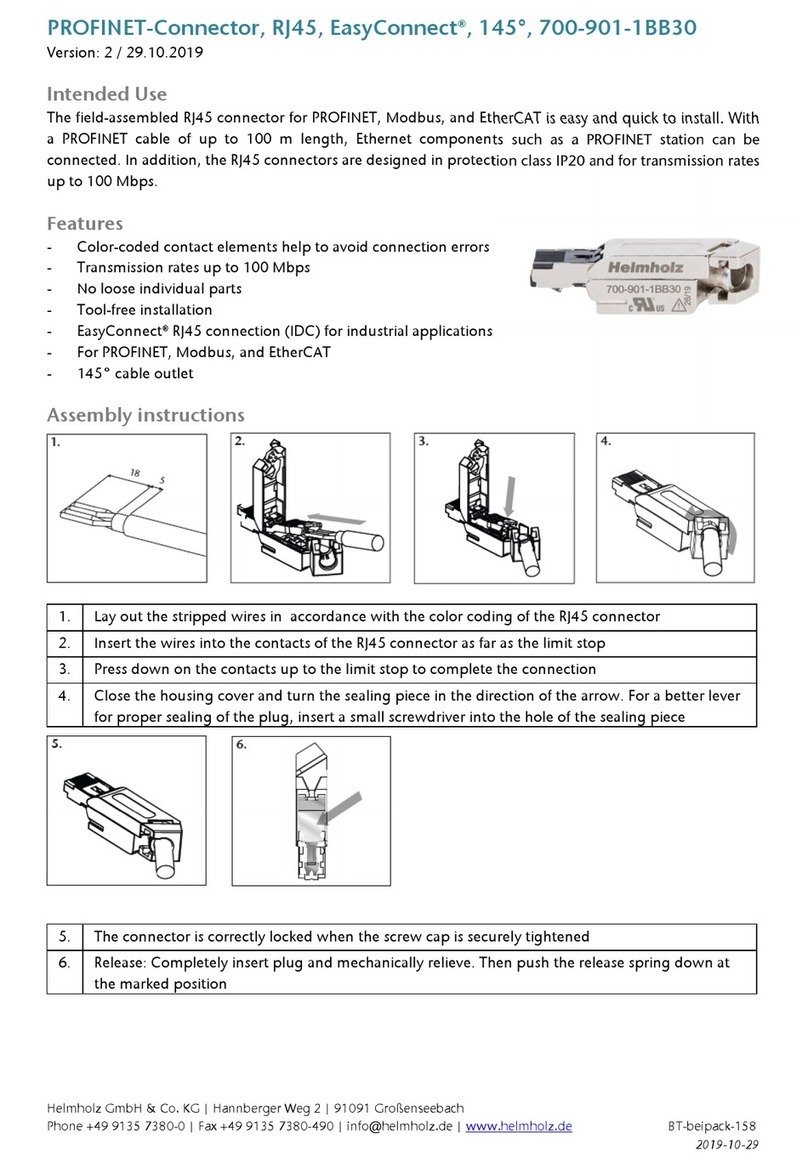
Helmholz EasyConnect 700-901-1BB30 User manual

Helmholz

Helmholz EasyConnect 700-901-1BB30 User manual

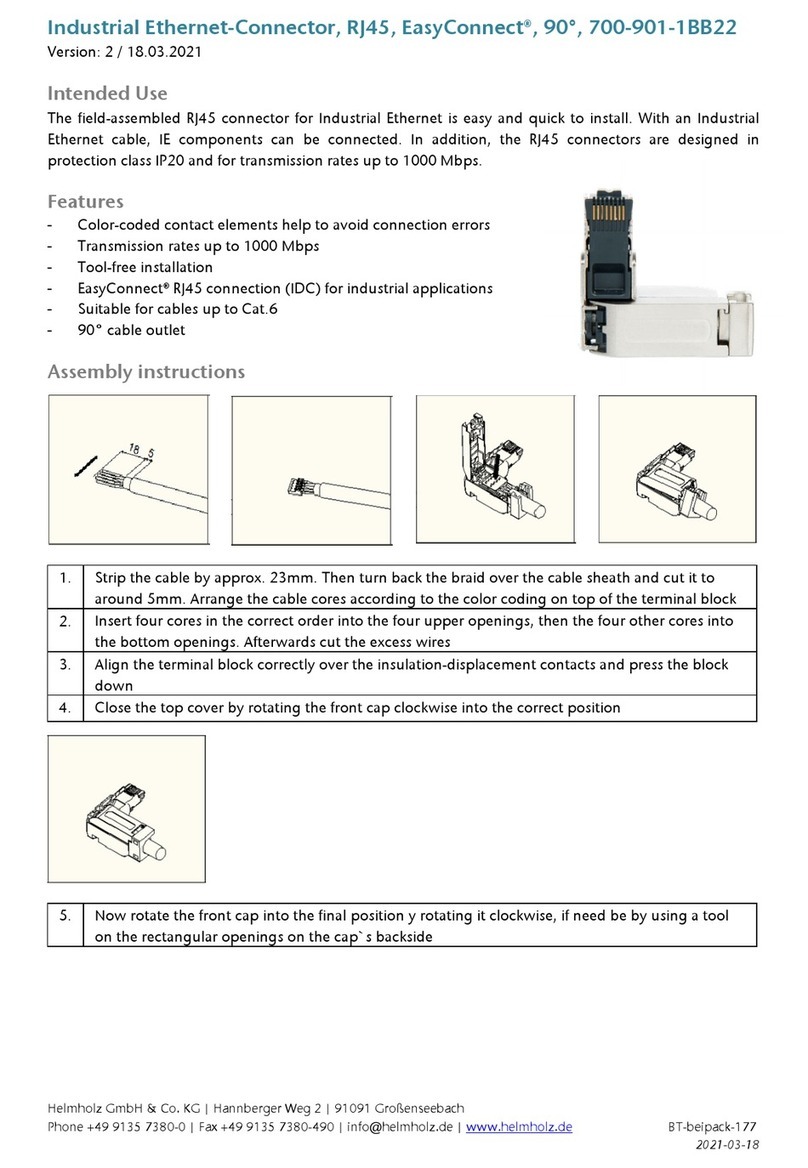
Helmholz 700-901-1BB22 User manual

Helmholz

Helmholz 700-901-1BB22 User manual

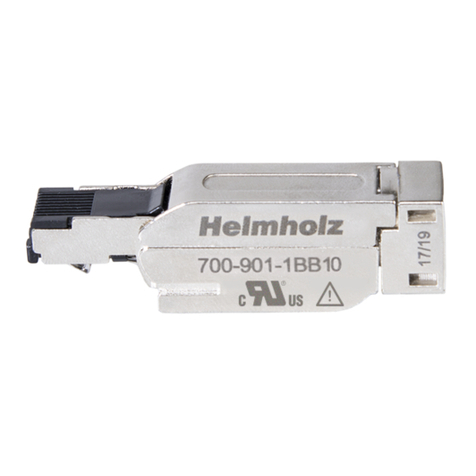
Helmholz EasyConnect 700-901-1BB10 User manual

Helmholz

Helmholz EasyConnect 700-901-1BB10 User manual

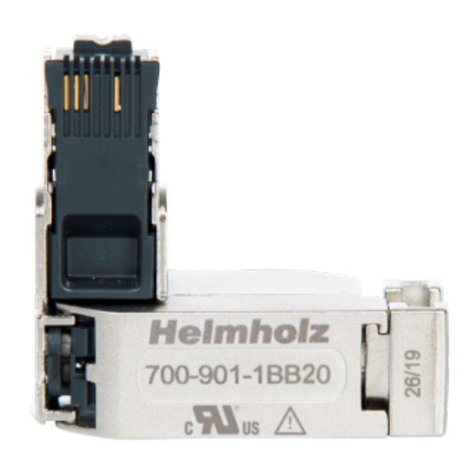
Helmholz EasyConnect 700-901-1BB20 User manual

Helmholz

Helmholz EasyConnect 700-901-1BB20 User manual

Popular Cables And Connectors manuals by other brands

StarTech.com ST124HD20 quick start guide

StarTech.com

StarTech.com ST124HD20 quick start guide

Philips SWV4543S/10 Features

Philips

Philips SWV4543S/10 Features

Larson Electronics 10-50C instruction manual

Larson Electronics

Larson Electronics 10-50C instruction manual

Grip MEK-PM Assembly and operating manual

Grip

Grip MEK-PM Assembly and operating manual

Ultra Products Travel Pack #3 ULT31436 Specifications

Ultra Products

Ultra Products Travel Pack #3 ULT31436 Specifications

Surpass QCH-F Operation manual

Surpass

Surpass QCH-F Operation manual

Philips SWA6310 Specifications

Philips

Philips SWA6310 Specifications

StarTech.com CRJ4550PK quick start guide

StarTech.com

StarTech.com CRJ4550PK quick start guide

Nohau EMUL-IP2K-PC user guide

Nohau

Nohau EMUL-IP2K-PC user guide

Foxun SX-SP144E-HD4K2K operating instructions

Foxun

Foxun SX-SP144E-HD4K2K operating instructions

Philips SWA3305W Specifications

Philips

Philips SWA3305W Specifications

opticis Stretch DVIM1-1P0x user manual

opticis

opticis Stretch DVIM1-1P0x user manual

Volkswagen VAS 6558A operating manual

Volkswagen

Volkswagen VAS 6558A operating manual

NEXIBO N-13 user manual

NEXIBO

NEXIBO N-13 user manual

CYP PU-1H3HBTL Operation manual

CYP

CYP PU-1H3HBTL Operation manual

Allen-Bradley 1784-u2dhp installation instructions

Allen-Bradley

Allen-Bradley 1784-u2dhp installation instructions

Global Caché Flex Link Blaster quick start

Global Caché

Global Caché Flex Link Blaster quick start

Hauppauge USB-Live2 Quick installation guide

Hauppauge

Hauppauge USB-Live2 Quick installation guide

manuals.online logo
manuals.online logoBrands
  • About & Mission
  • Contact us
  • Privacy Policy
  • Terms and Conditions

Copyright 2025 Manuals.Online. All Rights Reserved.

Helmholz GmbH & Co. KG | Hannberger Weg 2 | 91091 Großenseebach
Phone +49 9135 7380-0 | Fax +49 9135 7380-490 | info@helmholz.de | www.helmholz.de BT-beipack-154
2019-10-29
Industrial Ethernet-Connector, RJ45, EasyConnect®, 180°, 700-901-1BB12
Version: 2 / 29.10.2019
Intended Use
The field-assembled RJ45 connector for Industrial Ethernet is easy and quick to install. With an Industrial
Ethernet cable, IE components can be connected. In addition, the RJ45 connectors are designed in
protection class IP20 and for transmission rates up to 1000 Mbps.
Features
-Color-coded contact elements help to avoid connection errors
-Transmission rates up to 1000 Mbps
-Tool-free installation
-EasyConnect® RJ45 connection (IDC) for industrial applications
-Suitable for cables up to Cat.6
-180° cable outlet
Assembly instructions
1. Strip the cable by approx. 23mm. Then turn back the braid over the cable sheath and cut it to
around 5mm. Arrange the cable cores according to the color coding on top of the terminal block
2. Insert four cores in the correct order into the four upper openings, then the four other cores into
the bottom openings. Afterwards cut the excess wires
3. Align the terminal block correctly over the insulation-displacement contacts and press the block
down
4. Close the top cover by rotating the front cap clockwise into the correct position
5. Now rotate the front cap into the final position y rotating it clockwise, if need be by using a tool
on the rectangular openings on the cap`s backside
6. Release: Completely insert plug and mechanically relieve. Then push the release spring down at

the marked position
Helmholz GmbH & Co. KG | Hannberger Weg 2 | 91091 Großenseebach
Phone +49 9135 7380-0 | Fax +49 9135 7380-490 | info@helmholz.de | www.helmholz.de BT-beipack-154
2019-10-29
Attention:If the device is used in a manner not specified by the manufacturer, the protection
provided by the device may be affected. Pay special attention to the correct contact during cable installation
and when plugging in and unplugging the plug. If you have problems, always read the latest documentation
first, which can be found on the Internet at www.helmholz.com. Connected circuits shall meet the requirements
of Limited energy circuits acc. UL61010-1
Technical data
Order no.
700-901-1BB12
Name
IE-Connector, RJ45, EasyConnect®, 180°
General information
-Scope of delivery
IE-Connector, manual
-Dimensions (WxDxH)
14 x 16 x 56 mm
-Weight
approx. 30g
PROFINET-Interface
-Number
1
-Type
Ethernet
-Connection
RJ45 connector
-Transmission rate
Up to 1000 Mbit/s
Connector
-Cable outlet
180°
-Connector type
EasyConnect® (IDC connection)
-Connectible cables
Industrial Ethernet cable
-Cable cross section
8 x 24 AWG
-
Maximum outside diameter 8,2 mm
Ambient conditions
-Ambiant temperature
-30 °C ... +70°C
-
Transport and storage temperature
-40 °C … +80 °C
-Relative air humidity
95 % r. H. without condensation
-Protection rating
IP20
-
Certifications
CE, UL
UL
UL 61010-1 and UL 61010-2-201
-Pollution degree
2
-
Ratings DC 2,8 V / 28 mA
-Use
Dry, indoor use
Note:
The content of this document has been checked by us for compliance with the hardware described. However, as deviations are not
excluded, we can not assume any warranty for full compliance, the information in this document is updated regularly. When
using the purchased products, please note the latest version of the document, which can be downloaded from the Internet at
www.helmholz.com.