2 OPERATION INSTRUCTIONS
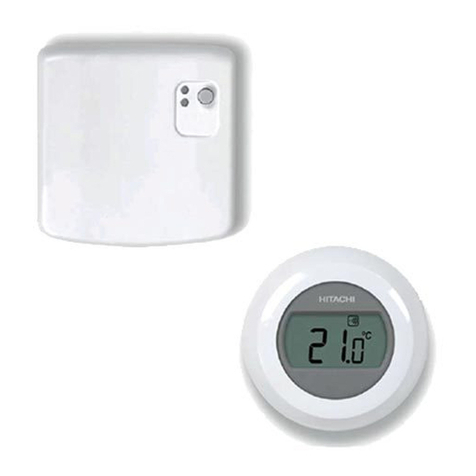
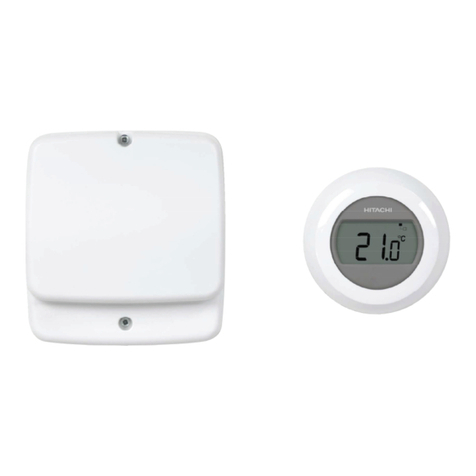
2.1 RF RECEIVER
2.1.1 Operation / Alarm LED
Green LED ashing Normal operation
Red LED ashing
(0.1s ON, 3s OFF)
Communication fault between
Room Thermostat and RF Receiver
Red LED ashing quickly 3
times Faulty device
BIND LED
(ON and OFF 0.5 seconds) Binding process
2.1.2 Status LED
Green LED lit Normal operation
Green LED ashing Communication fault between
Room Thermostat and RF Receiver
2.1.3 Reset
To reset the stored data in order to create a new binding in ATW-RTU-05
press BIND button during 15 seconds.
0.1s 0.1s 0.1s
0.9s0.9s
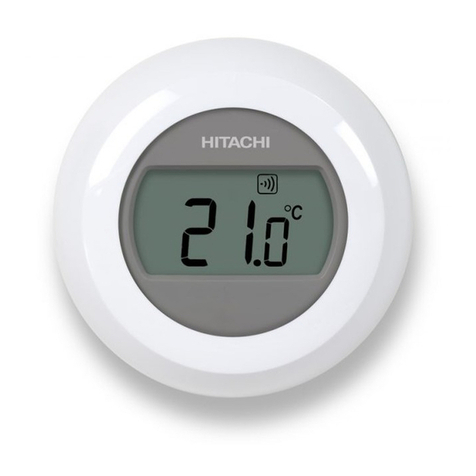
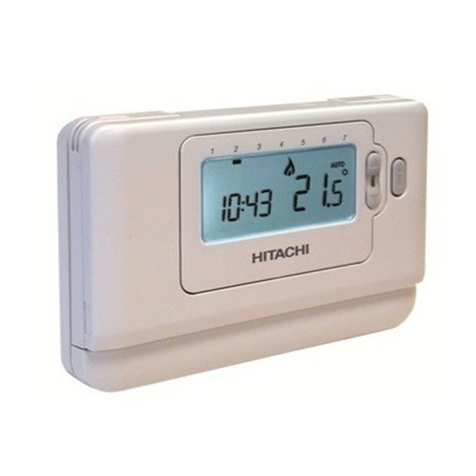
2.2 THERMOSTAT
2.2.1 Explanation of the icons
Setting temperature
The gure appearing on the screen corresponds
to the setting temperature, instead of the current
room temperature.
Heating on
Heating is demanding, and thus the heat pump
should be in operation, either intermittent or
continuous.
RF Receiver connection
The thermostat is successfully connected to the
RF Receiver.
Low battery
It is necessary to replace the batteries immediately.
RF communication error
These icons ash to indicate that the signal from
the RF Receiver is not properly received. Check
that the RF Receiver is powered on, and consult
with your installer if this does not x the problem.
F77
Defective thermostat
The thermostat is defective and needs to be
replaced.
The text F77 is displayed in addition to this icon
when communication with the YUTAKI unit has
failed for more than 180 seconds.
No power to the thermostat
If the thermostat screen appears blank after initial
installation, then check whether the protective lm
has been removed from the batteries. Otherwise,
try replacing the batteries.
2.2.2 Setting of room temperature
The current room temperature is shown in the display. The
setting temperature can be changed by turning the dial to
the right to increase temperature, and to the left to reduce
temperature. The setting temperature changes in 0.5ºC steps,
one for each ‘click’ as the dial is turned.
I
n
c
r
e
a
s
e
C
L
I
C
D
e
c
r
e
a
s
e
The display changes to current room temperature again after
ve seconds have passed. Then the thermostat tries to maintain
the set temperature as accurately as possible. The setting
temperature can be checked by turning the dial one ‘click’ to the
left or right. It will ash up for a few seconds, before returning to
the display of room temperature again.
2.2.3 Night temperature reduction
It is recommended to set the thermostat to a lower temperature
at night and during absence periods, as it helps to save energy.
In general a reduction of 5°C is suggested, but this depends on
the heating system and the amount of insulation of the building.
2.2.4 Installation menu
The single zone thermostat has an installation menu that is used
to set the maximum and minimum temperature limits.
The maximum temperature that can be set on the thermostat is
35ºC and the minimum temperature is 5ºC.
OPERATION INSTRUCTIONS
PMML0411A rev.0 - 03/2016
4