4.2 keys operating instructions
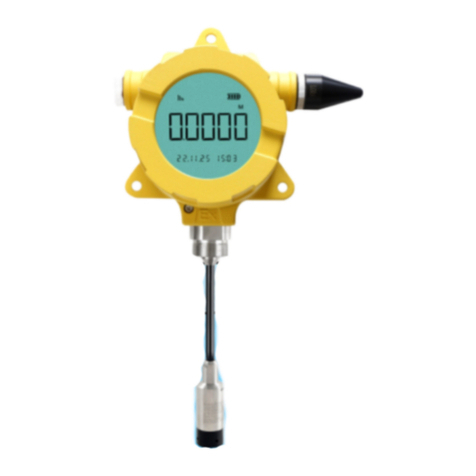
“SET”、“ ” and“ ”buttons are placed on the terminal. User can use these buttons when the
terminal running in Set Mode and don‟t send any data by SMS at the moment.
The menu have Four functions:
1) “AS ”: set Terminal address.
2) “SI”: set Terminal interval time.
3) “GS”: set Terminal work mode '0/1/2' (0---GPRS; 1---GPRS/GSM; 2---GSM)
4) “FS”: set Terminal Decimal point, Display units and Pressure/Level Span(calibrated sensor didn't
adjust this data!).
Buttons have long press and short press.
The users can do the steps following:
Step 1: Long press “SET” key to enter the setting interface, LCD will display “AS”.
Step 2: Short press “ ” key can switch “AS ” , “SI”, “GS” and “FS” menu.
Step 3: Short press “SET” key in the “AS ” menu to enter the Terminal address set interface, address
range is 0~253. Short press “ ” key to add 1 of address, short press “ ” to decrease 1 of address,
Finished , short press “SET” key to save address to return or long press “ ” key to return.
Step 4: Short press “SET” key in the “SI” menu to enter the Terminal interval time set interface,
interval time is 301~65535s. Short press “ ” key to adjust the value of the current position, short press
“ ” to switch the current position, Finished , short press “SET” key to save the result to return or long
press “ ” key to return.
Step 5: Short press “SET” key in the “GS” menu to enter the Terminal work mode set interface, and
Short press “ ” key to change mode and short press “SET” key storage.
Step 6: Short press “SET” key in the “FS” menu to enter the Terminal pressure span, decimal point and
units set interface, then short press “SET” key enter pressure span setting and continue short press “SET”
key enter decimal menu and press “ ” key to change decimal position and the short press “SET” key