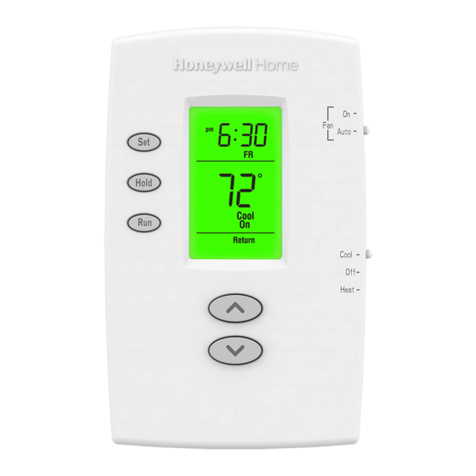
T8611G CHRONOTHERM®IV DELUXE PROGRAMMABLE HEAT PUMP THERMOSTATS
5 69-1411—1
INSTALLER SETUP
NOTE: For most applications, the thermostat factory-
settings will not need to be changed. Review
the factory settings in Table 2 and if no changes
are necessary, go to the Installer SystemTest
section.
The Installer Setup is used to customize the thermostat
to specific systems. Some of the options include
temperature display, changeover, and outdoor
temperature display. Installer Setup numbers are listed in
Table 3. The table includes all the configuration options
and the factory-settings for the T8611.
A combination of key presses is required to use the
Installer Setup feature:
— To enter the Installer Setup, press and hold the
information ikey with the increase !and decrease "
keys until the first number is displayed. All display
segments appear for approximately three seconds
before the number is displayed. See Fig. 9 and 10.
— To advance to the next Installer Setup, press the
Time ∆key.
— To change a setting, use the increase !or
decrease " key.
— To scroll the Installer Setup numbers backward, press
the Time ∇key.
— To exit the Installer Setup, press Run Program.
Fig. 9. Display of all LCD segments.
Fig. 10. Display of Installer Setup
number and setting.
IMPORTANT
Only configurable numbers are shown on the
device. Example: If thermostat does not have a
system key, Installer Setup Number 12 will not
be displayed. Review Table 3 factory-settings
and mark any desired changes in the Actual
Setting column. When Installer Setup is com-
plete, review the settings to confirm that they
match the system.
M14559
Aux Ht
Set Day/TimeSet Program
Mon
Wake Leave Return Sleep
t
Room
Filter
Wait
Em H
A
t
f
oo
A
t
AM
PM
Hold for
Heat Cool
Repl Batt
Recovery
DST
Tue Wed Thu Fri Sat Sun
Days
Temporary Setting
Em Ht
M14618
INSTALLER SETUP
NUMBER DISPLAY
(COLUMN 2 OF TABLE 3)
FACTORY SETTING OR OTHER
CHOICE DISPLAY (COLUMN 3
OR 5 OF TABLE 3)
Table 3. Thermostat Installer Setup Options.
Select
Installer Setup
Number (Press
Time ∆key to
change)
Factory Setting
Other Choices
(Press !or "key to change)
Actual
SettingDisplay Description Display Description
Not Used. 1 thru 4 — — — — —
Heating cycle
rate.
5 6 Stage 2 3, 6 or 9 3—3 cph
6—6 cph used for last stage
of heat pump systems
9—9 cph used for electric
heat
6 (Not used) — — — —
7 9 Emergency heat 3, 6 or 9
Not Used. 8 thru 11 — — — — —
System setting
adjustment
12 1 Manual
changeover
0 or 2 0—Auto changeover
2—Fixed auto changeover
Adaptive
Intelligent
Recovery™
control.
13 0 Adaptive Intelligent
Recovery™
control is activated
(system starts
early so setpoint is
reached by start of
program period).
1 Conventional recovery
(system starts recovery at
programmed time).
—
Degree
temperature
display.
14 0 Temperature is
displayed in °F.
1 Temperature is displayed
in °C.
Not Used. 15 — — — — —