© 2021 Hoymiles Power Electronics Inc. All rights reserved. 07
Single-phase Microinverter User Manual
4. Site Creation on S-Miles Cloud (Hoymiles Monitoring Platform)
A. Install the Hoymiles Installer App by searching “Hoymiles” at App Store (iOS) or Google Play (Android).
B. Open the app and log in with your installer account name and password. If you are a new installer with
Hoymiles, apply for an installer account from your distributor in advance.
C. Add Plant, select the “Plant” tab on the bottom, then select “⊕” on the top right side of the page.
D. Select “Quick” for a single DTU and “Professional” for multiple DTUs.
E. Fill in the plant details accordingly, and press “Next” after this is complete.
F. Press “Add DTU SN”, scan the DTU SN (or you can manually input the SN) and press “Next” after this is
complete.
G. Press “Start pairing” and choose the angle and tilt based on the installation site.
H. Scan the Microinverter SN (or you can manually input the SN) and check the box after completing each
SN input. Press “Finish” once all Microinverter SNs have been added.
I. Disable the Scan function on the top right side and design the layout based on the installation site.
Check the box on the top right side, and then select “Next” after completing the design.
J. Upload a picture of the site and select “Finish” to complete the site creation.
K. The new site will appear on the plant list in the installer account.
L. Press the “Networking” button after the plant is created.
M. Wait about 30 minutes, after which the plant will be displayed as online, and all the Microinverter SNs
will be found.
5. Customer Login
A. Download the End User App. Search “Hoymiles” at App Store (iOS) or Google Play (Android).
B. Log in with the password and username that have been set up by installer in the previous step (Section 4
Step B), and press “Login”.
C. Customers will be able to view all details once the data starts to upload. Normally it will take around 30
minutes for the first data to come through.
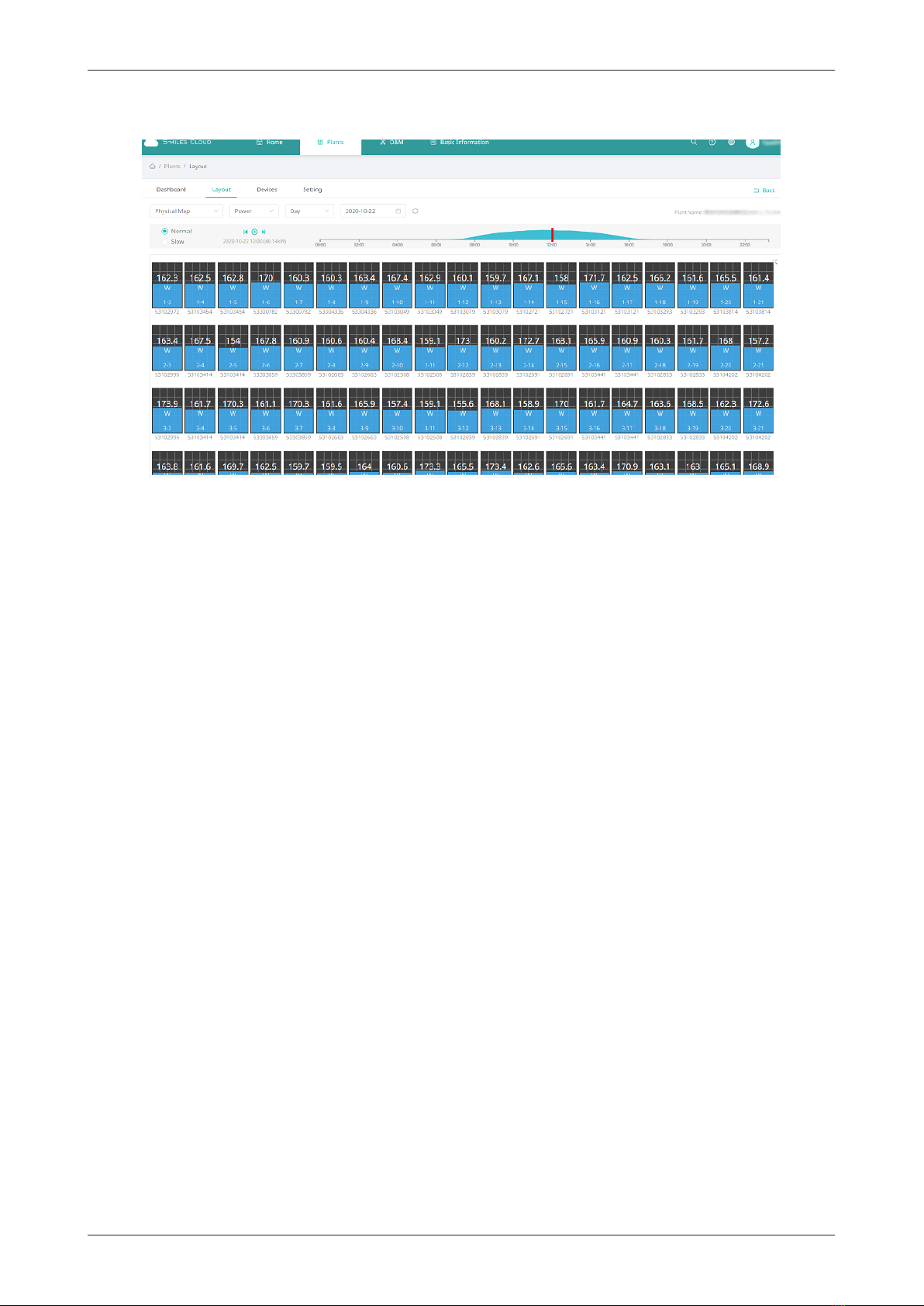
D. Customers can also view the microinverter generating details by accessing the S-Miles Cloud (Hoymiles
Monitoring Platform) website at https://world.hoymiles.com.