98
CONNECT YOUR WATCH TO YOUR PHONE.
A. Make sure that your phone’s Bluetooth®is turned on.
See your phone documentation for instructions.
NOTE: If you connect the watch to the phone using only your phone’s
Bluetooth settings, you cannot congure the watch. You must connect the
watch using the phone app.
B. Open the Isaac Mizrahi Smartwatch phone app
on your phone, and then follow the on-screen
instructions to set up your account.
C. The phone app automatically
searches for nearby watches.
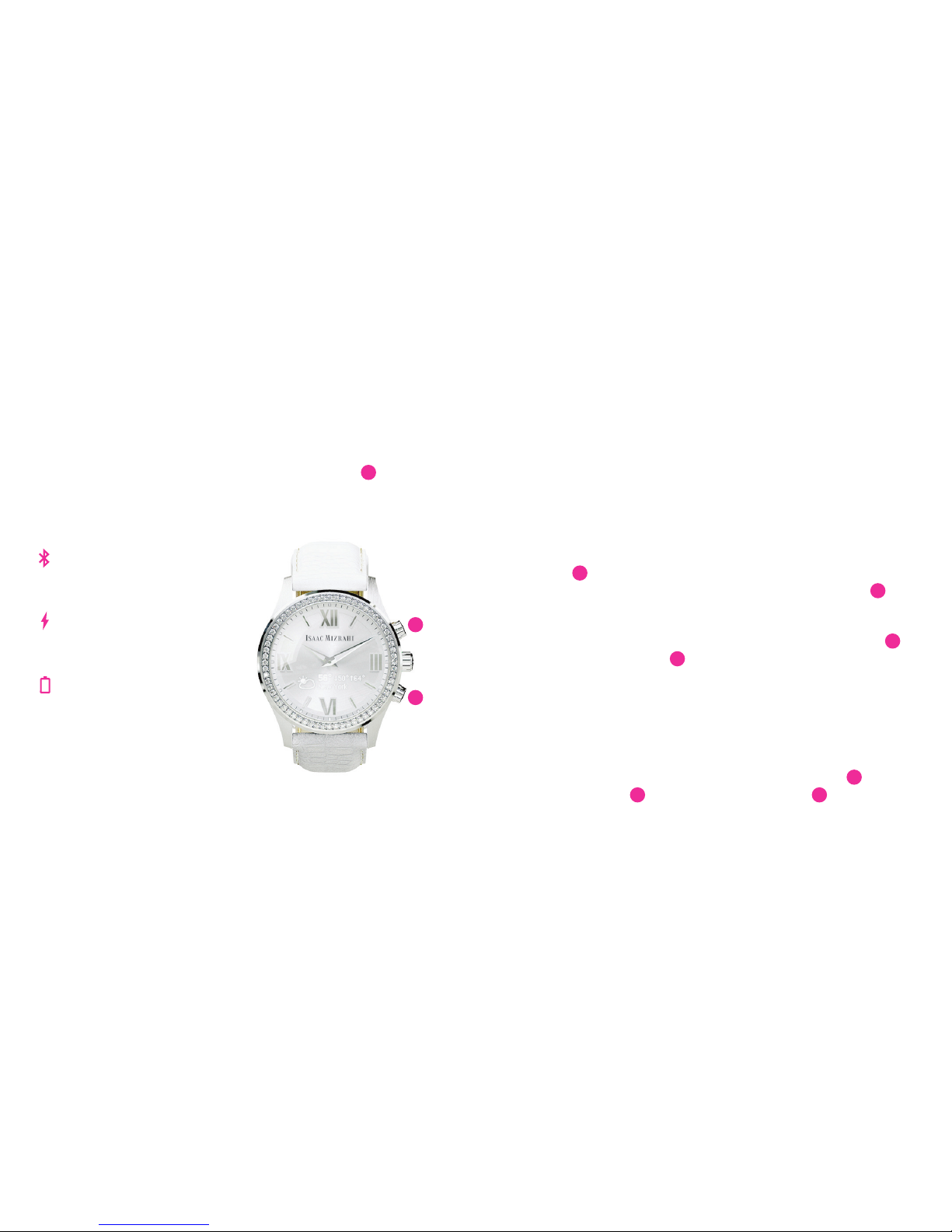
Press the top watch button 1
so that the Setup screen is
displayed and the app can nd
your watch.
D.When the phone app nds your
watch, select Connect Watch.
When prompted, press the top
watch button 1again and enter
the PIN displayed on your watch.
CONFIGURE YOUR WATCH USING THE PHONE APP.
A. In the phone app, enable notication permissions.
You must enable permissions to use the features
of your watch. Notication permissions allow you
to push any notications from a third-party app,
such as Facebook or Twitter, to the watch. See your
phone documentation for instructions for enabling
notications.
B. In the phone app, select Style, Watch Issac, Activity,
Notications, My Watch, or Help.Notications
also controls vibration notication settings. See
Customizing Notications on page 16 for more
information.
You have now completed your watch setup. The rest of
this guide provides more information about using your
watch and customizing it using the phone app.
GETTING STARTED
FPO
56
1