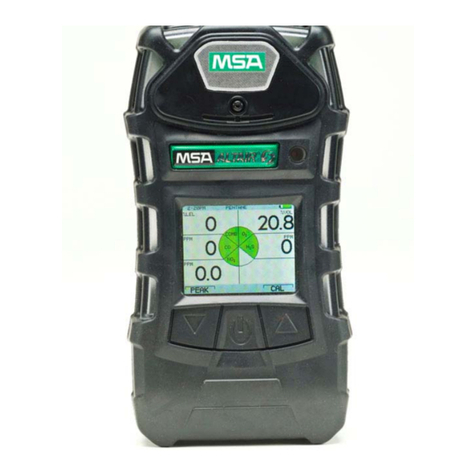
For advice on the safety and suitability of this equipment
contact your local HSS Safe and Sure Depot.
There is a serious risk of personal injury if you do
not follow all instructions laid down in this guide.
The hirer has a responsibility to ensure that all
necessary risk assessments have been completed
prior to the use of this equipment.
This equipment should only be used by an operator
who has been deemed competent to do so by
his/her employer.
This equipment may be used in a workplace
subject to a permit to work, it is the hirers
responsibility to ensure that the equipment’s
technical specification meets the requirements of
any such permit to work prior to starting work. For
further technical information contact your local
HSS Safe and Sure Depot.
This equipment should be used by an able bodied,
competent adult who has read and understood these
instructions. Anyone with either a temporary or permanent
disability, should seek expert advice before usin it.
Keep children, animals and bystanders away from
the work area. Cordon off a NO GO area using
cones and either barriers or tape, available for hire
from your local HSS Safe and Sure Depot.
Never use this equipment if you are ill,
feeling tired, or under the influence of
alcohol or drugs.
Wear sensible, suitably protective clothing and
footwear plus any safety wear appropriate to the
work in progress.
Make sure you know how to operate this
equipment safely and are aware of its limitations
before you use it.
Remember that this equipment does not guarantee
life protection but if used correctly it will help
provide a safer environment to work in.
Make sure that anyone in the immediate work area
is warned of what you are doing.
Check the condition of the equipment before use.
If it shows signs of damage or excessive wear,
return it to your local HSS Safe and Sure Depot.
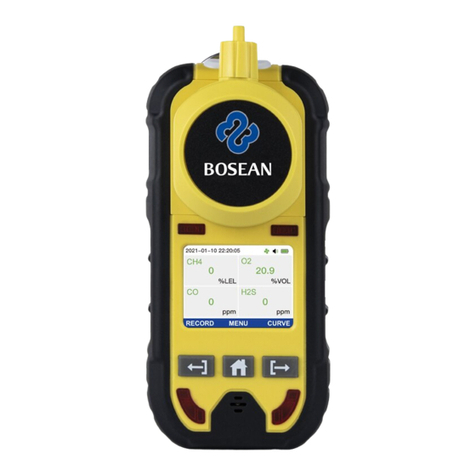
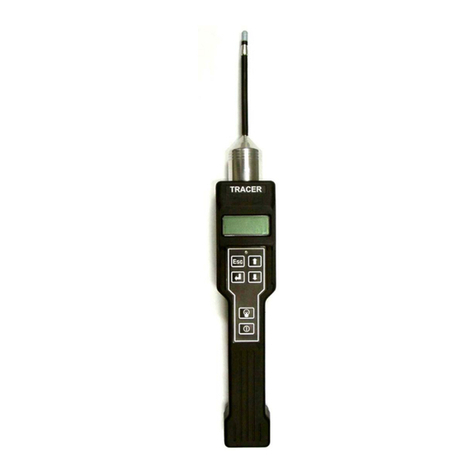
The area multi gas detector is powered from a built
in battery, which is capable of running the unit for
up to 24 hours.
The gas detector battery must only be re-charged
in a NON HAZARDOUS NVIRONM NT.
ELECTRICAL SAFETY
GENERAL SAFETY To recharge the battery, remove the unit to a NON
HAZARDOUS AR A.
Unscrew the charge socket protective cover then
plug the charge lead into the charge socket (see
illustration). The built in charger is designed to plug
straight into a standard 230V 13A earthed power
socket.
Switch the supply ON and observe the two charge
indicator lamps.
The red lamp indicates a fast (full) charge whereas
the green lamp indicates a trickle charge. The unit
is ready to use when a trickle charge is indicated.
Recharging will take between six and eight hours.
Once charged, switch the supply OFF and
disconnect the charge lead from the supply and
the unit.
nsure that the charge socket screw on protective
cover is replaced.
Using electrical equipment in very damp or wet
conditions can be dangerous.
To reduce the risk of electric shock, always use
a suitable RCD (Residual Current-Operated Device)
available from your local HSS Safe and Sure Depot.
If an extension lead is used for the charger lead it
should be fully unwound and loosely coiled, away
from the equipment. Never run leads through
water, over sharp edges or where they could trip
someone.
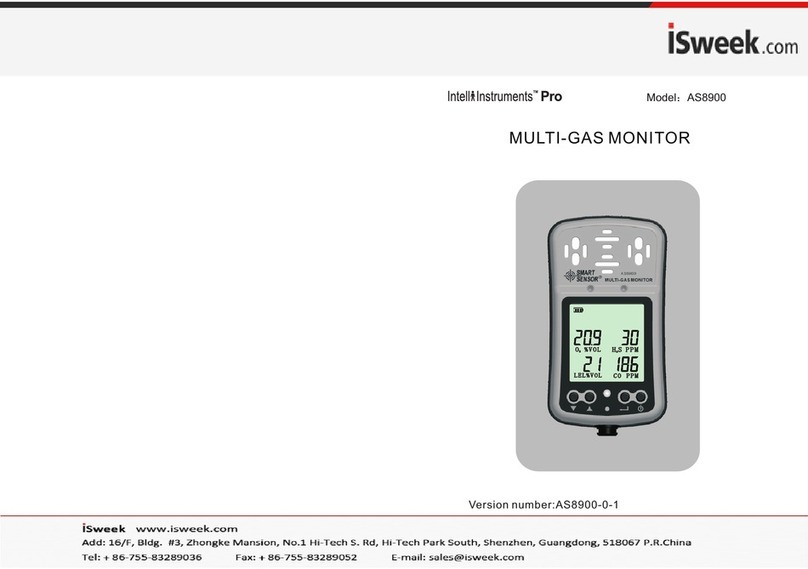
Switch the unit ON by pressing the ON button.
The alarm will sound and the red ‘alarm’ L D will
flash for approximately 5 seconds.
The unit will then perform a self-test and will
display the current battery condition. The battery
voltage must read above 6.4V, if it reads lower,
recharge the unit (see ‘ELECTRICAL SAFETY).
GETTING STARTED
During the self-test, if the unit has passed its due
date for re-calibration, ‘Calibration due’ will show
on the display, the red L D will flash and the alarm
will sound.
If the words ‘Sensors Changed’ appear on the
display, one or more of the sensor modules may
have a fault.
If either warnings occur, DO NOT US OR R LY ON
IT, contact your local HSS Safe and Sure Depot for
a replacement unit.
There is a back light facility, which will illuminate the
display in poor li htin conditions. To operate the
back light press the ‘back li ht’ (sun emblem) button,
press again to turn the light OFF.
The back light feature comes ON automatically in
the event of an alarm.
Alarm
LED's
Red Char e
Lamp
Green Trickle
Char e Lamp
Link Lead
Interconnection Socket
Char er
Socket
Char er
Lead
Power
LED
Alarm
LED Green
'Battery Low'
LED
Back Li ht
Button
Calibration
ON
Button
Display
Unmarked
Button
Controls
Area Multi-Gas Detector