User guide 9
Changing Media Link HD settings
Switching to another language
Prefer to see the onscreen text in a different language?
You can change the language that is displayed on the
TV screen.
1. On your phone, slide open the Notifications panel.
2. Tap Settings > More > Media Link HD.
3. Select your Media Link HD device.
4. Tap Advanced settings.
5. Select the language you want and then tap Save.
Note Advanced settings is only accessible when the following
two conditions are met.
1. Your Media Link HD is listed under “Available devices” in
Settings > More > Media Link HD.
2. Your Media Link HD is set to “Off” in Settings > More >
Media Link HD.
Changing to a new Wi-Fi router
If you changed to a new Wi-Fi router, simply connect
your phone to it. Media Link HD will automatically
connect to the new Wi-Fi router.
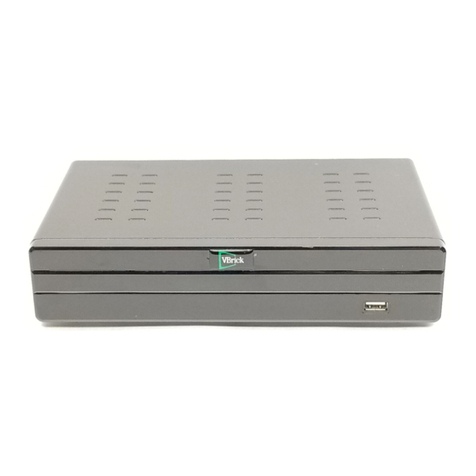
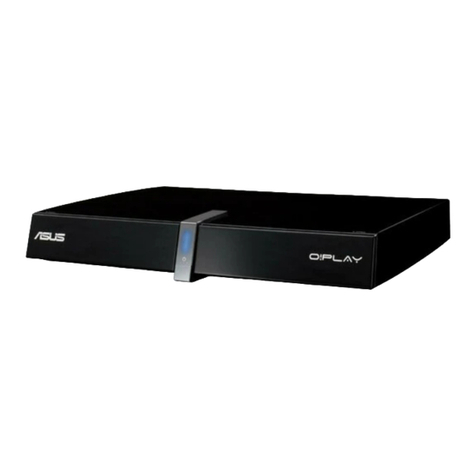
But if you’re also trying to connect to Media Link HD
with another phone, you’ll be asked to press the PBC
button on Media Link HD to start the auto-configuration
process.
DG-H300 for Certification
DG-H300 for Certification
DG-H300 for Certification