8Using the Baby Scale
3. Using the Baby Scale
3.1 Turn On/Off the baby scale
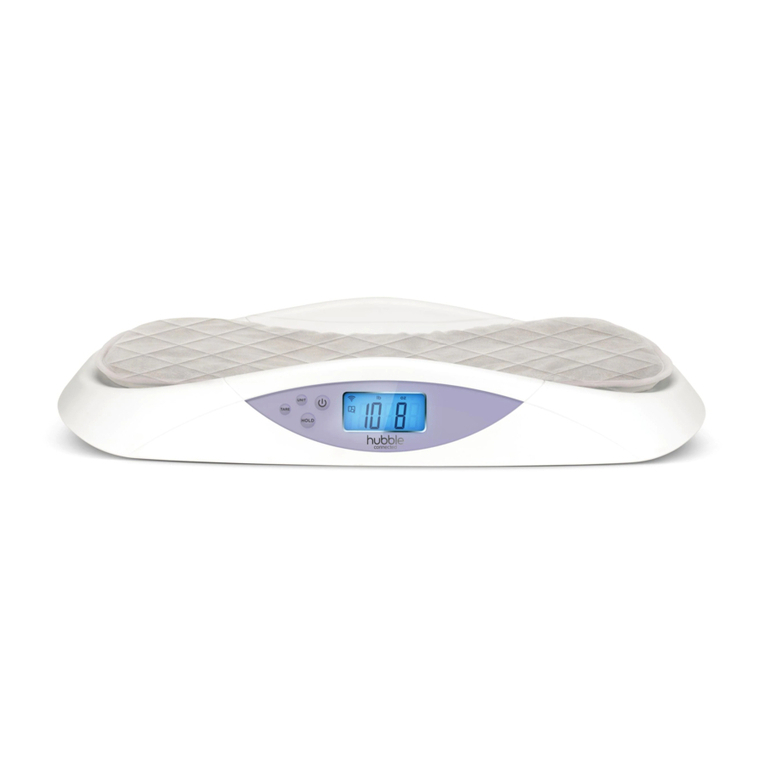
Press the Power ON/OFF 0 button to turn On/Off the weighing scale.
3.2 Select Weighing Unit
Press the UNIT button on the control panel to select unit of
measurement, kilograms (kg) or pounds (lb).
3.3 Tare Weight
The weighing scale zeros automatically when turned on and displays the
digit “0.00”, if you weight the baby with a soft cloth or towel, it need to tare
weight.
1. To add a towel or cloth when the machine is already turned on.
2. Press the TARE button to zero the weight of soft cloth or towel
placed on the platform, and weight that the digit “0.00” is displayed.
3.4 Weight Tracker
The digital baby scale allows to follow the evolution of the baby’s weight
during his growth, with a maximum load of 30 kg and a division of 10 g.
3.4.1 First weighing
1. Press Power ON/OFF 0 button to turn on the baby scale, when the
digits “0.00” are displayed, the machine is ready for weighing (If
necessary, use the function TARE as previously described section 4.3).
2. Place the baby on the weighing scale and the weight will be displayed
on the screen.
3. Press the HOLD button to stabilize the readings , and the weight
data will be saved in the memory of baby scale.
3.4.2 Following weighings
1. To turn on the baby scale by pressing Power ON/OFF 0 button.
2. Place the baby on the weighing scale when the digit “0.00” is
displayed.