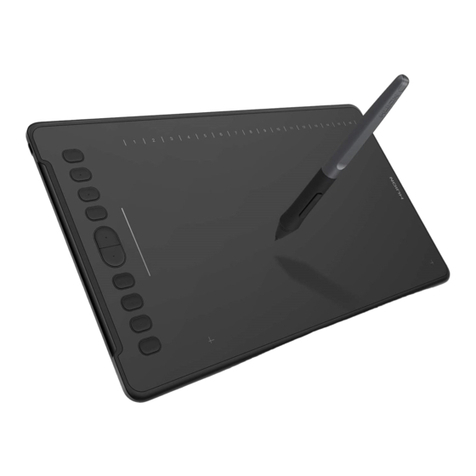
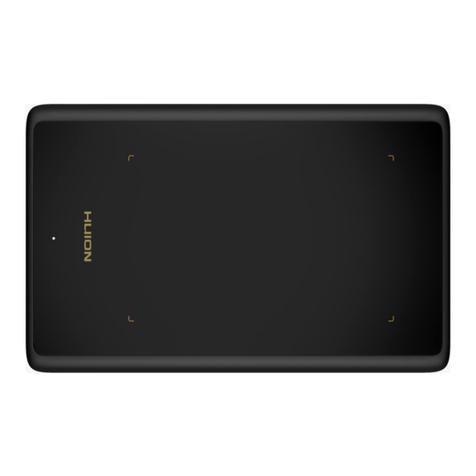
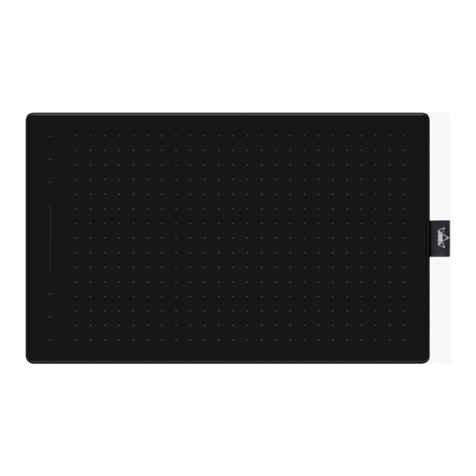
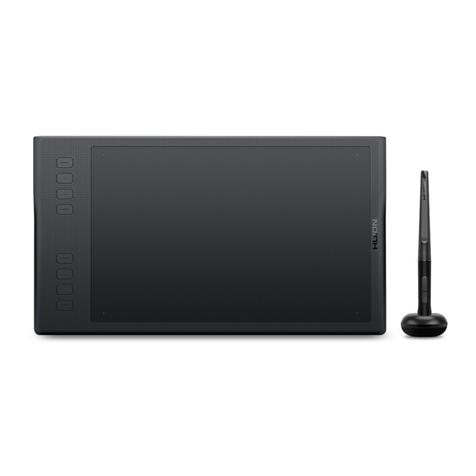
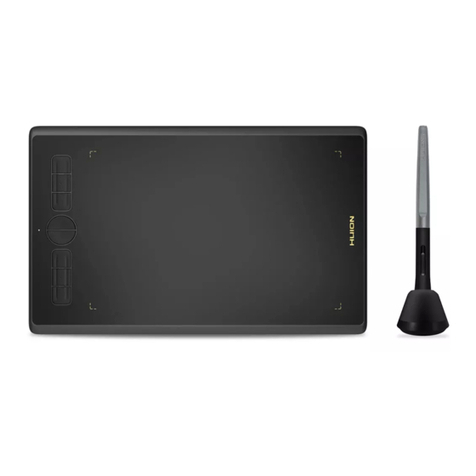
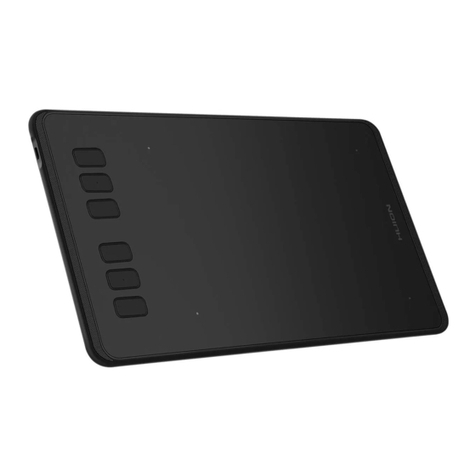
H430P Battery-free Pen Tablet
2/ 14 www.huion.com
Contents
1. Product Overview........................................................................................................................3
1.1 Tablet Introduction................................................................................................................3
1.2 Product and Accessories....................................................................................................... 3
1.3 Tablet Connection................................................................................................................. 4
1.4 Driver Installation..................................................................................................................4
1.5 Pen Nib Replacement............................................................................................................5
2. Product Basic Operation................................................................................................................. 5
2.1 Using The Pen........................................................................................................................6
3. Function Setting.............................................................................................................................. 7
3.1 Device Connection Prompt................................................................................................... 8
3.2 Working Area Setting............................................................................................................ 8
3.3 Press Keys Function Setting................................................................................................ 10
3.4 Pen Buttons Function Setting............................................................................................. 10
3.5 Pressure Sensitivity Setting.................................................................................................11
3.6 Pen Pressure Testing........................................................................................................... 11
3.7 Enable the Windows Ink feature........................................................................................ 12
3.8 Data Export and Import...................................................................................................... 12
4. Specifications.................................................................................................................................13
5. Trouble Shooting........................................................................................................................... 14
5.1 Possible Breakdowns Related to TABLET............................................................................ 14
5.2 Possible Breakdowns Related to SYSTEM........................................................................... 14
6. After-service Contact.................................................................................................................... 14