BRAKESLCD DISPLAY
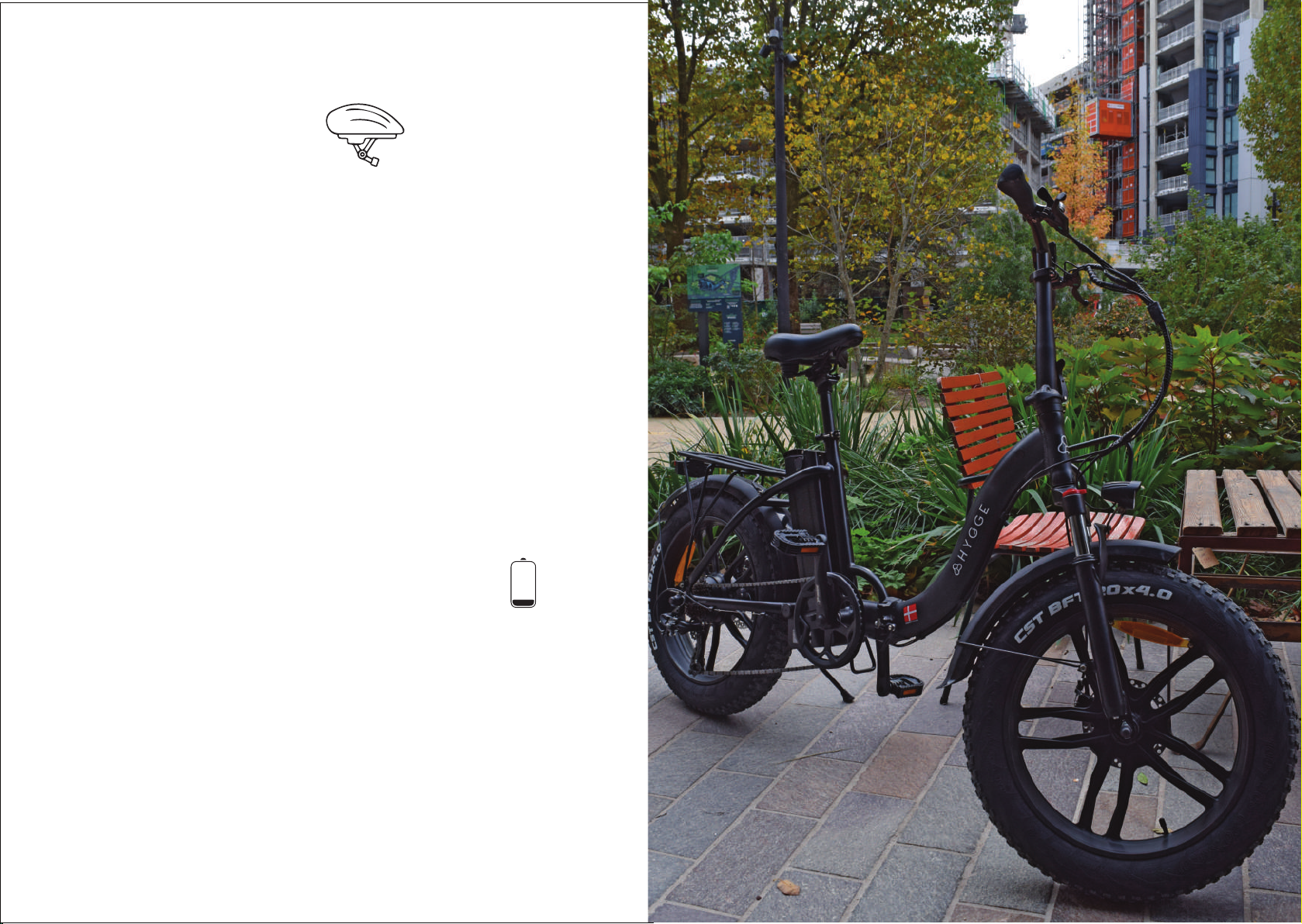
• To turn your ebike on, press power key for 3 seconds to start the ebike –
ensure your battery is charged and on before doing so.
• To turn your ebike o, press power key for 3 seconds to turn o the ebike;
• The LCD will have 4 options to view - ODO, VOL, TRIP, TIME.
• ODO: The total mileage of this bicycle when it is turned on
• VOL: Current battery voltage value display
• TRIP: Mileage travelled since start of trip
• TIME: The time since the start of this ride
• These can be viewed when the LCD is on and switched to by pressing the on button
• Press the"+" button to increase level of assistance (Uphill)
• Press the "-" button to decreased Level of Assistance. (Downhill)
• To turn front light on – Press and hold the plus/increase assist switch (+),
to turn o press and hold this again.
• Walk assist is done by pressing and holding the‘-‘button. To deactivate this
setting squeeze the brakes. NOTE: The ebike will move forward when the walk
assist is activated. This must be used with care and when always holding the brakes.
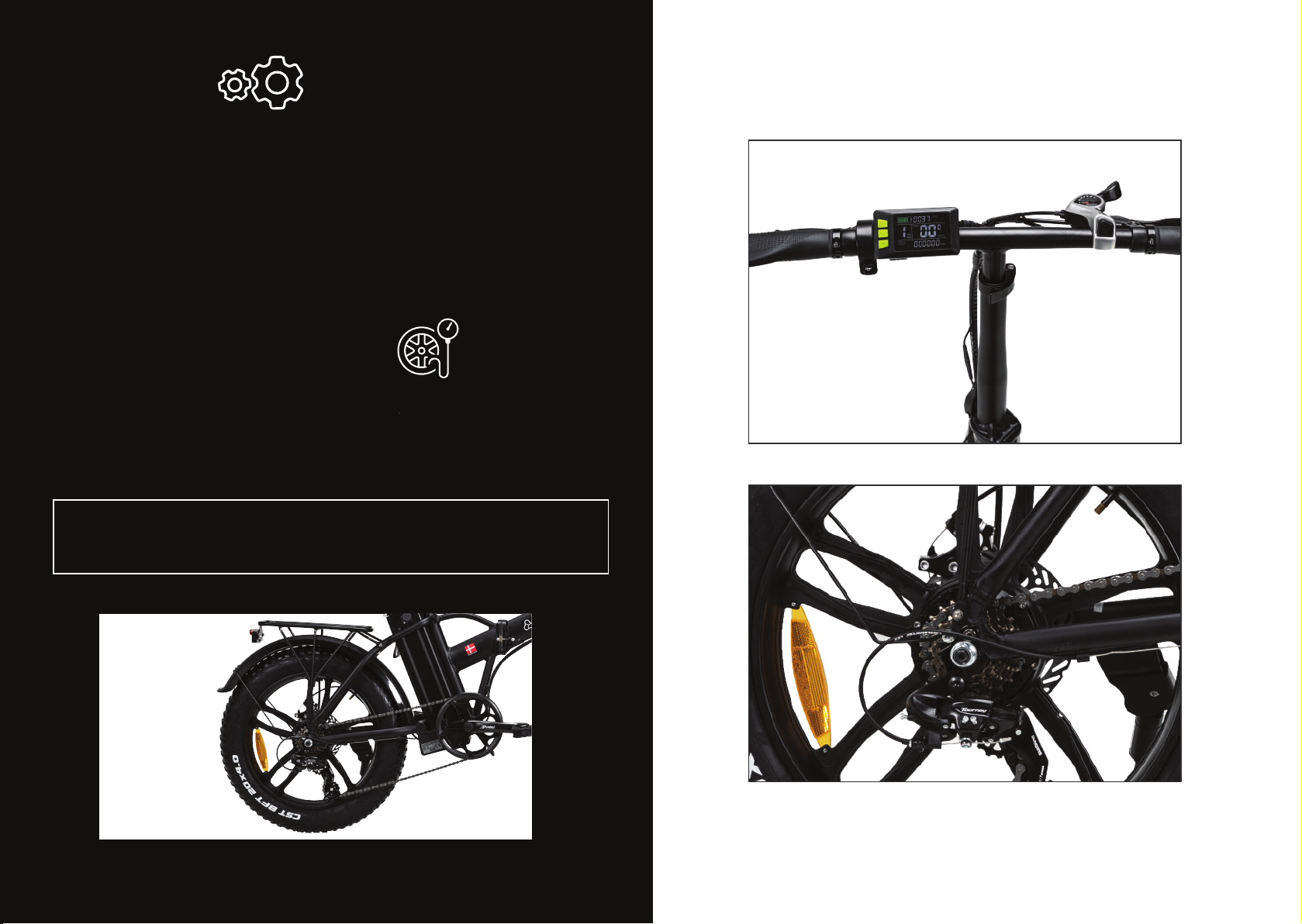
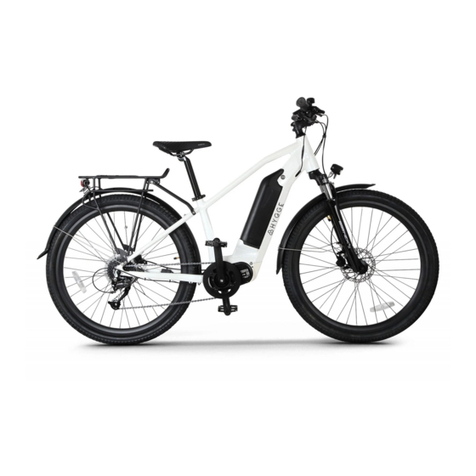
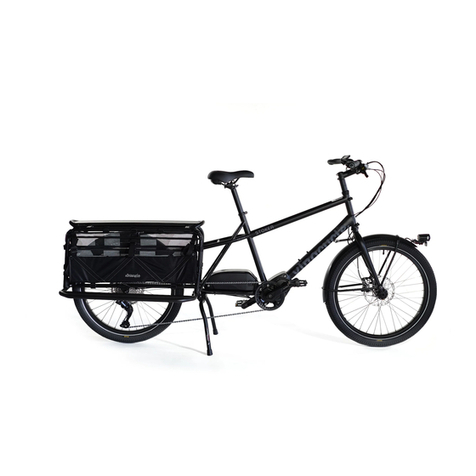
The brakes on the Vester and Vester Step are mechanical Disk brakes.
The brakes are mounted on both the front and back wheels. The disc brake
block slows the disc by acting on it. The brakes are functioned by both
brake levers on the handlebars. right-hand lever operating the front
brake and the left the rear.
ALWAYS CHECK YOUR BRAKES BEFORE CYCLING
The bicycle brake is not only used to stop the bicycle, but also to regulate
its speed. Maximum tyre braking force is the force exerted when the tyres
are "locked" (not rotating) and sliding. In the event of tyre slippage, the majority
of braking force will be lost, rendering the bicycle uncontrollable. Please use
a little touch to the brakes and stop the bicycle gradually, known as progressive
braking, to avoid locking the tyres.
05 06