manuals.online logo
Brands
  1. Home
  2. •
  3. Brands
  4. •
  5. I-care
  6. •
  7. Measuring Instrument
  8. •
  9. I-care PRO User manual

I-care PRO User manual

Other I-care Measuring Instrument manuals

I-care TA01i Operating instructions

I-care

I-care TA01i Operating instructions

I-care Pro TA03 User manual

I-care

I-care Pro TA03 User manual

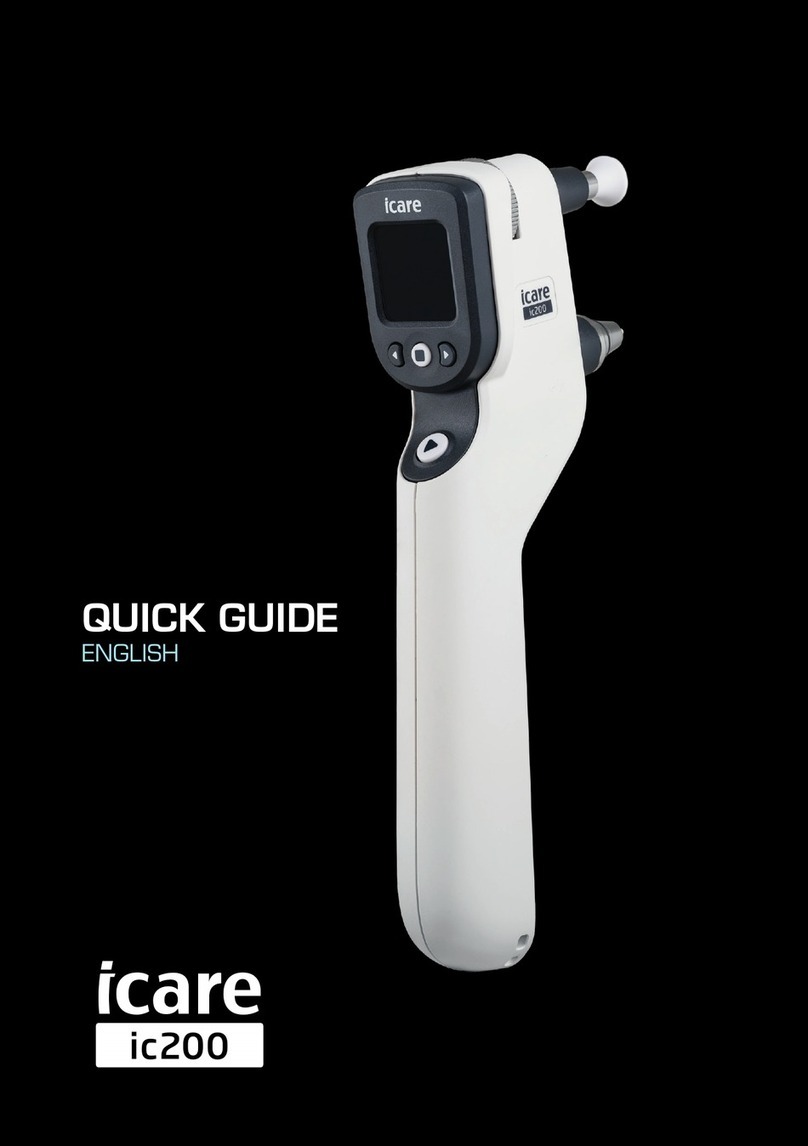
I-care ic200 User manual

I-care

I-care ic200 User manual

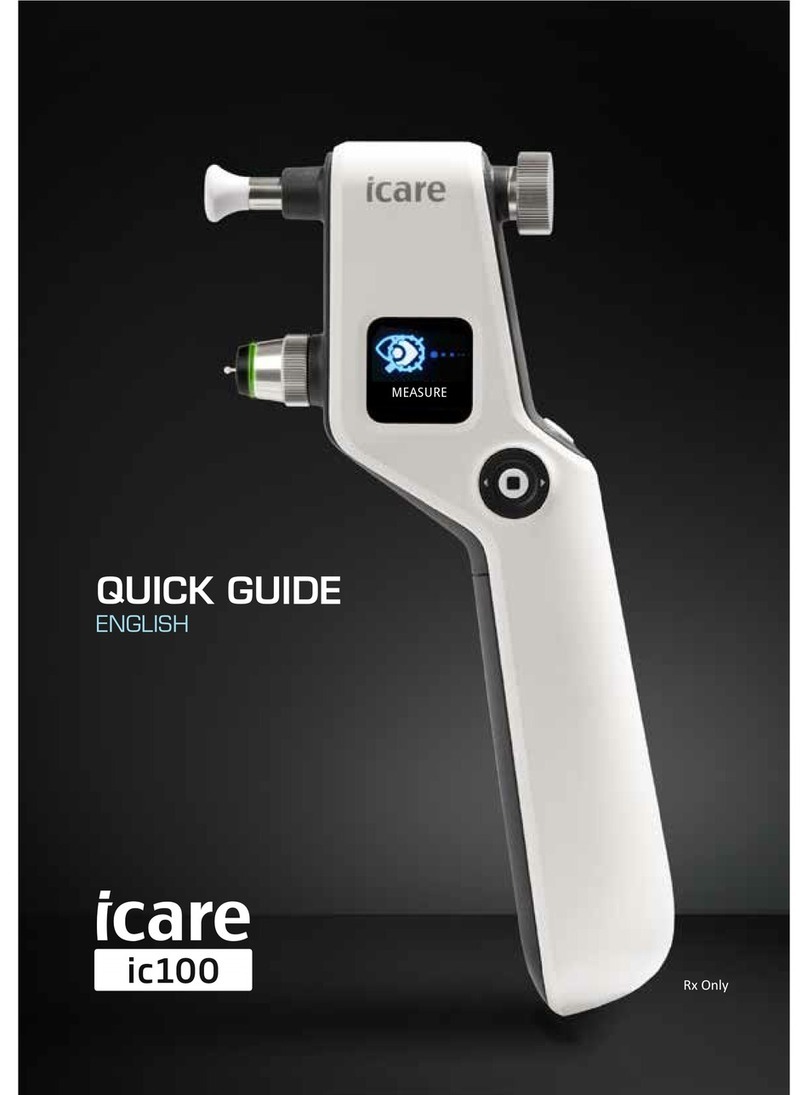
I-care ic100 User manual

I-care

I-care ic100 User manual

Popular Measuring Instrument manuals by other brands

Powerfix Profi 278296 Operation and safety notes

Powerfix Profi

Powerfix Profi 278296 Operation and safety notes

Test Equipment Depot GVT-427B user manual

Test Equipment Depot

Test Equipment Depot GVT-427B user manual

Fieldpiece ACH Operator's manual

Fieldpiece

Fieldpiece ACH Operator's manual

FLYSURFER VIRON3 user manual

FLYSURFER

FLYSURFER VIRON3 user manual

GMW TG uni 1 operating manual

GMW

GMW TG uni 1 operating manual

Downeaster Wind & Weather Medallion Series instruction manual

Downeaster

Downeaster Wind & Weather Medallion Series instruction manual

Hanna Instruments HI96725C instruction manual

Hanna Instruments

Hanna Instruments HI96725C instruction manual

Nokeval KMR260 quick guide

Nokeval

Nokeval KMR260 quick guide

HOKUYO AUTOMATIC UBG-05LN instruction manual

HOKUYO AUTOMATIC

HOKUYO AUTOMATIC UBG-05LN instruction manual

Fluke 96000 Series Operator's manual

Fluke

Fluke 96000 Series Operator's manual

Test Products International SP565 user manual

Test Products International

Test Products International SP565 user manual

General Sleep Zmachine Insight+ DT-200 Service manual

General Sleep

General Sleep Zmachine Insight+ DT-200 Service manual

Sensa Core Lacto Spark user manual

Sensa Core

Sensa Core Lacto Spark user manual

VOLTCRAFT UTS-1980 operating instructions

VOLTCRAFT

VOLTCRAFT UTS-1980 operating instructions

EBCHQ 94915 Operation manual

EBCHQ

EBCHQ 94915 Operation manual

Balluff BIP LD2-T017-01-EP-S4 Series user guide

Balluff

Balluff BIP LD2-T017-01-EP-S4 Series user guide

Pulsar IMP Lite Series instruction manual

Pulsar

Pulsar IMP Lite Series instruction manual

ETCR 6800 user manual

ETCR

ETCR 6800 user manual

manuals.online logo
manuals.online logoBrands
  • About & Mission
  • Contact us
  • Privacy Policy
  • Terms and Conditions

Copyright 2025 Manuals.Online. All Rights Reserved.

QUICK GUIDE
ENGLISH
Icare PRO tonometer Quick Guide ENGLISH
TURNING THE TONOMETER ON AND LOADING THE PROBE
1.Pressthemainbuon.
2.GotoMeasureandpressthemainbuon.
3.Parallyopentheprobepackage.
4.Inserttheprobeintothetonometer
 fromparallyopenedpackage
 withouttouchingtheprobe(4a).
Lightly press (4b) theprobeintothe
 probebasetolocktheprobe.
 Becarefulnottobendtheprobe.
5.Pressthemainbuononceto
 acvatetheinsertedprobe.
MEASUREMENT
1. Selecttheeyeyouwanttomeasureusingtheleandrightnavigaonbuons.
2. Bringthetonometernearthepaent’seye.**Note:theanglemustbe90°inbothhorizontaland
 vercalmeasurement.**
3. Thedistancefromthepoftheprobetothecorneamustbe3-7mm(1/8-9/32inch).Ifnecessary,
 adjustthedistanceusingtheforeheadsupport.
4. Pressthemainbuonlightlytoperformoneindividualmeasurement,takingcarenottoshakethe
 tonometer.Thepoftheprobeshouldmakecontactwiththecentralcornea.
5. Makesixsinglemeasurements.Oncethesixmeasurementsarecomplete,thenalIOPisdisplayed.
 Savethemeasurementresultbypressingthemainbuonaerresults!
ONE SHORT BEEP
Indicates a correct single measurement.
DOUBLE BEEP
Indicates an incorrect single measurement. (See error messages from the instruction manual).
LONG BEEP
Indicates that six succesful measurements are done and IOP result is available on the display.
4a.
4b.
3.
From the main menu, select “Turn off” and confirm by pressing the main button twice.
If not used for three minutes, the tonometer will automatically switch off.
1. 5.
3–7 mm
(1/8 - 9/32’’)
90
˚Correct measuring posionings with Icare
PRO are horizontal and vercal.
TA03_002_EN_2.2
PARTS OF THE TONOMETER
CLEANING THE PROBE BASE
Theprobebasecanbereusedaercarefulcleaning.Makesure
thattheprobebaseiscompletelydrybeforeusingit.
1. Unscrewtheprobebasecollarandcarefullyremovetheprobe 
 basefromthetonometer.
2.Inverttheprobebaseoveracontainerlledwith70-100% 
 isopropylalcoholsoluon,allowingtheprobebasetodropinto
 thecontainerandletsoakfor5-30minutes.
3.Drytheprobebasebyblowingsomecompressedairintoit.
4.Carefullyreinsertthecompletelydryprobebase,screwthe
 collarbackintothetonometer.
Pleaserefertothemanualformoredetailedinstruconsof
changingandcleaningtheprobebase.
CHANGE/CLEAN THE PROBE BASE REGULARLY TO AVOID
UNNECESSARY SERVICE.
www.icaretonometer.com
Display
Navigaonbuons:
Le,Down,Up&Right
Mainbuon
Foreheadsupportadjusngwheel
Foreheadsupport
Collar
Probebase
  Pleaserefertothemanual
foraddionalinformaon.