manuals.online logo
Brands
  1. Home
  2. •
  3. Brands
  4. •
  5. I.SOUND
  6. •
  7. Transmitter
  8. •
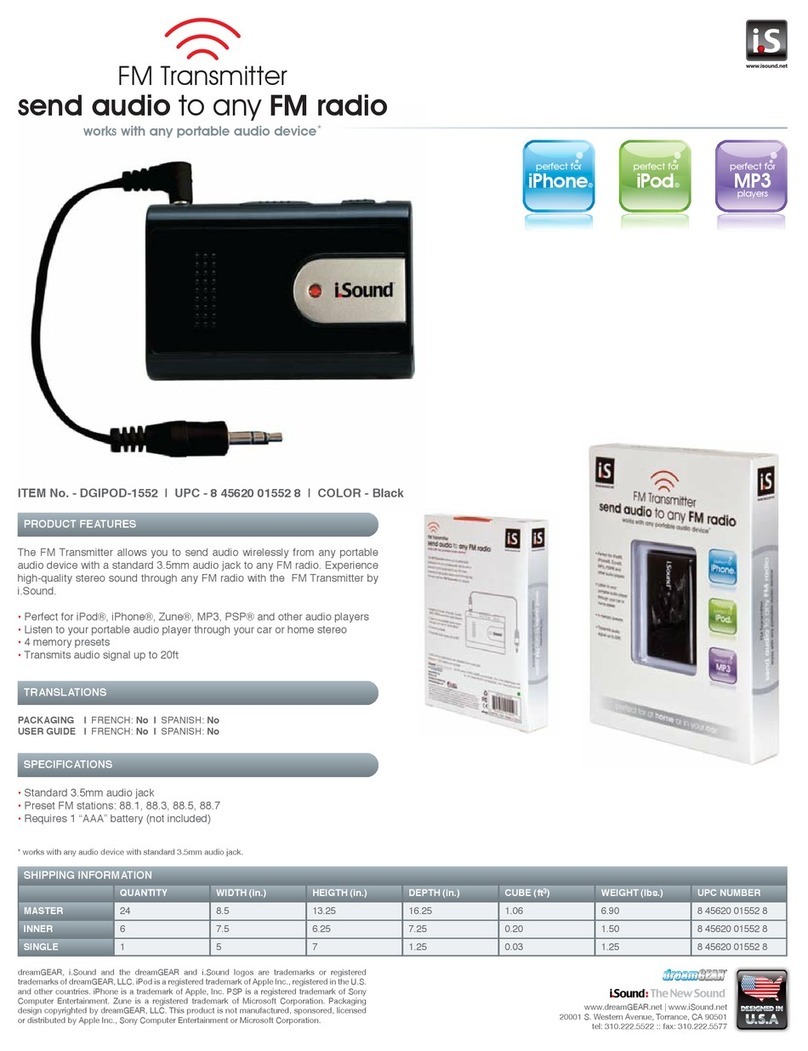
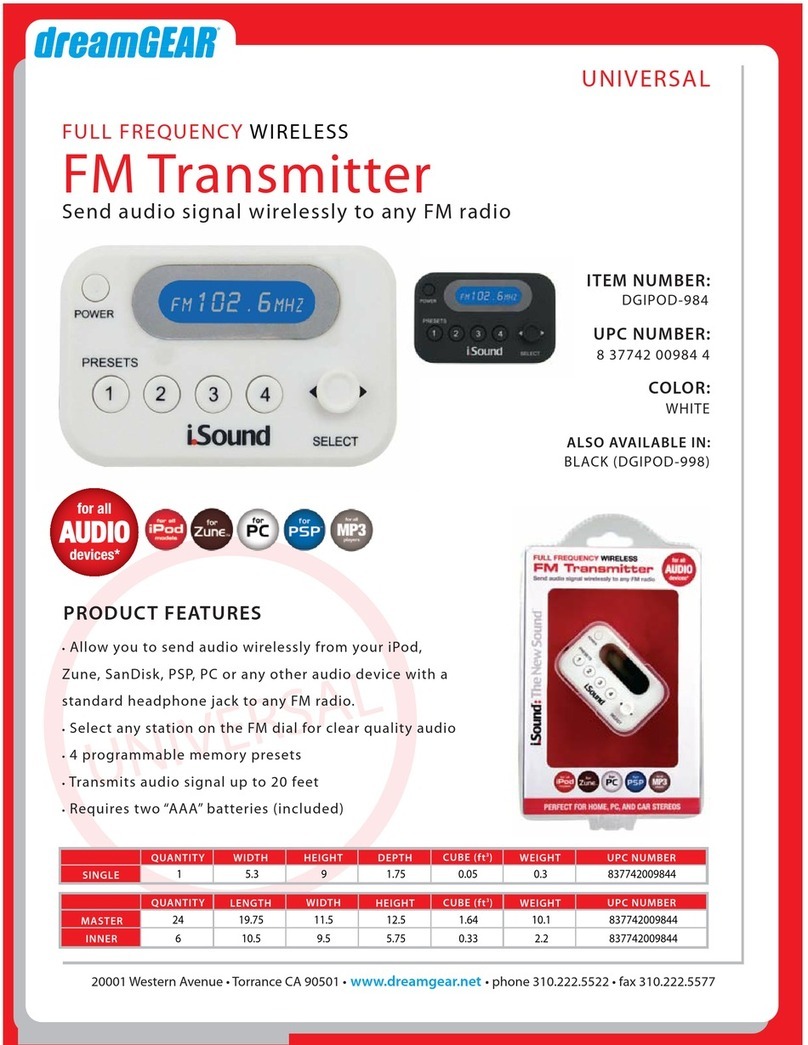
  9. I.SOUND FULL FREQUENCY WIRELESS FM TRANSMITTER User manual

I.SOUND FULL FREQUENCY WIRELESS FM TRANSMITTER User manual

Other I.SOUND Transmitter manuals

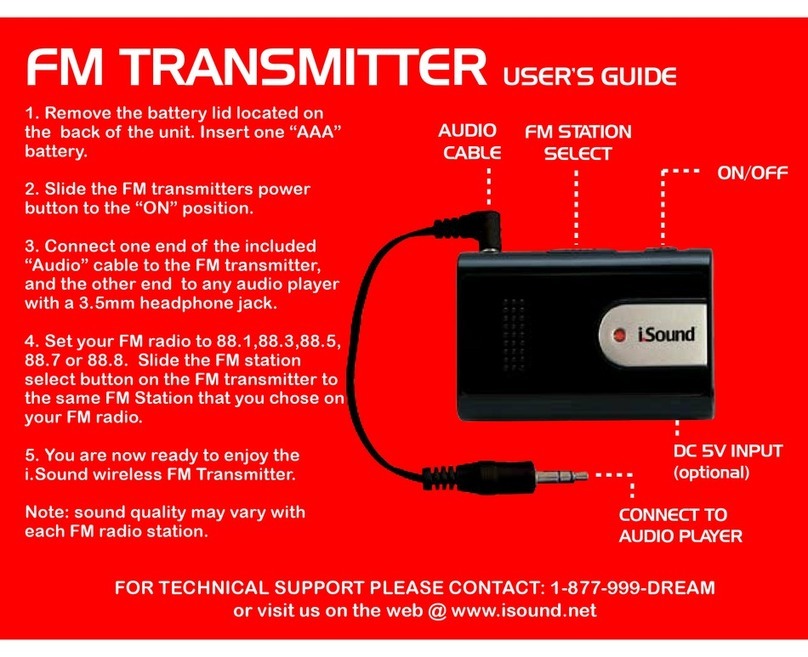
I.SOUND FM TRANSMITTER User manual

I.SOUND

I.SOUND FM TRANSMITTER User manual

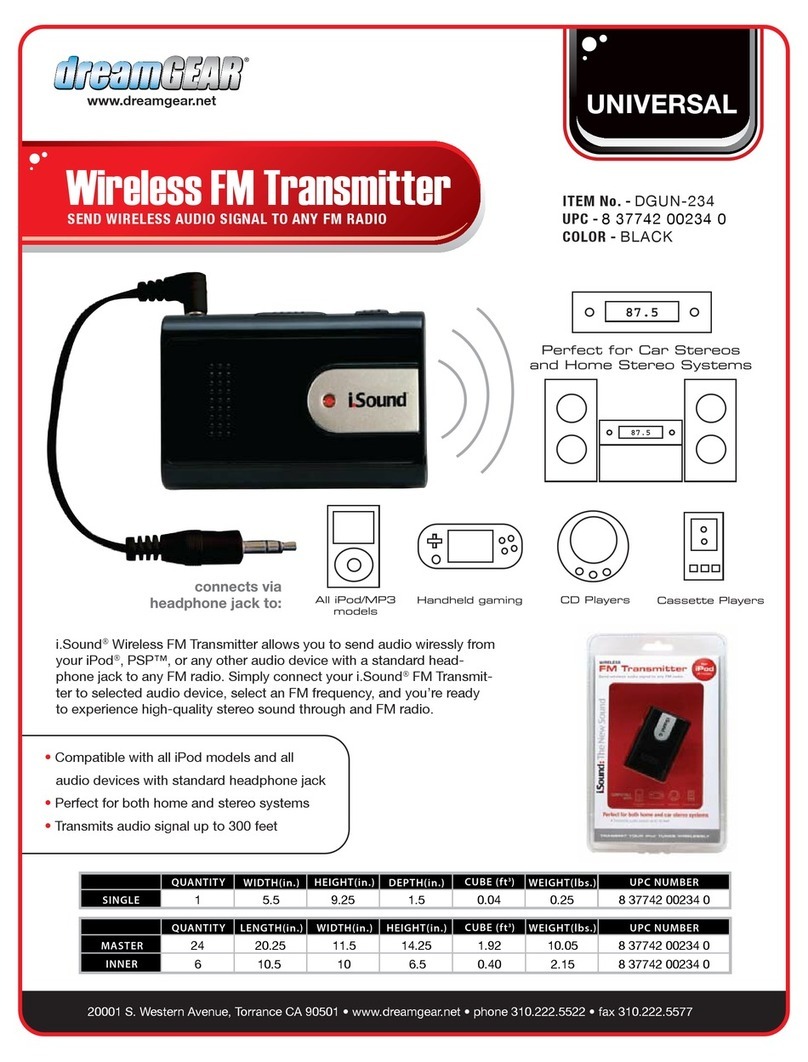
I.SOUND WIRELESS FM TRANSMITTER User manual

I.SOUND

I.SOUND WIRELESS FM TRANSMITTER User manual

I.SOUND FM TRANSMITTER Operation manual

I.SOUND

I.SOUND FM TRANSMITTER Operation manual

I.SOUND FULL FREQUENCY FM TRANSMITTER Parts list manual

I.SOUND

I.SOUND FULL FREQUENCY FM TRANSMITTER Parts list manual

I.SOUND FM TRANSMITTER - DATASHEET 2 User manual

I.SOUND

I.SOUND FM TRANSMITTER - DATASHEET 2 User manual

Popular Transmitter manuals by other brands

Seneca K120RTD installation manual

Seneca

Seneca K120RTD installation manual

Nautel GV40 installation manual

Nautel

Nautel GV40 installation manual

HumanTechnik cm-light operating instructions

HumanTechnik

HumanTechnik cm-light operating instructions

INOR APAQ C130 TC User instructions

INOR

INOR APAQ C130 TC User instructions

Linear DXS-64 operating instructions

Linear

Linear DXS-64 operating instructions

FeinTech ABT00102 instruction manual

FeinTech

FeinTech ABT00102 instruction manual

Geo Web Pack quick start guide

Geo

Geo Web Pack quick start guide

Inovonics EchoStream EN1210W installation instructions

Inovonics

Inovonics EchoStream EN1210W installation instructions

IKONNIK KA-6 quick start guide

IKONNIK

IKONNIK KA-6 quick start guide

Rohde & Schwarz SR8000 Series System manual

Rohde & Schwarz

Rohde & Schwarz SR8000 Series System manual

Audio Technica UniPak ATW-T93 Installation and operation

Audio Technica

Audio Technica UniPak ATW-T93 Installation and operation

NIVELCO EasyTREK SCA-300 Series Programming manual

NIVELCO

NIVELCO EasyTREK SCA-300 Series Programming manual

Honeywell 5816WMBR installation instructions

Honeywell

Honeywell 5816WMBR installation instructions

Kamstrup READy MTU Installation and operation guide

Kamstrup

Kamstrup READy MTU Installation and operation guide

Omega ZW Series user guide

Omega

Omega ZW Series user guide

ABB Field 264H Instructions for installation

ABB

ABB Field 264H Instructions for installation

Dejero EnGo 3x manual

Dejero

Dejero EnGo 3x manual

Rosemount 4600 Reference manual

Rosemount

Rosemount 4600 Reference manual

manuals.online logo
manuals.online logoBrands
  • About & Mission
  • Contact us
  • Privacy Policy
  • Terms and Conditions

Copyright 2025 Manuals.Online. All Rights Reserved.

.
www.dreamgear.net
www.isound.net
User’s Guide
www.isound.net
Using the FM Transmitter:
1. Open the battery compartment and install 2 “AAA”
batteries. Close the battery lid. Note: you can also purchase
a 5V DC adapter at many electronics stores, for optional power.
2. Connect one end of the included 3.5mm audio cable
to your audio device of choice, connect the other end
to the FM Transmitter. Note: the FM transmitter works
with any audio device with a standard 3.5mm headphone jack.
3. Power “ON” the FM Transmitter by holding the
POWER button for 3-4 seconds. Follow the same
steps to POWER the unit “OFF”
Set up an FM radio source:
1. You use the Full Function FM Transmitter to transmit
the audio from your audio device to ANY FM Radio
at home or in the Car.
2. On your FM radio, choose a FM radio station, now
set the FM Transmitter to the same station that you
chose on your FM radio. Press play on your audio
device and the audio will be wirelessly transmitted to
your FM radio. If you experience poor sound quality,
try a different FM radio station.
3. The FM Transmitter can store stations for later use,
to store a station press the 1, 2, 3 or 4 button for 3
seconds, the station will flash once to indicate the
station was stored. To return to the stored station,
press the number for which the station was stored.
®
P.O. BOX 478
Torrance, CA 90508
FOR TECHNICAL SUPPORT
PLEASE CONTACT: 1-877-999-DREAM
or visit us on the web @ www.isound.net
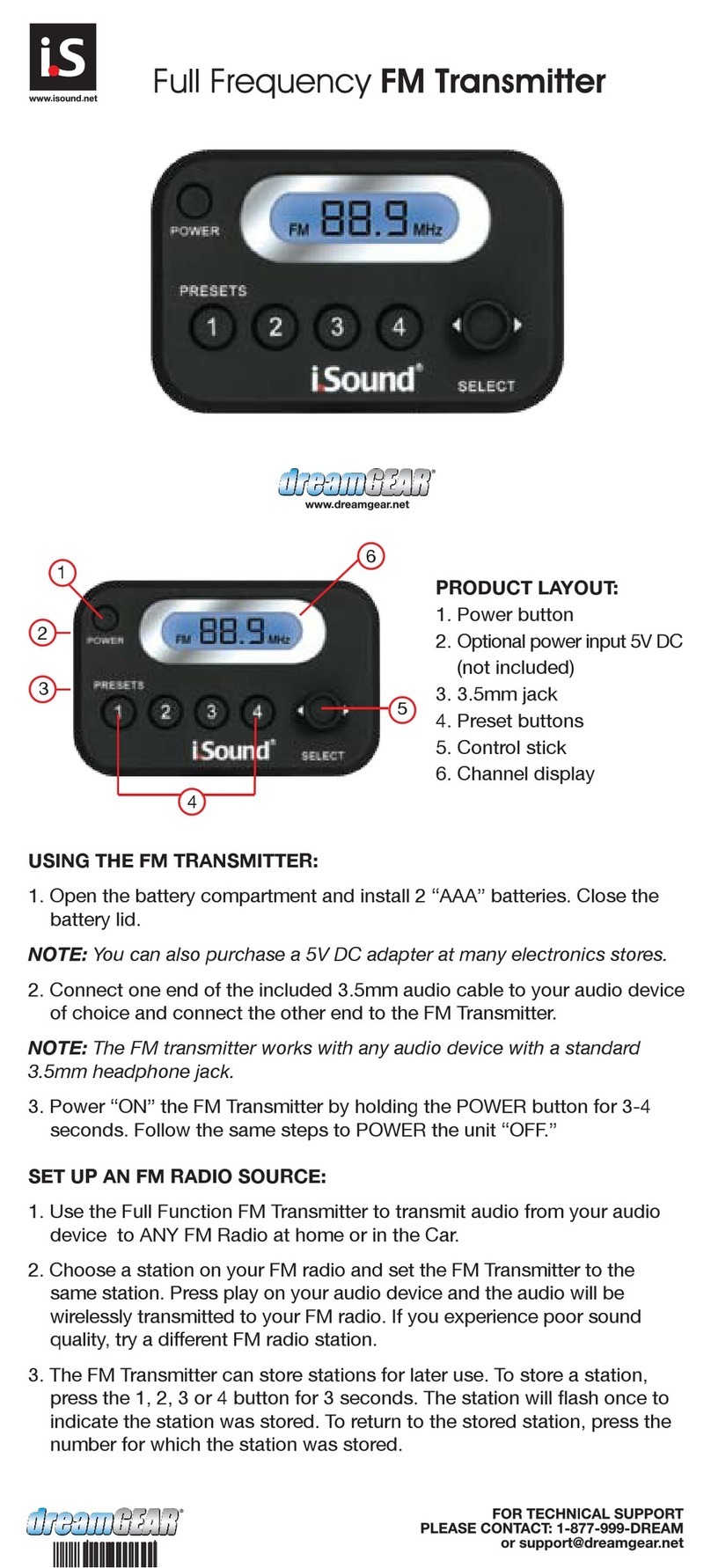
1
2
3
4
5
6
PRODUCT LAYOUT:
1. Power button
2. Optional power input 5V DC (not included)
3. 3.5mm jack
4. Preset buttons
5. Control stick
6. Channel display
®
TM
™
®