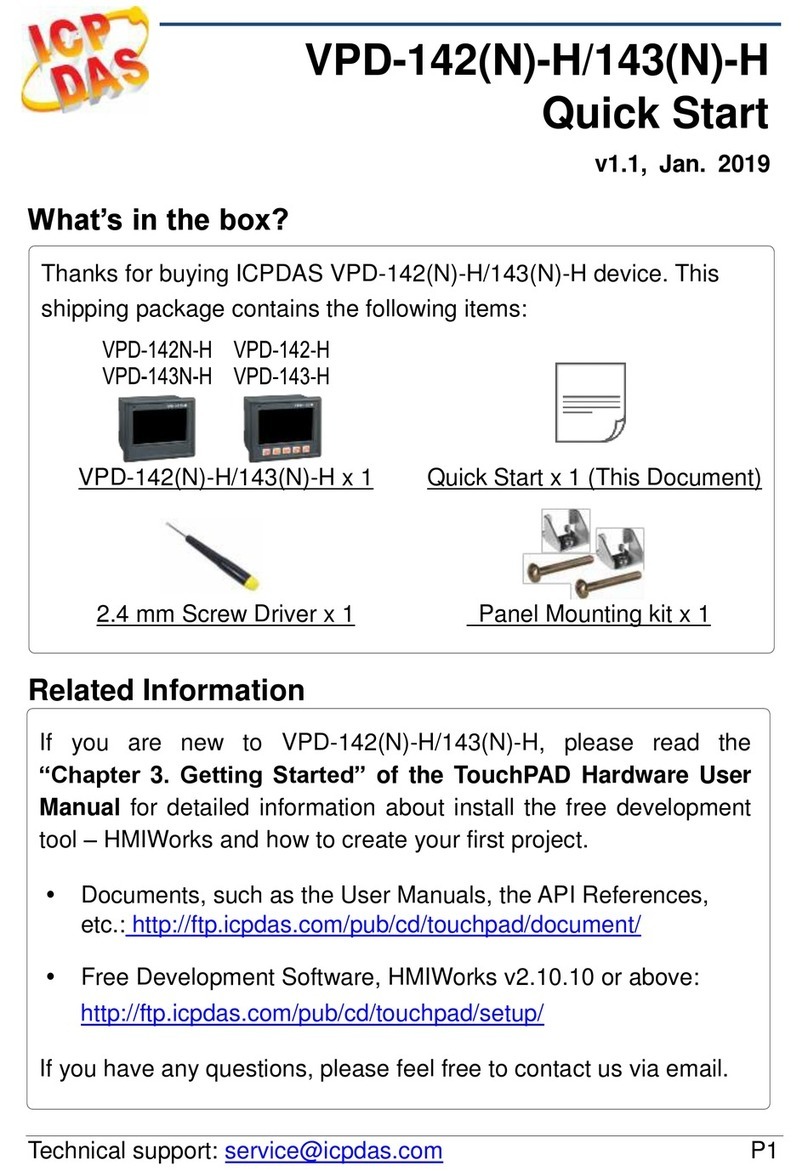
TPD-280-H/280U-H Quick Start, version 1.0 Last Revised: April 2017 - 3 -
Copyrigh
t
©
2017
ICP
DAS
Co.,
Ltd.
All Rights Reserved. E-mail: serv[email protected]om 4First Use of the TPD-280(U)-H
1. Connect wires as the figure. And set the rotary switch
to zero (At this point, the power is not yet supplied).
2. Supply power to the TPD-280-H/280U-H, wait for several seconds
and then you can see the default program run on it.
3. Try to touch on the icons on the bottom-right corner of the screen
of the TPD-280-H/280U-H and you can find that
TPD-280-H/280U-H switches to the setting pages.
5Creating First Project
To create your first project of the TPD-280-H/280U-H, install the free development tool,
HMIWorks and then refer to <<TouchPAD_getting_started.pdf>>, which can be found on the
FTP: http://ftp.icpdas.com/pub/cd/touchpad/document/english/programming_guide/
Use a flat-head screwdriver to
set rotary switch