manuals.online logo
Brands
  1. Home
  2. •
  3. Brands
  4. •
  5. Ikan
  6. •
  7. Camera Accessories
  8. •
  9. Ikan PSB5 User manual

Ikan PSB5 User manual

Other Ikan Camera Accessories manuals
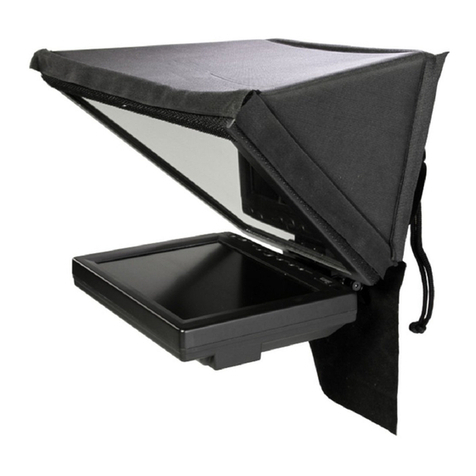
Ikan PT2500 User manual

Ikan

Ikan PT2500 User manual

Ikan ELE-A7S-C User manual

Ikan

Ikan ELE-A7S-C User manual
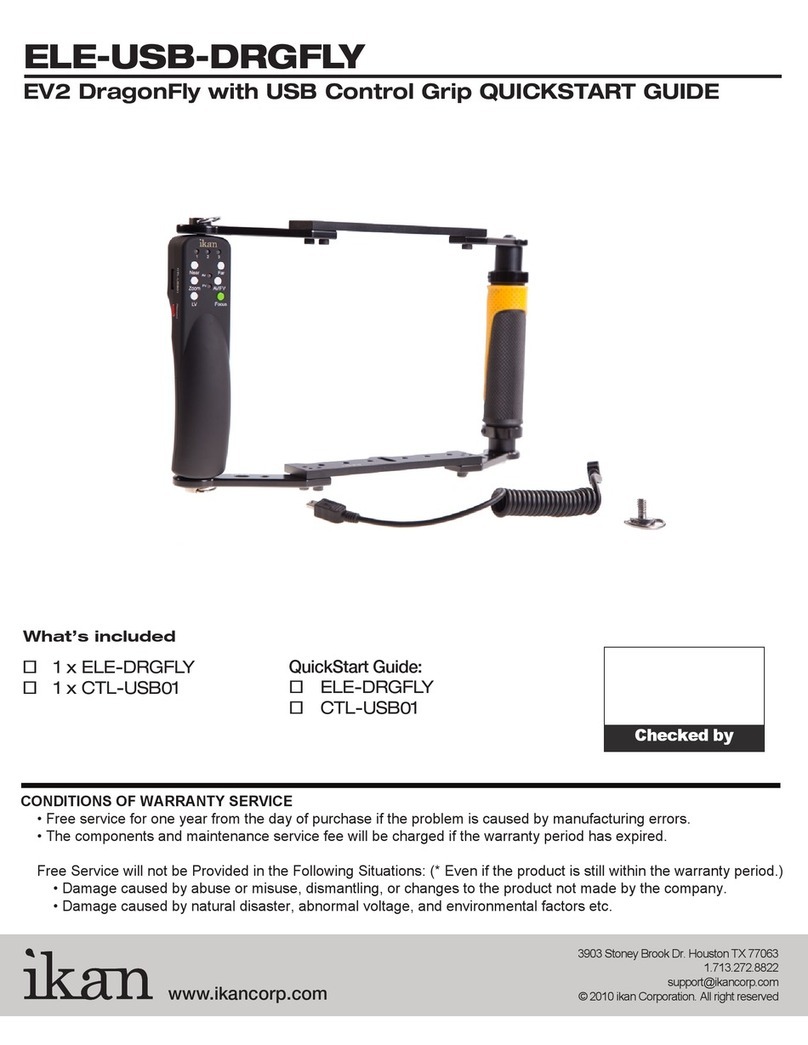
Ikan ELE-USB-DRGFLY User manual

Ikan

Ikan ELE-USB-DRGFLY User manual
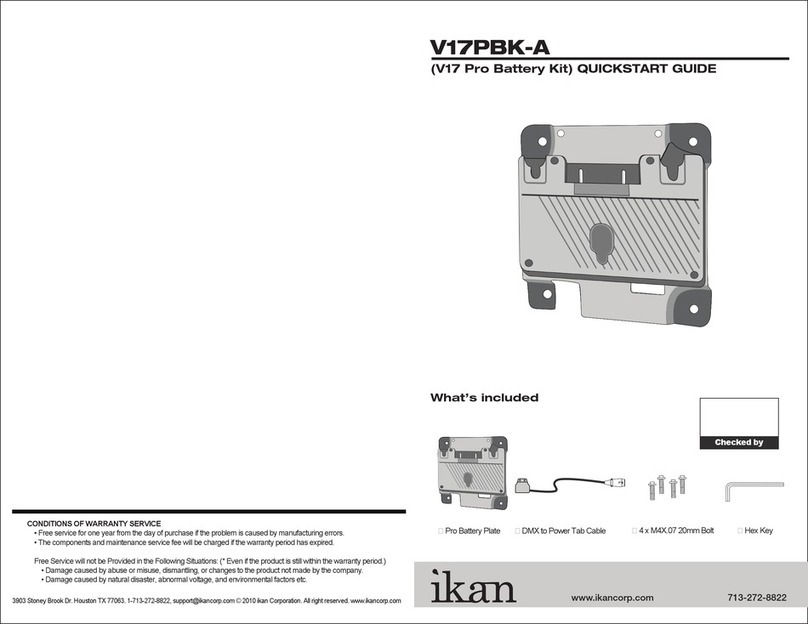
Ikan V17PBK-A User manual

Ikan

Ikan V17PBK-A User manual
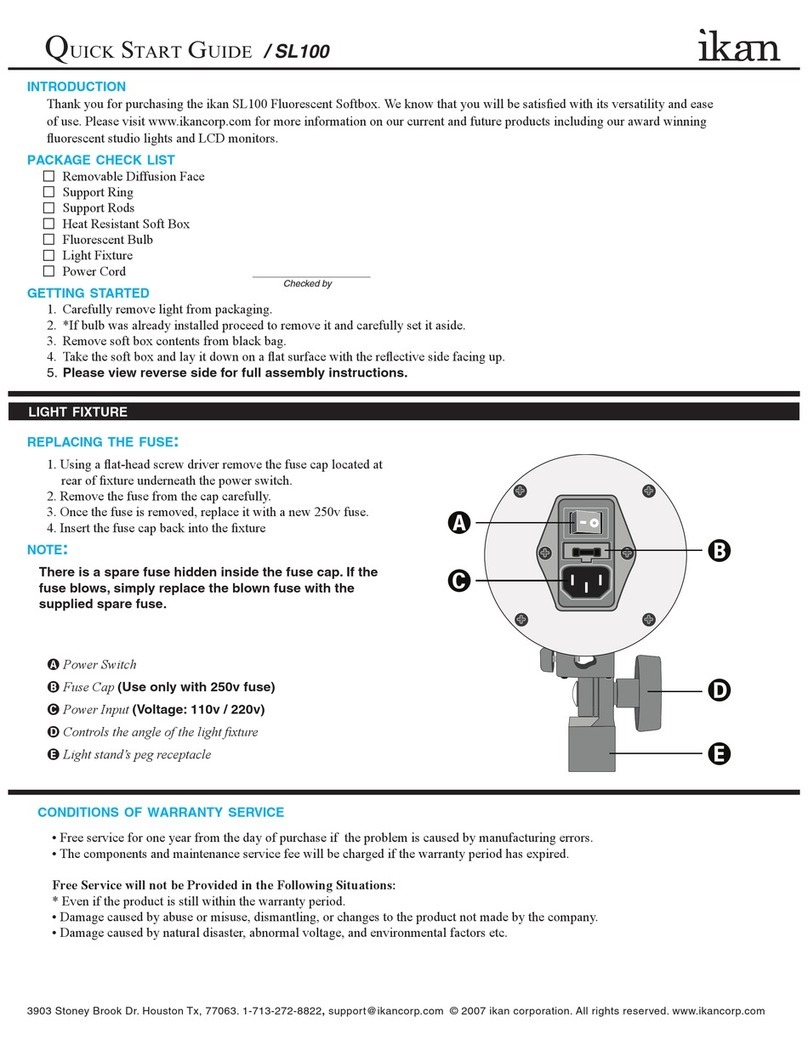
Ikan SL100 User manual

Ikan

Ikan SL100 User manual
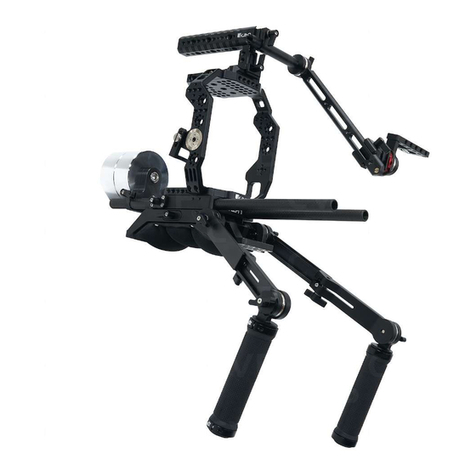
Ikan STR-CINE-C500-RIG User manual

Ikan

Ikan STR-CINE-C500-RIG User manual
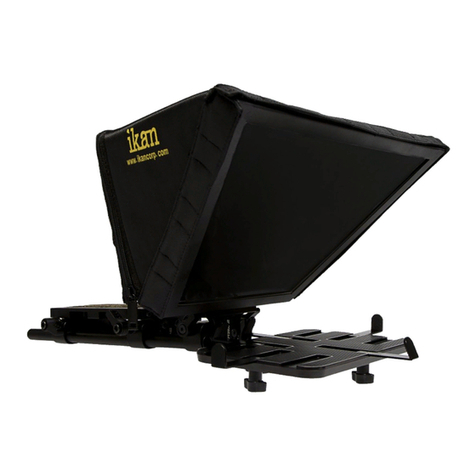
Ikan PT-Elite-U User manual

Ikan

Ikan PT-Elite-U User manual

Ikan PT4900S-PEDESTAL User manual

Ikan

Ikan PT4900S-PEDESTAL User manual

Ikan ID 500 User manual

Ikan

Ikan ID 500 User manual
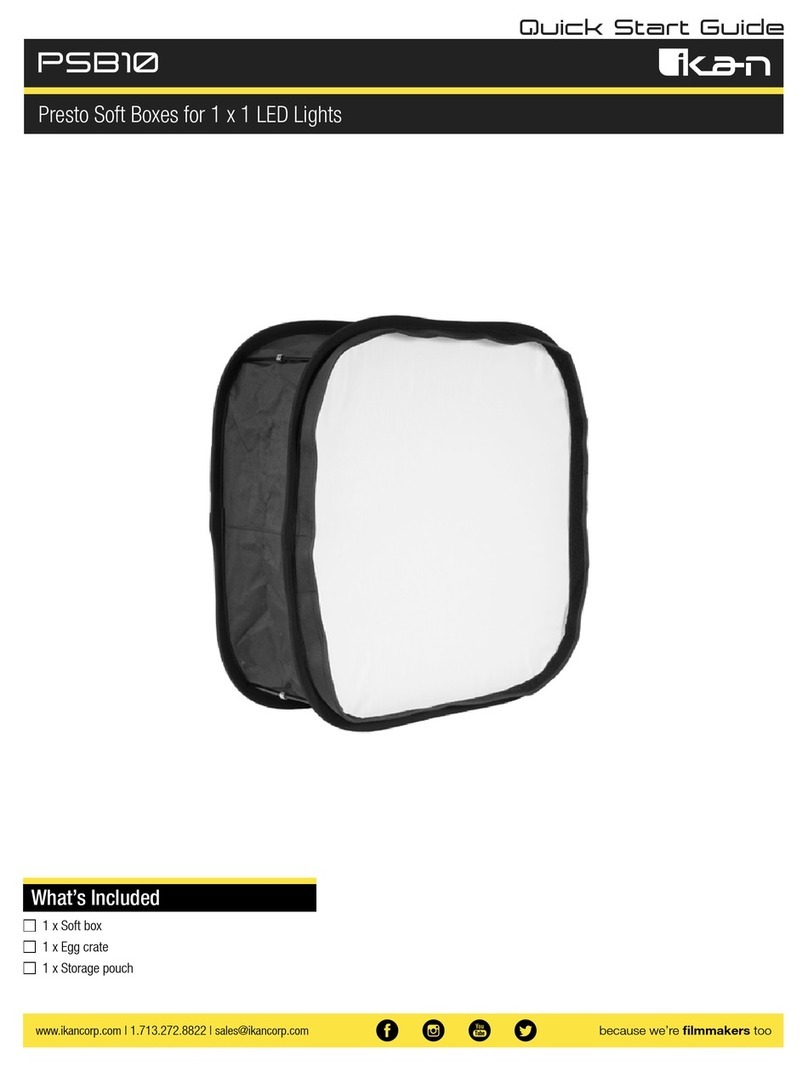
Ikan PSB10 User manual

Ikan

Ikan PSB10 User manual
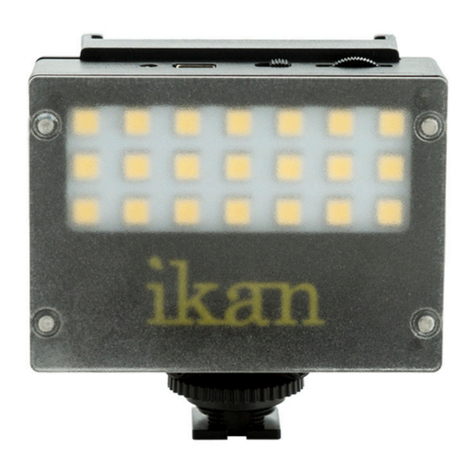
Ikan iLED-MA User manual

Ikan

Ikan iLED-MA User manual
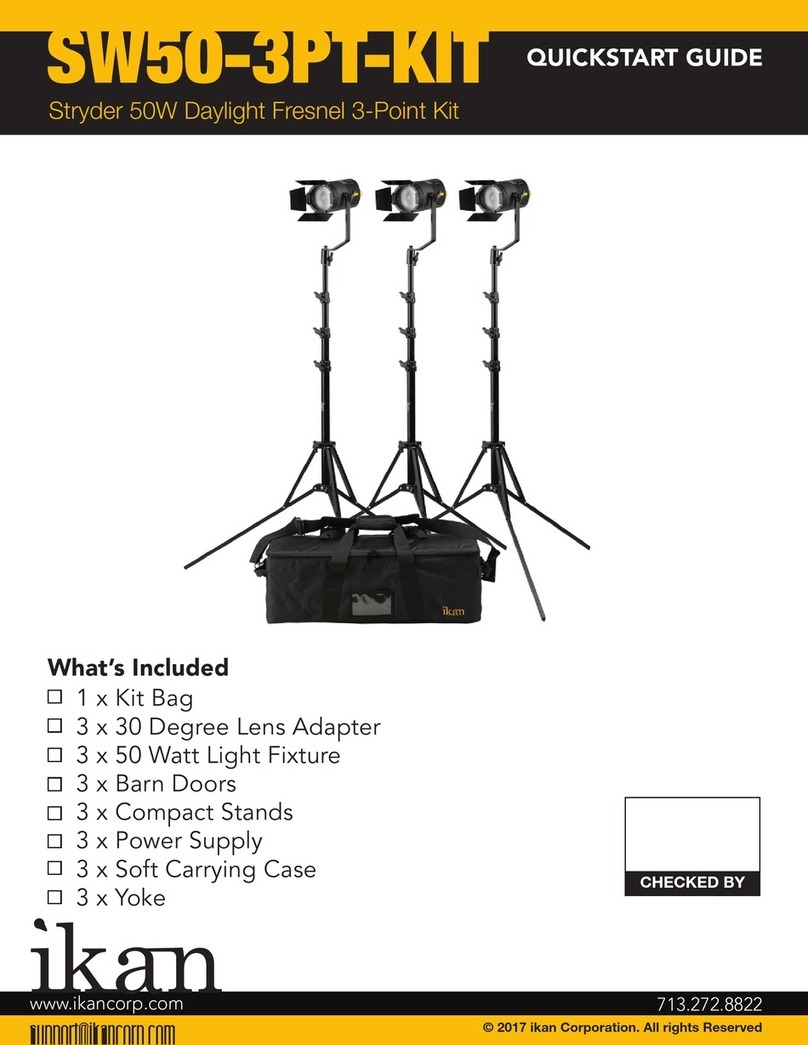
Ikan SW50-3PT-KIT User manual

Ikan

Ikan SW50-3PT-KIT User manual
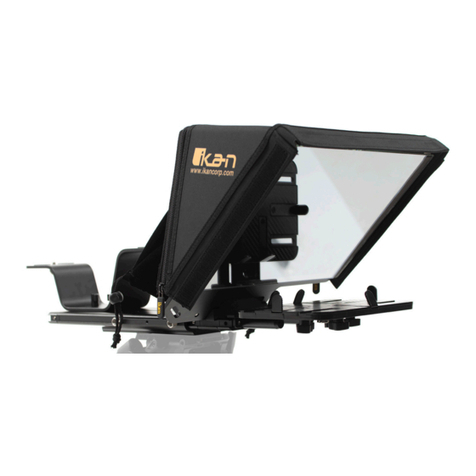
Ikan PT-ELITE-PRO2 User manual

Ikan

Ikan PT-ELITE-PRO2 User manual
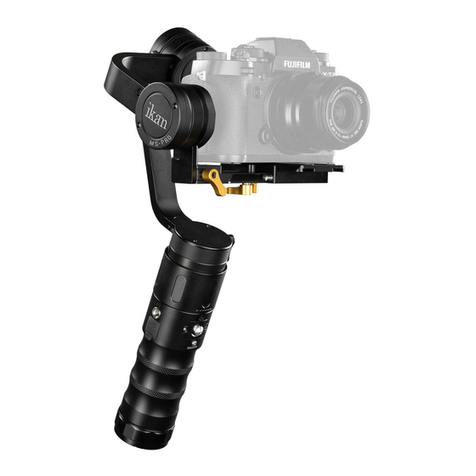
Ikan Beholder MS-PRO User manual

Ikan

Ikan Beholder MS-PRO User manual

Ikan ELE-TRIFLY User manual

Ikan

Ikan ELE-TRIFLY User manual
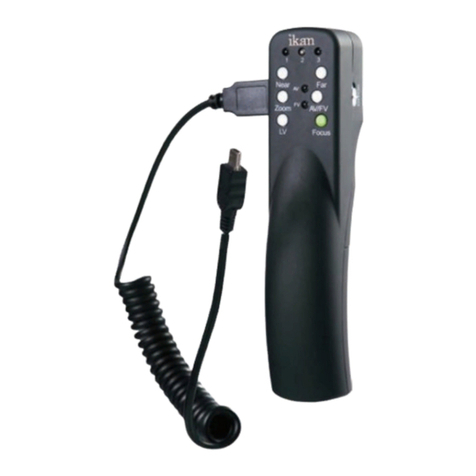
Ikan CTL-USB01 User manual

Ikan

Ikan CTL-USB01 User manual
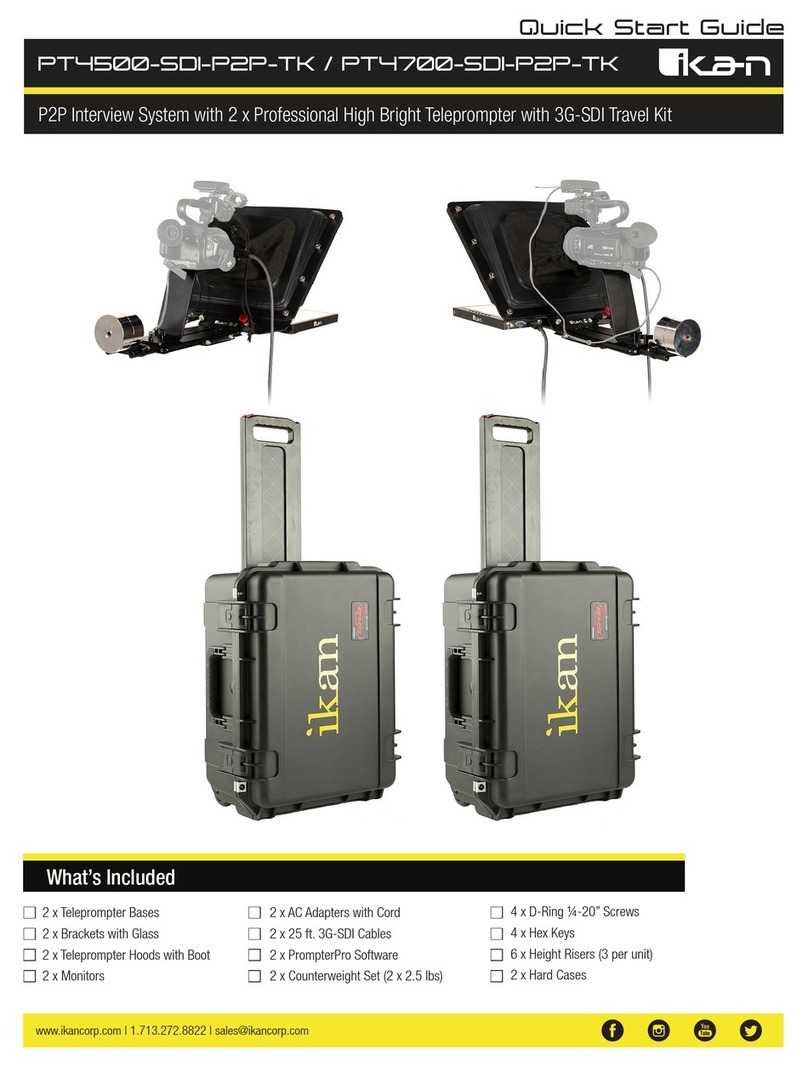
Ikan PT4500-SDI-P2P-TK User manual

Ikan

Ikan PT4500-SDI-P2P-TK User manual
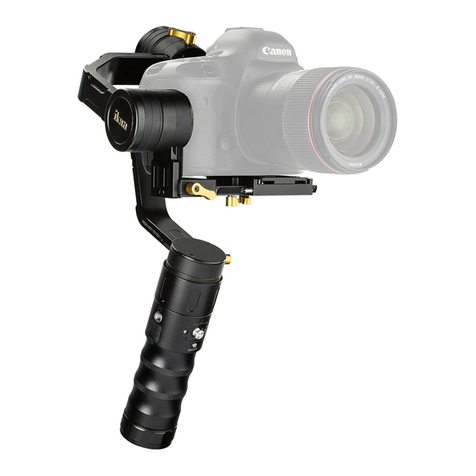
Ikan beholder EC1 User manual

Ikan

Ikan beholder EC1 User manual
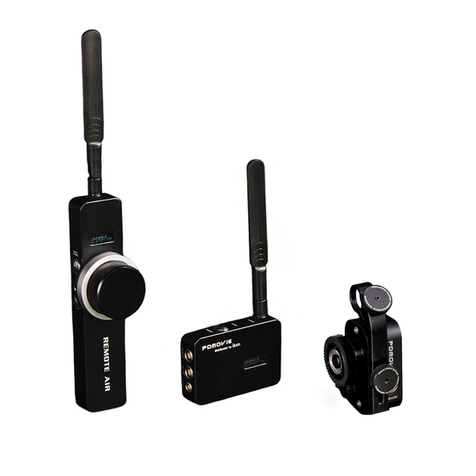
Ikan PD1 User manual

Ikan

Ikan PD1 User manual
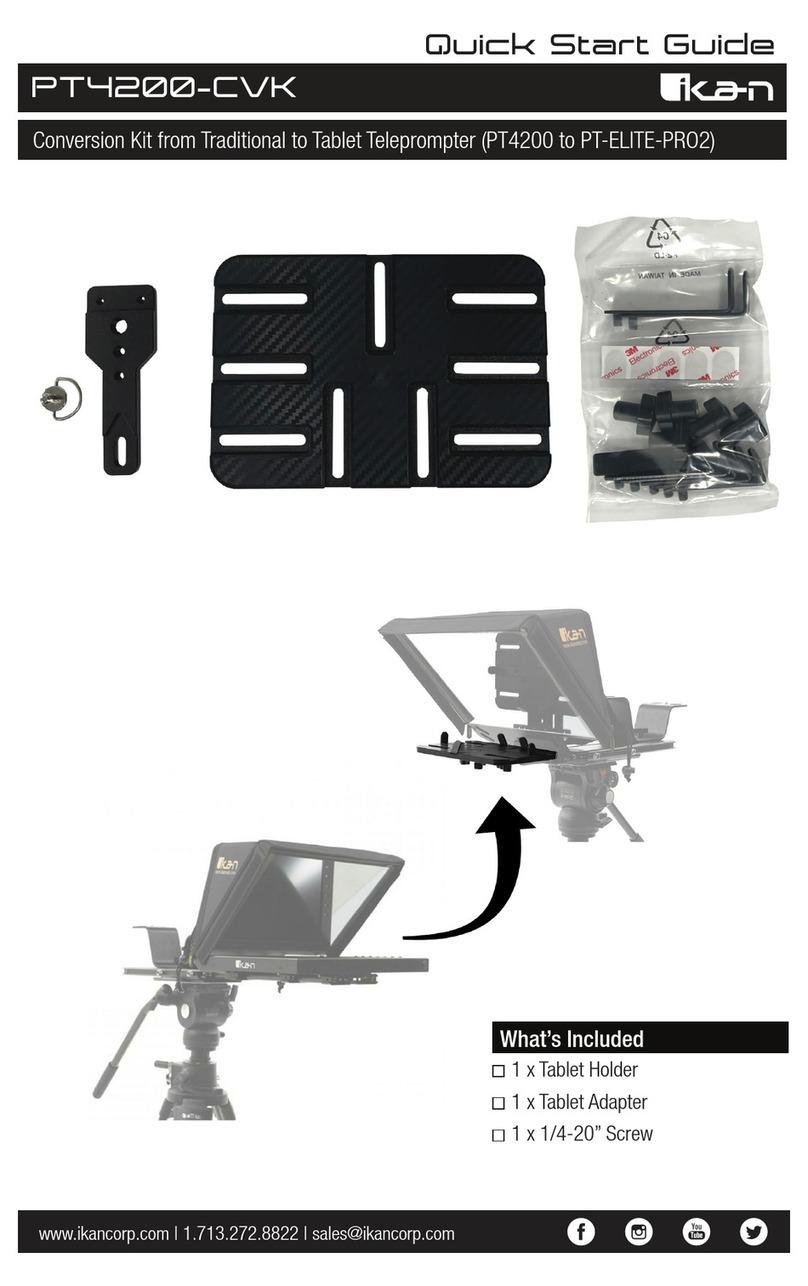
Ikan PT4200-CVK User manual

Ikan

Ikan PT4200-CVK User manual

Ikan Beholder DS2-A User manual

Ikan

Ikan Beholder DS2-A User manual

Ikan PT4500S User manual

Ikan

Ikan PT4500S User manual

Ikan PBK-A-C User manual

Ikan

Ikan PBK-A-C User manual

Ikan ELE-EV3-FFSBP User manual

Ikan

Ikan ELE-EV3-FFSBP User manual

Popular Camera Accessories manuals by other brands

CamRanger CamRanger user manual

CamRanger

CamRanger CamRanger user manual

Custom Brackets HDV CAGE KIT Instructions for use

Custom Brackets

Custom Brackets HDV CAGE KIT Instructions for use

Aegis ABL052010P user manual

Aegis

Aegis ABL052010P user manual

Saft SRA Series Installation and operating instructions

Saft

Saft SRA Series Installation and operating instructions

Kodak TIB5200 technical information

Kodak

Kodak TIB5200 technical information

Videotec HEG instruction manual

Videotec

Videotec HEG instruction manual

Ikelite 6171.11 manual

Ikelite

Ikelite 6171.11 manual

Pentax Auto Bellows Slide Copier K user manual

Pentax

Pentax Auto Bellows Slide Copier K user manual

Nikon UT-1 user manual

Nikon

Nikon UT-1 user manual

dji RONIN 4D quick start guide

dji

dji RONIN 4D quick start guide

SLIK ABLE 300DX user manual

SLIK

SLIK ABLE 300DX user manual

Rebelcell 36V70 user manual

Rebelcell

Rebelcell 36V70 user manual

Trojan GC2 48V quick start guide

Trojan

Trojan GC2 48V quick start guide

Calumet 7100 Series CK7114 operating instructions

Calumet

Calumet 7100 Series CK7114 operating instructions

Ropox 4Single Series User manual and installation instructions

Ropox

Ropox 4Single Series User manual and installation instructions

Cambo Wide DS Digital Series Main operating instructions

Cambo

Cambo Wide DS Digital Series Main operating instructions

Samsung SHG-120 Specification sheet

Samsung

Samsung SHG-120 Specification sheet

Ryobi BPL-1820 Owner's operating manual

Ryobi

Ryobi BPL-1820 Owner's operating manual

manuals.online logo
manuals.online logoBrands
  • About & Mission
  • Contact us
  • Privacy Policy
  • Terms and Conditions

Copyright 2025 Manuals.Online. All Rights Reserved.

www.ikancorp.com | 1.713.272.8822 | [email protected] because we’re filmmakers too
PSB5
Quick Start Guide
Presto Soft Boxes for Half x 1 LED Lights
What’s Included
1 x Soft box
1 x Egg crate
1 x Storage pouch
www.ikancorp.com | 1.713.272.8822 | [email protected] because we’re filmmakers too
Getting Started
Thank you for buying the Presto Soft Box from Ikan. Please carefully read the instructions and guide before operating the products. The guide includes
product usage and maintenance. When you operate the product, please make sure that you have read the instructions carefully. All the content of the
manual is based on up-to-date information; technical data subject to change without notice.
Step-by-Step Guide to preparing and installing your Presto Soft Box
Step 1: Remove the Presto soft box from the
carrying pouch. (Note: be careful that the box
doesn’t spring open when removing it from
carrying pouch.)
Step 4: Check the inside of the soft box to make
sure that all of the material is fully expanded
and there are no cuts or openings.
Step 7: (Optional) The included egg crate can
be placed on the soft box to allow the soft light
to be more controlled with less light spill.
Step 2: Gently allow the frame of the soft box
to open and take shape. This allows the box to
take shape and start forming the frame.
Step 5: Placing the soft box on the light and
fitting it into place. The soft box will slip over
the barn doors and slid around the edges of the
light. The back flaps will fit around the light and
the hook straps will attach to the loop patches
on the side flaps.
Step 3: Straighten the rods at each corner of
the box. Allow the magnets to attach and form a
solid rod locking the box in open position.
Step 6: Once the back flaps have been set take
the two long elastic straps and attach them over
the back of the light. (Note: Pushing the barn
doors out from the front of the box through the
diffusion will allow the box to stay on better.)
www.ikancorp.com | 1.713.272.8822 | [email protected] because we’re filmmakers too
Specifications
Compatibility
The PSB5 Presto Soft Box is compatible with the following Ikan lights:
LB5
LBX5
LW5
LWX5
RB5
RBX5
RW5
RWX5
MB8
Lyra Bi-Color Half x 1 LED Panel
Lyra Bi-Color Half x 1 LED Panel w/ DMX Control
Lyra Daylight Half x 1 LED Panel
Lyra Daylight Half x 1 LED Panel w/ DMX Control
Rayden Bi-Color Half x 1 LED Panel
Rayden Bi-Color Half x 1 LED Panel w/ DMX Control
Rayden Daylight Half x 1 LED Panel
Rayden Daylight Half x 1 LED Panel w/ DMX Control
Mylo Bi-Color Half x 1 Portable LED Panel
Shipping Weight 3 lb
Shipping Dimensions 10 x 10 x 4 in
Product Weight 1 lb
Operational Dimensions 18 x 16 x 8 in
Build Material Canvas, Metal, Rayon
Learn More
More dynamic information at official website: www.ikancorp.com
Support
Contact email: [email protected]
CONDITIONS OF WARRANTY SERVICE
• Free service for one year from the day of purchase if the problem is caused by manufacturing errors.
• The components and maintenance service fee will be charged if the warranty period is expired.
Free Service will not be Provided in the Following Situations:(*Even if the product is still within the warranty period.)
• Damage caused by abuse or misuse, dismantling, or changes to the product not made by the company.
• Damage caused by natural disaster, abnormal voltage, and environmental factors, etc.
©2019 Ikan International. All rights reserved.