This document is the property of Ingenico Inc. Rev20180802
Its content cannot be reproduced or divulged without the company’s written approval.
2/26
Contents
Disclaimer ......................................................................................................... 3
Abbreviations list .............................................................................................. 4
1Introduction ................................................................................................ 5
1.1 Safety Notices before Installation or Use .......................................................................5
1.2 Product Configuration .....................................................................................................6
1.3 Operating Environment ...................................................................................................7
1.4 Dimension and Weight.....................................................................................................7
2Unpacking ................................................................................................... 8
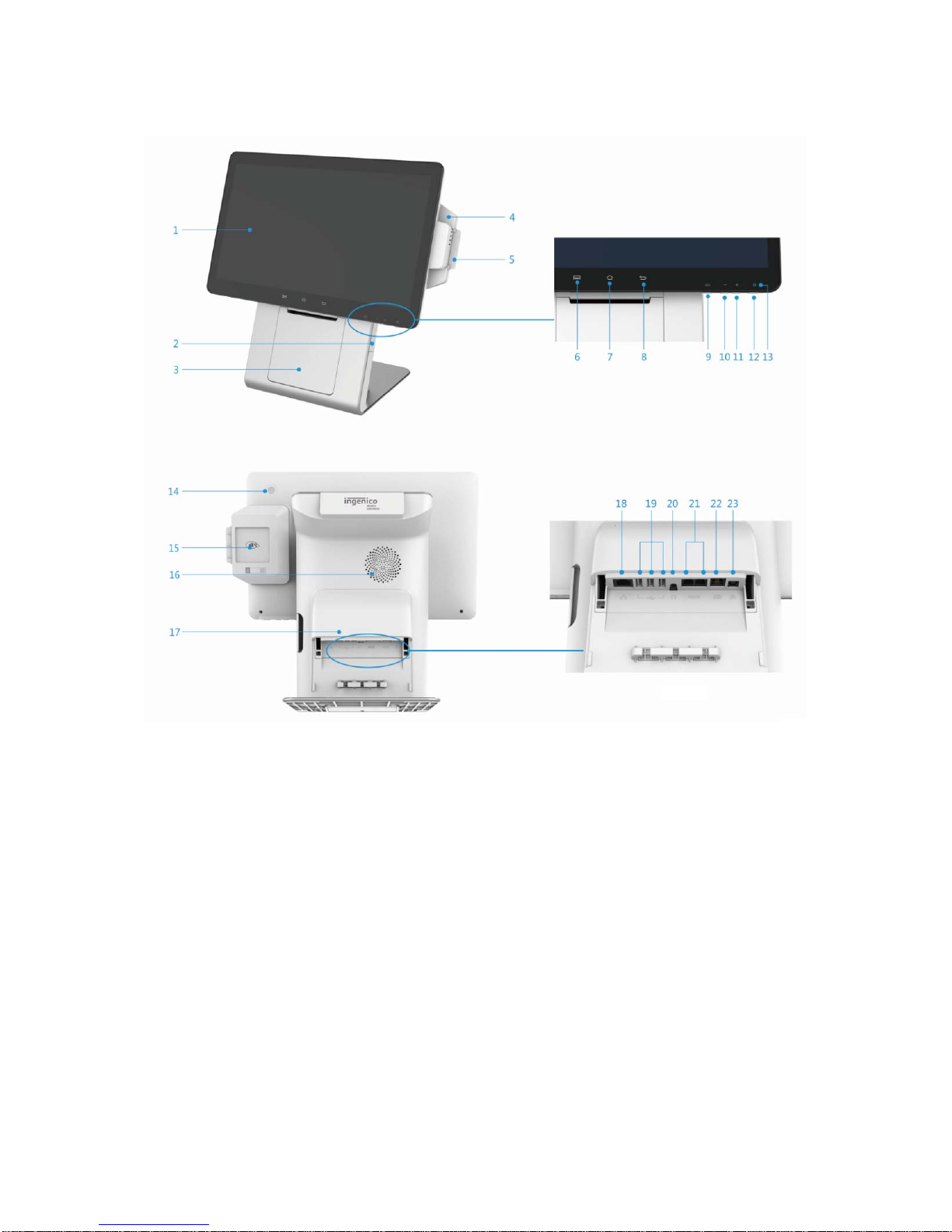
3Appearance and interface .......................................................................... 9
3.1 Configuration 1: 10.1’’ customer display.......................................................................9
3.2 Configuration 2: no customer display .......................................................................10
4Installation ................................................................................................ 11
4.1 Checking Environment for Installation .........................................................................11
4.2 Install RP45x module.....................................................................................................11
4.3 Micro USB ......................................................................................................................12
4.4 Peripheral Cable Connections.......................................................................................13
4.5 Debugging and Trial Operation.....................................................................................15
5Usage Instruction ...................................................................................... 16
5.1 Power On/Power Off the Terminal ................................................................................16
5.2 Keypad Function............................................................................................................16
5.3 Magnetic stripe card......................................................................................................17
5.4 Smart Card .....................................................................................................................17
5.5 Contactless Card............................................................................................................18
5.6 Fingerprint identification..............................................................................................18
5.7 USB Ports .......................................................................................................................19
5.8 Usage of Printer.............................................................................................................19
6Standard ................................................................................................... 22
7Maintenance ............................................................................................. 24
7.1 MSR and Smart Card Reader Maintenance...................................................................24
7.2 Printer Maintenance......................................................................................................24
7.3 Trouble shooting ...........................................................................................................24
8Notices ...................................................................................................... 25
9Transportation and Storage ........................................................................ 26
10 Others ................................................................................................ 26
10.1 Product accessories can be sold separately ............................................................26
10.2 Customer Service.......................................................................................................26
10.3 Customer Service Address ........................................................................................26