manuals.online logo
Brands
  1. Home
  2. •
  3. Brands
  4. •
  5. Insignia
  6. •
  7. Computer Accessories
  8. •
  9. Insignia NS-MMP13SG User manual

Insignia NS-MMP13SG User manual

Other Insignia Computer Accessories manuals

Insignia NS-PNC8001 User manual

Insignia

Insignia NS-PNC8001 User manual

Insignia NS-PNC7011 User manual

Insignia

Insignia NS-PNC7011 User manual

Insignia NS-MMA13SG User manual

Insignia

Insignia NS-MMA13SG User manual

Insignia NS-PNC5011 User manual

Insignia

Insignia NS-PNC5011 User manual

Insignia NS-PNC7011-C User manual

Insignia

Insignia NS-PNC7011-C User manual

Popular Computer Accessories manuals by other brands

Netstor NA255A user manual

Netstor

Netstor NA255A user manual

perixx PERIDUO-610 user manual

perixx

perixx PERIDUO-610 user manual

Cherry PURE JD-0100 operating manual

Cherry

Cherry PURE JD-0100 operating manual

Cool-Icam DICK II user manual

Cool-Icam

Cool-Icam DICK II user manual

Motorola ATRIX user guide

Motorola

Motorola ATRIX user guide

HP USB Media Docking Station specification

HP

HP USB Media Docking Station specification

Cherry B.UNLIMITED 3.0 user manual

Cherry

Cherry B.UNLIMITED 3.0 user manual

Bartec TC 7 Series user guide

Bartec

Bartec TC 7 Series user guide

Philips SPC3540 Specifications

Philips

Philips SPC3540 Specifications

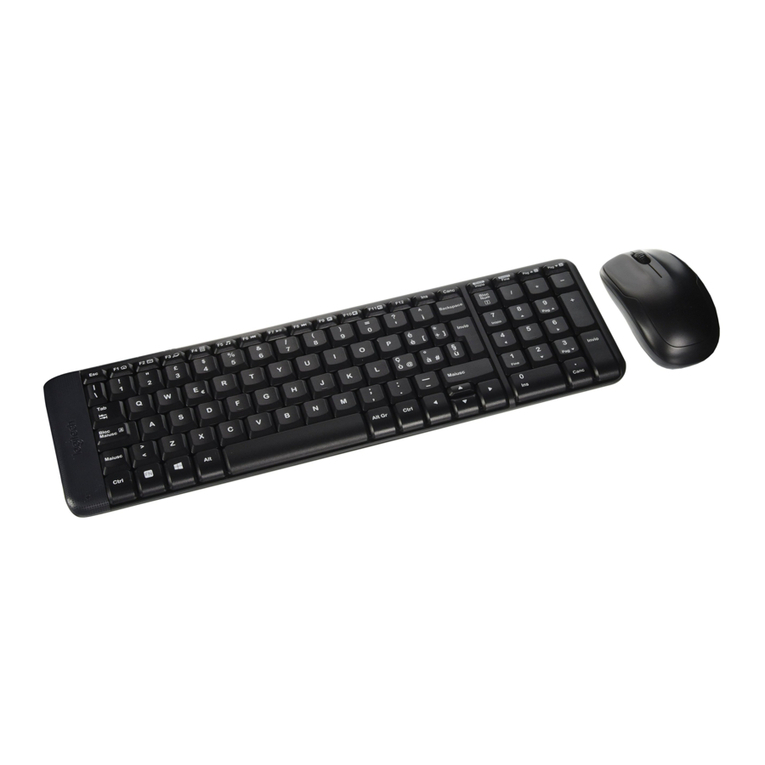
Logitech mk220 user manual

Logitech

Logitech mk220 user manual

Vivo MOUNT-KB05-4DW instruction manual

Vivo

Vivo MOUNT-KB05-4DW instruction manual

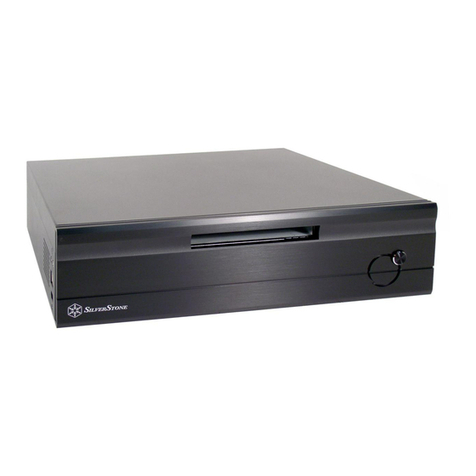
SilverStone LC02 manual

SilverStone

SilverStone LC02 manual

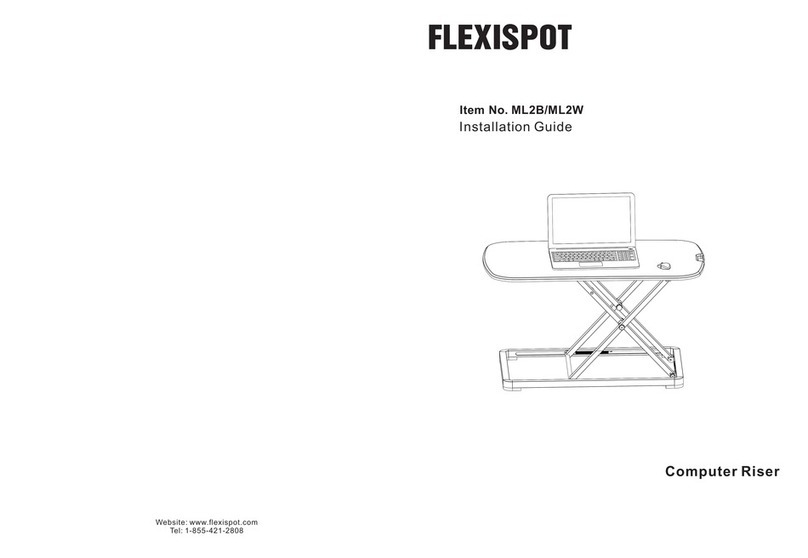
Flexispot ML2B installation guide

Flexispot

Flexispot ML2B installation guide

Hamlet UNIVERSAL COVER 101 KBT2 user manual

Hamlet

Hamlet UNIVERSAL COVER 101 KBT2 user manual

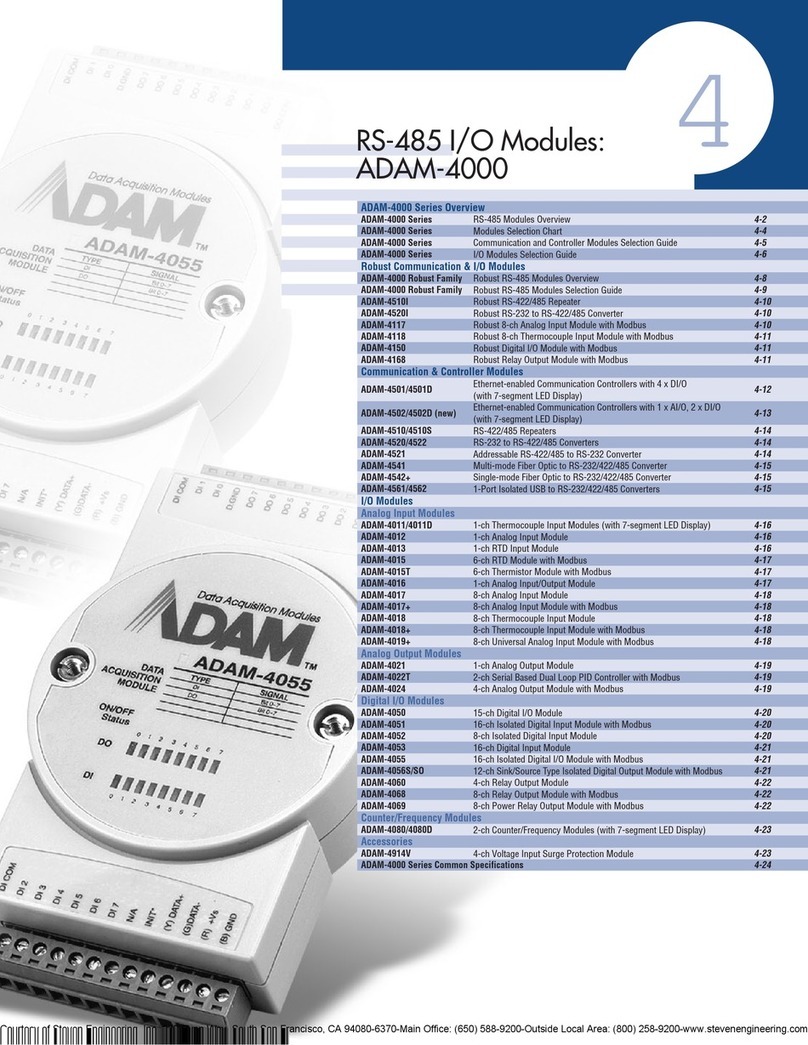
Adam Equipment RS-485 manual 

Adam Equipment

Adam Equipment RS-485 manual 

Sven Base 305 сombo instructions

Sven

Sven Base 305 сombo instructions

Hama 108310 Operating	 instruction

Hama

Hama 108310 Operating instruction

SpeechWare FlexyMike FMK03 user manual

SpeechWare

SpeechWare FlexyMike FMK03 user manual

manuals.online logo
manuals.online logoBrands
  • About & Mission
  • Contact us
  • Privacy Policy
  • Terms and Conditions

Copyright 2025 Manuals.Online. All Rights Reserved.

Flat size (W×H): 7.65 x 8.25 in (194.31 × 209.55 mm.)
Final folded size: 3.825 × 8.25 (97.355 x 209.55 mm.)
PACKAGE CONTENTS
• Hard Shell Case
• Quick Setup Guide
FEATURES
• Case ts the 13-inch Macbook Pro® with full
access to ports, buttons, card slots, and
lights
• Light-weight, hard-shell plastic helps
prevent damage from bumps and scratches
• Snap-on design makes installation quick
and easy
• Rubberized feet keep your Macbook Pro
from slipping and sliding
• Bottom ventilation openings prevent
over-heating
• Soft-touch nish provides an elegant look
and feel
• Apple® logo shines through the top cover
PRODUCT OVERVIEW
INSTALLING THE CASE
1Clean the outside of your MacBook with a
soft, lint-free cloth to remove any dust or
debris.
2Align your MacBook with the tabs on the
bottom case cover. Make sure that the slots
on the cover t over the ports and buttons on
your MacBook.
Before using your new product, please read these instructions to prevent any damage.
Quick Setup Guide |NS-MMP13SG
Macbook Pro ® 13" Hard Shell Case
Feet
Bottom tabs
Bottom case
(front)
Top case (front)
Ventilation
holes
NS-MMP13SG_15-0729_QSG_V1_EN.ai 1 8/25/2015 10:49:56 AMNS-MMP13SG_15-0729_QSG_V1_EN.ai 1 8/25/2015 10:49:56 AM

V1 ENGLISH 15-0729
ONE-YEAR LIMITED WARRANTY
Visit www.insigniaproducts.com for details.
CONTACT INSIGNIA:
For customer service, call 1-877-467-4289 (U.S.
and Canada) or 01-800-926-3000 (Mexico)
www.insigniaproducts.com
INSIGNIA is a trademark of Best Buy and its aliated companies.
Registered in some countries.
Distributed by Best Buy Purchasing, LLC
©2015 Best Buy. All rights reserved.
Made in China
3Press the tabs on the bottom cover to snap the
bottom cover onto your MacBook.
4Open your MacBook about half way and make
sure that the tabs on the top cover are placed
near the bottom of the screen.
5 Press the tabs on the cover to snap the cover
onto your MacBook.
Top tabs
Front
Front
Tabs
Tabs
NS-MMP13SG_15-0729_QSG_V1_EN.ai 2 8/25/2015 10:49:56 AMNS-MMP13SG_15-0729_QSG_V1_EN.ai 2 8/25/2015 10:49:56 AM