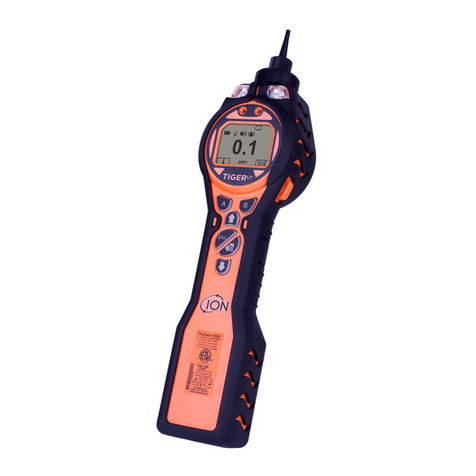
TIGER Select Instrument User Manual V3.2
Unrivalled Gas Detection. Page 6 of 73 ionscience.com
Key B ..............................................................................................................................................20
Tube Mode........................................................................................................................................26
Basic Tube Mode............................................................................................................................27
Advanced Tube Mode....................................................................................................................27
6. Using the TigerPC Software and Downloading Data................................................................ 29
PC Requirements ..............................................................................................................................29
Installation of TigerPC Software .......................................................................................................29
Connecting a TIGER Select to a PC....................................................................................................29
Opening TigerPC ...............................................................................................................................29
Help Screen.......................................................................................................................................31
The Instruments List .........................................................................................................................32
Downloading Data Logged Readings and Instrument Settings .....................................................32
Taking Snapshots ...........................................................................................................................33
Instrument Summary Screen .........................................................................................................34
Features Screen .............................................................................................................................35
Configuration Screen .....................................................................................................................36
Gas Table Screen............................................................................................................................44
Firmware Screen............................................................................................................................45
Datalog Screen...............................................................................................................................48
Health & Safety Screen..................................................................................................................49
Snapshots Screen...........................................................................................................................50
7. Calibration ............................................................................................................................ 53
PID Calibration..................................................................................................................................53
PID Custom Calibration..................................................................................................................53
8. Maintenance......................................................................................................................... 56
TIGER Select Parts Diagram ..............................................................................................................56
Tube Holder Probe Assembly Parts Diagram.................................................................................57
Batteries............................................................................................................................................57
Battery Packs .................................................................................................................................57
Recharging Batteries......................................................................................................................58
Replacement of Rechargeable Battery Packs................................................................................59
Replacement of Non-rechargeable Batteries................................................................................60